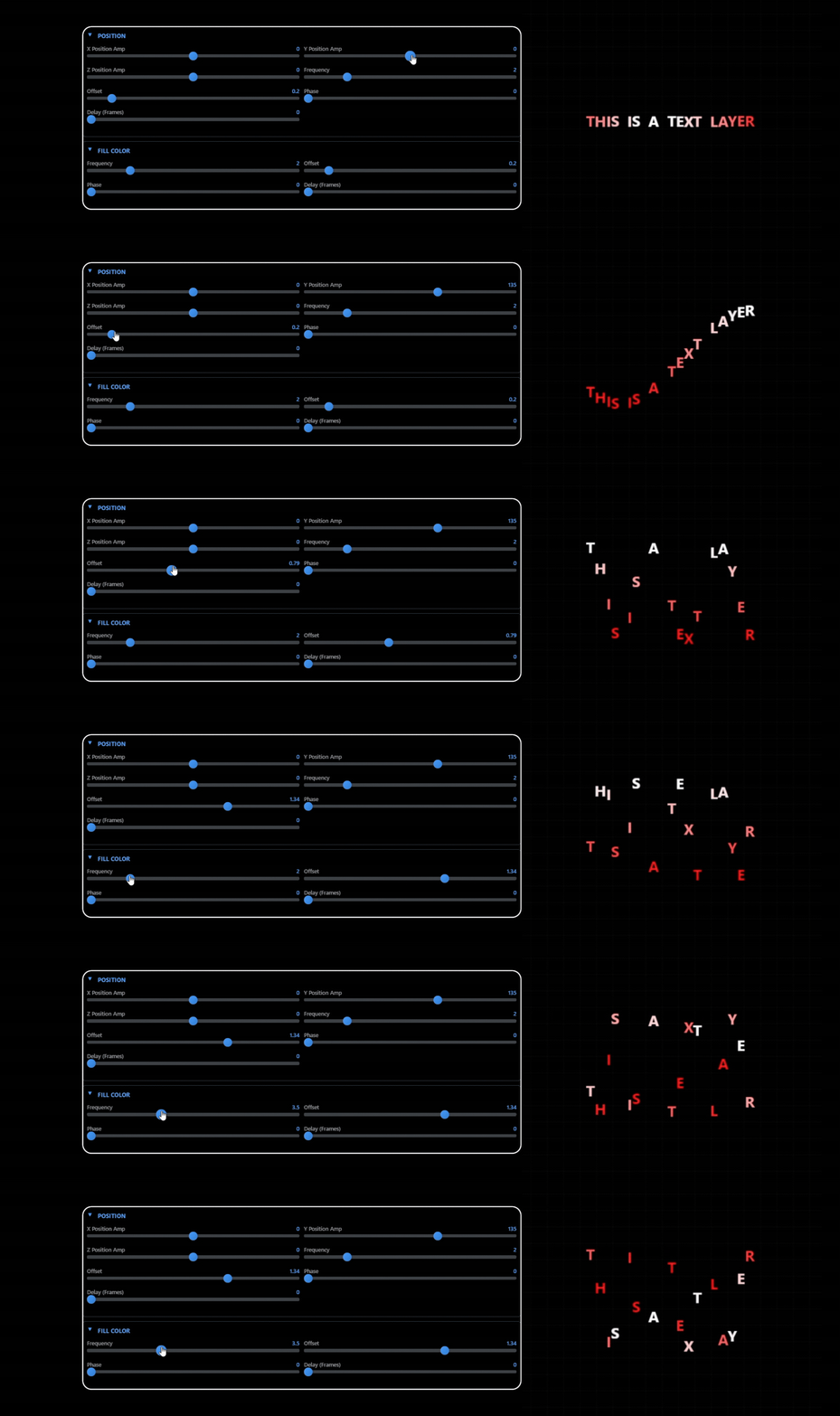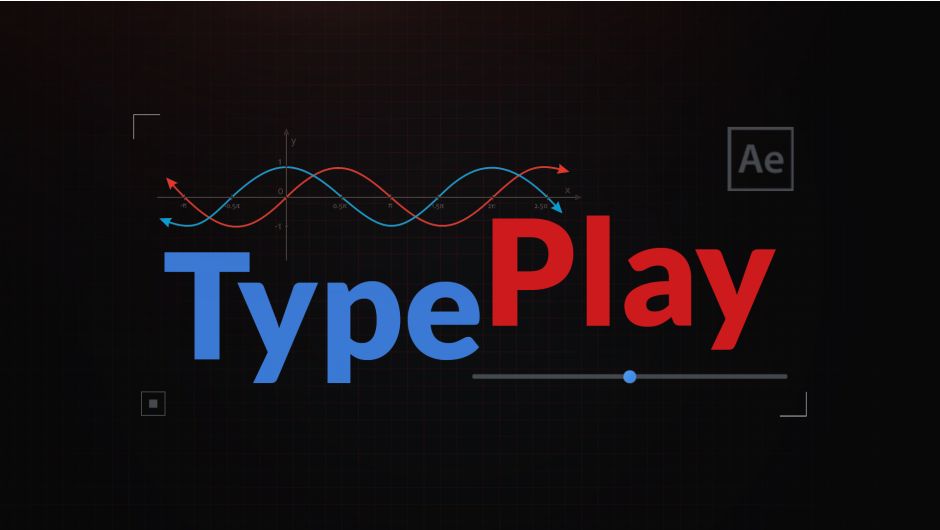
TypePlay is an After Effects plugin for applying wave motion to text and other layer properties. It combines per-character controls, a live preview, individual controllers and a preset library.
Animate text and layer properties with waves
Waves can act on individual characters, words or lines. The product page lists Position, Scale, Rotation, Opacity, Skew, Fill Color and Tracking among the properties you can select.
TypePlay includes more than 20 wave shapes, such as Sine, Cosine, Bounce, Perlin Noise, Heartbeat, Chirp and Wave Packet. Adjust amplitude, frequency and phase, then choose an easing mode and direction. Wave Blend layers two wave shapes with independent easing curves. Its Attack, Hold and Release envelope can bring a wave in and out without keyframes.
Preview motion and control multiple layers
Type custom text in the live preview to audition settings before applying them in After Effects. Master Ctrl creates a Null object, links all controllers to it and lets the Null drive an entire scene. Center Anchor automatically centers layer anchor points.
Adjust values and save presets
Enter a value directly in a slider's number box, or double-click a slider to reset it to zero. Alt-drag syncs a value across active properties. Alt-Apply updates an existing animation without removing the previous one. The preset library lets you save, load and manage animation setups.
Compatibility, version and price
The developer lists compatibility with After Effects 2023, 2024, 2025 and 2026. Version 1.0.2, released June 16, 2026, fixed an issue on macOS where Apply created controllers without applying expressions to text layers. It also fixed Wave Blend easing and cases where the preset library did not save permanently on some systems, especially macOS.
The aescripts TypePlay listing shows a price of $29.00, 25% off at checkout and a free trial. Check the listing for current pricing, trial availability and compatibility details.