PuzzleMotion is a block-based animation system for Adobe After Effects 2024 and later. Arrange action, combo and effect blocks on the Motion and Effect lanes; both lanes play from left to right and run together, while PuzzleMotion writes expressions and markers to the selected layers. The result is made of ordinary After Effects layers you can keep adjusting, without managing keyframes for each move.
Animate text and other layers
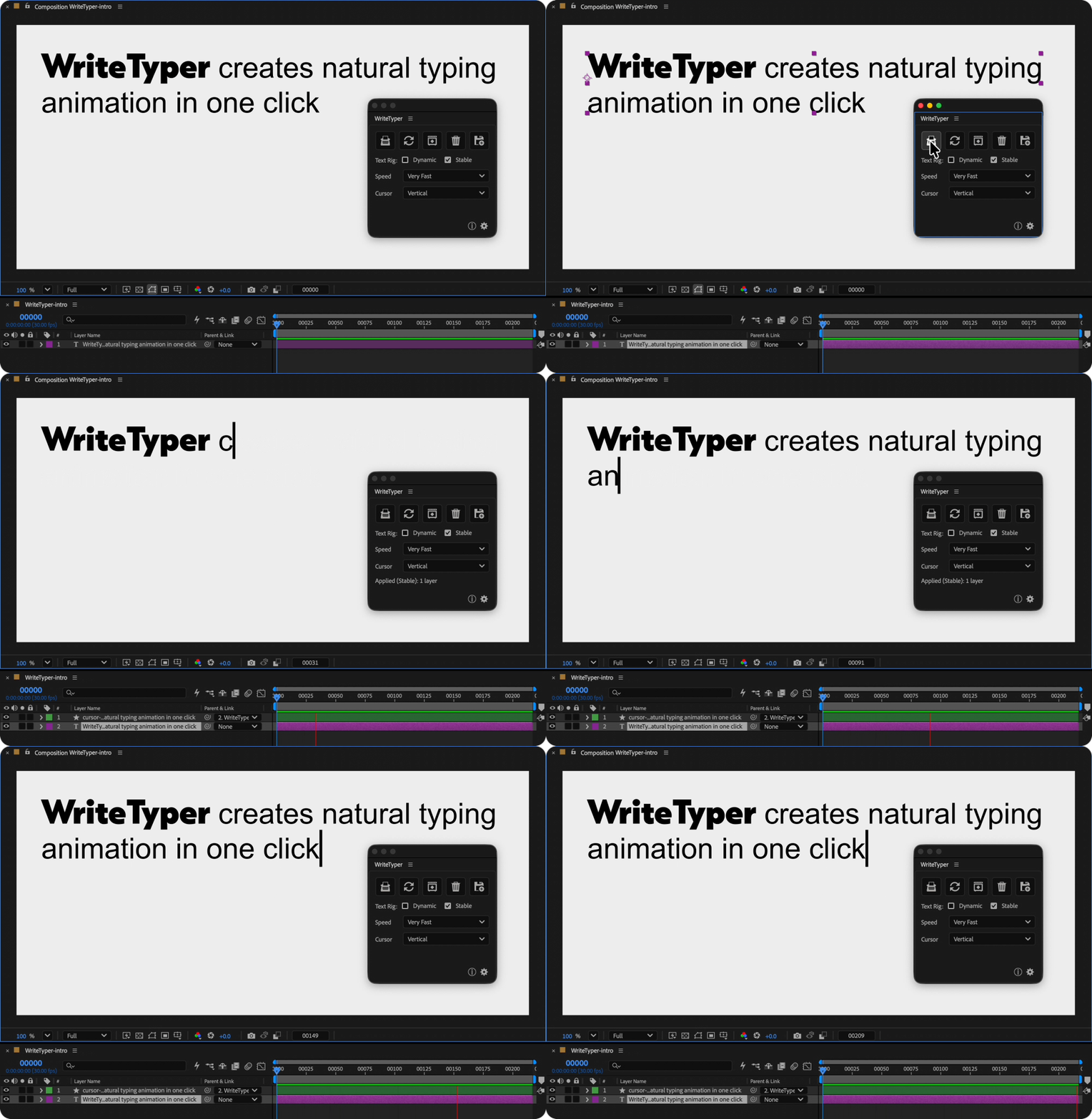
For text, select a text layer and press AUTO to split its characters, create a random block pattern and generate motion. Each character becomes a shape layer; to change the wording, split the text again. You can also use the blocks with images, shapes, footage, nulls, PSD files, Illustrator files and precompositions. PM_setup marks a layer as a target so it stays selected without choosing it again. Trim, Repeater, Outline Only and stroke-color options require a shape layer.
Choose a simple or detailed workflow
Simple mode lets you set Direction, Enter, Size, Motion, Exit and Drift, then adjust Speed and Strength or choose a preset. Options include Pop, Elegant, Slide, Scatter, Spin, Drop, Glitch, Typewriter and Caption, plus three lyric styles. Advanced mode lays the blocks out on lanes, where you can change durations, swap blocks and set easing. For more control, capture keyframed motion from a 2D layer as a reusable custom block.
Random creates a new block layout. When blocks use random positions or directions, Seed +1 makes the next variation; the same seed and blocks produce the same result. The Eyedropper can restore the blocks, layout and settings from an animated layer.
Preview motion and retime it
The dockable Live Preview plays selected layers while you build a move, before you apply it to the composition; the preview itself does not change the composition's layers. For scattered starts and random directions, the preview and composition use the same seed, while random order uses the same formula in both. Characters and shapes are drawn live; video, PSD, Illustrator and precomposition layers appear as stills, while other visible layers use a simple reference. Live Preview is a check window rather than a render. It does not simulate Sync, Movement smoothing, custom blocks, Start time or lyric-preset relayout, and some effects may look slightly different from the After Effects result.
After applying a move, drag a layer's markers on the timeline to stretch or squeeze its motion. The Markers row can retime selected layers together by moving, shortening, lengthening, tightening or spreading their markers.
Compatibility, installation and trial
PuzzleMotion runs on Windows and macOS with After Effects 2024 or later. Install it with the aescripts + aeplugins Manager or by dragging PuzzleMotion.zxp into a ZXP/UXP Installer. Restart After Effects, then open Window > Extensions > PuzzleMotion. The supplied aescripts listing shows a free trial and lists the product at $49 with a 25% checkout discount; check the PuzzleMotion product page for current price and terms.
The block settings are stored on the first animated layer, so the Eyedropper can bring them back. You can keep adjusting the resulting layers in After Effects, but editing the block setup again requires PuzzleMotion.