Pins & Boxes helps you build layouts in After Effects that adjust when text or other layers change size. Its two main building blocks are pins, which track layer boundaries, and boxes, which resize around groups of pins.
Attach elements to changing layer bounds
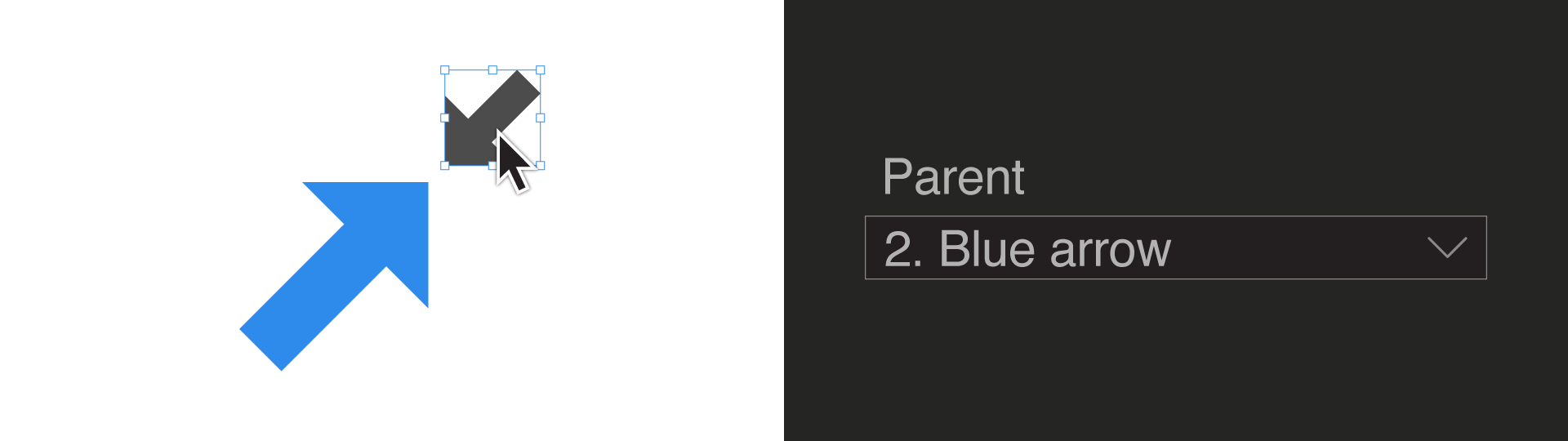
A pin is a small shape layer attached to the boundary of a source layer, called its mother layer. When that layer changes size, its pins move with it. Parent another layer to a pin to position it relative to the source, such as keeping a label or graphic aligned to a text edge as the wording changes.
You can create pins for different kinds of layers, including layers already parented to another pin. That lets you build a hierarchy in which one element’s position depends on several layers.
Resize boxes around selected content
A box can be a shape layer, solid, or precomp. It resizes to include its pins, so you can select pins from one layer to make a box around that content, or combine pins from several layers for a larger group. Shape layer boxes can also render as a single line.
Box controls include scale, anchor, and offset values expressed as percentages of the box size. This lets the border animation adjust with the box when its contents change, instead of relying on fixed pixel measurements.
Use the layout in motion graphics templates
Pins & Boxes layouts can be used in Motion Graphics Templates (MOGRTs). When someone changes the template text in Premiere Pro, the layout updates with it. The product page says templates built with Pins & Boxes also work on systems where the plugin is not installed.
Boxes and pins can be nested to arrange groups relative to other groups. Create a box around a set of layers, then add pins to that box and attach another element to them. This gives you a way to build a larger layout in stages.
Use its functions in scripts
Pins & Boxes exposes functions for After Effects scripts and automated workflows. mamoworld’s scripting API notes describe that interface. If you use KBar, its integration notes explain how to run product functions from a KBar button. For product details, see the Pins & Boxes product page.