Find keyframes across a comp
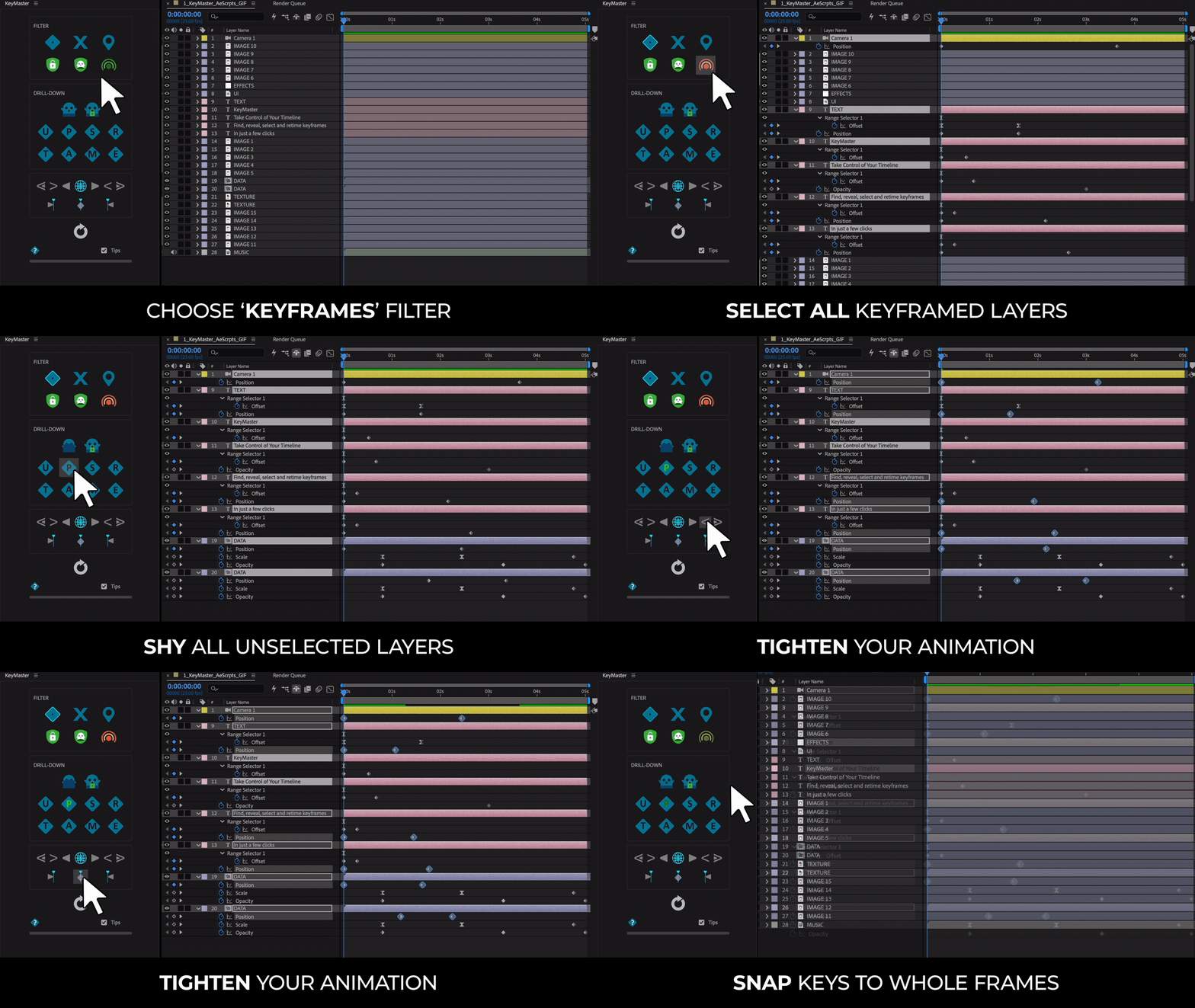
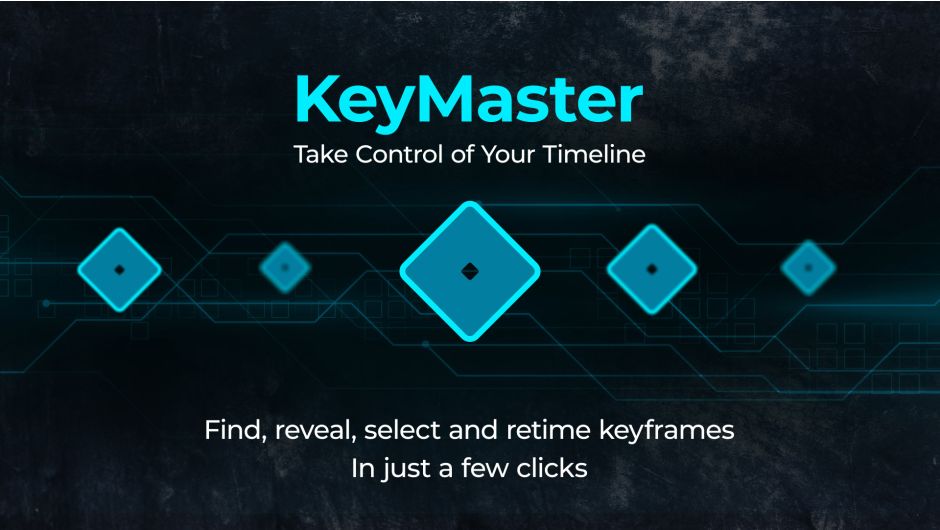
KeyMaster is a resizable, dockable After Effects panel for selecting and editing keyframes across multiple layers. Filter layers that have keyframes, expressions, or are live at the playhead. The panel can also unlock and unshy layers during filtering, which helps include keys on locked or shy layers.
Select properties and focus the timeline
After filtering, select Position, Scale, Rotation, Opacity, Anchor, Masks, Effects, or all keyframes across the selected layers. You can combine property selections, then shy or shy and lock everything outside the selection to keep the timeline focused on the keys you are editing. This workflow suits animation passes where you need to gather the same properties across many layers.
Retime and manage timeline edges
Move selected keys, or proportionally tighten or expand their timing across the full selection or separately by property. After retiming, snap keys back to whole frames. If retiming pushes keys before the start or beyond the end of the comp, KeyMaster flags them. Its boundary-key action replaces out-of-bounds keys with a key at the timeline edge using the correct value, preserving the animation.
Compatibility and license
The product page lists After Effects 2023 through 2027. Its EULA permits one copy for use on one computer at a time. Additional users or copies require appropriate licensing for each user and copy.