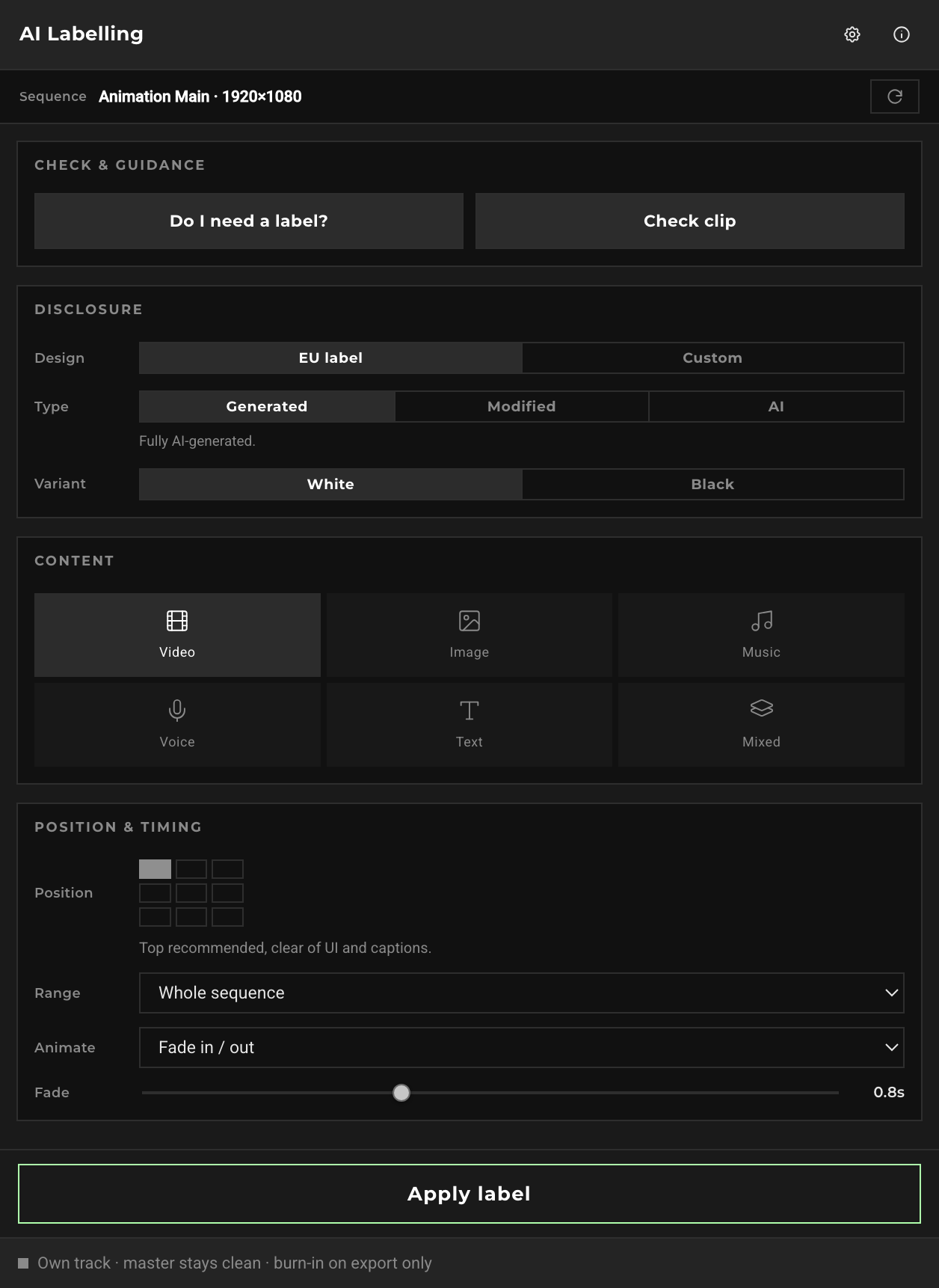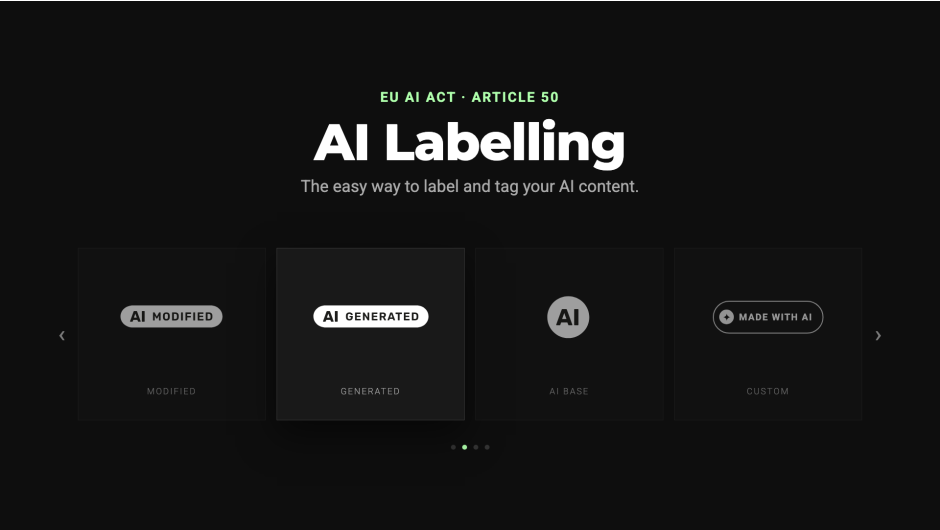
AI Labelling adds disclosure controls to an editing workflow in Adobe After Effects or Premiere Pro. Its clip scan checks names, metadata, and C2PA information for AI-related content. A built-in check guides whether a clip needs a label and which type to use.
Choose and time the disclosure
Choose an official EU Article 50 badge for AI-generated, AI-modified, or AI-base content. The AI-base badge can pair with your own text. Each type is available in light and black, and you can also design a custom badge and save it as a preset.
Set the content type as video, image, music, voice, or text. Place the badge in one of nine corners, set its timeline range, and choose a fade, slide, or pop animation.
Keep the label in step with the export
The badge sits on its own track, so it remains editable in the project and is burned into the exported media only when you export. The product documents IPTC DigitalSourceType metadata with the value trainedAlgorithmicMedia and C2PA Content Credentials. Its listing names YouTube, Meta, and TikTok as platforms that read those credentials.
Compatibility and licensing
The listing supports After Effects and Premiere Pro versions 2021 through 2026 on Windows and macOS. Photoshop is marked as coming soon.
The AI Labelling EULA grants one copy and prohibits installing or using the software on more than one computer at a time; additional copies or users require appropriate licenses. The listing states that the Floating License Server is required for AI Labelling, but its License Type selector does not expose the available options. aescripts' License Type FAQ, dated Nov 5, 2026, says Single User Licenses do not require the server, while Floating and Render Only licenses do; it does not identify which options AI Labelling offers. The server is a command-line application intended for groups. The vendor identifies the EU Commission label assets as official and says they are not legal advice.