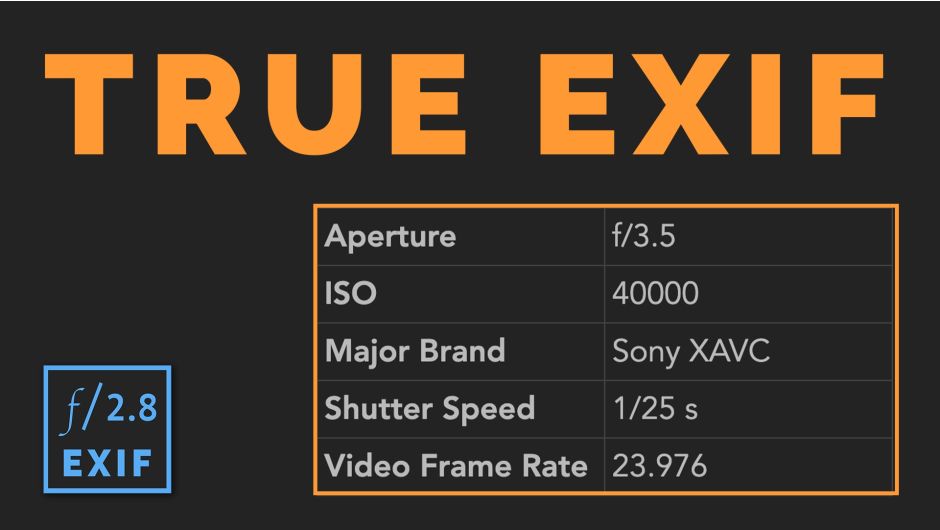
True Exif is a panel for viewing photo and video acquisition metadata inside Premiere Pro. Developed by Kamil Pekala, it shows camera details such as shutter speed, aperture, ISO and white balance. The aescripts product page says it displays more metadata than Premiere’s built-in metadata panel, including information that is normally inaccessible there, especially for video files.
Inspect capture details in Premiere Pro
True Exif provides many metadata fields that you can filter to focus on the values needed for a task.
Use presets for different tasks
You can create presets that show selected EXIF values, such as exposure settings or white balance; version 2.0.0 added this feature.
Copy metadata to the clipboard
True Exif can copy metadata values to the clipboard for pasting elsewhere, such as onto a motion graphics layer.
Version and Premiere Pro compatibility
aescripts lists True Exif version 2.0.0, dated August 12, 2021. It lists compatibility with Premiere Pro 2025, 2024, 2023, 2022, 2021, 2020 and CC 2019. No later Premiere Pro release is listed there, so check the product listing if you use a newer version.
Price and product details
The aescripts listing shows True Exif at $0.00. Check the product page for its current download and license terms. The page also provides a support-ticket link for questions about the plugin.