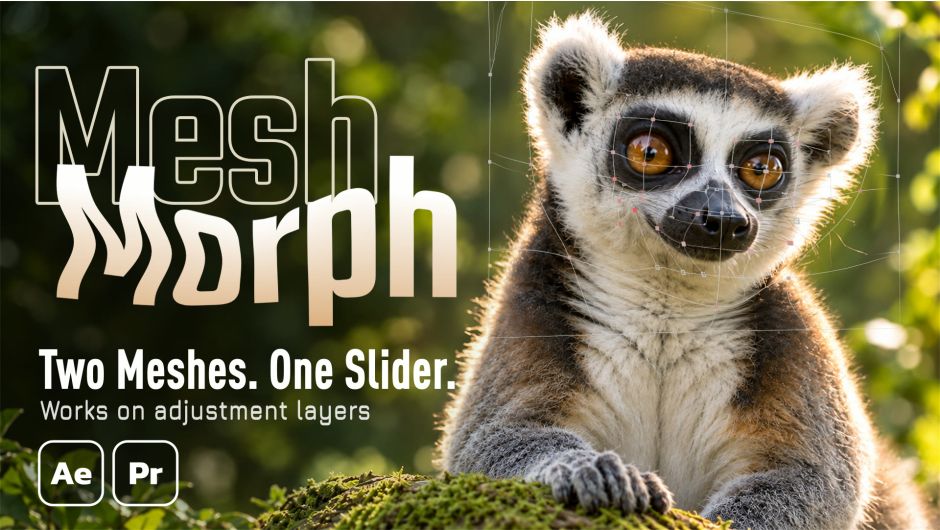
MeshMorph deforms footage, text, and shapes with a draggable point grid. In After Effects, you can place it on an adjustment layer to warp layers beneath, or apply it directly to a layer. In Premiere Pro, it applies directly to a clip. Its two-mesh workflow is useful when you want to design a warp and animate between its starting and ending shapes.
Choose where to apply the warp
In After Effects, an adjustment layer defines the mesh area. Move, scale, rotate, animate, or make that layer 3D while the warp stays attached; a 3D layer follows camera perspective. You can feather the boundary and blend at the layer edge with Alpha, Displacement, or both. Each adjustment layer holds a separate warp, so you can toggle layers to combine effects.
For a single layer, apply MeshMorph directly. On footage, it switches to Custom mode, with the mesh area set inside the effect. On text and shape layers, the mesh fits the letters or shape automatically and follows when you move the layer or retype the text. In Premiere Pro, drag the dashed frame in the Program Monitor to position the mesh. The two meshes, Amount control, surface choices, and other controls are shared across both applications.
Animate and shape the mesh
Set a Source mesh and a Destination mesh, then animate Amount between them. The slider blends the two shapes, so a transition that would require keyframing many points can use two Amount keyframes instead. You can also keyframe mesh points directly. Values from -100 to 300 let you reverse or exaggerate the warp beyond the normal 0 to 100 range.
MeshMorph offers Smooth, Linear, and Bezier surfaces. Smooth curves through the points without handles; Linear connects them with straight lines; Bezier gives each point four handles. You can switch surfaces while keeping the point positions. For a softer pull, enable Elastic under Deform and adjust Radius and Falloff. Nearby points follow a dragged point, with the effect weakening over distance.
Compatibility and limitations
- Requires After Effects 2024 or later, or Premiere Pro 2024 or later.
- Runs on 64-bit Windows or macOS 11 or later; the macOS build supports Apple Silicon and Intel.
- After Effects supports 8, 16, and 32 bits per channel, Multi-Frame Rendering, and SmartFX.
- A license activated in After Effects also works in Premiere Pro. MeshMorph's floating-license option requires the Floating License Server on the licensee's network; remote users need VPN access to that network, and each license allows one user at a time. The fully functional trial displays a watermark until activation.
In After Effects, effects do not render on 3D text or shape layers when the composition uses the Advanced 3D or Cinema 4D renderer. Use Classic 3D, or precompose the warped text and make the precomp layer 3D.