AAF Exporter turns an After Effects composition into an AAF for a sound mix or a picture-and-sound handoff to an editing or grading application. Choose Audio AAF for a Pro Tools mix, or Video AAF for DaVinci Resolve, Premiere Pro, or Media Composer.
Audio AAF for a sound mix
The exporter creates one mono 24-bit, 48 kHz file per audio channel and places each on its own track, with three-second handles so the mixer has room to extend cuts. It trims faded-out portions below -60 dB. Audio AAF uses the first audio stream in each source file, as After Effects does.
Video AAF for editing or grading
Video AAF puts each layer on its own track and keeps links to source clips while copying media into the same output folder. The folder is named after the composition, with the AAF and media together. Choose the Desktop or another folder, then use Show to open it. Video AAF is intended for Resolve, Premiere Pro, and Media Composer. In Media Composer, clips may appear offline until you import the media and relink it.
Composition handling and export range
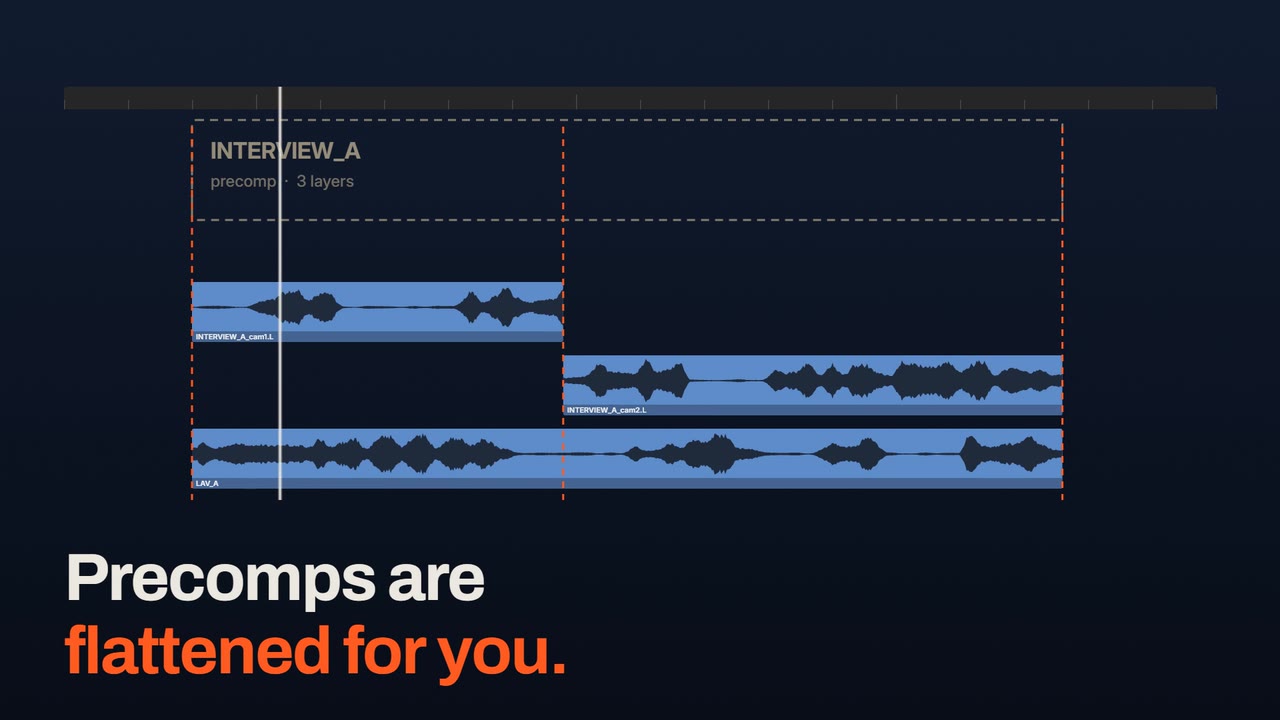
Precomps are flattened: their inner layers become separate clips on separate tracks. Solo and mute switches are respected, and guide layers are omitted. Export runs on a temporary copy of the composition and deletes it when finished, leaving the project unchanged. Enable "Keep export timeline in project" to retain the copy for inspection. To export only part of a composition, enable "Use Work Area" in the panel settings.
Limits to check
- Only layers that use media files are exported. Text, shape, solid, null, adjustment, and placeholder layers stay in After Effects.
- Speed changes and time remapping are not applied, so exported clips play at 100% speed. The AAF sequence starts at 00:00:00:00 regardless of the composition's start timecode.
- Photoshop, Illustrator, and EPS files are omitted. Save those graphics as PNG and enable "Include standard images." For DaVinci Resolve, enable "Encode standard images to ProRes" because Resolve does not accept stills linked directly.
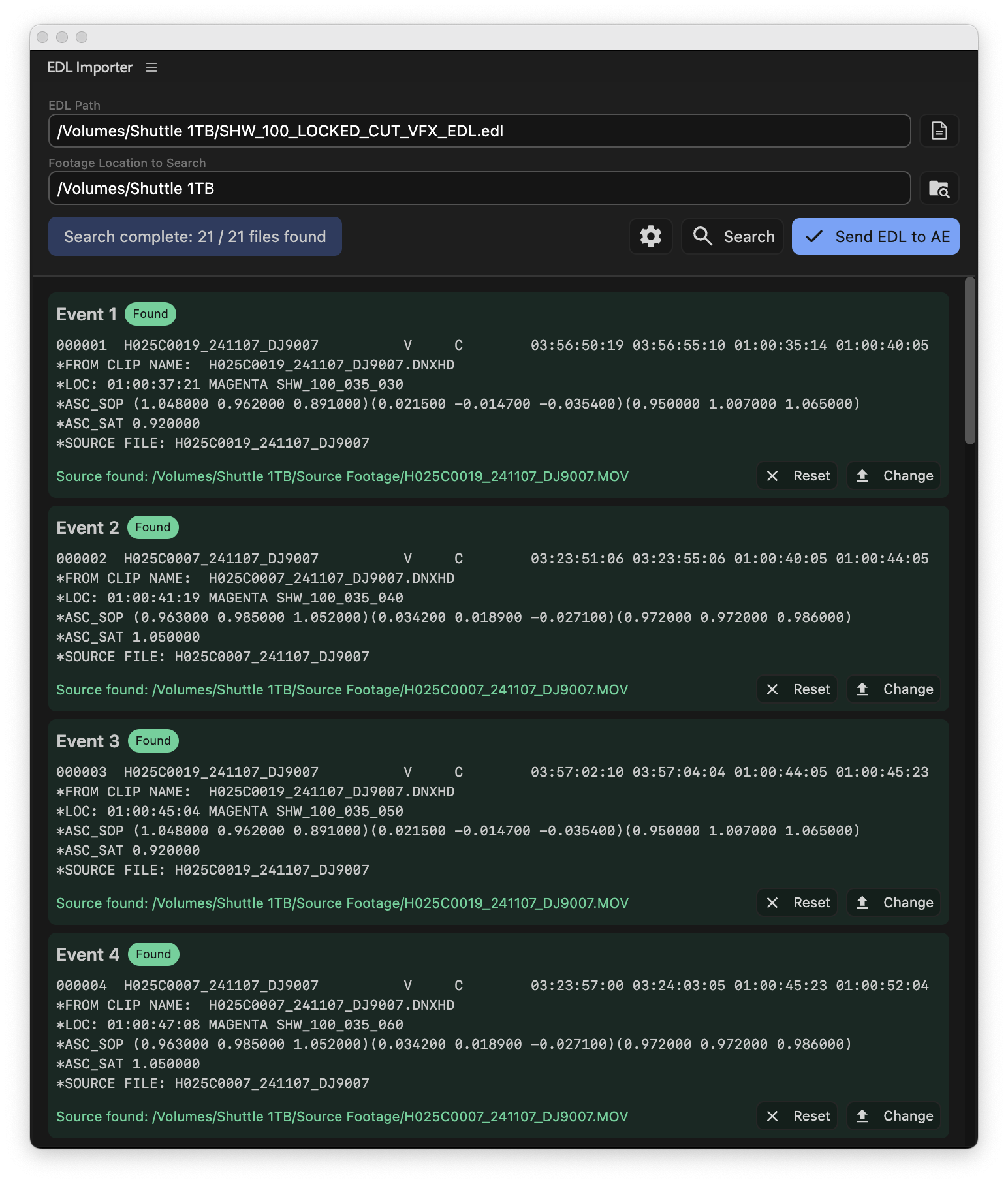
- Missing footage can appear as an offline clip in Video AAF but cannot be included in Audio AAF. The panel identifies missing files.
Compatibility, trial, and license
AAF Exporter requires After Effects 2022 or later. The listed systems are Windows 10 or 11 and macOS 12 or later on Apple Silicon or Intel. The panel includes what it needs and can be installed with the aescripts + aeplugins Manager app or ZXP Installer.
The trial lasts 10 days and includes every option, but each export contains only the first 10 seconds of the composition or its work area. The EULA grants one copy for use on one computer at a time; additional copies or users require appropriate licensing for each.