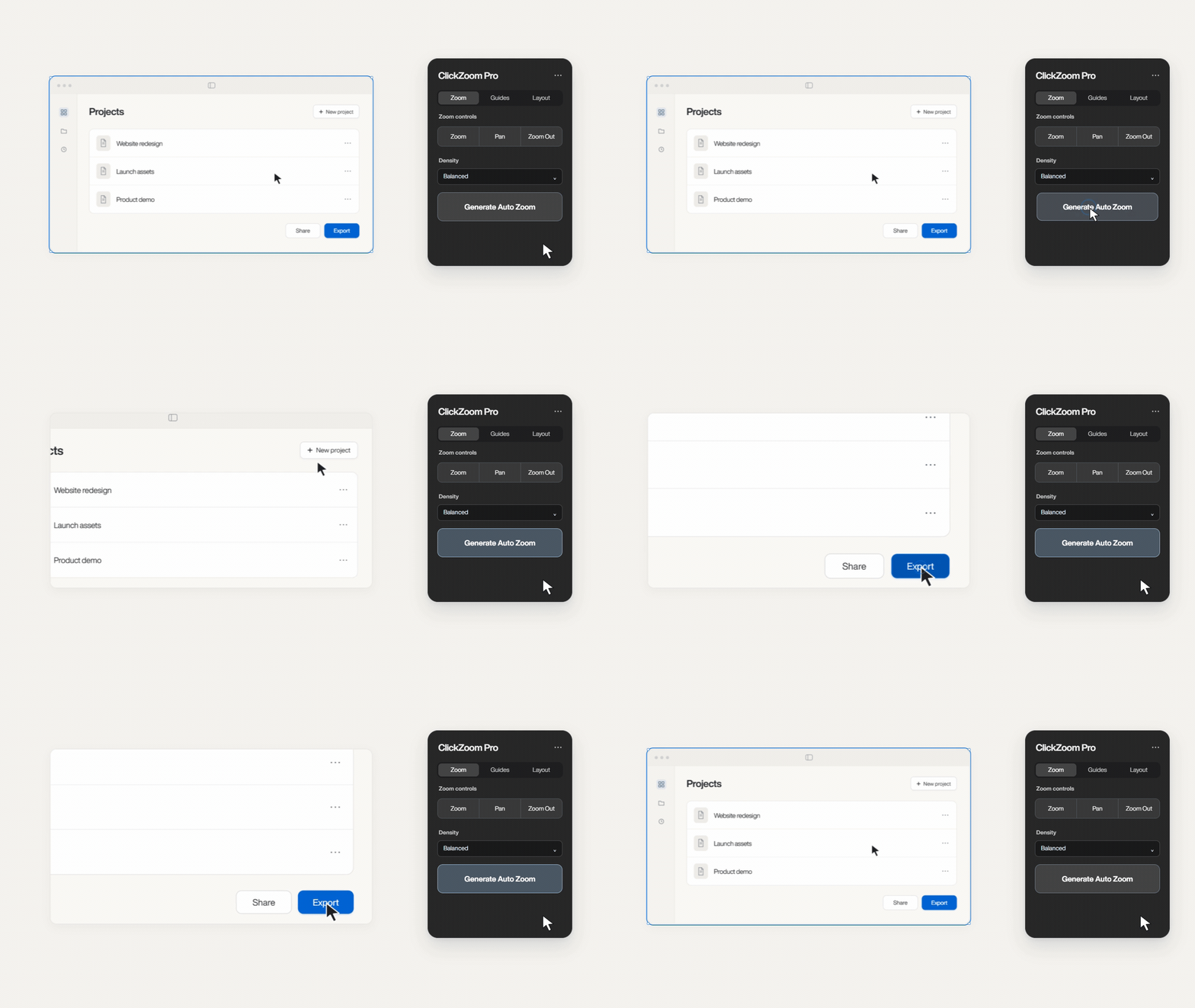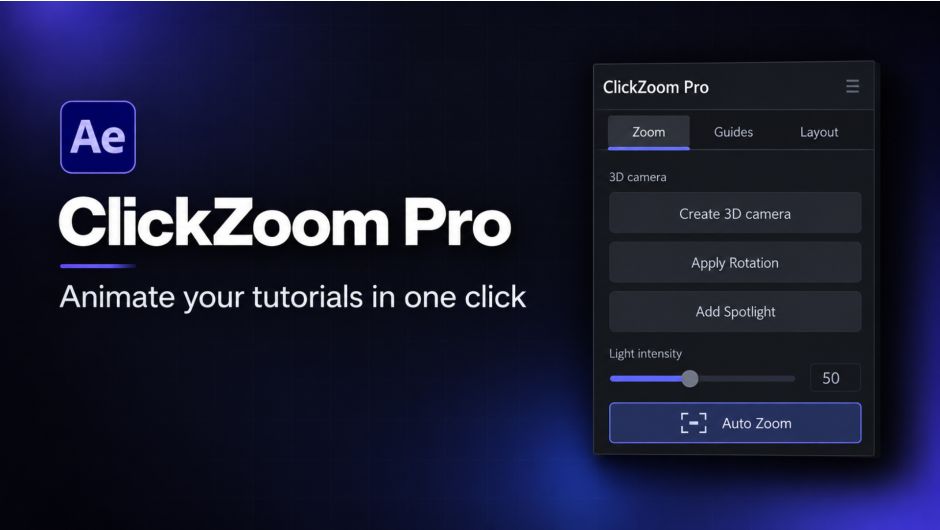
ClickZoom Pro is an After Effects panel for screen-recording tutorials and talking-head videos. It creates zooms and pans that follow cursor movement and clicks, and lets editors add manual moves, visual guides, layouts and 3D camera effects. It suits tutorial editors who want to direct attention while keeping the animation adjustable on the timeline.
Build and refine tutorial zooms
Auto Zoom creates a first pass of zooms and pans that follow cursor movement and clicks, with three density presets. For talking-head clips, Face Cam Mode adds gentle punch-ins centered on the speaker's face.
For a manual move, click a point in the live preview at the playhead to zoom in, pan to another detail, then zoom out. Set the zoom depth, duration and easing, or use Auto Return to hold on a detail before returning to the full view. The moves remain editable as keyframes on the timeline, so you can adjust an automatic pass after it is created.
Direct attention and frame the recording
Animated guides include arrows, outlines, highlights and Focus, which blurs and dims the surrounding image. To frame a recording, use a rounded frame or a lit Studio window, with an optional avatar beside it. Two color choices restyle the layout.
Add motion and demonstration cards
At the playhead, animate any layer entering or leaving with a slide to the left, right, up or down. The 3D camera tools let you tilt the screen in perspective and add a spotlight. For a prompt-to-output walkthrough, turn a text layer into a prompt card with a typing effect, then pair it with a result card showing an image or video.
Compatibility and license
The listing names After Effects versions 2022 through 2027. The product's EULA grants use of one copy on one computer at a time and permits one archival copy on storage media other than a hard drive. Multi-user or multi-computer use requires an appropriate license for each user and copy.