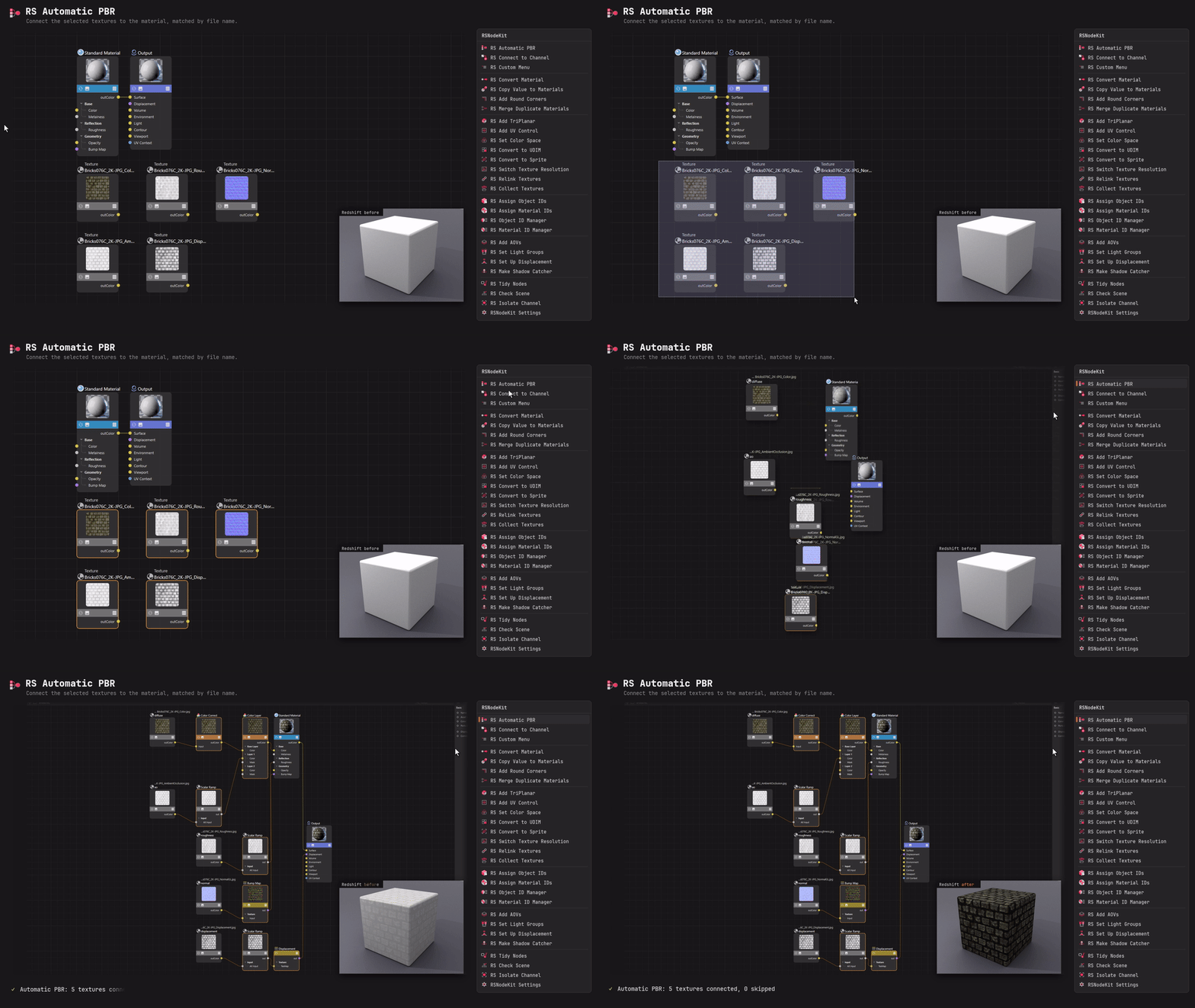
RSNodeKit is a Cinema 4D toolkit for building, cleaning, and checking Redshift node materials. Its tools cover work from a folder of PBR texture maps to scene-wide material edits, texture management, render setup, and checks before rendering.
Build and connect node materials
Automatic PBR builds a material from a folder of texture maps. Connect to Channel routes selected nodes to an input, while Quick Insert and Custom Menu keep frequently used nodes close at hand.
Edit and clean up materials
Copy Value to Materials changes a value across related surfaces in one step. Convert Material brings existing surfaces into the material workflow, and Merge Duplicate Materials removes repeated materials from a scene.
Manage textures and mapping
TriPlanar and UV Control let you adjust mapping without rebuilding the texture graph. Color Space and UDIM tools prepare texture inputs. Relink, Collect, and Switch Resolution help find missing maps, move scenes, and work with lighter texture resolutions.
Prepare IDs and render passes
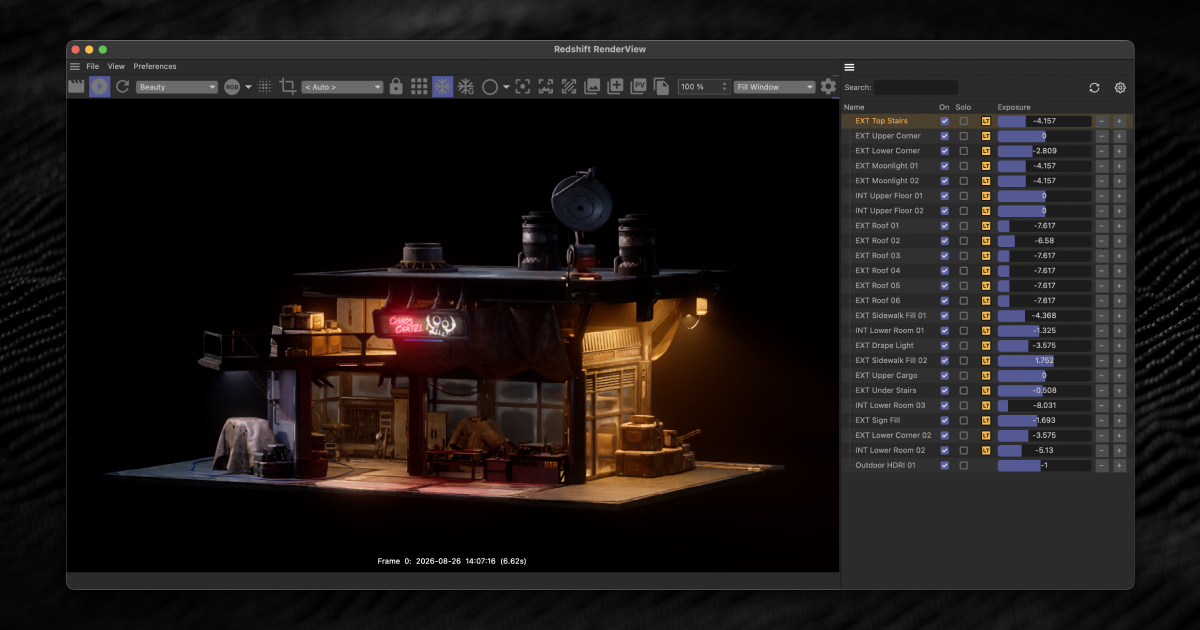
RSNodeKit can assign object and material IDs for render masks. Its ID managers let you review shared IDs and update assignments in one place. Add AOVs creates groups of render passes from presets, and Light Groups separate lighting contributions for compositing. Displacement and Shadow Catcher tools help prepare displacement and integrate objects with a background.
Inspect the node graph and scene
Isolate Channel lets you inspect a texture or part of a graph on its own, and Tidy Nodes cleans up a busy node layout. Check Scene reviews common setup problems before rendering.
Compatibility and trial
The product listing names Redshift and Cinema 4D 2026 and above; its compatibility options list Cinema 4D 2026 and 2027. Windows and macOS are listed. Check the current RSNodeKit product listing for compatibility details and its free trial.