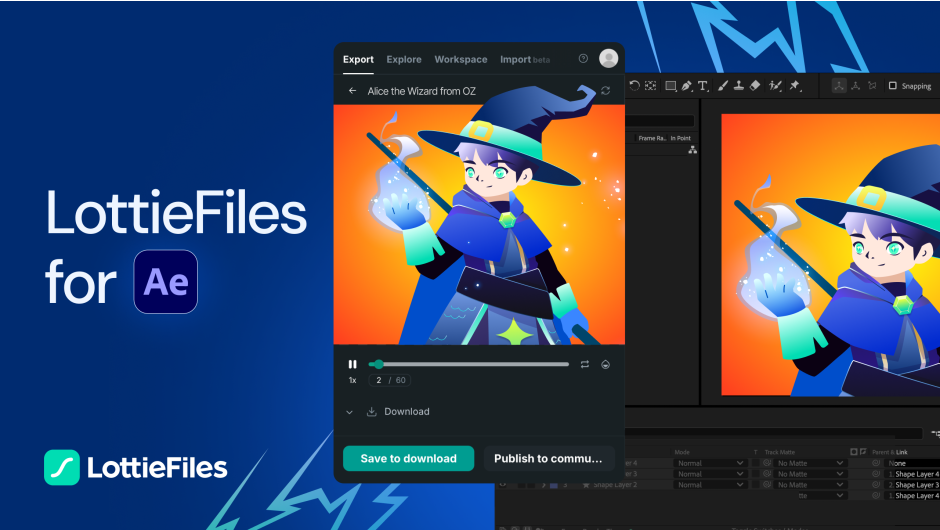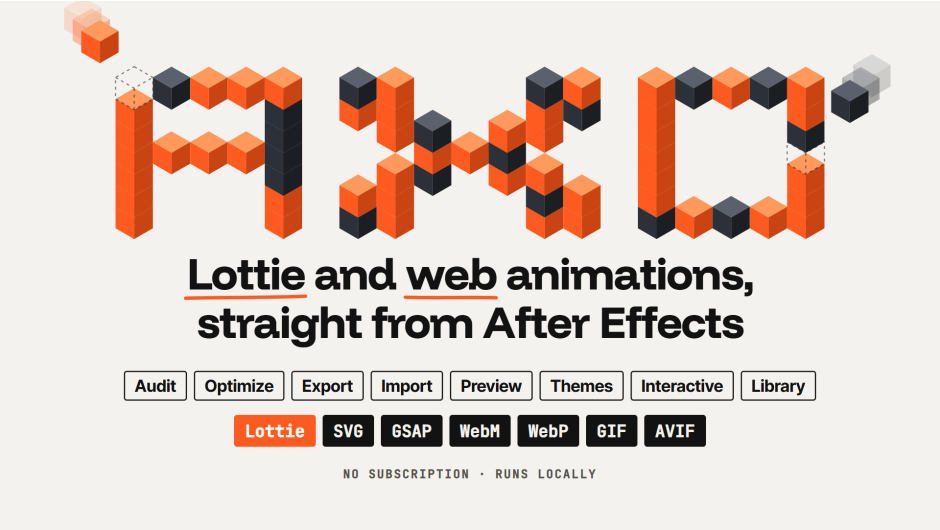
AXO is an After Effects panel for checking animations against web players, exporting them in multiple formats, optimizing files, and organizing them in a local library. It also imports web animations as editable After Effects compositions.
Audit and repair animations
AXO's audit runs 99 checks across 11 players and identifies the layer behind each finding. AXO's audit includes 23 one-click fixes, which can be undone individually or together. You can audit static layers early in a project, then check the finished animation before export to catch features a player may handle differently.
Export and preview multiple formats
Build can export selected compositions in one pass, with format settings for each comp. Supported outputs include Lottie JSON, .lottie, Telegram .tgs, SVG with SMIL, Android AVD, GSAP, GIF, WebM, WebP, and AVIF.
AXO can author interactive .lottie files in After Effects. Composition markers can define segments, Essential Graphics properties can become slots, and themes can change slot values. State machines can respond to a click, hover, hold, or a number supplied by a page. Several animations can share one .lottie file.
The preview can show an animation in lottie-web and dotLottie's ThorVG player side by side. Controls include background, zoom, speed, looping, reverse playback, frame-by-frame viewing, segments, themes, and state machines. The Files tab can play an optimized file beside its original.
Optimize files and review the result
The optimizer works on animation structure, including keyframes, paths, layers, precompositions, and images. AXO's product page reports a median file-size reduction of 44% across 2,863 animations before image re-encoding. The optimizer renders nine frames before and after changes and switches off any step that changes the picture.
Import and organize web animations
AXO imports .json, .lottie, .tgs, and animated SVG files into compositions with layers and keyframes. The importer also handles gradients, text, expressions, layer styles and effects, and imports themes and state machines from .lottie files. An import report describes what came in and what did not, which helps when continuing work on an animation without its original project.
The local library can organize animations with search, tags, collections, sorting, and filters. It keeps live previews and file details such as size, dimensions, and frame rate. The library backs up as one unit on the user's machine, and AXO says it does not upload anything made in the trial or full version.
Compatibility, trial, and licensing
AXO runs on Windows and macOS with After Effects 2025 or newer. The product is sold as a one-time purchase with no subscription. Its EULA permits one copy on one computer at a time; multi-user use requires appropriate licensing for each user and copy.
The seven-day trial includes the audit, fixes, several vector export formats, importing, and interactive setup and preview. It does not export GIF, WebM, AVIF, or WebP. Interactive files play in the Studio, while Build writes them as plain animations. The optimizer shows potential savings without saving an optimized file, and the trial library contains sample animations only.
AXO is a fit for teams that need player checks, several delivery formats, interactive .lottie files, or editable access to existing web animations in one After Effects workflow. Its wider audit and library features may go unused for an occasional single-format export.