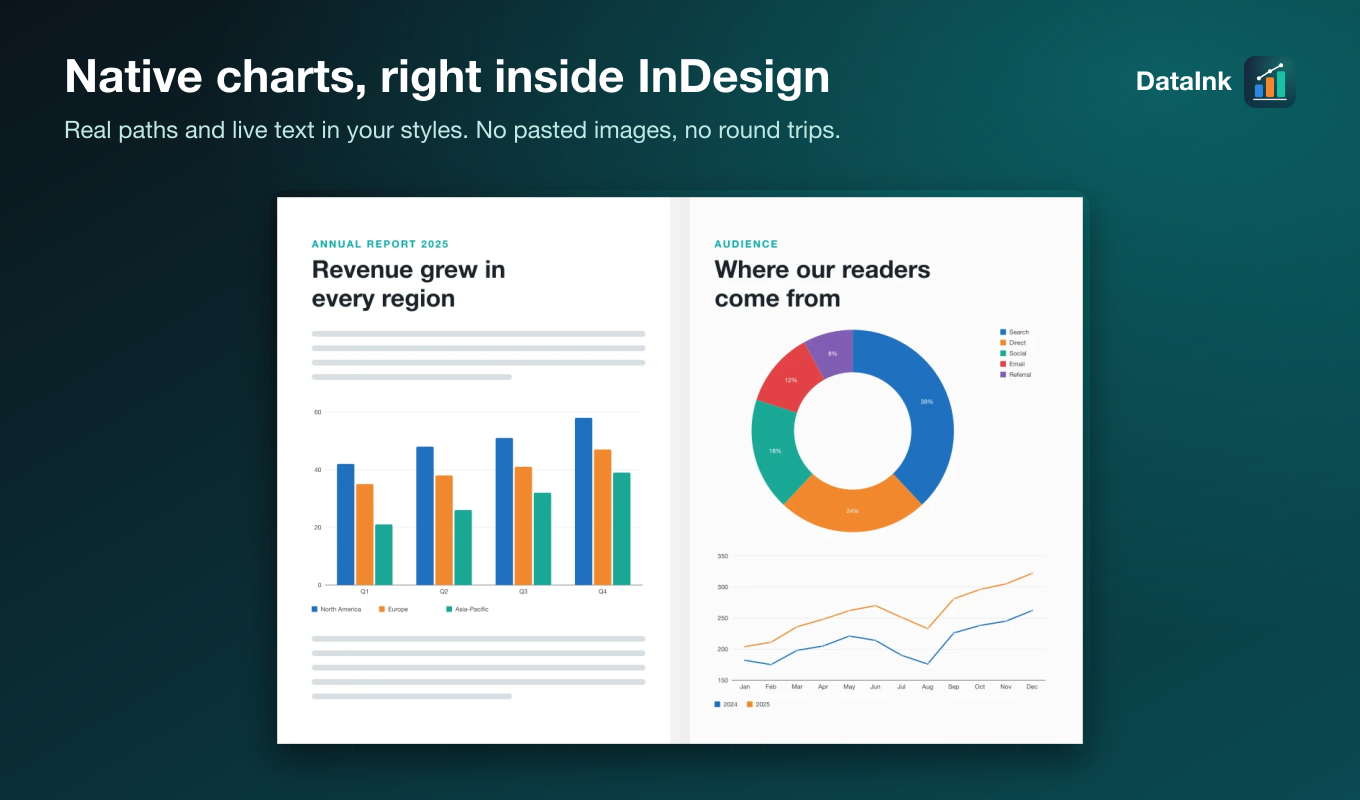
DataInk is an Adobe InDesign plugin for building charts from your data inside an InDesign document. It creates bars, lines, labels and legends as native InDesign objects, so you can select and edit them in the layout instead of placing a chart image.
Build charts from tables and spreadsheet data
DataInk can chart data from InDesign tables, Excel, Numbers, Google Sheets, CSV or TSV, or data entered in its spreadsheet-style editor. A chart linked to an InDesign table can follow changes to that table. After figures change, select the chart and click Update to refresh it.
The plugin includes 13 chart types: column, bar, stacked, 100% stacked, line, area, combo with a second axis, pie, doughnut, half doughnut, radial bar, treemap and radar. You can switch chart types while keeping the data.
Style charts in the InDesign document
Charts use InDesign shapes and live text. DataInk can apply colors from a swatch group, including CMYK or spot colors, or use tints of one brand color. Titles, labels and values can use paragraph styles from the document. Chart presets can also be saved and shared.
This setup is intended for publications with recurring data visuals, such as annual and sustainability reports, investor decks, magazines, newsletters, data journalism and research publications. Colleagues can open, print and export files without having DataInk installed.
Use AI for extraction and edits when needed
AI features are optional. DataInk can read figures from a PDF, screenshot or pasted text, then highlight cells it is unsure about so you can check them before using the data in a chart. You can also request changes in words, such as sorting values or dividing one year's figures by two. The proposed edit is shown before you apply it.
For AI features, DataInk supports your own OpenAI, Claude or Gemini key. A local model such as Ollama is an option for documents that must stay on your machine. The product listing says figures go from InDesign directly to the selected provider, "never to us." Chart creation and editing work without AI. DataInk can also suggest headlines from data and write alt text for accessible PDFs.
Compatibility and trial
DataInk supports InDesign 2025 (version 20.0) or later on macOS and Windows; its compatibility panel specifically lists InDesign 2026 and 2027. The plugin panel is available in 12 languages. You can install the 10-day free trial through the aescripts + aeplugins manager app.
STE LINGWAY SARL develops DataInk. See the DataInk product page for the current download and product details.