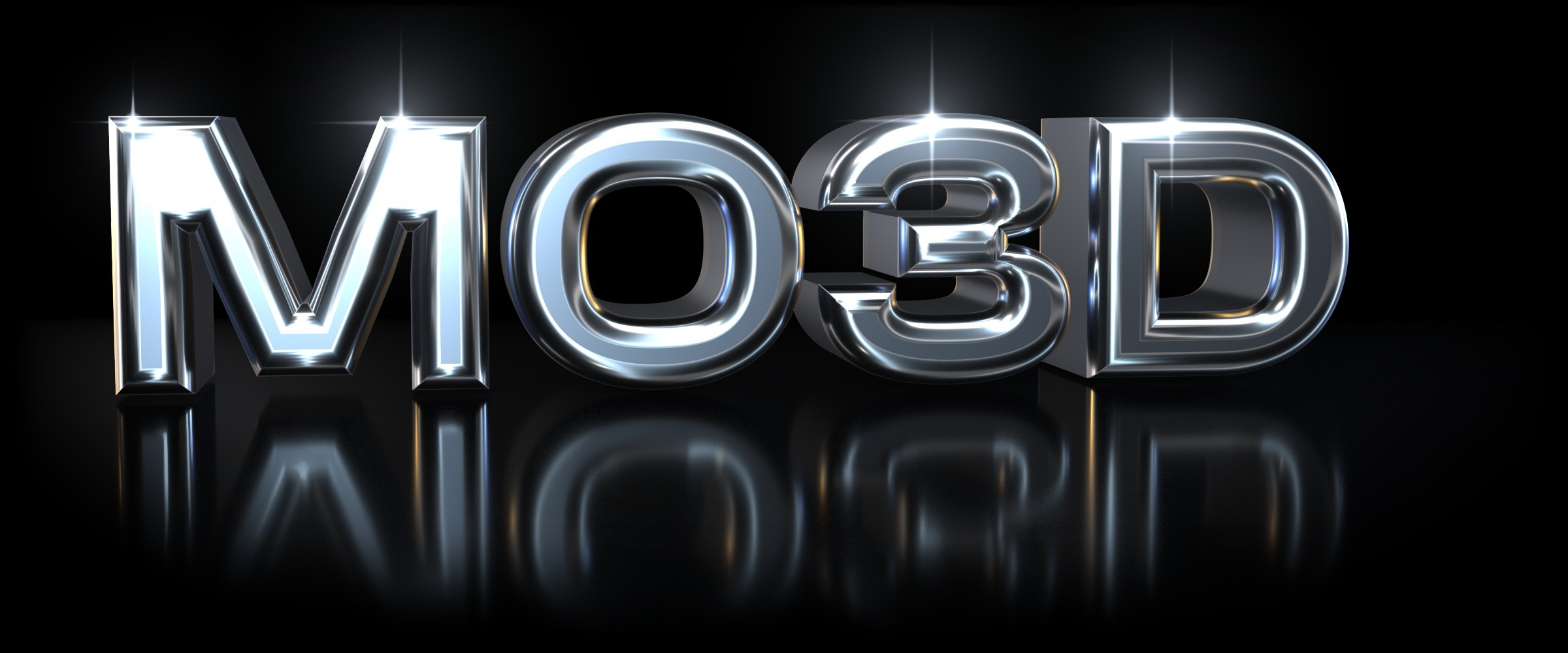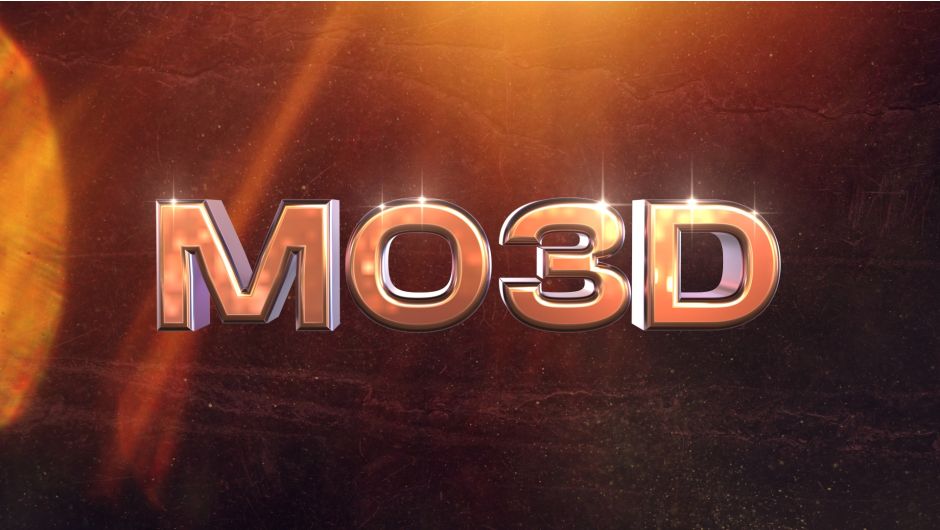
MO3D is a GPU-rendered 3D tool that works inside Adobe After Effects. It turns text, shape layers, and masks into 3D geometry, and imports 3D models for scenes built and animated in an After Effects composition. You can set up materials and lighting in MO3D, then animate in After Effects and render through the composition camera.
Build a scene from layers or imported models
Apply MO3D to a text layer, shape layer, or mask. For imported objects, Scene Setup accepts FBX, glTF, USD, OBJ, STL, and PLY models, plus Alembic files on Mac. Imported models keep their materials and textures. You can drag a model, an HDRI image, or a texture folder into Scene Setup.
MO3D uses the composition camera and lights. If the composition has no lights, an HDRI's sun can light the scene and cast shadows, or you can use a soft studio setup. A shadow catcher can place an object on footage or on the HDRI ground. If project assets are moved, MO3D can look for missing models, HDRIs, and textures by name inside the project folder.
Shape text and set up materials
MO3D reads a text layer on every frame, so edits to the wording, expressions, data-file text, and translation scripts carry through without rebuilding the 3D text. The front, bevel, sides, and back of a letter can each use a different material. Models can also use separate materials on their parts.
The Material Editor supports MaterialX, texture sets, and image or procedural textures. MO3D includes 87 presets, such as metals, refractive glass, and emissive neon. You can use preset bevels or draw a bevel profile as a curve. Face Shape curves the front of the text, while side profiles control its shape from front to back.
Animate and composite in After Effects
After Effects Text Animators can move MO3D's 3D letters, including with range selectors. MO3D's Letter Animators add per-letter movement, rotation, scale, tint, and glow, with words staggered across as many as five groups. Deformers such as bend, twist, taper, wave, and noise can be keyframed in After Effects. The Replicator arranges copies in grids, rings, spheres, or spirals, and Follow Path sends text along a mask or shape path with the letters bending to the curve.
Built-in flares attach to the letters and can sit on an edge, outline, or face. They respond to depth of field and motion blur, and reform when the text changes. MO3D can create a stack of render-pass layers in the composition, including diffuse, specular, reflection, ambient occlusion, shadow, normals, Z-depth, world position, IDs, albedo, and emission.
With Color Space set to Auto, MO3D reads the project's OpenColorIO config and renders into its working space. Rendering uses 32-bit float color through OpenColorIO 2.5, with ACEScg, ACES2065-1, and ACEScct among the supported spaces. Tiled rendering supports large frames, and Multi-Frame Rendering is supported.
Check compatibility, trial, and licensing
MO3D requires After Effects 2025 or later. On Mac, MO3D requires macOS 12 or later and supports Apple silicon and Intel processors. Ray-traced shadows, reflections, and glass require Apple silicon or a recent AMD graphics card. On Windows, it requires Windows 10 or 11 (64-bit), a Vulkan 1.1-capable graphics card, and an up-to-date driver. NVIDIA, AMD, and Intel graphics cards from the past ten years support Vulkan 1.1 and ray tracing. MO3D uses Metal on Mac and Vulkan on Windows; both renderers produce the same image. Alembic import is currently Mac-only.
Install through the aescripts + aeplugins Manager App or copy the plug-in into After Effects' Plug-ins folder. The manager's Account menu has an Add Trial option; the trial includes the full product. After the trial ends, MO3D continues to work and projects remain as they are, but renders show an unlicensed watermark. MO3D's EULA allows one copy; multi-user or multi-computer use requires an appropriate license for each user and copy.