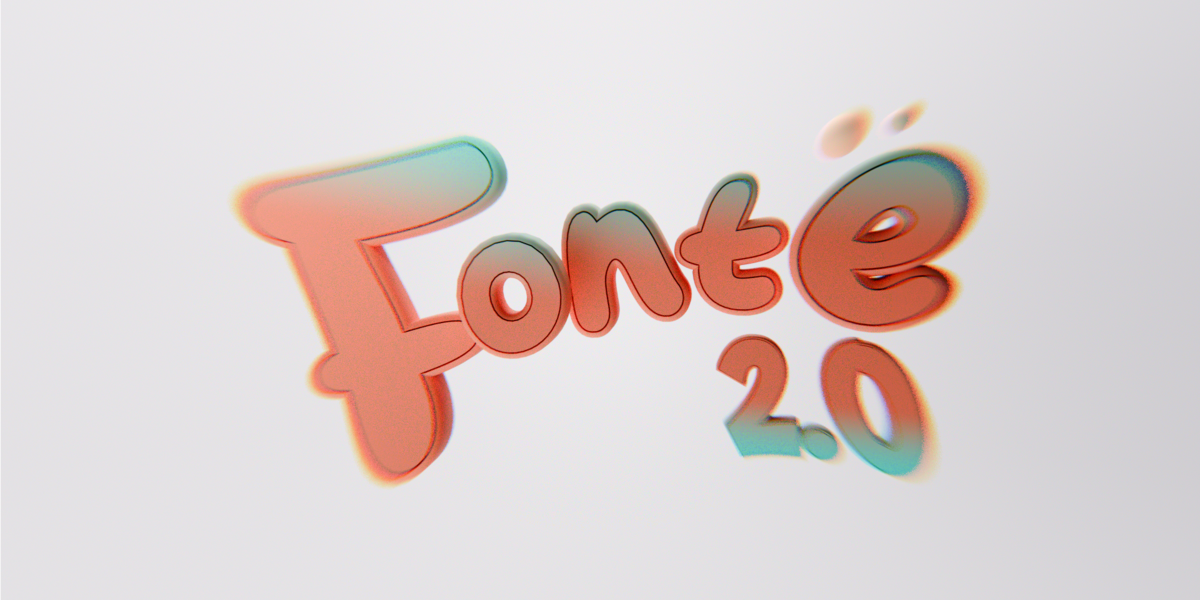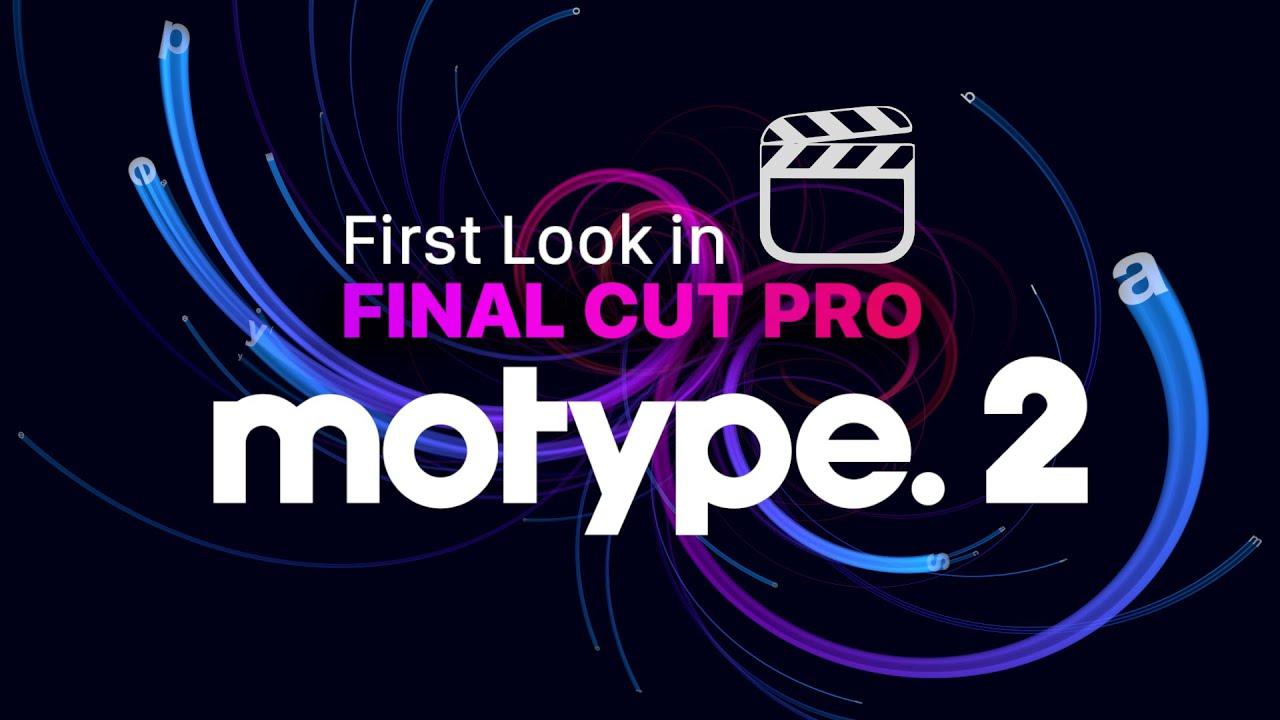
Yanobox Motype creates animated 3D titles for video editors and motion designers. Its Text Motion Painting extrudes characters along motion paths, with controls for trails, color gradients, and fractal noise. Motype runs in Final Cut Pro, Motion, After Effects, Premiere Pro, and DaVinci Resolve through one installation.
Animate text along motion paths
With Text Motion Painting, you can adjust trail length over space and time, then animate characters, words, or lines. Apply 3D effects to selected text portions or build transitions between paragraphs. These controls suit title sequences and other motion graphics centered on typography.
Shape typography and reuse designs
Motype's native Mac interface includes controls for font, style, color, kerning, and alignment, plus RTF import. Text can fit a selected rectangle, with padding, animation, and effects adjusted for individual characters, words, or lines. Gradients can target selected portions of text, with hue and gap available for animation.
The library includes 250 presets and templates. Random seed, spin direction, and animation spread provide ways to vary a design, and you can save custom presets.
Styled Particles in version 2.1
Version 2.1 adds Styled Particles and a dedicated emitter editor. Each emitter can use its own text, symbols, or abstract graphics with custom styles and colors. You can control particle rotation and scale over their lifetime, and emit particles in multiple directions or along a motion path. The update also adds 25 particle presets as generators and title templates in Final Cut Pro. The particle orientation can be dynamic or fixed along a motion path.
Supported hosts and setup
Motype runs on Apple Silicon and Intel Macs, using Metal graphics acceleration and Core Text. Yanobox lists Final Cut Pro 10.6 or later, Motion 5.6 or later, After Effects 22 or later, and Premiere Pro 22 or later as requirements; Motype 2.1.1 is the first version to support DaVinci Resolve 20 or later. In After Effects, Motype supports the 3D camera and multi-frame rendering with GPU acceleration. Motion provides native 3D camera support and responsive previews, while Premiere Pro supports Mercury Engine GPU acceleration. Check FxFactory for current macOS requirements.
Motype requires FxFactory to install and run. The FxFactory app is a free download; FxFactory Pro is a separate paid visual-effects product. Check FxFactory's current macOS requirements before installing.