Buena Depth Cue is a suite of six After Effects plugins for adding visual depth to layered compositions. Its tools control haze and fog, distance-based lighting, focus blur, grayscale depth maps, layer flips and camera movement through projected footage.
What the six plugins do
- Atmosphere adds depth-weighted haze or fog. You can set where it starts and ends, and choose linear, exponential or exponential-squared falloff.
- Camera Mapper projects footage onto separate solid layers so you can pull selected parts forward and move a render camera through the resulting scene.
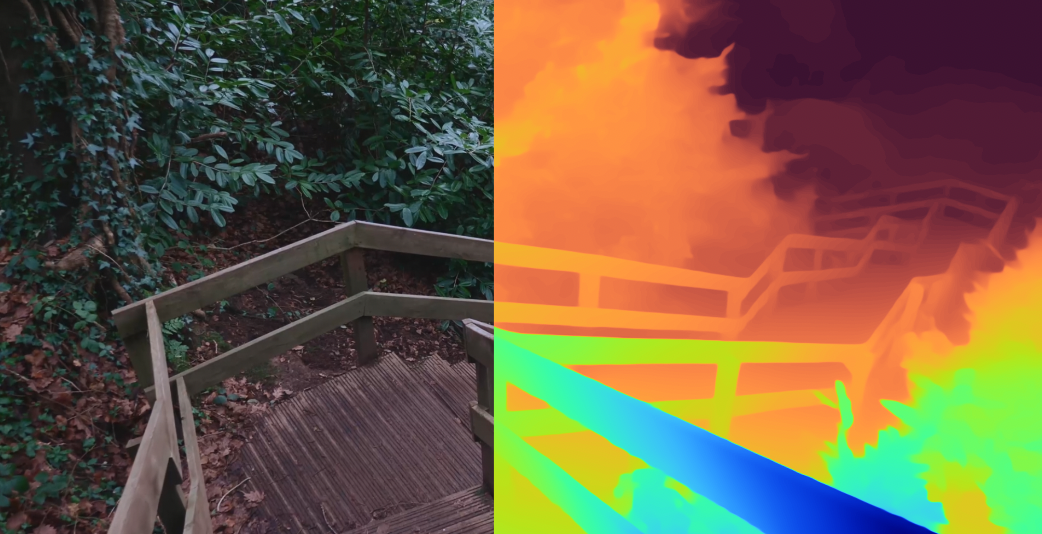
- Depth creates grayscale depth maps with adjustable input and output ranges and curve options. For an After Effects 6.5-or-later composition without Depth already applied, Precompose Depth duplicates the composition, applies Depth to the copy and places both in a new composition. Use the depth version as a gradient map or track matte.
- Falloff Lighting makes layers dim with distance from a light. Choose natural inverse-square falloff, a more gradual distance mode or constant lighting.
- Flipside maps a second layer to the back of a front layer. It can reveal the back without a gap, keyframe its orientation and use layers with different sizes or pixel aspect ratios.
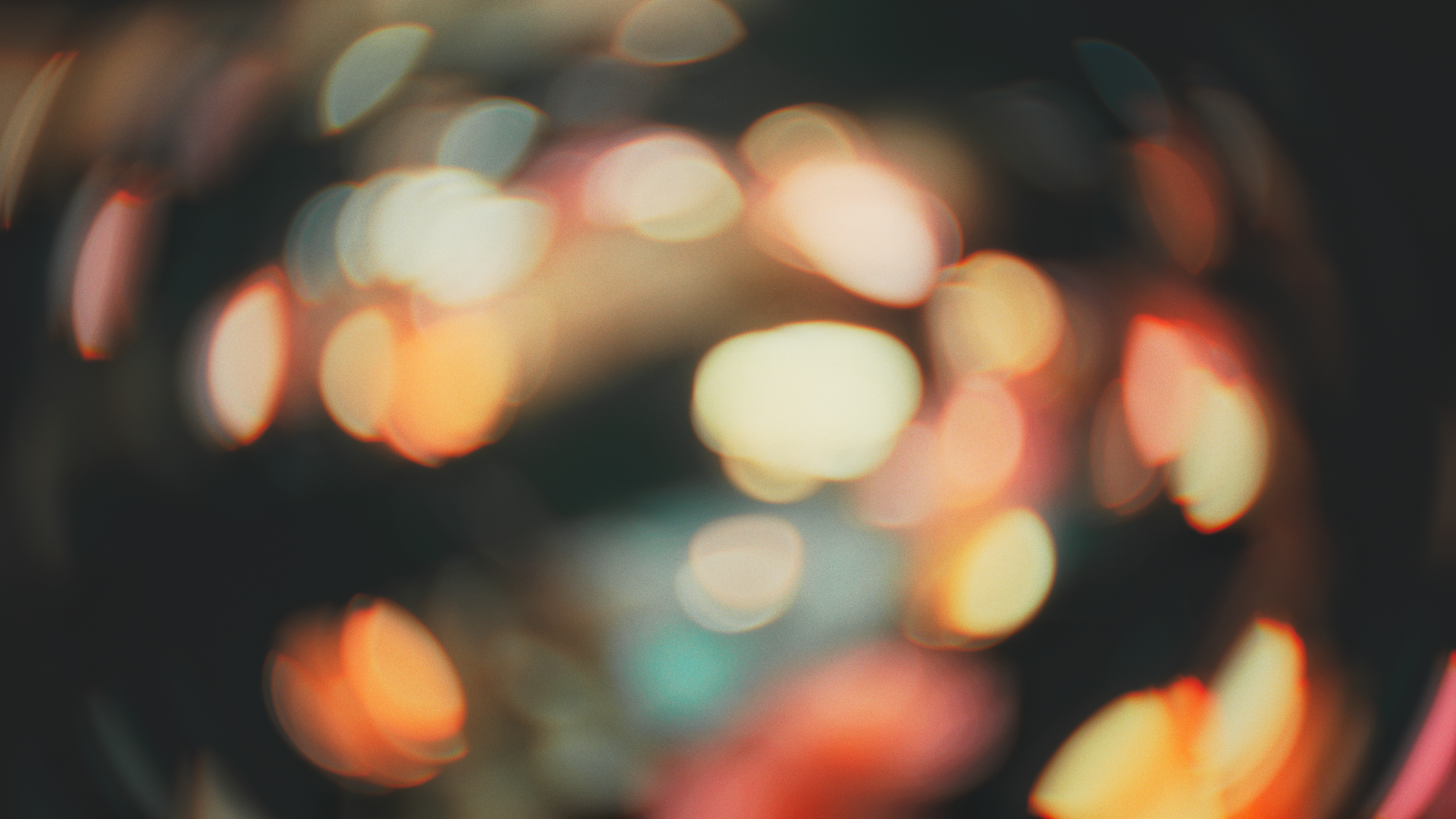
- Rack Focus blurs near and far parts of a composition while keeping a chosen depth range in focus. Its controls include focus planes, blur amount and bokeh shape options.
Workflow and limits
The v2.5 manual says to use the Composition menu helper commands for Atmosphere, Falloff Lighting, Rack Focus and Depth, even when applying an effect to one layer. Each command applies its effect to existing 3D video and solid layers and connects their parameters to a master control layer; the helpers also connect hidden controls to layer properties through expressions. If the composition includes text layers, precompose them first because After Effects collapses their transforms, which prevents the effects from locating them correctly in 3D space.
Camera Mapper builds a scene from projection planes rather than modeled geometry. The manual notes that it cannot model round edges or curved surfaces, and a camera cannot move 360 degrees around an object when its unseen sides are missing from the footage. It suits limited camera moves through a still or locked-off shot; it does not provide a complete 3D reconstruction.
Compatibility and licensing
The product listing names After Effects 2023, 2022, 2021, 2020, CC 2019, CC 2018, CC 2017, CC 2015.3, CC 2015, CC 2014, CC and CS6. The product listing does not state support for later releases. The listing also offers a trial download, but does not state its limits.
The included license grants use of one copy and permits one archival copy on a storage medium other than a hard drive, solely for reinstalling the software. Use by multiple people or on multiple computers requires an appropriate license for each user and copy.