Fast Bokeh Pro adds depth-of-field blur to After Effects comps using a depth map. It is suited to compositors with a depth pass, particularly for 3D renders, who want to set focus and bokeh in post rather than render depth of field in a ray tracer.
Build the blur from a depth map
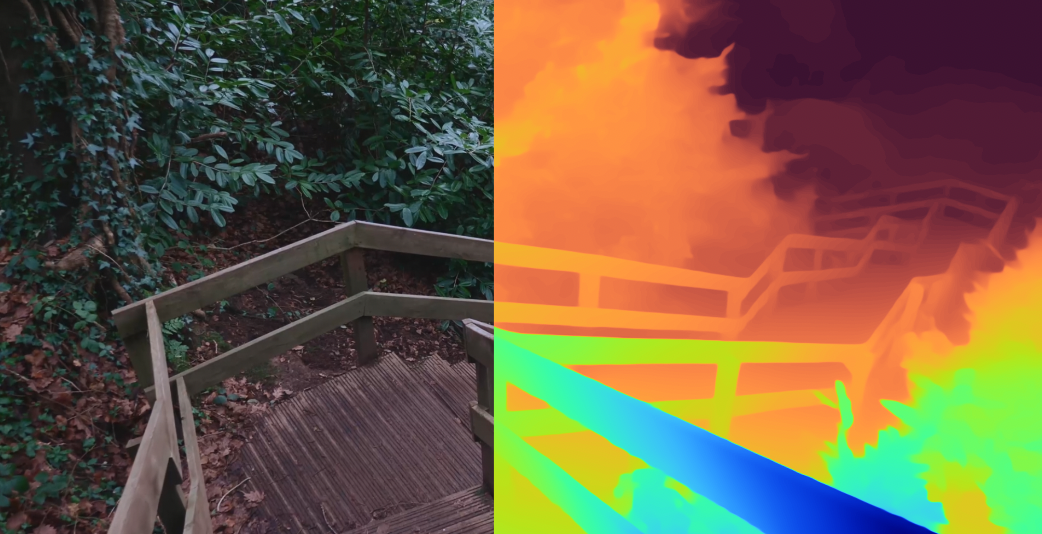
Choose a depth map layer and set the focus distance manually or use the point picker in the composition window. Rowbyte reads depth values from 0 to 1: 0 is nearest to the camera and 1 is farthest. The effect uses those values to determine blur by pixel. If the map runs in the opposite direction, Invert Depth Map can remap it. Rowbyte recommends depth maps without anti-aliasing. With no depth map layer selected, the whole image receives the full blur radius.
Focus Point can sample the chosen location on every frame, which is useful when following a moving subject. Focus zones add another control: widen or offset the in-focus depth range, then set near and far blur separately. Rendering the zones separately can reduce near- and far-zone pixels leaking into the focus area.
Shape the bokeh
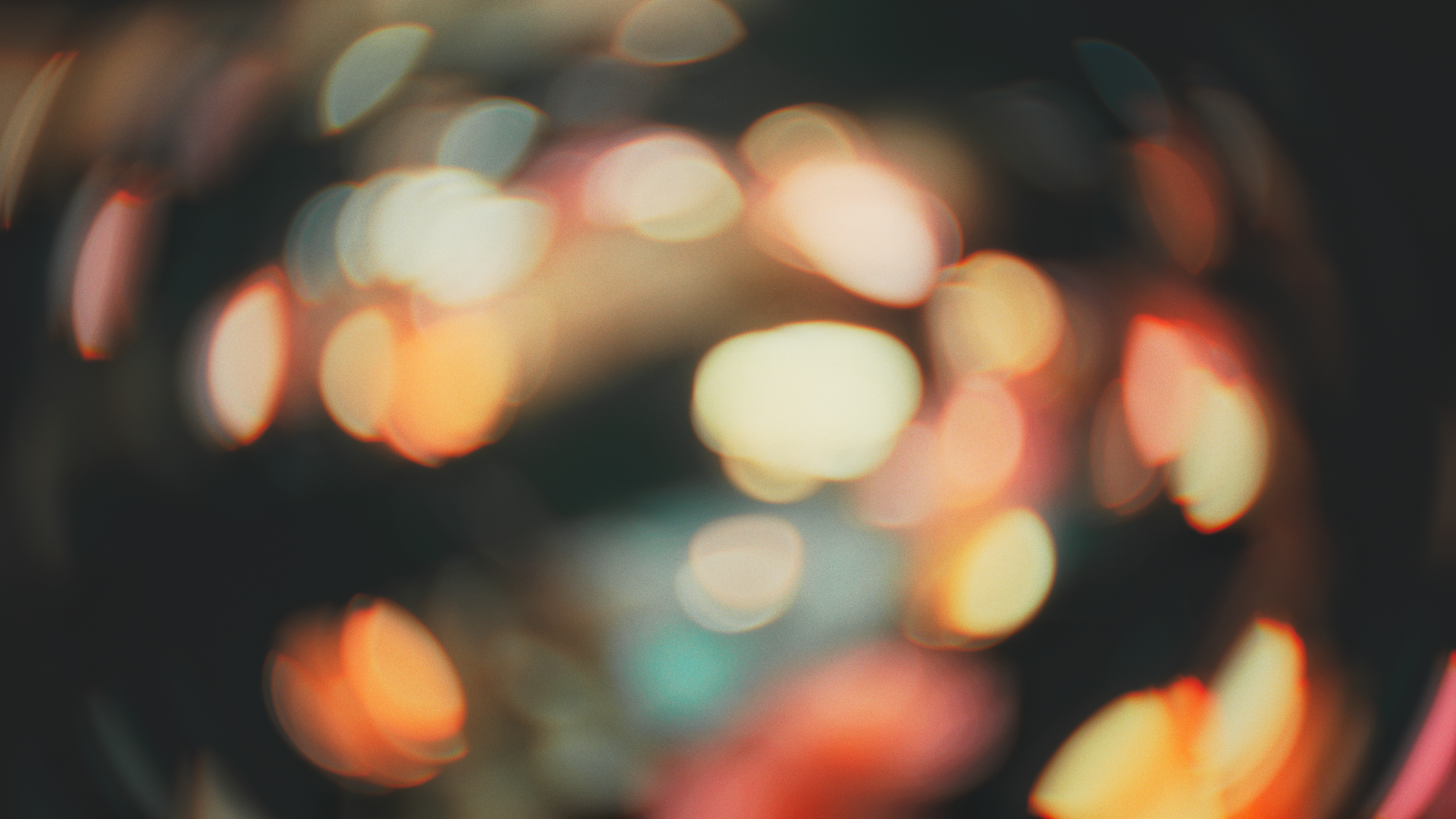
Gaussian blur is the fastest iris option. Spherical and polygonal irises create more defined bokeh, with a Polygon HQ mode for higher quality. Adjusting the iris aspect ratio produces an anamorphic look. A custom image layer can also define an iris from its luminance. Rowbyte recommends an image around 128 by 128 pixels and sampling detail between 25 and 100; larger images or higher detail can slow rendering, while smaller images lose quality at large blur radii.
Highlight controls adjust brightness and saturation above a luminance threshold. Rowbyte recommends 32 bpc for this effect. The linear color working-space control can produce a result similar to a project using a linearized working space.
Rendering and edge limits
The product listing describes render time as dependent on image size rather than blur radius. GPU rendering is optional and requires Metal 2 on macOS or a compute-capable GPU with OpenGL 4.3 or later on Windows. Rowbyte notes that GPU and CPU output can differ slightly; use CPU rendering when matching pixels across machines or a render farm matters.
The default None mode keeps the input dimensions and treats pixels beyond the frame as zero. Repeat Edge Pixels keeps the original frame size while extending edge pixels, and Expand Image Boundaries enlarges the output to include the full blur. Expanding boundaries can slow high-radius renders. Fast Bokeh cannot infer parts of objects hidden behind visible edges, so its edge handling cannot fully replace missing occluded image data.
Compatibility and licensing
The aescripts listing covers After Effects CS6 through 2025 and identifies CC 2017 through 2021 as tested. It lists macOS 10.14 or later and Windows 7 or later. Rowbyte's GPU requirements are additional if you enable GPU rendering.
The storefront offers single-user and floating licenses, plus a render-only license. It says spherical and polygonal aperture blur, highlights, anamorphic bokeh, linear color and quick focus point are Pro features that render with a watermark until registered. Rowbyte's documentation also describes custom iris shapes, Zone Control and GPU acceleration as additions from a Pro license, while the storefront's Pro-feature list does not include those items. Confirm their license status before buying if any of them is essential.