Build layouts from layers in your composition
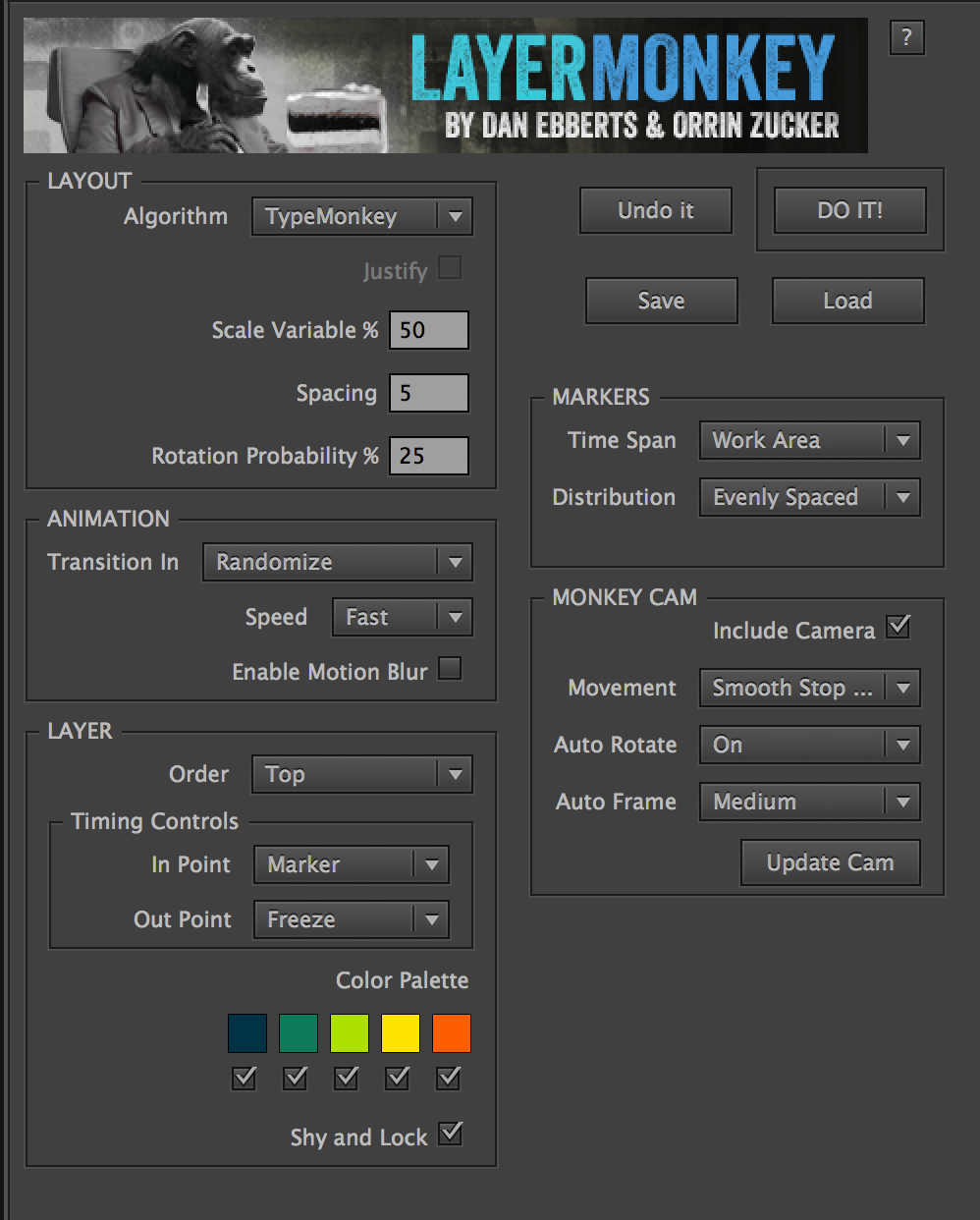
LayerMonkey is an After Effects script that arranges and animates a composition’s layers across time and space. Choose parameters in its control panel to generate a randomized kinetic layout. It includes three layout algorithms and a Justify option. Inputs can include still images, video, pre-compositions, shape layers, solids, text and EPS files. The generated layout excludes non-image layers such as nulls, cameras, audio and adjustment layers.
LayerMonkey creates a parented camera that points to each successive layer as it transitions on, along with a master control layer for timing and global adjustments. You can vary layer order and use multiple controls for time-based layers. It automatically builds and cleans layouts to support experimentation.
Adjust timing and movement
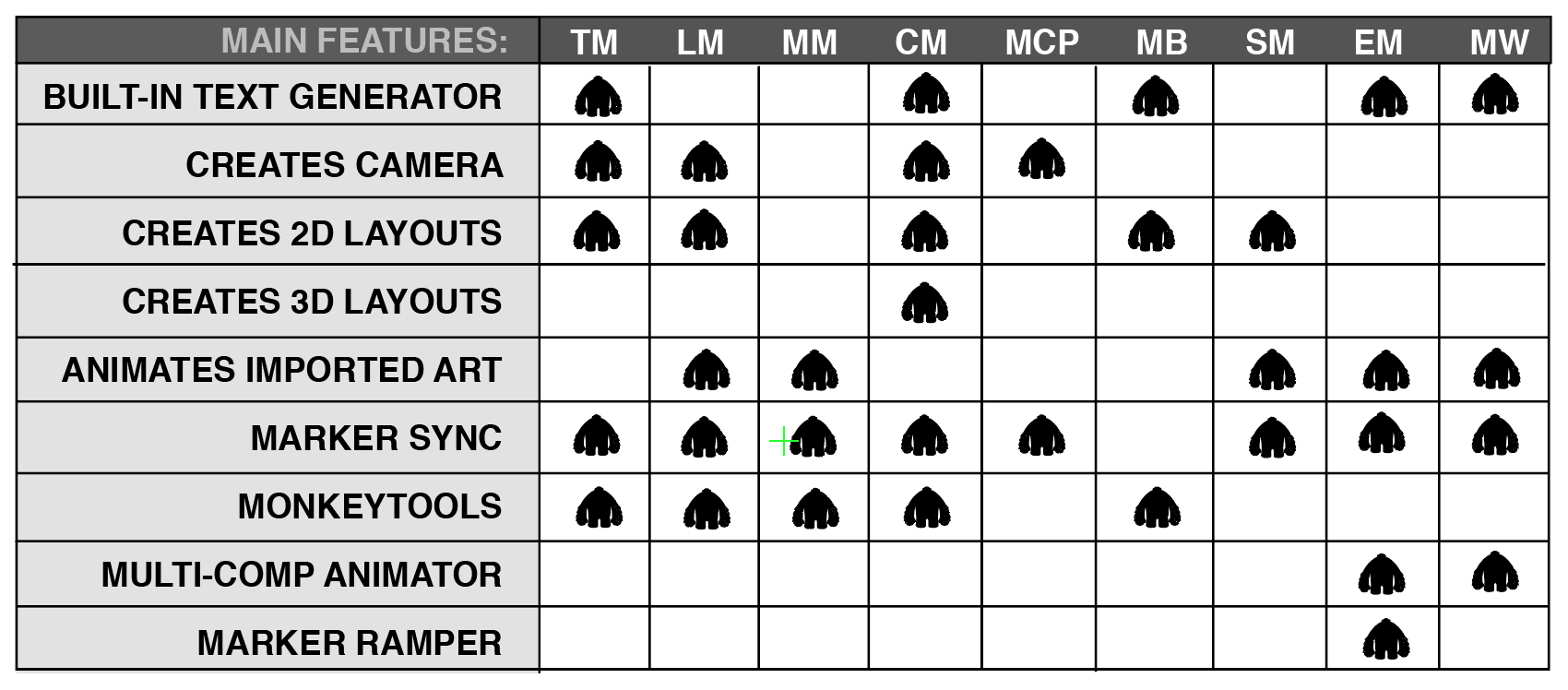
The timeline is described as keyframe-less: move a marker to change timing. LayerMonkey can distribute markers across the timeline in three ways, and its Marker Sync feature aligns the animation with marker layers already in the composition. That supports music-timing workflows when the markers are in place.
You can manually adjust layer size, position, rotation and opacity. Type transitions can be selected at random or specified. Camera movement has interpolation options, plus auto-rotate and auto-frame controls.
Color and saved settings
Palette controls help colorize layers, and Kuler color palettes can be imported. LayerMonkey also supports motion blur, lock and shy controls, and loading and saving presets.
Compatibility and license limits
The aescripts listing names After Effects 2026, 2025, 2024, 2022, 2021, 2020, CC 2019, CC 2018, CC 2017, CC 2015.3, CC 2015 and CC 2014. It does not list After Effects 2023.
The product EULA describes a license for one user at a time, with installation on no more than two accounts or computers under its standard terms. Other license types can change the installation allowance; the EULA, for example, permits floating-license installations on multiple computers on the same internal network while retaining the one-user-at-a-time limit. Check the terms for the license you plan to use.