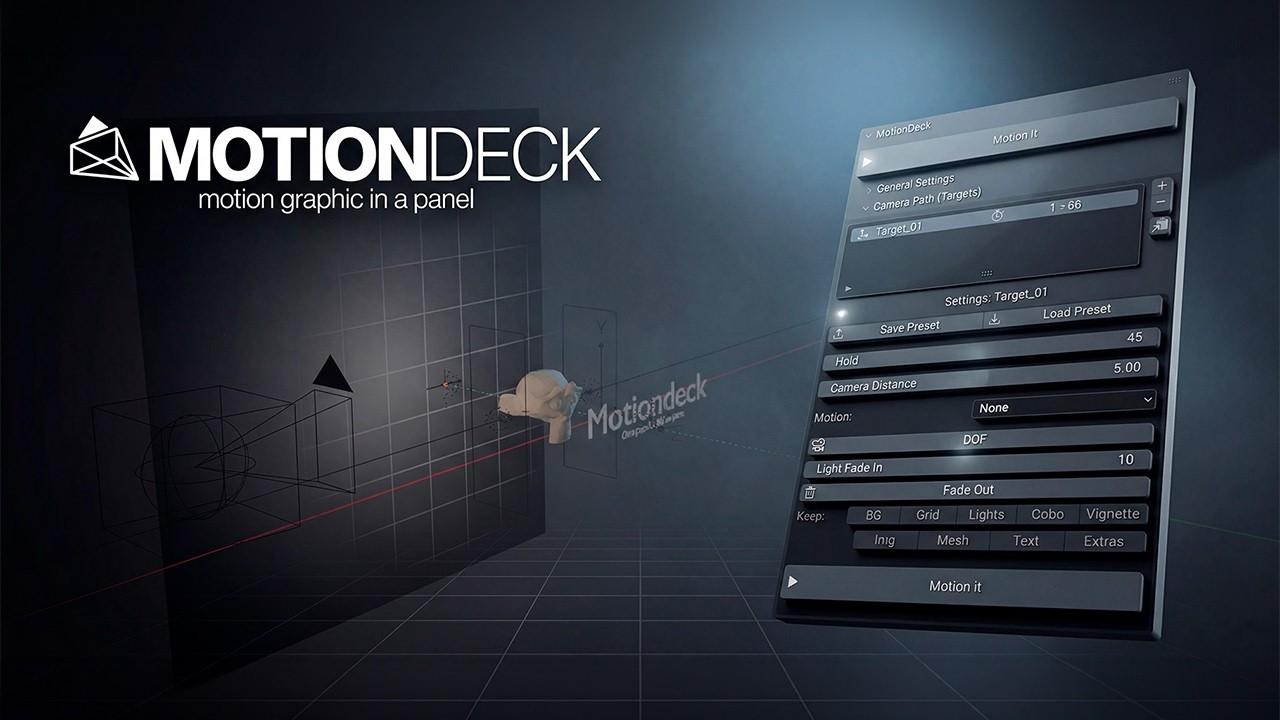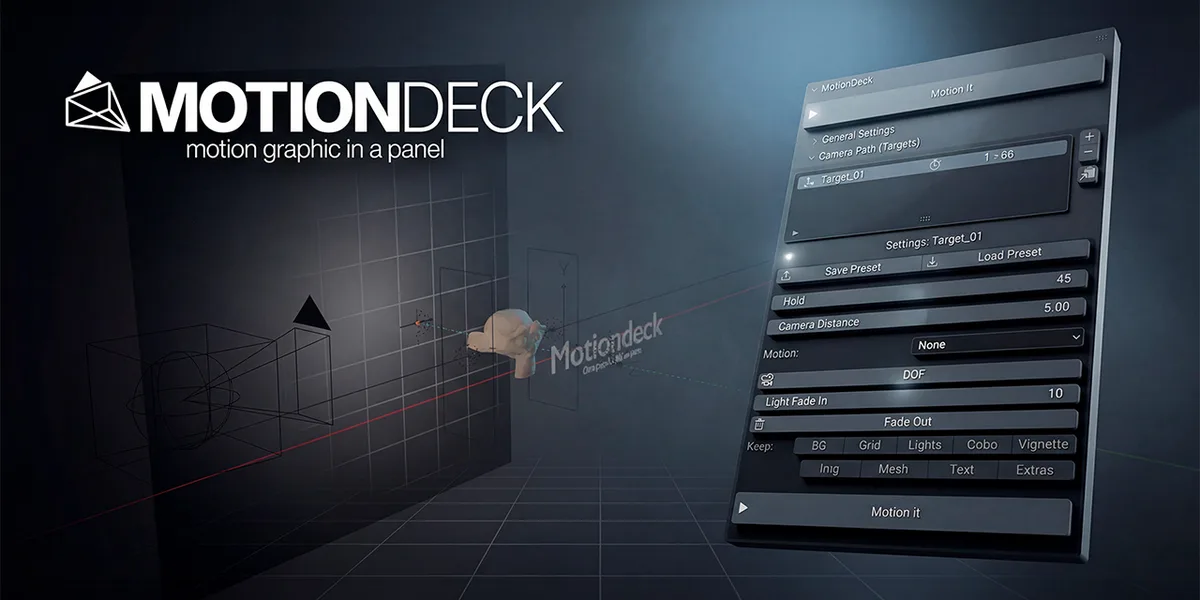
Motiondeck 2.0 is a Blender add-on for building motion graphics from a timeline in the 3D viewport. It brings animated titles, camera moves, lighting, footage and 3D objects into one Blender project for work such as reels, social videos, product shots and kinetic typography.
Build shots on a timeline
Hold E in the viewport to choose an element, then drag it onto the timeline. Shift+E builds the camera and motion. Each shot, line and word has its own bar, which you can snap to music beats or markers; hold Shift to move a bar freely. Detect Beats reads your audio track. When a client changes a word, you can retype it without losing the timing and animation.
Animate type, cameras and scenes
For titles, Motiondeck includes 21 entrance animations and a straight cut. Text can follow arcs or waves, leave a trail of copies, or change weight from Thin to Black letter by letter. Camera moves include Push-in, Pull-out, Orbit and Punch on Word. Their controls set intensity, and the moves ease in and brake at the end.
You can bring in 3D models as GLB, FBX, OBJ or USD files and use Drop & Settle to make an object fall, bounce and settle without setting up a simulation. The Light panel includes Rembrandt, Backlight and Lateral schemes; individual lights remain adjustable. Gobos, grain and glow are also included. For footage, Motiondeck can remove a green screen, though the developer notes it cannot fix poor green-screen footage.
The Looks page includes VHS, Risograph and 27 other finishes, with a camera-view preview while you work. Choose None to return to a clean render. The timeline and scene tools use Blender objects, cameras and keyframes, which you can inspect in the Graph Editor.
Make versions from one project
Motiondeck can render 9:16, 1:1, 16:9 and 4:5 versions from the same project in one go. Output options are MP4, ProRes 4444 or a PNG sequence. This suits creators who need several social formats from a single scene.
Requirements, installation and limits
Motiondeck 2.0 requires Blender 5.2 or newer. The developer reports testing on Blender 5.2 and 5.3; it will not install on Blender 4.x. The add-on was built and tested on macOS, with Windows and Linux supported through Blender 5.2. It renders with EEVEE or Cycles; glass seen through glass requires Cycles.
Install the downloaded ZIP in Blender through Edit › Preferences › Get Extensions › Install from Disk. The add-on works offline, needs no account or activation key, and sends no data. It does not transcribe speech: import captions as SRT, WebVTT or words.json, using words.json for word-exact timing. Motiondeck 2.0 does not convert Motiondeck 1.0 projects. Existing 1.x owners can get 2.0 at no extra cost, but disable Motiondeck 1.0 before enabling 2.0 because both use E and Shift+E in Object Mode.
Hand edits to objects Motiondeck creates are replaced at the next rebuild. Make those changes through Motiondeck's controls or add an animation layer above the generated objects. For setup details, see the installation documentation, guide and manual.
Purchase and licensing
The Superhive listing describes Motiondeck 2.0 as a one-time purchase; Motiondeck 1.x owners get it at no extra cost. Check the product page for current pricing. The add-on code is GPL-3.0-or-later; the bundled gobos, Looks, materials, scenes and media use the MotionDeck Assets Licence 1.2, and the included fonts use SIL Open Font License 1.1. One seat covers one person across their own computers. Renders can be used commercially without royalties, and client .blend files are allowed when the bundled assets are only part of the project. The assets cannot be resold, shared or published on their own or included in another product; they also cannot be uploaded to asset stores or used to train AI models.
Motiondeck is aimed at Blender artists and motion designers who want to build designed titles and shots inside Blender. The developer notes that After Effects remains quicker for pure 2D work.