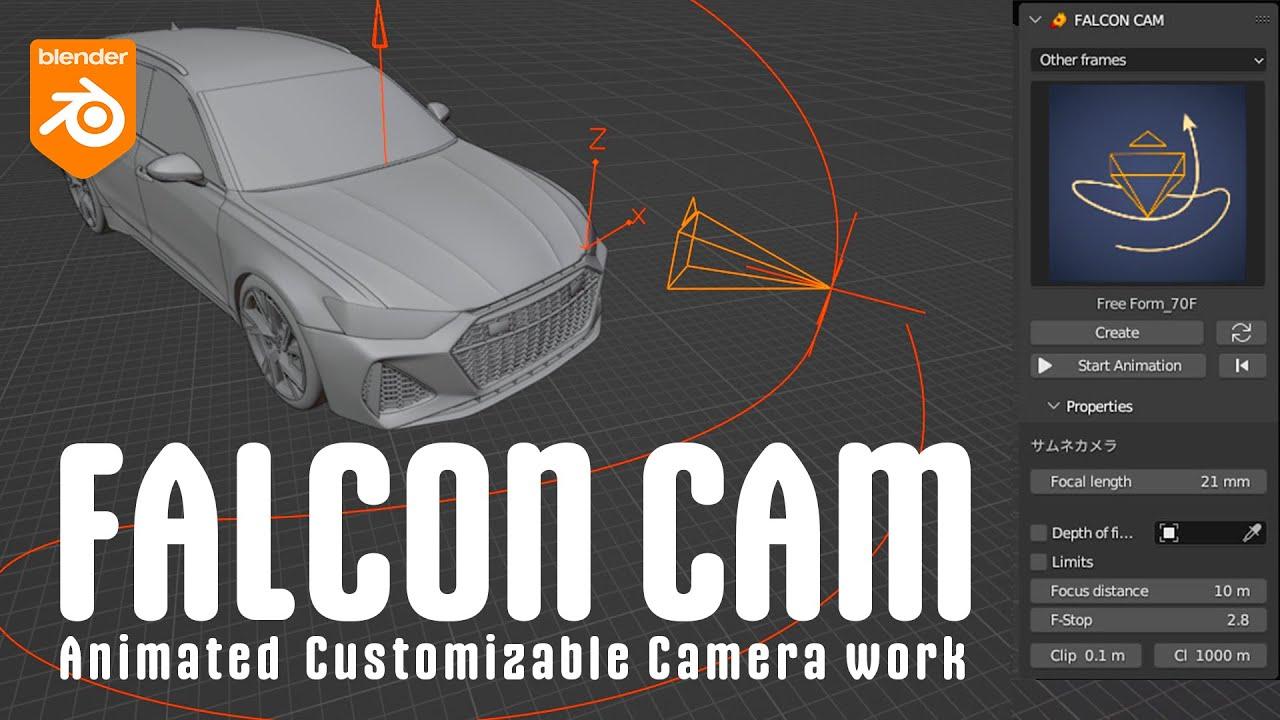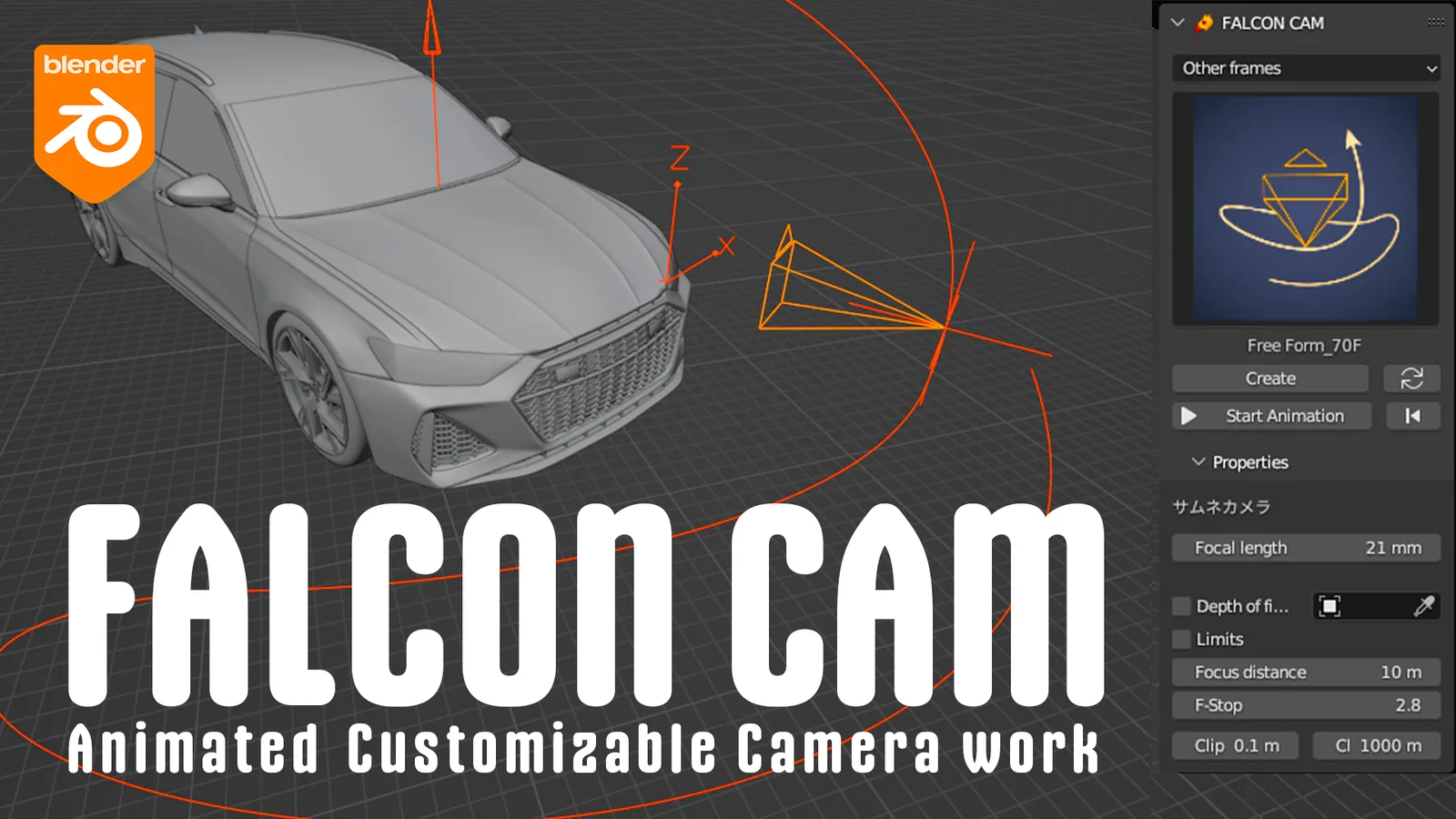
Falconcam is a Blender add-on for creating camera animation from 18 presets. Choose an animation from the add-on icon and select Create; Falconcam adds a camera animation object to the scene. Each setup includes a trajectory curve, focus, target, animation track and camera. Movement and speed are customizable, and focus and camera direction can be controlled individually.
Shape the camera move
Use the trajectory curve to change the camera path. Scale it for a broad adjustment or enter Edit mode to fine-tune its shape. Falconcam lets you control focus and camera direction individually, so you can adjust where a shot points and where it focuses as separate settings.
The tab menu includes controls for focus and clipping. To refine motion, set camera orientation with keyframes. Select an empty track to adjust animation intensity in Blender's Graph Editor, or add keyframes to the camera's Z-rotation for another motion control.
Install Falconcam
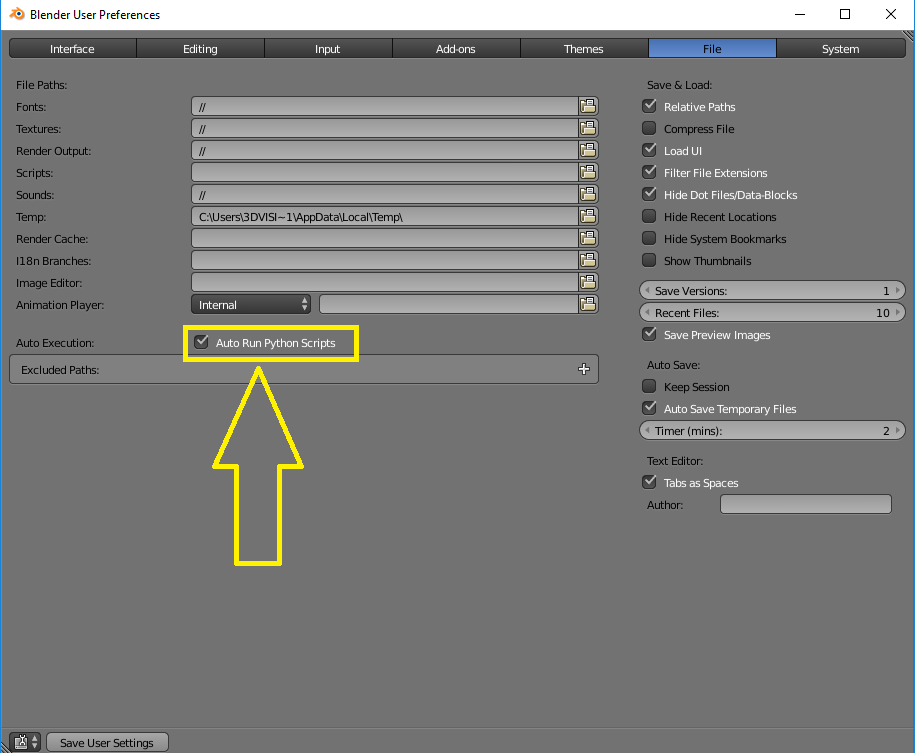
Install the FALCONCAM ZIP file from Blender's Edit menu under Add-ons. Then open the add-on details, select // under Preferences and click Refresh ALL. Once setup is complete, use the Falconcam icon to choose one of the 18 animations and click Create to add its camera animation setup to the scene.
Blender compatibility and render engines
The Superhive listing specifies Blender versions 4.2 to 5.2 and names Cycles and Eevee as render engines. Its February 11, 2026 update note says Falconcam supports Blender 5.0 and above. Check the Falconcam product listing for compatibility details for your exact Blender version before installing.
License and commercial use
The product listing identifies Falconcam as GPL and says commercial use is permitted when the asset is part of a work or production. It also permits modifying mesh data and materials, while prohibiting redistribution or sale of the asset data as-is for the purpose of supporting Blender artists' production activities. Review the listing's full license terms if you plan to distribute the asset or work based on it.