Camera FX Pro is a Blender add-on for adding cinematic camera movement and focus effects to 3D scenes. Its controls appear in Blender’s Sidebar, where effects can be applied without manual keyframes. The effects can also be stacked, so a shot can combine camera movement, timing and focus changes.
Camera movement and timing
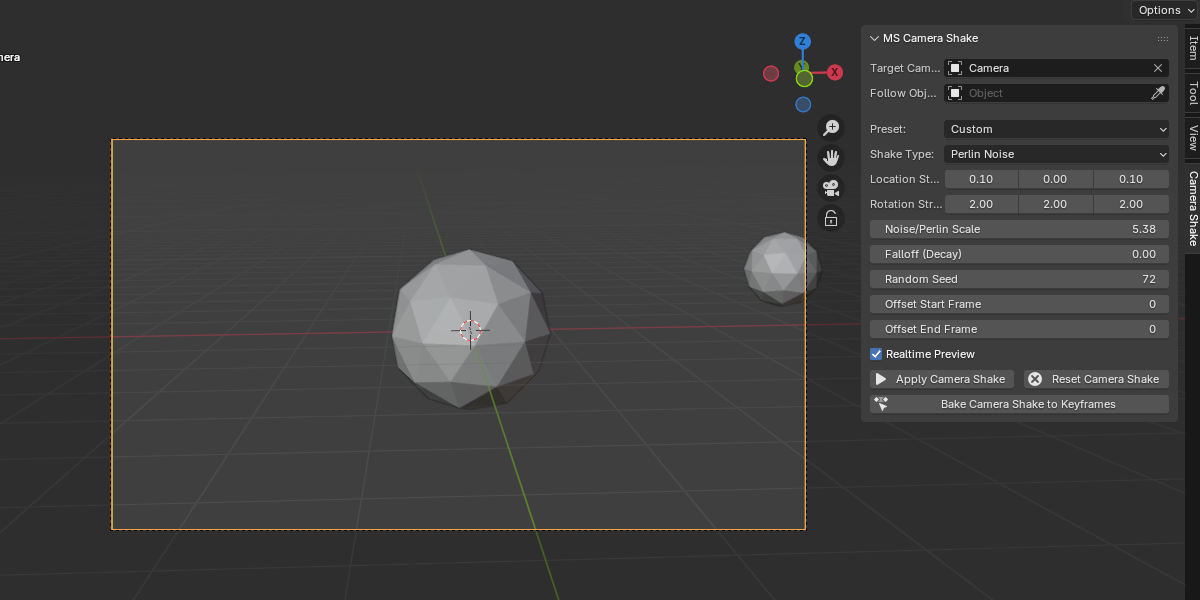
Speed Ramp accelerates or decelerates the camera within a selected time window. It can shape the pace of an action shot or transition. Camera Shake adds handheld-style movement, impacts or environmental vibration. Camera Shake has intensity, position and rotation controls; the documentation also describes position scale and rotation speed.
Zoom, tracking and focus
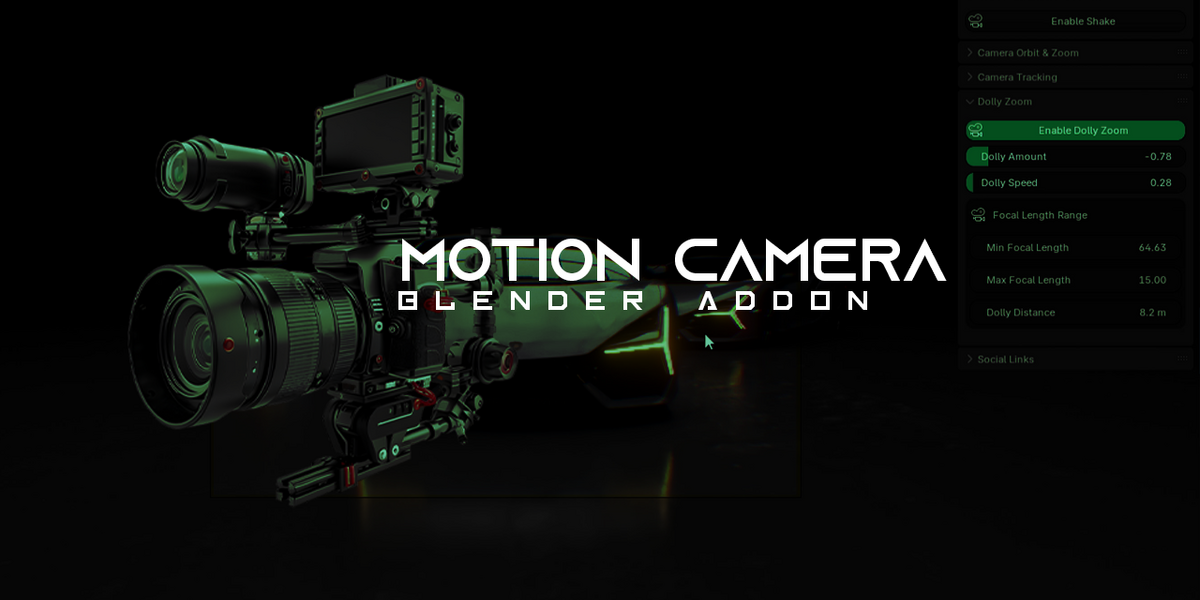
Dolly Zoom moves the camera while zooming the lens in the opposite direction, creating a perspective shift. Camera FX Pro can automatically target a subject for this effect. Camera Tracker links camera effects to an animated object and follows its motion path, which is useful for shots that follow a vehicle or character.
Rack Focus animates a focus change between two objects. Its listed controls include focus distances, f-stop depth and animation frames. Empties can target focus points or zoom references, and multiple Rack Focus effects can be chained for several attention shifts in a shot.
Applying and combining effects
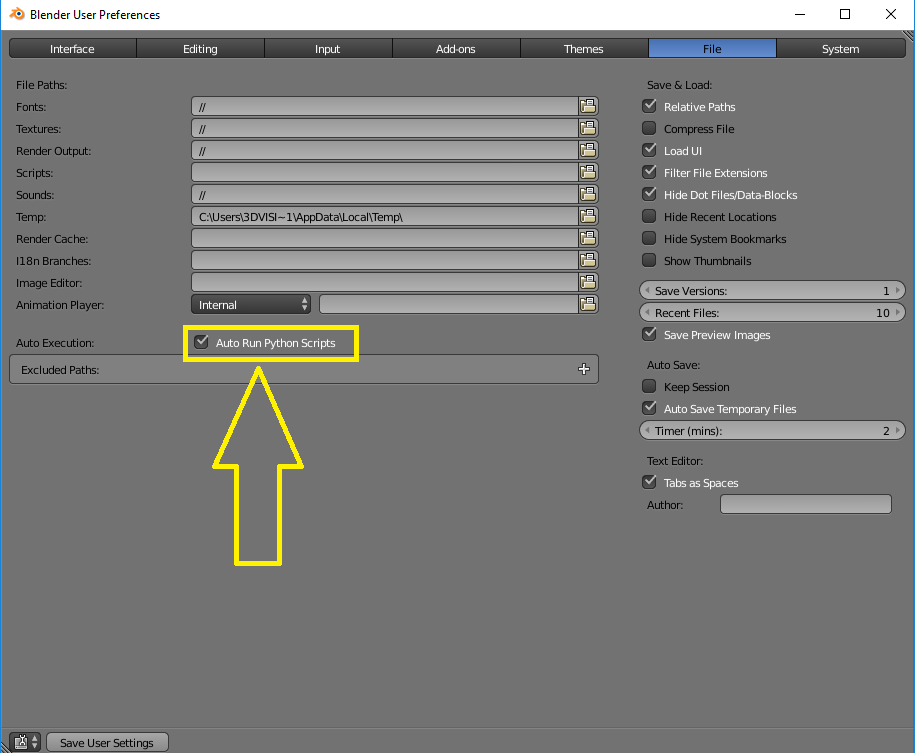
To apply camera shake, select a camera and open the Camera FX panel, typically in the Sidebar under the Camera FX tab. Click Enable Shake or choose Camera Shake from the FX dropdown, adjust its parameters, then apply the effect. A speed ramp can be combined with shake for an action sequence, while dolly zoom and rack focus can shape perspective and guide attention in the same scene. These are separate controls within the add-on, so choose combinations that fit the movement and focus changes a shot needs.
Compatibility and license details
The Superhive product page lists Blender 2.83–5.2 and a GPL license. The AnyPlugins catalog entry lists support through Blender 5.0, which differs from Superhive’s 2.83–5.2 range. Check the Superhive product page for the Blender release you plan to use.