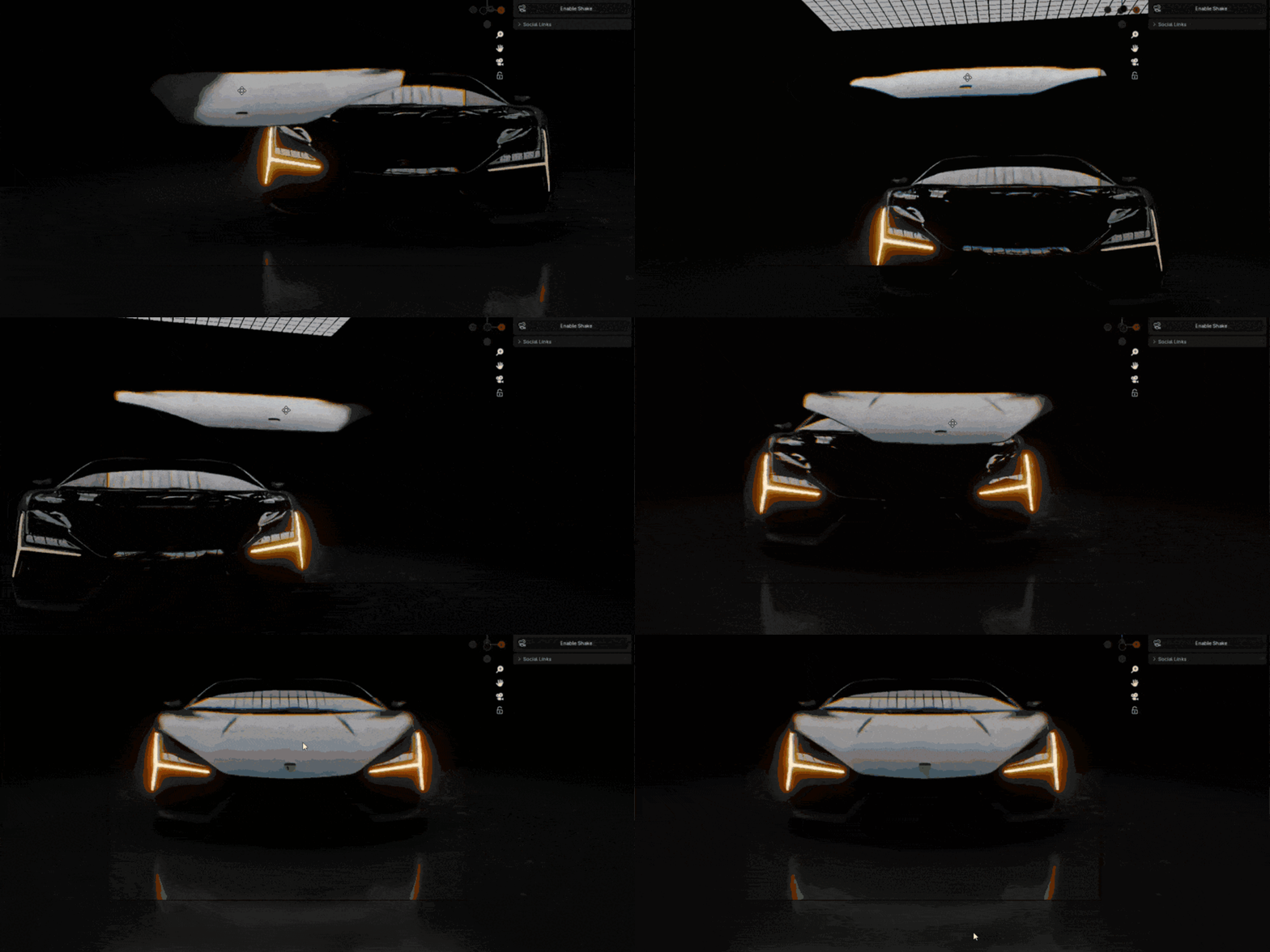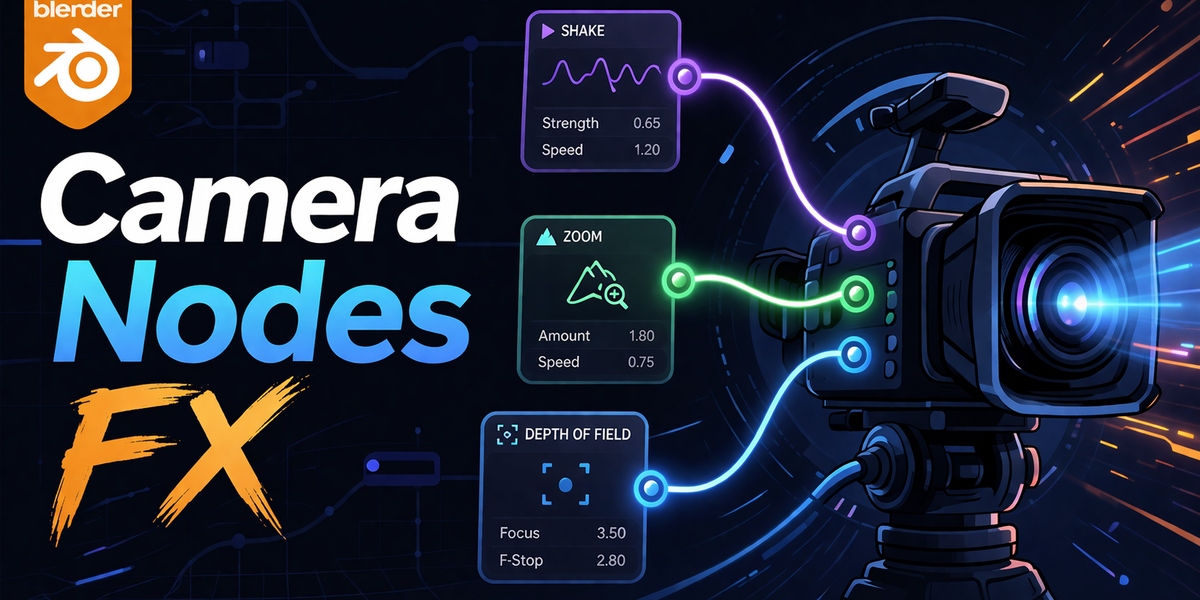
Motion Camera Addon by EdenWeby 3D is a Blender add-on for procedural camera movement. It calculates effects frame by frame, so you can preview a shot with playback, adjust controls, and toggle an effect on or off.
Camera effects and controls
- Camera shake: Choose from seven presets: Stable, Phone, Head POV, Car Chase, Rough Ride, Extreme, and Cinematic. Adjust translation and rotation independently, set amplitude per axis, and change the speed.
- Orbit and zoom: Orbit an object with adjustable radius and height, with automatic tracking during the orbit. Procedural zoom has amplitude and speed controls.
- Follow and tracking: Third-person follow includes position offsets, adjustable influence and smoothness, and optional target looking. Advanced tracking adds damping and selectable tracking and up axes.
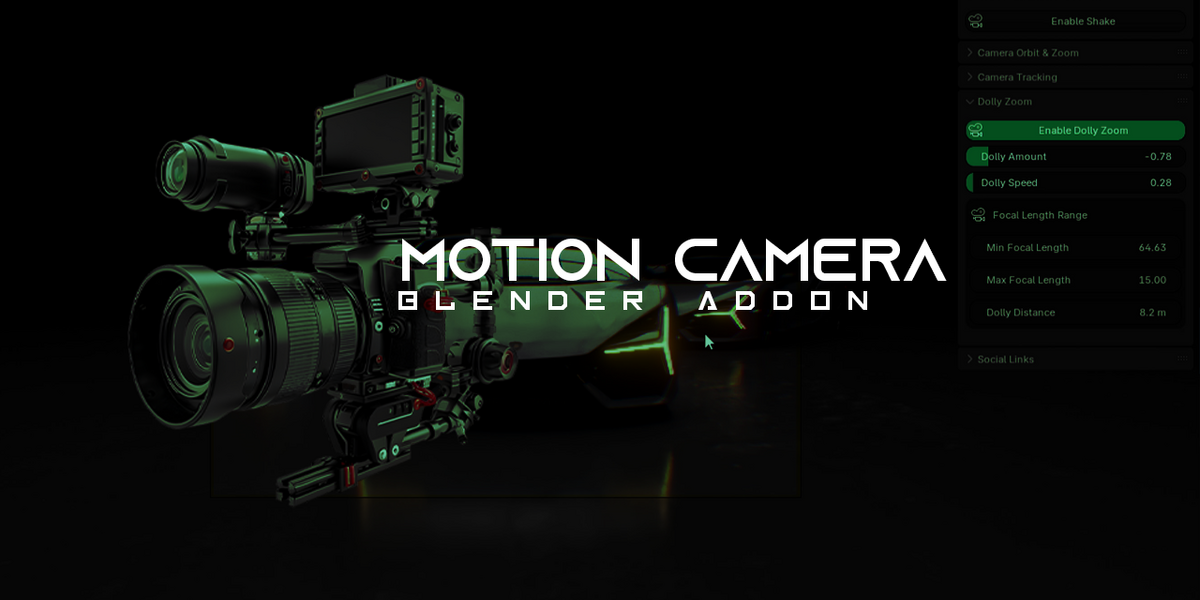
- Dolly zoom: Use a slider to adjust the effect. The add-on changes focal length automatically and provides controls for the minimum and maximum focal length and movement distance.
Preview, then bake to keyframes
Once the motion looks right, bake a procedural effect to standard Blender keyframes with one click. The product listing says baking maintains the effect details, which can be useful when sharing a scene or preparing it for rendering.
Get started in Blender
- Download the add-on ZIP and drag it into Blender.
- In the 3D View, press N and open the Motion Camera tab.
- Select your camera, enable Motion, and press Play. Choose a shake preset or adjust its parameters.
- For orbit or third-person follow, press Play, choose Orbit & Zoom or Third Person Follow, select a target object, then adjust the orbit radius and height or the follow offsets, smoothness, and influence.
- For a dolly zoom, enable the effect and adjust Dolly Amount between -1 and 1, then tune the focal-length range and movement distance.
Compatibility and setup tips
The product listing reports Blender 3.0–4.4, marks the add-on as Blender Extension Compatible, and lists a GPL license. Check the current product listing for compatibility details before installing in a newer Blender release.
- For the Cinematic shake preset, the developer suggests reducing Translation Amplitude slightly.
- For predictable orbit results, the documentation suggests setting the camera rotation mode to XYZ Euler.
- For third-person follow, start with high smoothness and lower it until the camera responds as desired.
See the Motion Camera Addon documentation for the setup steps and controls.