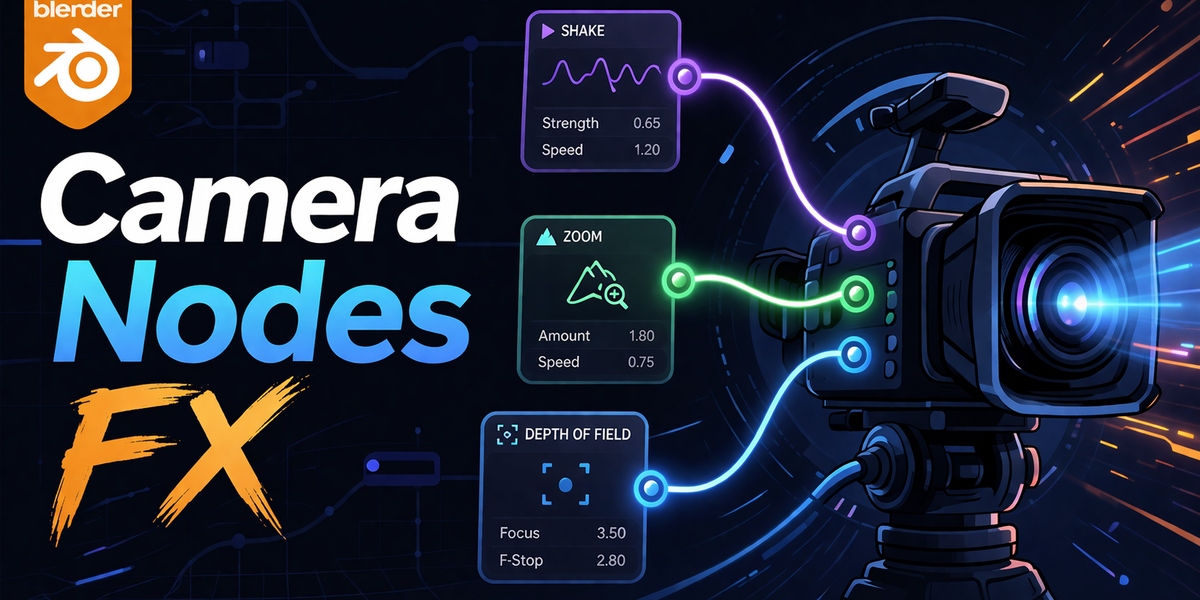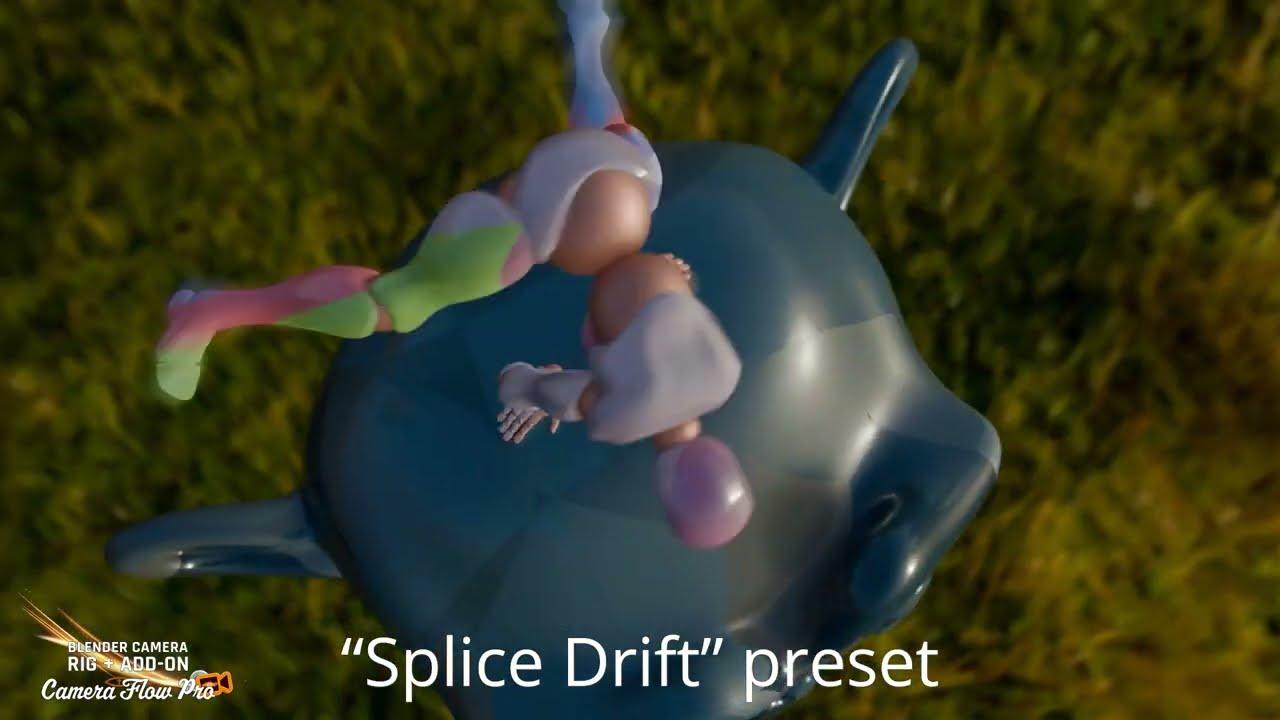
Camera Flow Pro is a Blender add-on by Coby Randal Media built around a slow-parent, damped motion rig. It smooths camera movement from flow controllers, which you can move during playback, keyframe manually, or set to follow and track a scene object.
Track, follow, and shape camera moves
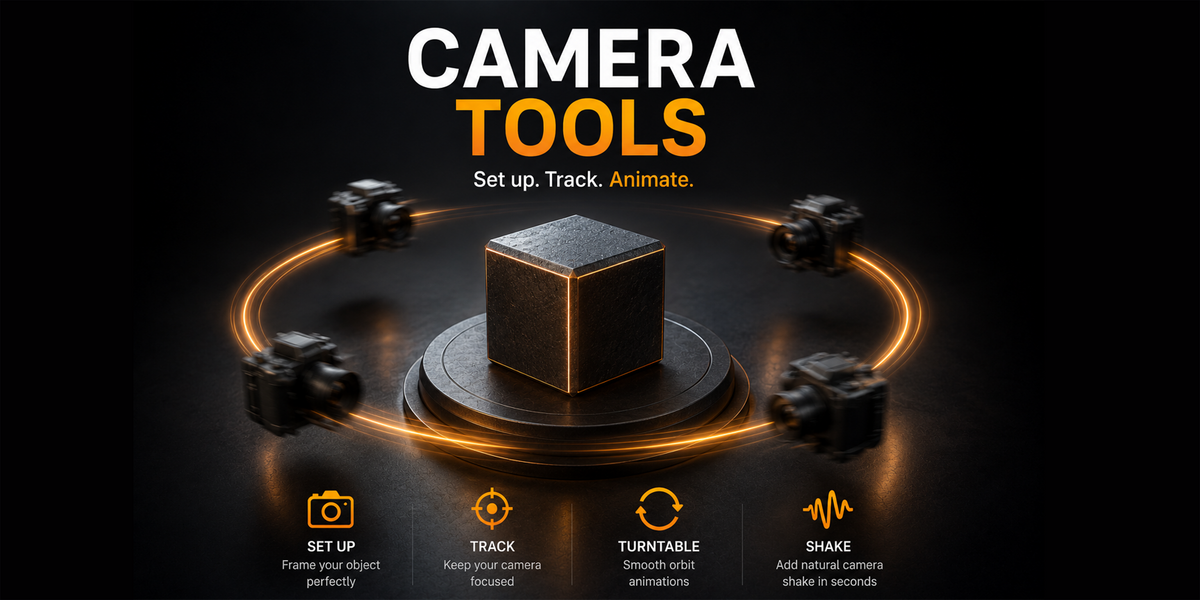
The add-on imports a rig with a sidebar panel for framing, tracking, focus, and camera movement. Tracking and following controls have adjustable speed and smoothness. The tracking settings can switch between objects of interest, and the Turnaround control creates a 360-degree orbit around a scene object.
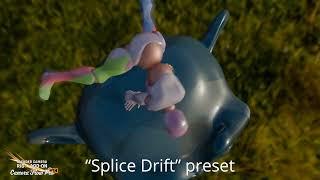
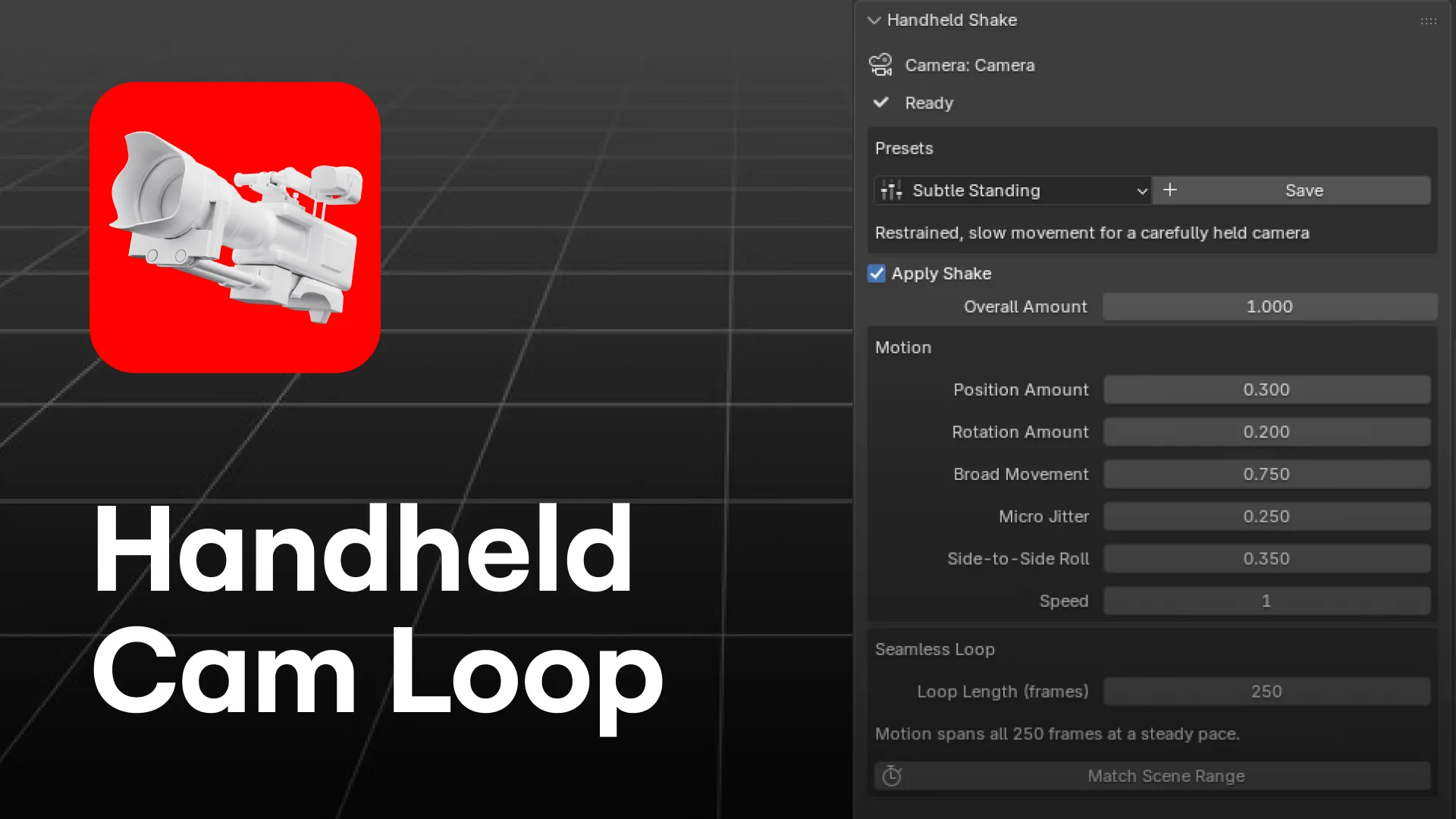
Other options include FPV framing with Walk and Fly modes, Auto Focus, camera whip, barrel roll, Dutch tilt, and procedural camera shake. Shake can loop and stretch into a motion path. These controls suit Blender artists who want to record a camera move during playback, refine it with keyframes, or use a target object to guide the shot.
Preview, cache, and bake
Camera Flow Pro uses Geometry Nodes simulations, so uncached timeline scrubbing can leave the preview out of sync. The Cache Cam control lets you cache the motion for scrubbing or rendering. The documentation says to start playback at the first Camera Flow Pro keyframe when animating its Flow controllers; when using Relations constraints, start at the first scene frame.
Bake Cam creates a keyframed copy of the camera and depth-of-field target for rendering or export to other software. Use caching or baking before rendering; the documentation warns that procedural motion can produce errors if it has not been cached or baked.
Check compatibility and rig limits
The published Blender ranges differ across the product listing and release notes. The listing describes Blender 4.2–4.5 LTS in its overview and 4.2–5.0 in its details. Notes for the CameraFlowPro_2025_12_1 release say official support covers Blender 4.2–4.5.5 on Windows and Linux, with Blender 5.0 tested; macOS is untested. Check the product documentation and current download notes for the version and operating system you use.
Multiple Camera Flow Pro rigs can exist in one Blender file, but the creator does not recommend or support running them simultaneously. Bake separate camera moves for multiple shots. Camera shake is procedural rather than physics-based.