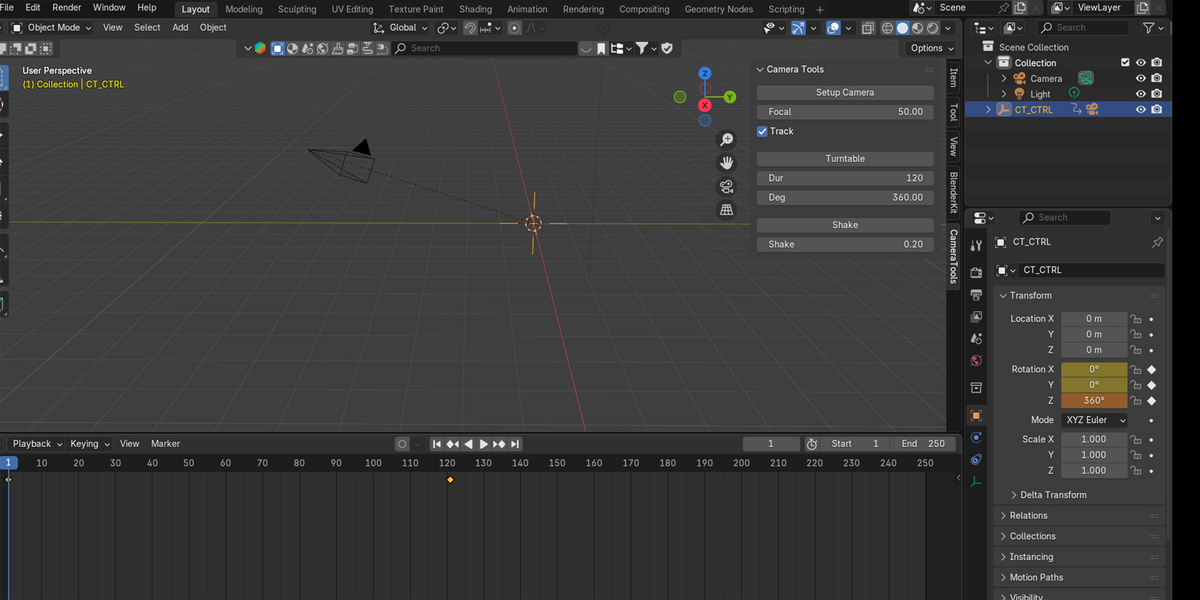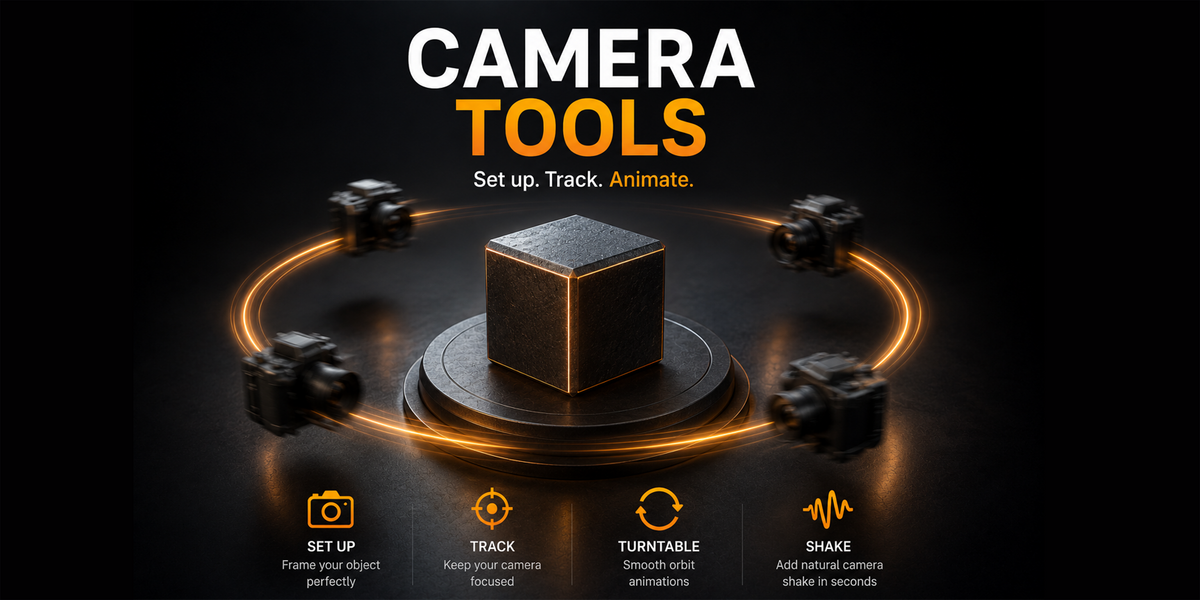
Camcontrol is a Blender add-on for quick camera setup and basic camera animation around a selected object. Its controls are in the View3D N-panel under CameraTools. Select an object and click Setup Camera; if the scene has no camera, Camcontrol creates one and positions it around the object.
Track a selected object
The Track option uses Blender’s Track To behavior. Camcontrol creates a target for the camera, and when tracking is enabled, the camera continuously follows the selected object. This is useful when the subject moves and you want the camera to keep following it.
Add turntable motion or camera shake
Turntable creates a rotation animation around the selected object using an empty controller. Set Dur to choose the animation length in frames and Deg to choose the rotation angle; the default angle is 360 degrees. Shake adds camera movement through rotation keyframes. Its intensity control changes the shake strength, and the effect runs over the specified duration.
Install and open Camcontrol
- Download the add-on ZIP file.
- With Blender 3.0 or newer, open Edit, then Preferences, then Add-ons. Choose Install and select the ZIP file.
- Enable Camera Tools. In the View3D N-panel, open CameraTools.
- Select an object and click Setup Camera. Use Track, Turntable, or Shake as needed.
Compatibility and license
The documentation lists Blender 3.0 or newer as the requirement, while the marketplace compatibility field lists Blender 3.0 through 4.5. The add-on is released under GPL v3. See the installation and feature documentation and the Camcontrol product listing for the published details.