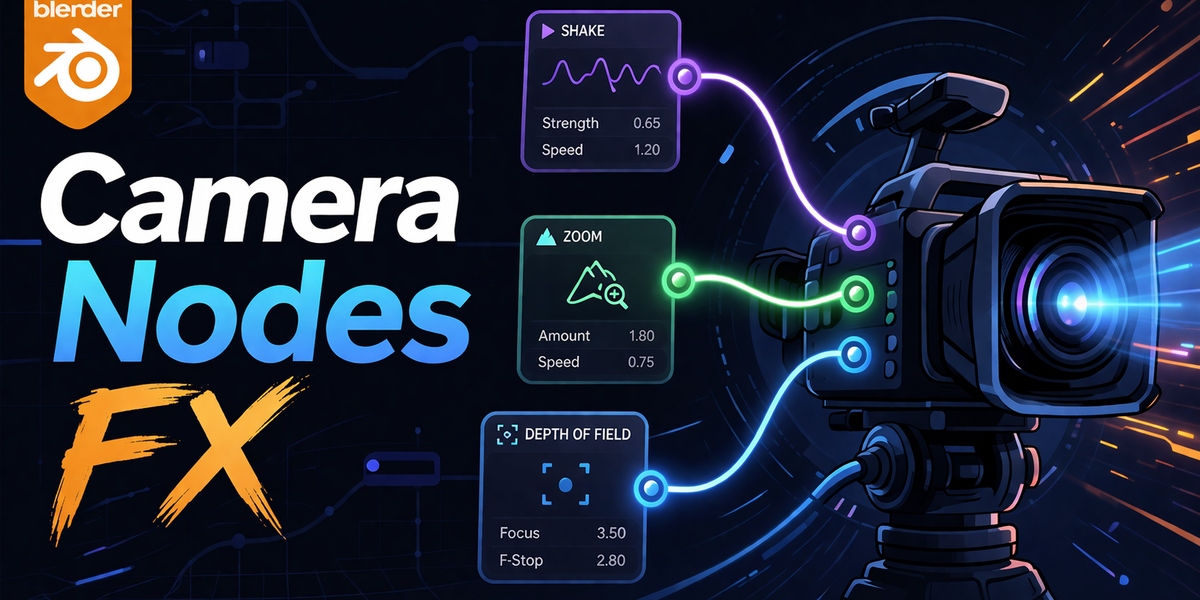
Pro Camera Tools For Blender - Realistic Cinematic Camera System is a Blender add-on for framing, focus, camera movement, exposure and render delivery. It can work with an existing camera or create one, grouping these controls in a guided sidebar for product shots, architecture, animation and cinematic scenes.
Frame and focus a shot
Adjust focal length, sensor dimensions, aperture and depth of field, with sensor presets for Full Frame, APS-C, Micro Four Thirds and Super 35. Align a camera to the viewport and lock the view for interactive framing. Composition guides, crop overlays and output-resolution presets help set up a shot for its intended frame.
For focus, select an object or click visible geometry to place a target. The add-on can create rack-focus transitions between captured A/B target positions.
Build camera movement
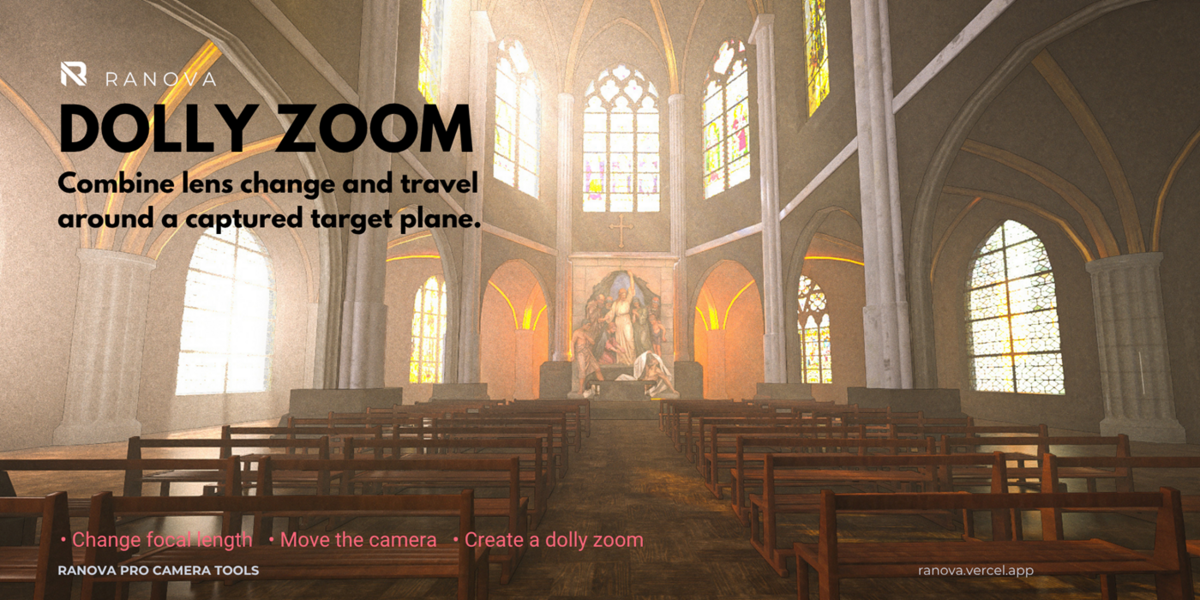
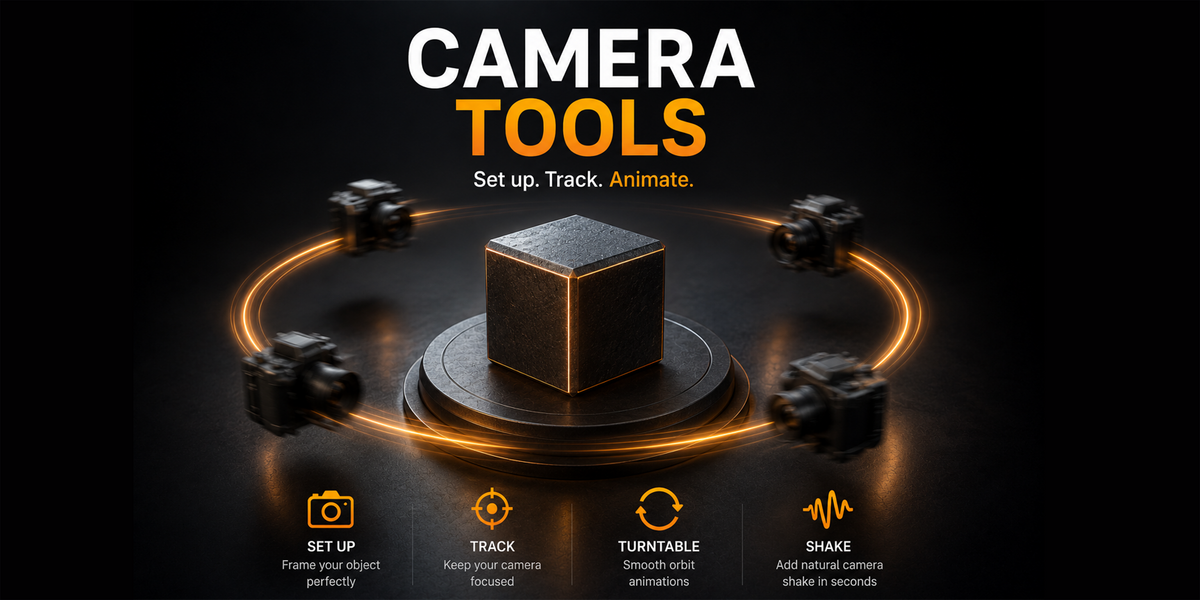
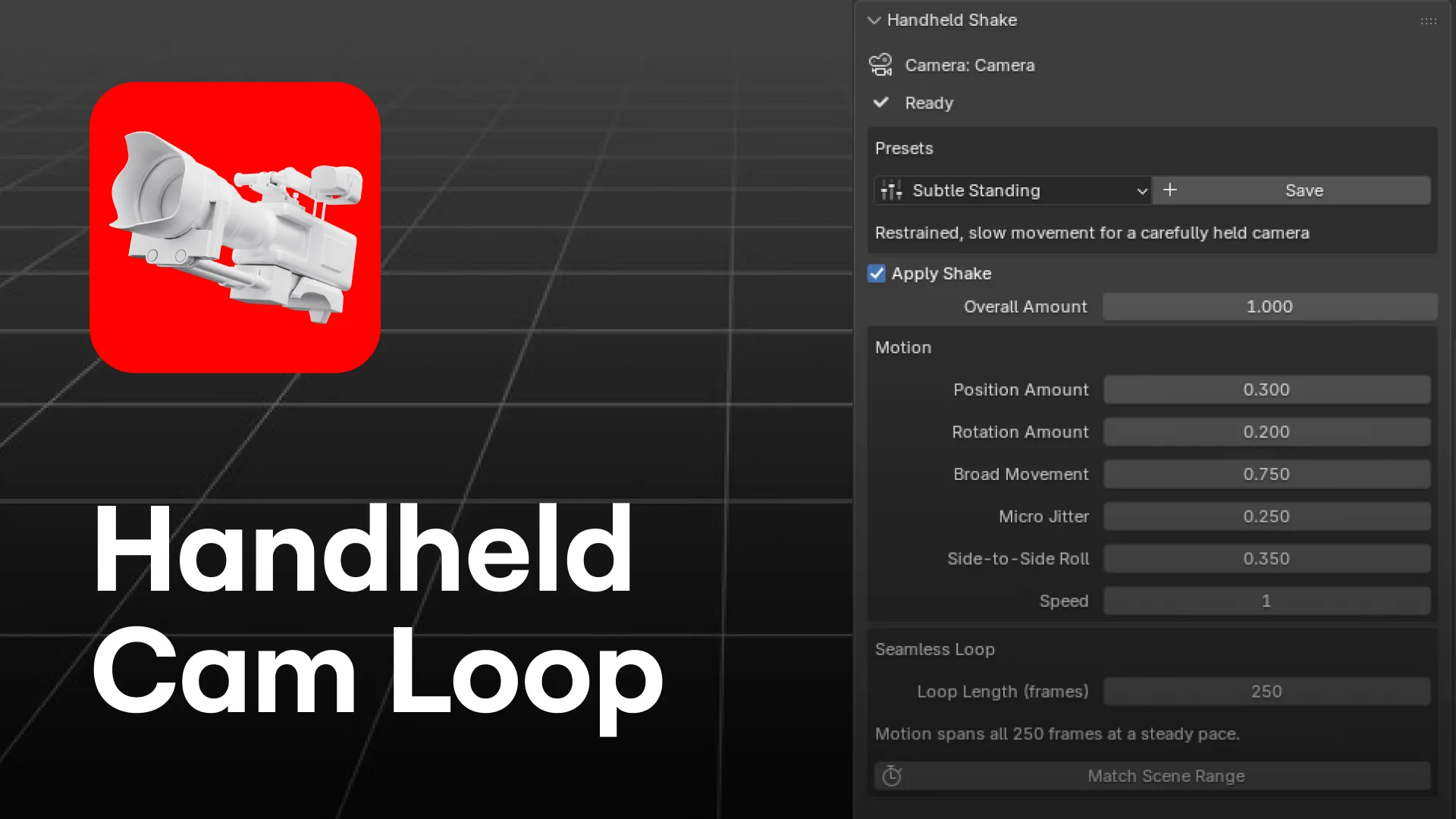
Movement options include Orbit, Dolly, Crane, Pan/Tilt and Path. Dolly Zoom is available with a suitable perspective camera. Procedural handheld shake has adjustable strength, seed and fades. You can bake movement to a new camera or export camera data as JSON.
Set exposure and inspect images
Relative exposure controls cover ISO, shutter, aperture, EV compensation and ND settings. Compositor controls can set up lens distortion, dispersion, vignette and glow.
Image inspection tools include a histogram, false colour, clipping indicators and edge-based focus peaking. The product listing describes image diagnostics and depth-of-field estimates as workflow aids, not calibrated measurements.
Manage shots and render output
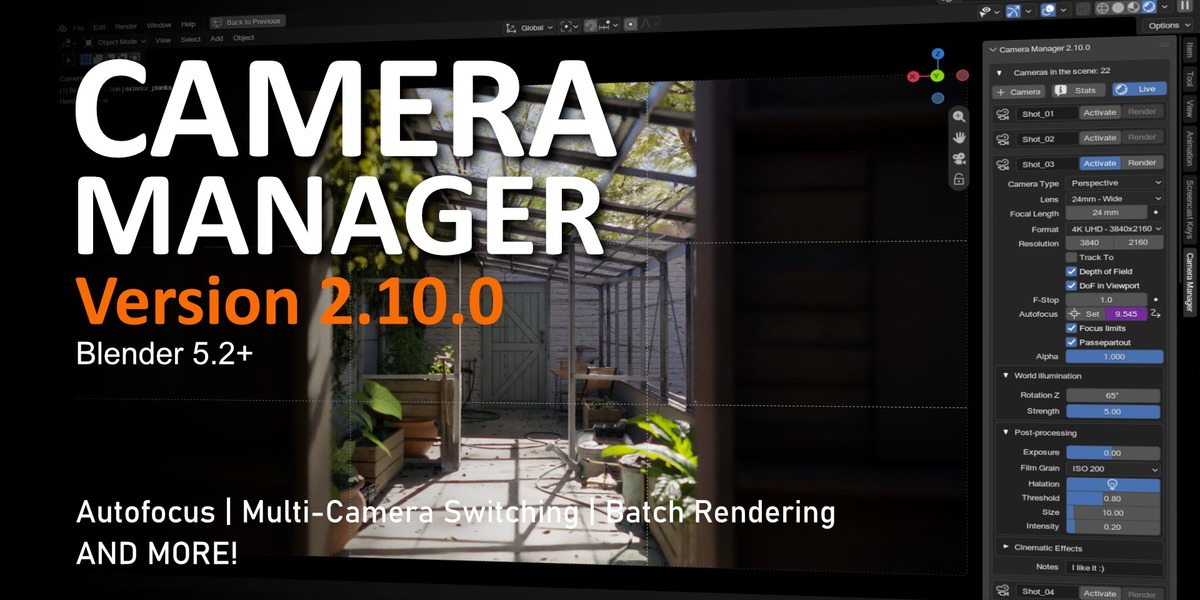
Organize a shot list with cameras, frame ranges and notes, then create camera cuts with timeline markers. The render workflow supports stills, thumbnails and image sequences in PNG, JPEG or OpenEXR. It can protect existing output files, save delivery reports and resume background rendering in supported workflows.
Encoding supported image sequences to video requires FFmpeg installed separately. Blender, scene assets and FFmpeg are not included. Render time depends on the scene and hardware.
Check compatibility and license details
The Superhive overview says Blender 5.2 or newer is required and reports testing on Windows with Blender 5.2.3 LTS. Its Details block lists Blender 3.0 to 4.5, so the version information conflicts. Confirm support with the creator before installing. The Details block also names Cycles, Eevee and Freestyle as render engines.
The Superhive product listing credits Rana Abdullah under RANOVA and lists the license as GPL. Read the GPL terms for your intended use. AnyPlugins labels the add-on free; check the Superhive listing for current price and availability.