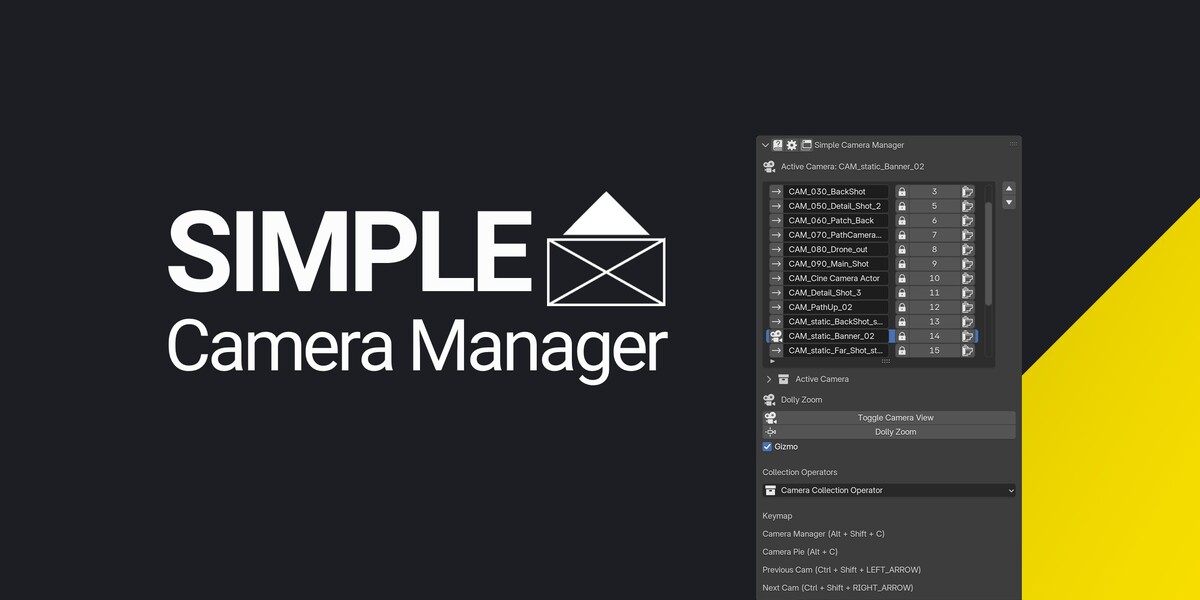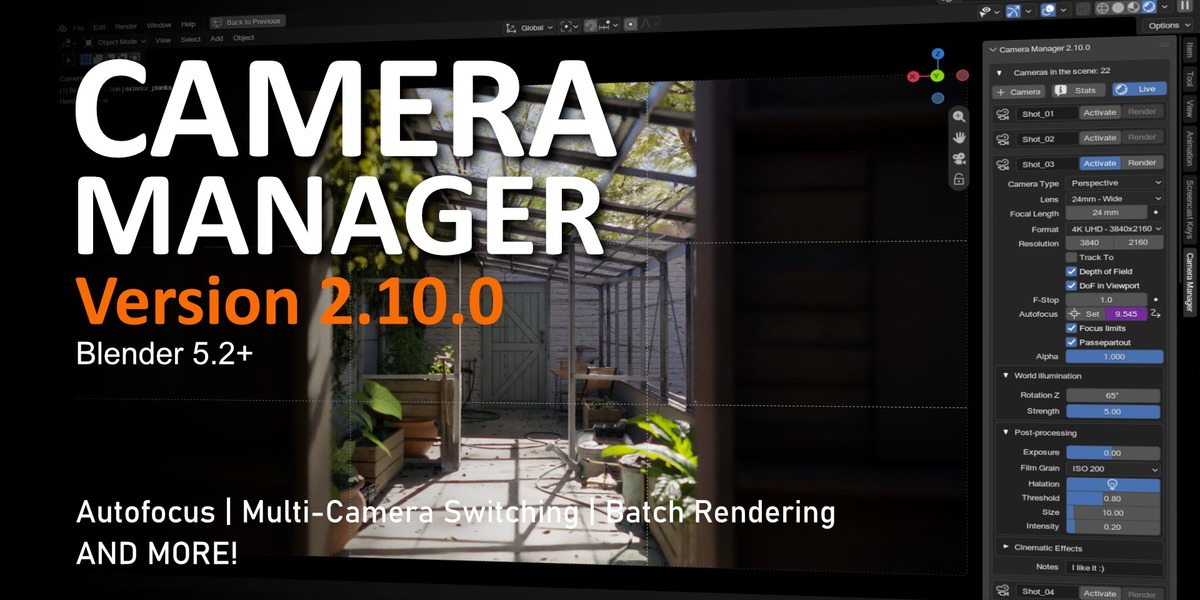
Camera Manager is a Blender add-on for scenes with several viewpoints. Its 3D Viewport panel brings camera selection, per-camera settings, animated cuts, and rendering into one workspace. The Superhive listing identifies version 2.10.0. Its release notes say this version adds halation, a red-orange glow around highlights. Check the product listing for availability and version details.
Manage camera setup and framing
From the panel, you can activate and rename cameras, then choose Perspective, Orthographic, or Panoramic type. Camera settings include exposure, depth of field, focus distance, and HDRI rotation. Lens presets cover focal lengths from 16 mm to 200 mm. Resolution presets include Full HD, DCI 4K, square, portrait, and 9:16 Story or Reel formats.
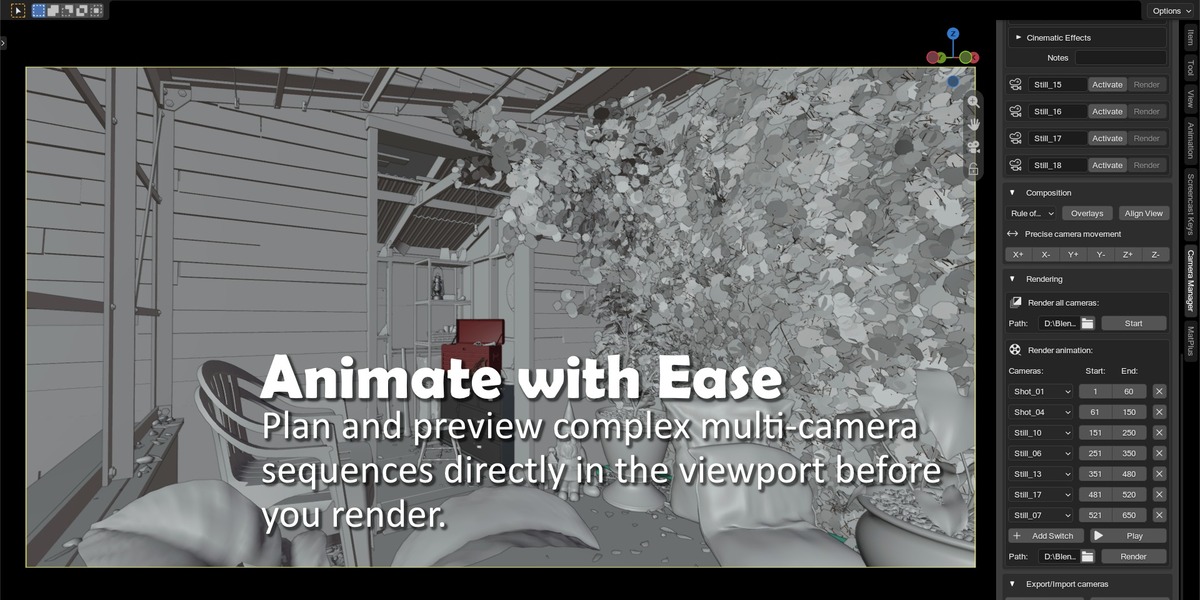
Framing tools include Rule of Thirds, Golden Ratio, center, diagonal, and other composition guides. You can nudge a camera along the X, Y, or Z axis, align it to the current view, or add a new camera from that view. For focus, the add-on has a tool that lets you choose a point in the 3D Viewport, with F-Stop and focus distance controls for depth of field.
Animate cuts and render multiple views
Camera Manager includes Dolly Zoom, Orbital Tracking, Shake Effect, and Walking motion controls. Orbital Tracking follows a target object, while Walking has adjustable movement settings. The add-on applies these camera movements through its controls, without requiring manual curve editing in the Graph Editor.
The Camera Switches system schedules cuts between cameras along the animation timeline and lets you preview the sequence. You can render every camera in a scene, or render an animated sequence that follows the programmed cuts. Batch rendering uses a selected save location, and each camera can retain its own settings.
Add effects and reuse camera setups
The film grain system uses Blender's Real-Time Compositor. It includes ISO presets from 50 to 6400, plus a custom mode for adjusting opacity, size, and seed. Camera Manager also supports JSON export and import for camera properties and settings, including lens, framing, location, rotation, and post-processing. That gives you a way to reuse a setup in another Blender file.
The Superhive listing says Blender 5.2+ in its product description, while its details section lists Blender 5.2 to 5.3. Check the listing against your installed Blender version before downloading. The details section lists a GPL license. Its documentation page links to the manual PDF, and the product FAQ covers common setup steps.