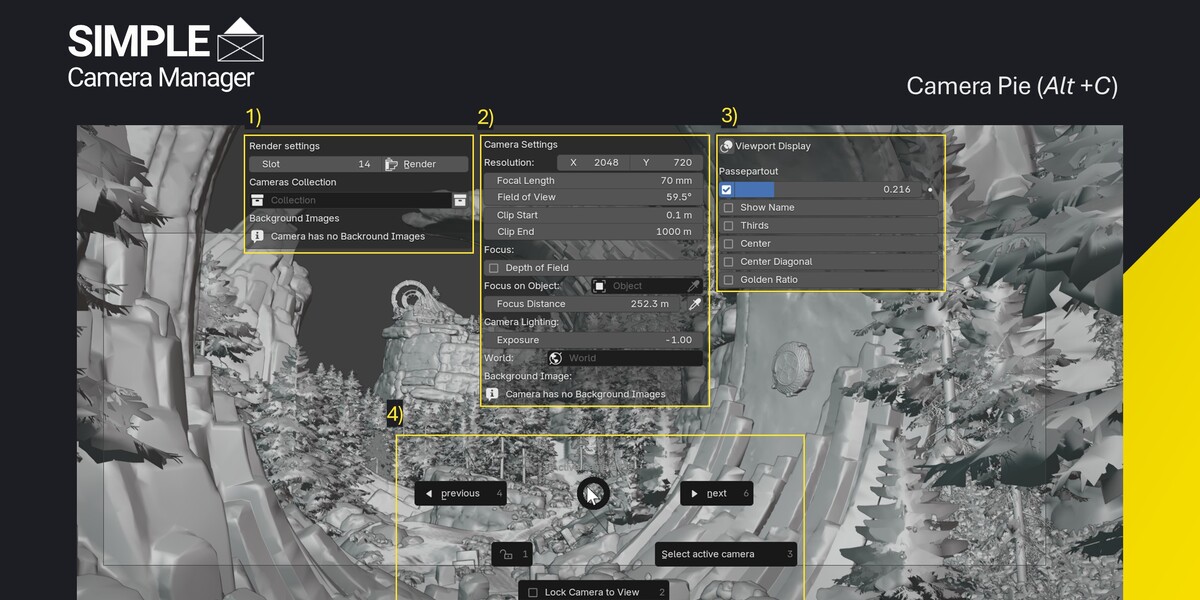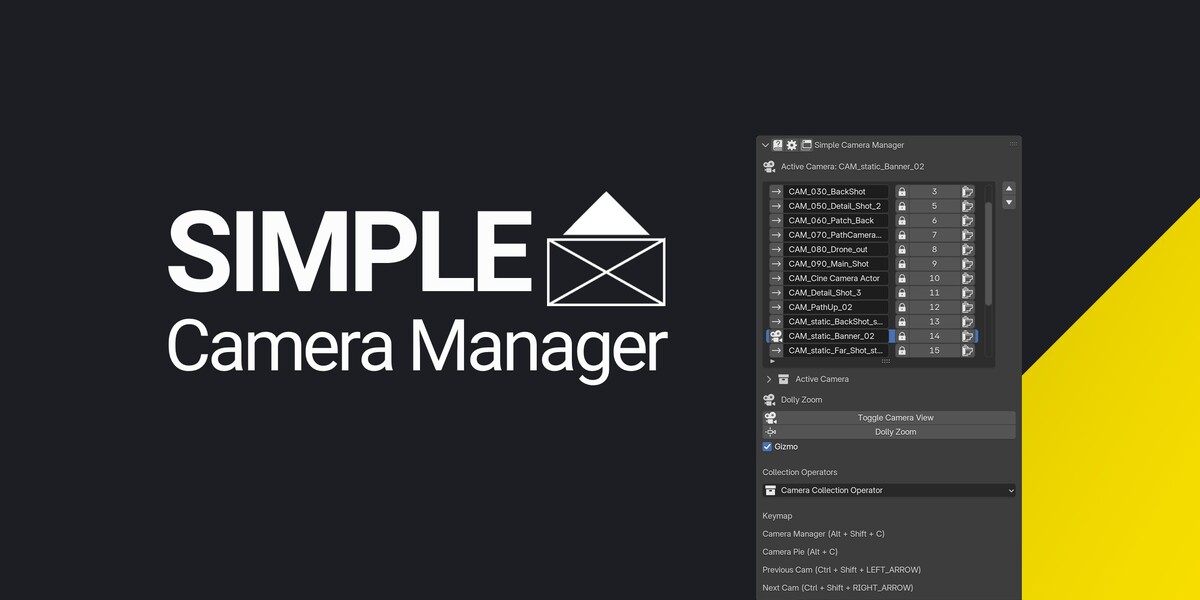
Simple Camera Manager is a Blender add-on for organizing cameras and their output settings from the 3D View. It puts a scene’s cameras in one list, with sorting and filters, plus quick switching, per-camera adjustments, batch rendering, and a dolly zoom tool. It suits scenes where several camera setups need different views or output settings.
Manage cameras from the 3D View
Sort the camera list by Active First, Collection, Focal Length, Render Slot, Resolution, or Background Image. Filters can limit the list to visible cameras or cameras selected for rendering. A spreadsheet-style panel lets you view and adjust camera settings, while the N-Panel and Camera Popup Window provide an overview of the scene’s cameras. The pie menu and N-Panel also include presets for common focal lengths and resolutions.
Switch cameras with the default Ctrl + Shift + Left/Right Arrow shortcuts or through the add-on panels. Hotkeys are customizable in preferences. Passepartout frames appear blue for locked cameras and red for viewport-linked cameras; you can change those colors in preferences. The add-on can also lock or unlock all camera transformations and organize cameras into collections.
Keep output settings with each camera
Each camera can have its own resolution, world material, exposure value, and render slot. The Resolution Overwrite toggle controls whether a camera’s resolution changes when you switch to it. Assigning different render slots to cameras helps keep one shot from replacing another, so you can compare renders side by side.
Render multiple views and adjust a shot
Batch rendering handles multiple static cameras with different settings. It uses the current scene frame for every camera, and the render view shows progress as each render runs. This can help when preparing several angles for a presentation or outputs at different resolutions.
The Dolly Zoom tool moves the camera closer to or farther from the subject while adjusting the zoom angle to keep the subject the same size. A reference-plane gizmo marks the plane to keep in focus, and modal hotkeys adjust the effect by distance or focal length.
Work with background images
Background image controls in the 3D View let you toggle visibility, adjust opacity and render order, and set camera resolution from the image. Switching cameras can also switch between image planes with different resolutions. This setup supports modeling from real-world photo references, with Dolly Zoom available to help match the camera’s focal length to an image.
Who may find it useful
Simple Camera Manager may suit artists preparing alternate angles for client presentations, producing marketing materials at different resolutions, modeling from reference photos, or building architectural visualizations with interior and exterior views.
Compatibility and documentation
The Superhive product page lists Blender 4.2–5.1, marks the add-on Blender Extension Compatible, and lists a GPL license. Check the current listing for compatibility and license details. The product documentation includes sections on the overview, interface, Dolly Zoom, and release notes.