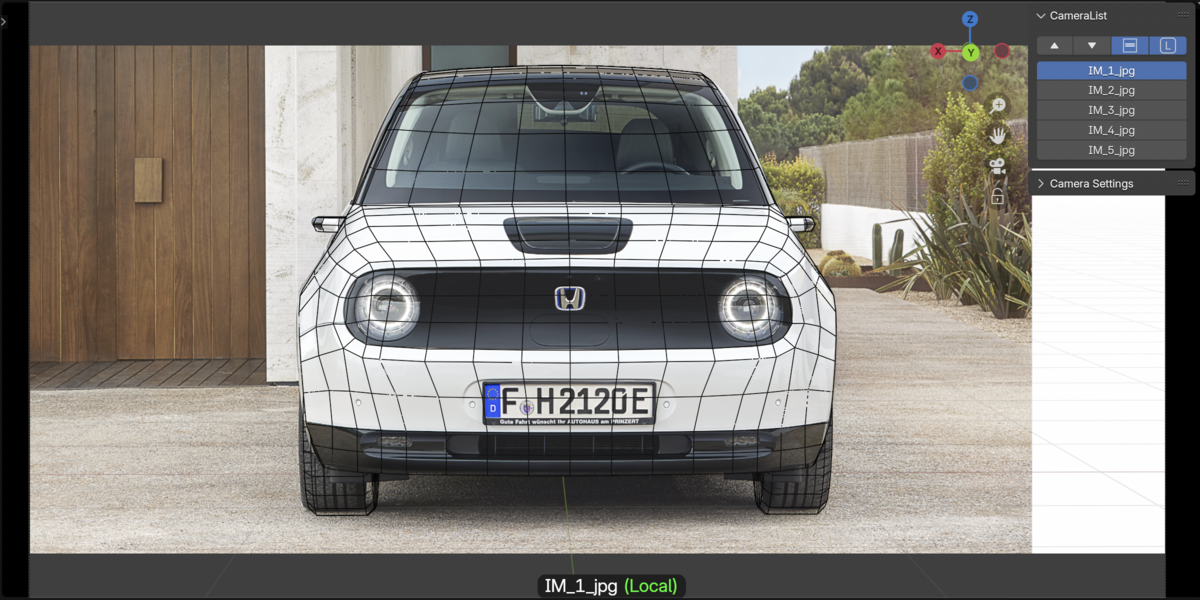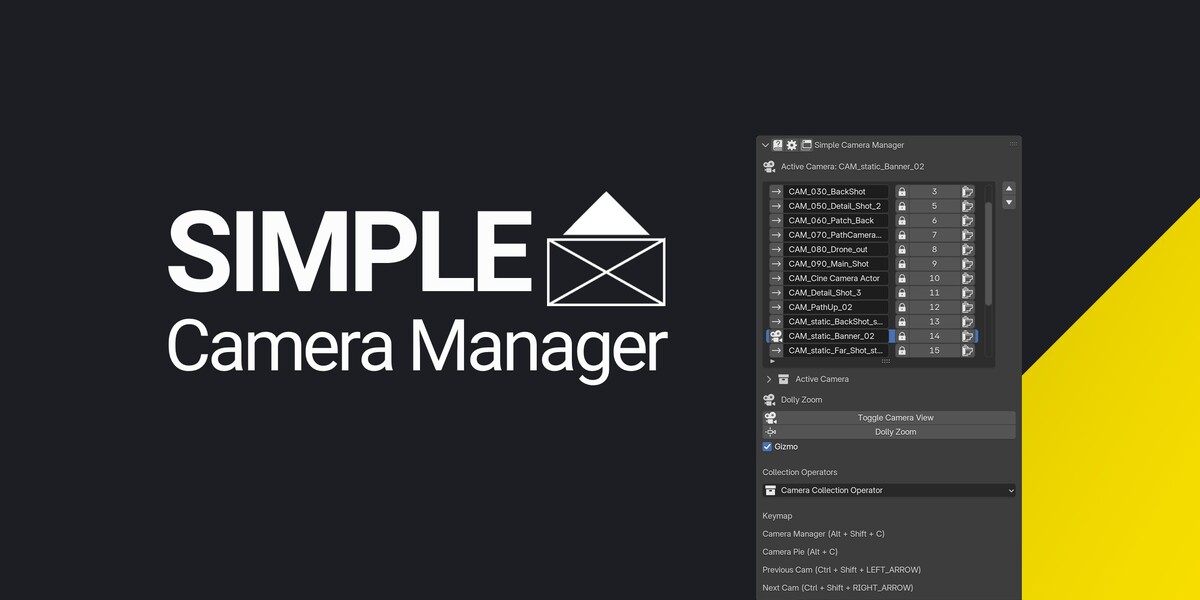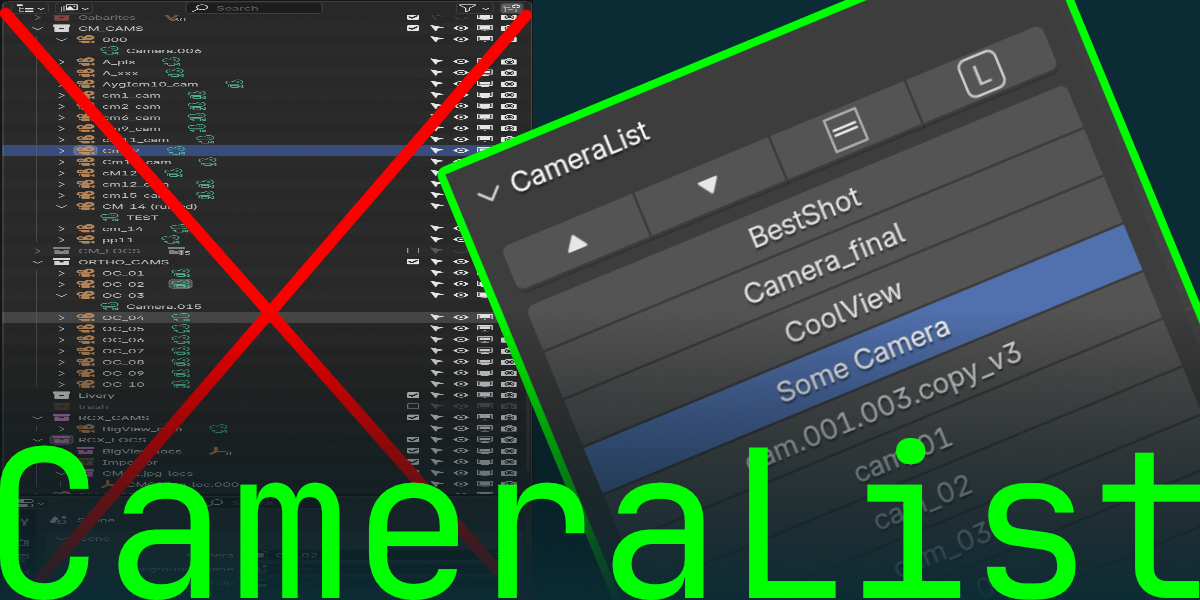
CameraList is a Blender add-on for working with scenes that contain multiple cameras. Its panel in the viewport sidebar lets you see the scene camera list, switch cameras, and when the viewport is in camera view, check which camera is active without navigating to the Outliner or camera properties.
Choose a camera or cycle through the scene
Click a camera in the list to make it current for the scene or local viewport. When the viewport is in camera view, the panel shows the current camera name and indicates whether it is the scene or local view camera. A local view control is also available in the sidebar.
For repeated switching, use the Next and Previous operators to move through the cameras. You can assign those operators to your own keyboard shortcuts; CameraList does not add preset shortcuts. Cameras disabled in the viewport, indicated by the monitor icon in the Outliner, are omitted from the list.
Adjust camera and background settings
The Camera Settings panel provides access to the current camera's name and background image options. The documented controls include clip start and end, image frame method, and passepartout. The Copy Settings to All Cameras operator applies the current camera's settings to every camera in the scene, which can help when imported cameras need consistent settings.
CameraList also includes a Load Camera Backgrounds operator. Choose a folder and it matches image names against camera names in the Blender scene, then loads matching images as camera backgrounds. The developer describes this feature as designed for Reality Capture, while noting that it can be used in other cases where camera and image names match.
Compatibility and license
The Superhive listing identifies CameraList as a GPL-licensed add-on, marks it compatible with Blender Extensions, and lists Blender 4.4. Treat 4.4 as the Blender version shown on the listing; for another release, check the developer's current compatibility information before installing. The CameraList documentation describes the panels and operators in more detail.
CameraList is suited to Blender users who need to move among several scene cameras, adjust camera backgrounds, or apply the same camera settings across a scene.