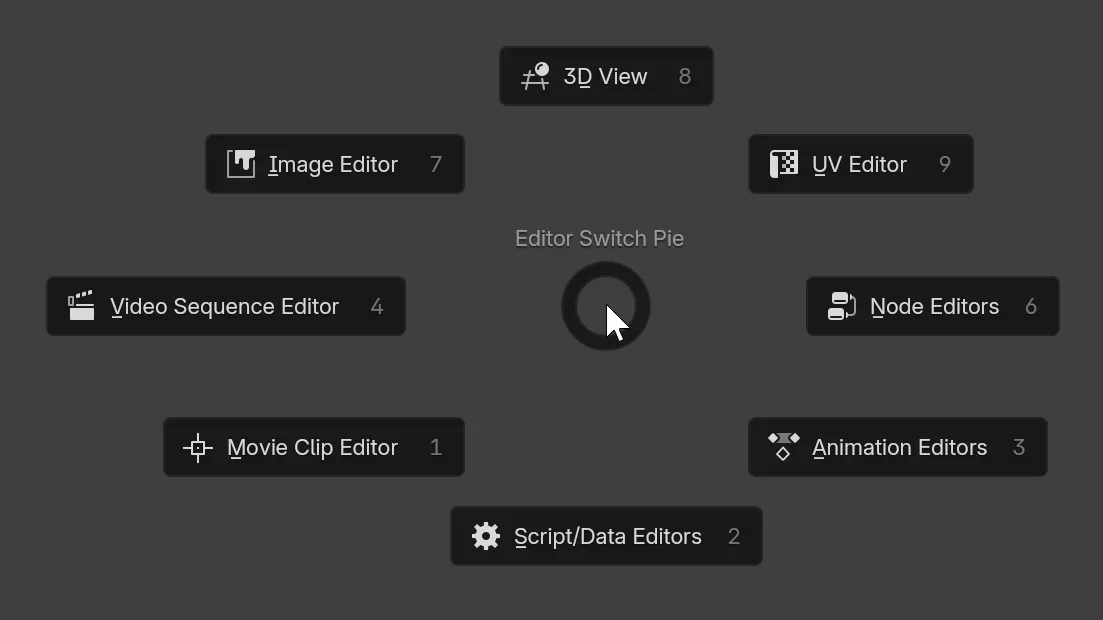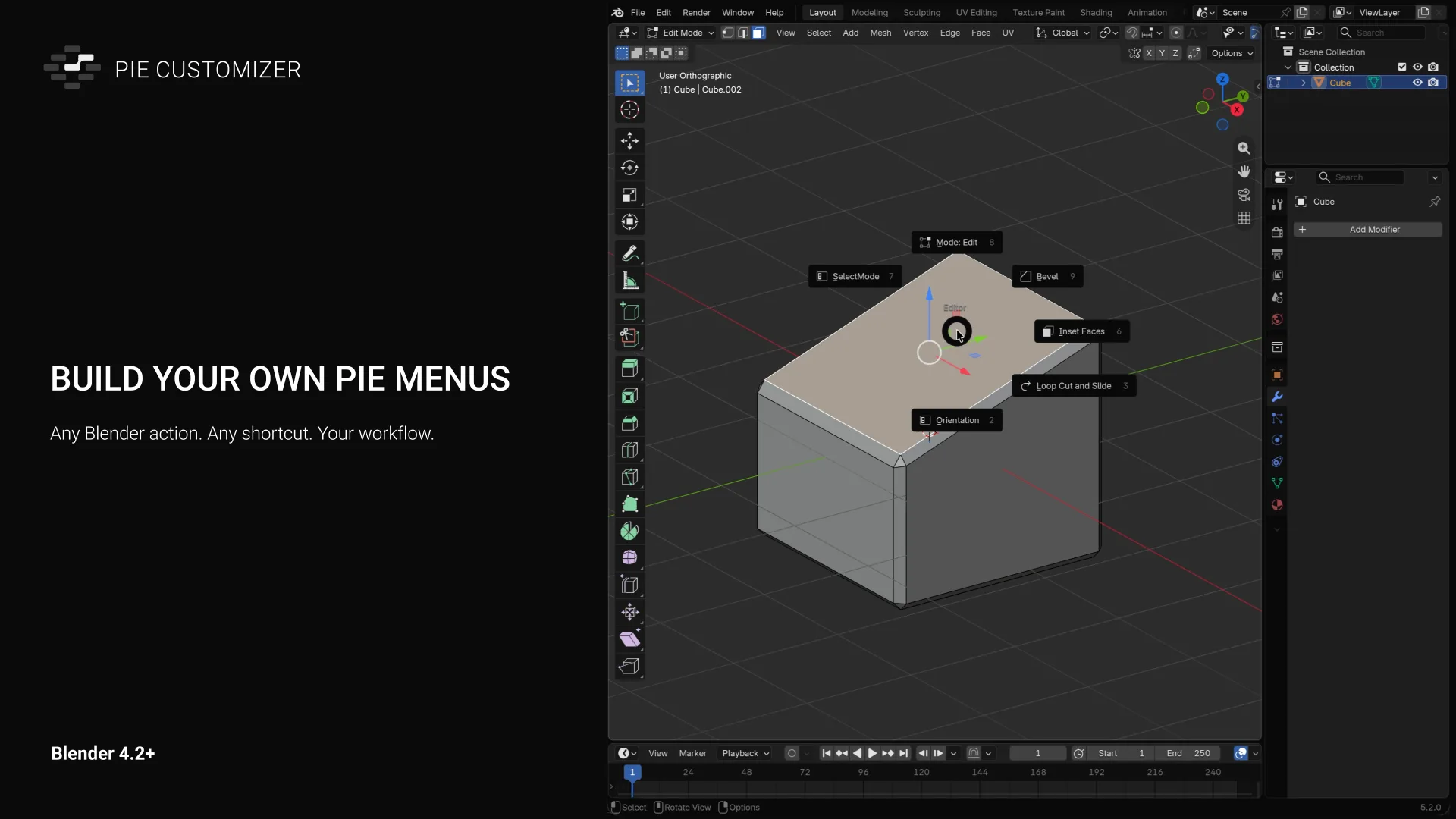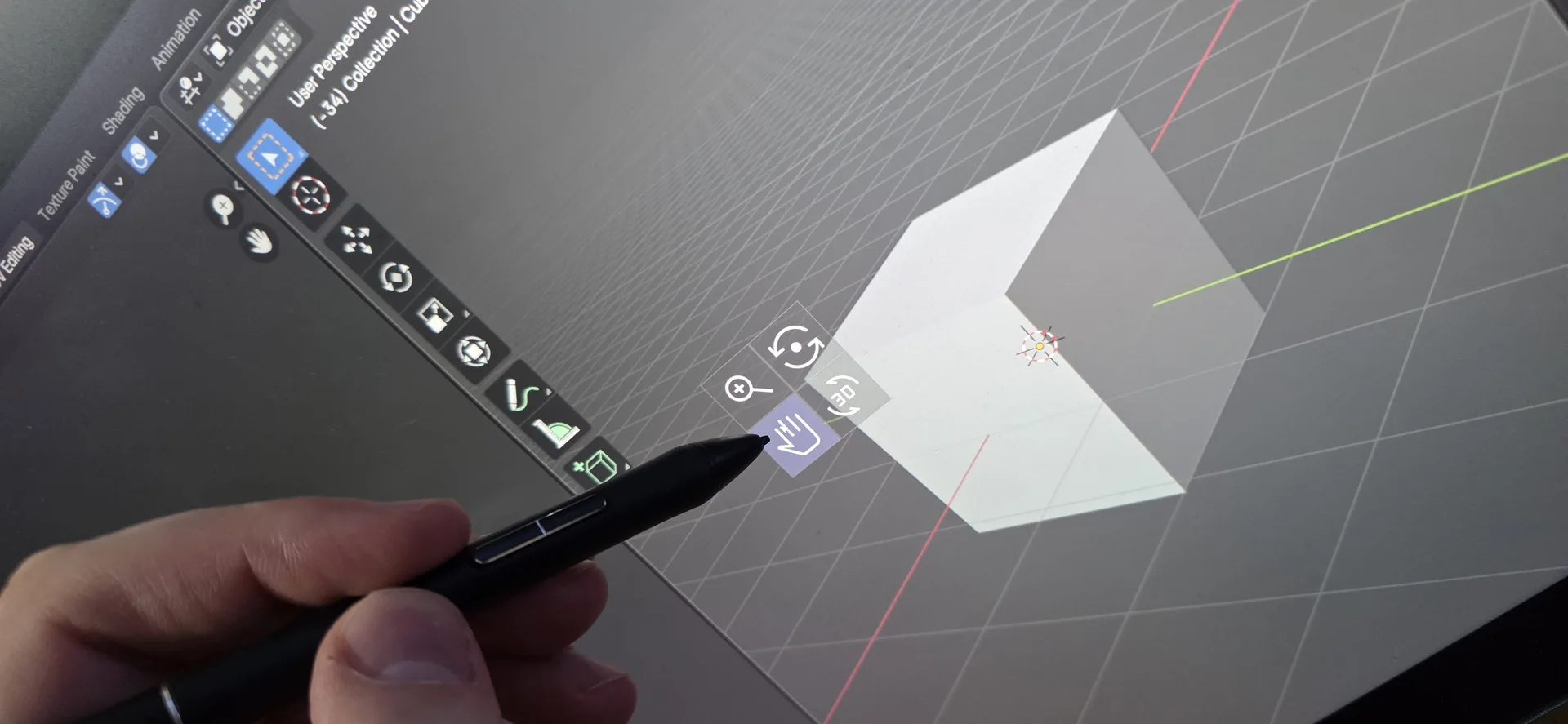
3D Viewport Pie Menus is a Blender add-on with gesture-based pie menus for object, pose, animation, camera and selection tasks; some menus add operators. The current Blender Extensions record lists version 1.7.6, Community as maintainer, and compatibility from Blender 5.0.0 up to, but not including, 6.0.0.
What it adds to Blender
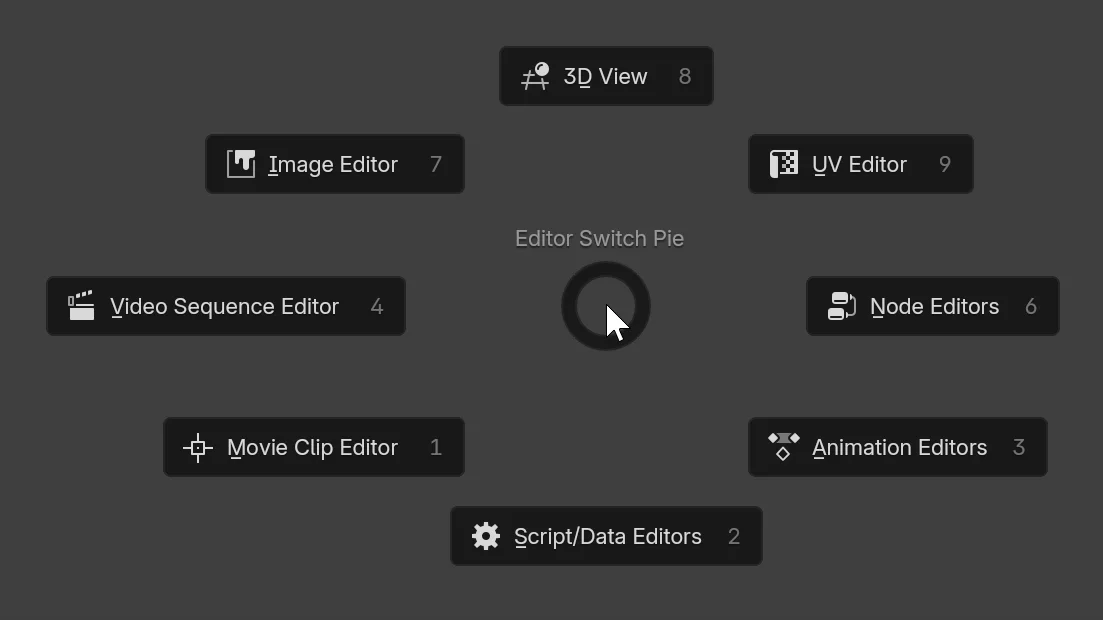
Pie menus arrange related commands around the pointer. In Object and Pose modes, Copy Pie copies properties, transforms, modifiers and constraints from the active object or bone to selected items, including drivers. The animation-editor pies set Keyframe Type (Dopesheet only), Handle Type, Interpolation Mode and Extrapolation Mode. The Camera Pie includes a Depth of Field toggle and an F-Stop slider. Select Similar works in Object and Pose modes and in Mesh Vertex, Edge, Face and Armature Edit modes. Some menus open only on a drag: Ctrl+S plus a drag opens the File Pie, while tapping Ctrl+S saves the file. Each menu has a default shortcut that you can change or disable in add-on preferences. Shortcuts do not auto-adapt to non-QWERTY layouts, so users on those layouts may need to customize them. The project documentation lists menu behavior and shortcuts.
Version and compatibility
Version 1.7.6 lists Blender 5.0.0 as the minimum and 6.0.0 as the exclusive upper bound. For Blender 4.x, check the version history for an earlier compatible release; the listing marks Blender 6.0 and later unsupported. Review the official extension listing for compatibility details for another version.
License and file access
The add-on uses the GNU General Public License v3.0 or later. Its declared Files permission is used to load brush icons from disk.
Installation
In Blender, open Edit > Preferences > Extensions, search for 3D Viewport Pie Menus, and select Install; or download the package from the Blender Extensions listing, then choose Install from Disk. You can also drag and drop the extension into Blender. When creating a Custom Keymap Configuration, disable this add-on and any other add-ons that create hotkeys first; otherwise those hotkeys will be duplicated and stuck, breaking the configuration.