Advanced Align View
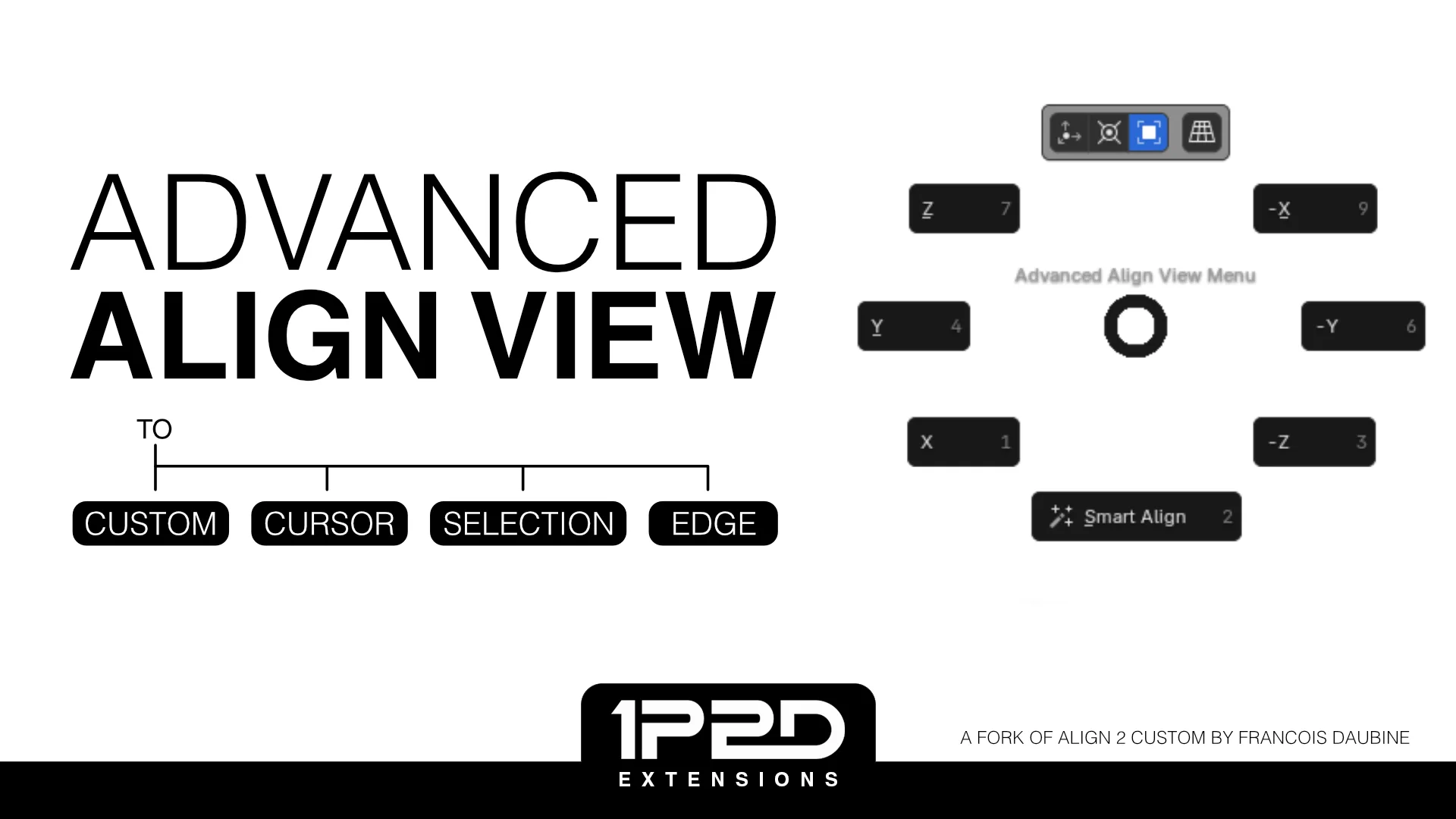
Align Blender's 3D View to selected geometry for precision modeling. Advanced Align View by 1P2D supports Blender 4.2.0 and later.
Developer listing
16 tools attributed to this developer in the catalog.
Align Blender's 3D View to selected geometry for precision modeling. Advanced Align View by 1P2D supports Blender 4.2.0 and later.
Copy Relative Transform restores Blender object transforms relative to a viewport or reference object, with independent Location, Rotation, and Scale controls.
Enhanced Output is a Blender add-on for separate image and video paths; with both outputs enabled, it renders once, then encodes video from frames and scene audio.
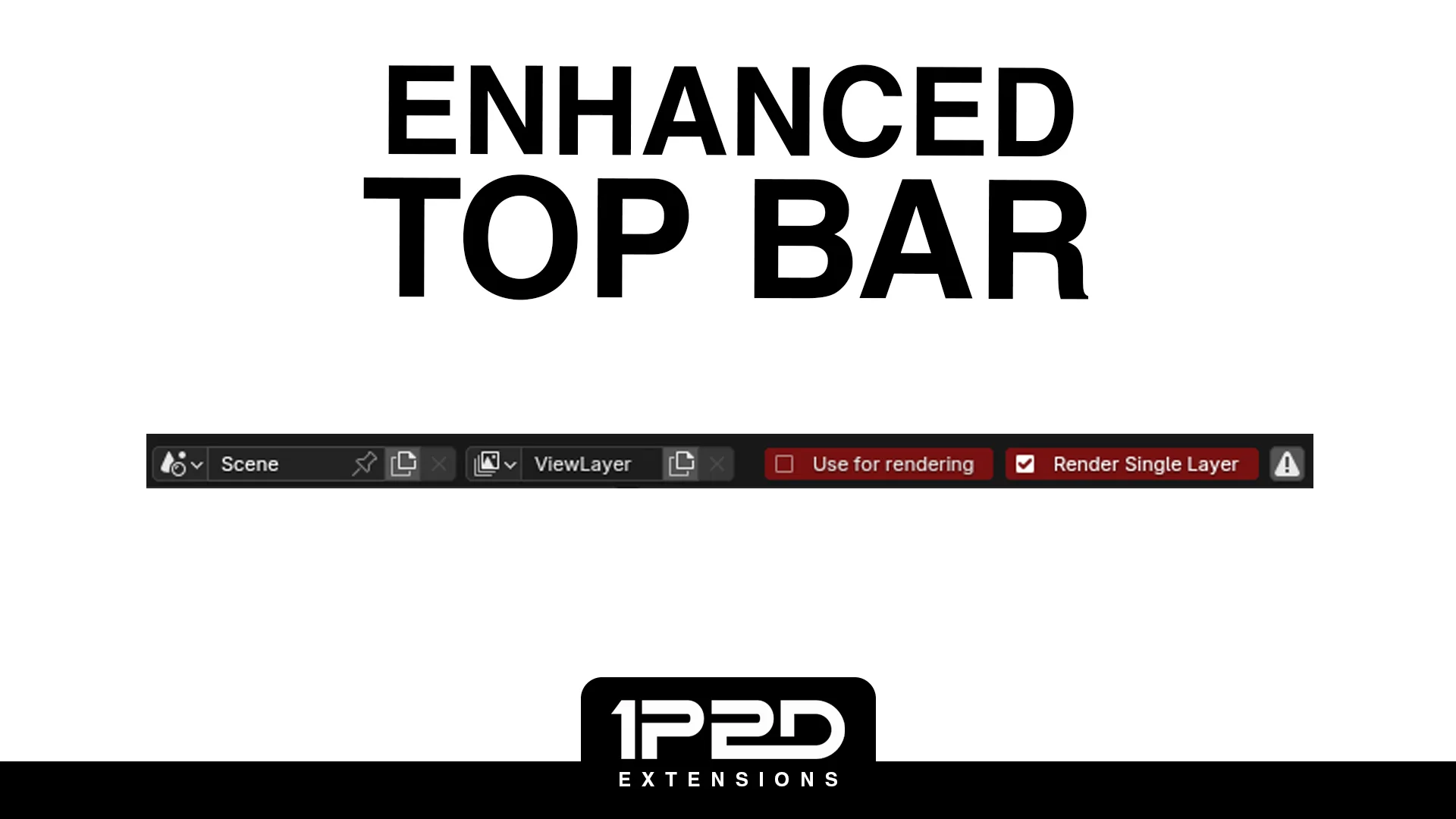
Enhanced Top Bar puts View Layer rendering controls in Blender's Top Bar and flags non-standard settings. Check version support and installation details.
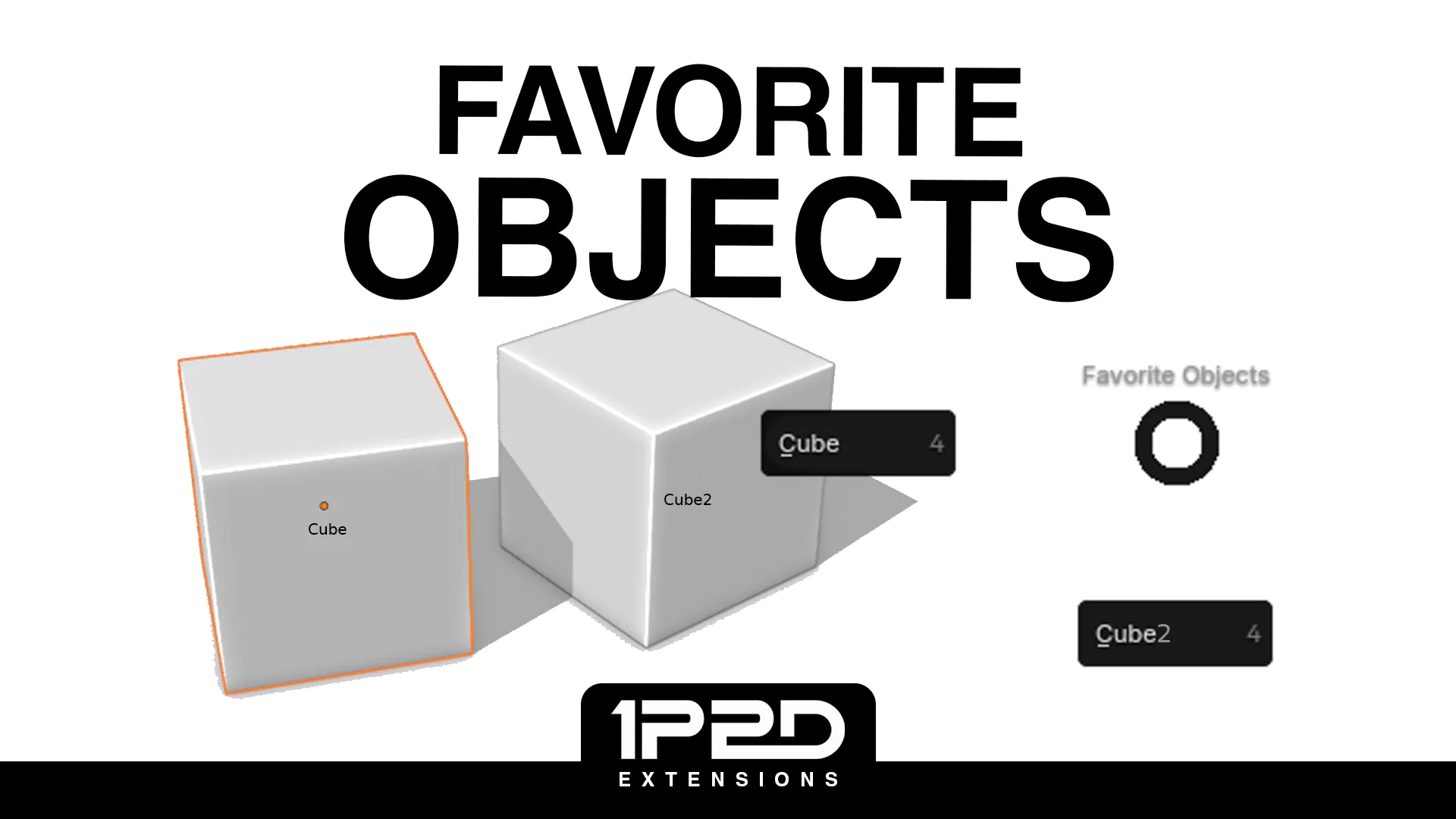
Select favorite objects from Blender’s Viewport with Favorite Objects 1.0.5. Blender 4.2.0+ is required; favorites past eight use a More submenu.
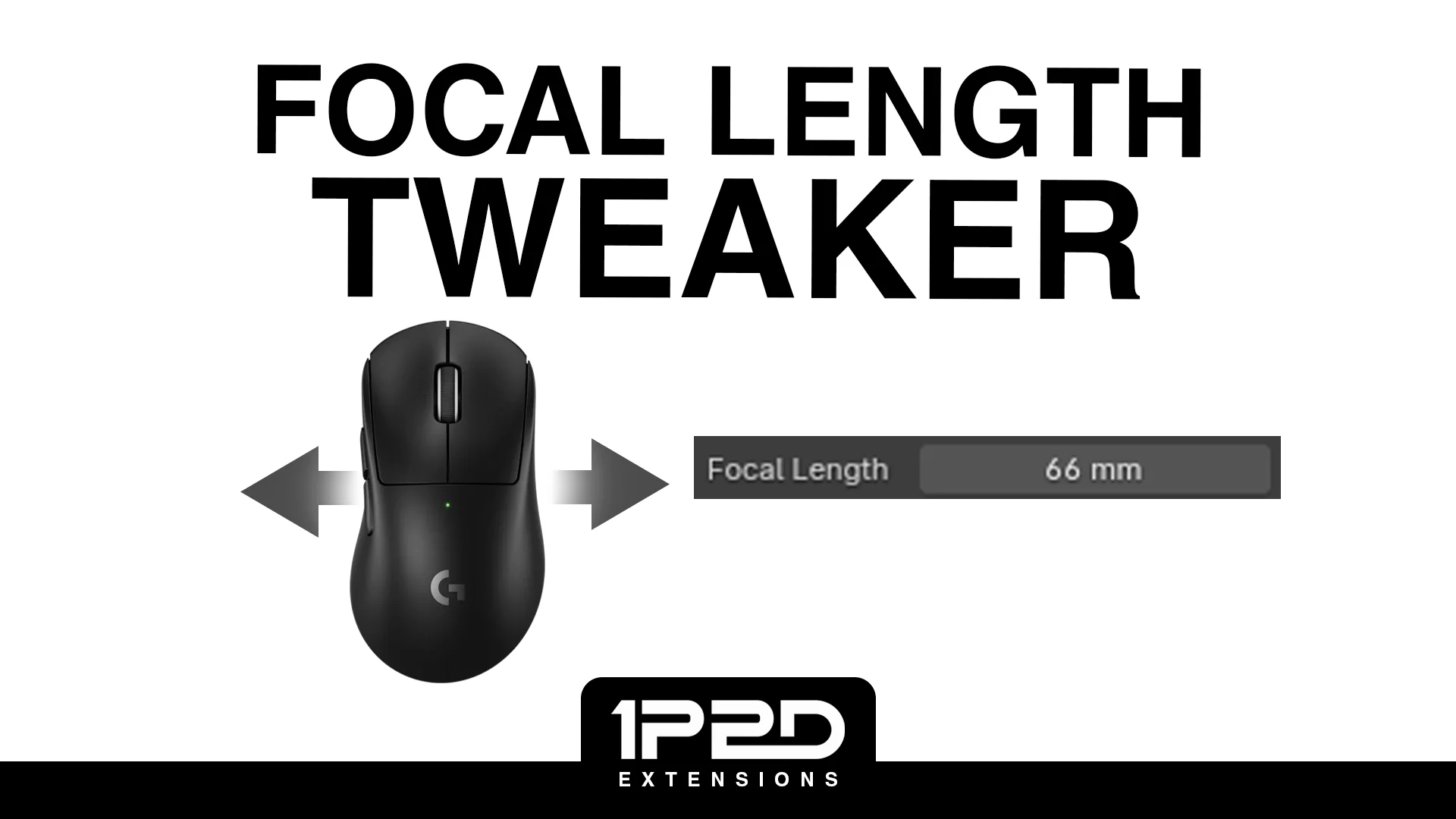
Focal Length Tweaker is a Blender add-on for mouse-driven viewport and camera focal length. Set drag direction; remap keys. Use Blender 4.2 or later.
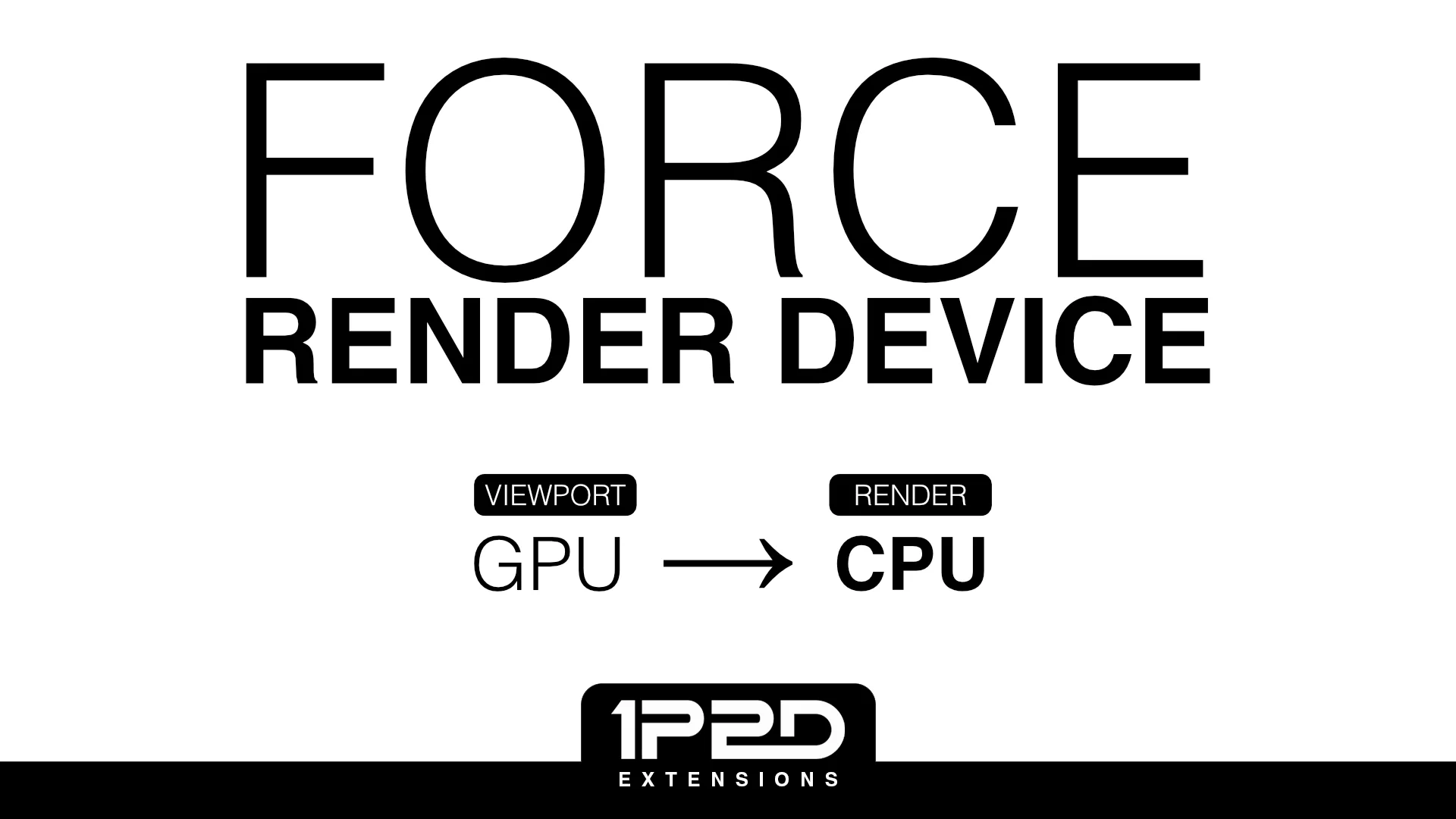
Choose a render device separately from Blender's viewport setting with Force Render Device. Version 1.0.0 supports Blender 4.2 and newer.
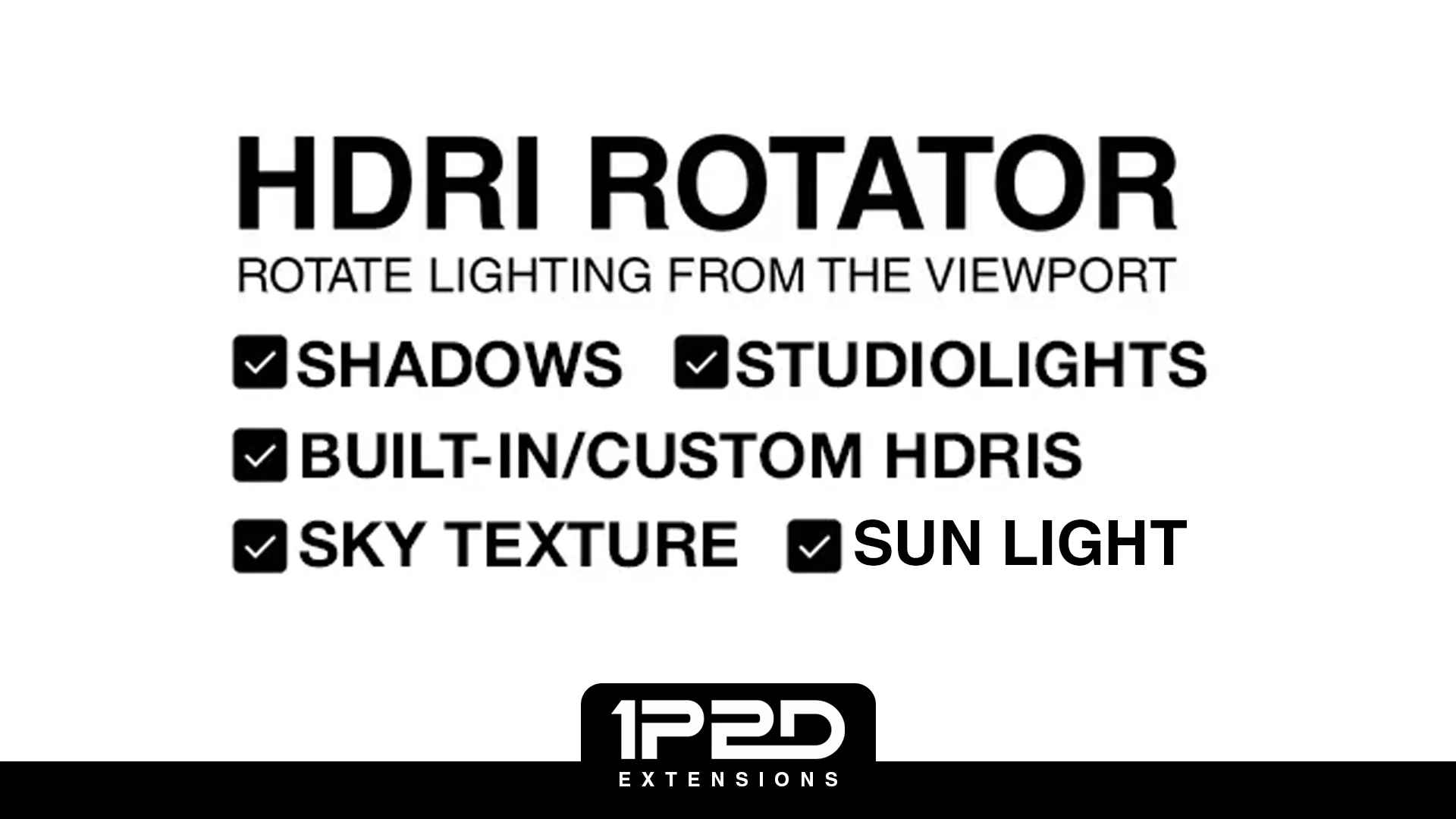
HDRI Rotator is an add-on for moving and rotating HDRIs, shadows, and lights from Blender’s viewport. Version 1.1.4 requires Blender 4.2.0 or later.
Marker Shortcuts are a Blender add-on for keyboard jumps to timeline markers, with full-string shortcuts, bulk numbering tools, and Blender 4.2+ support.
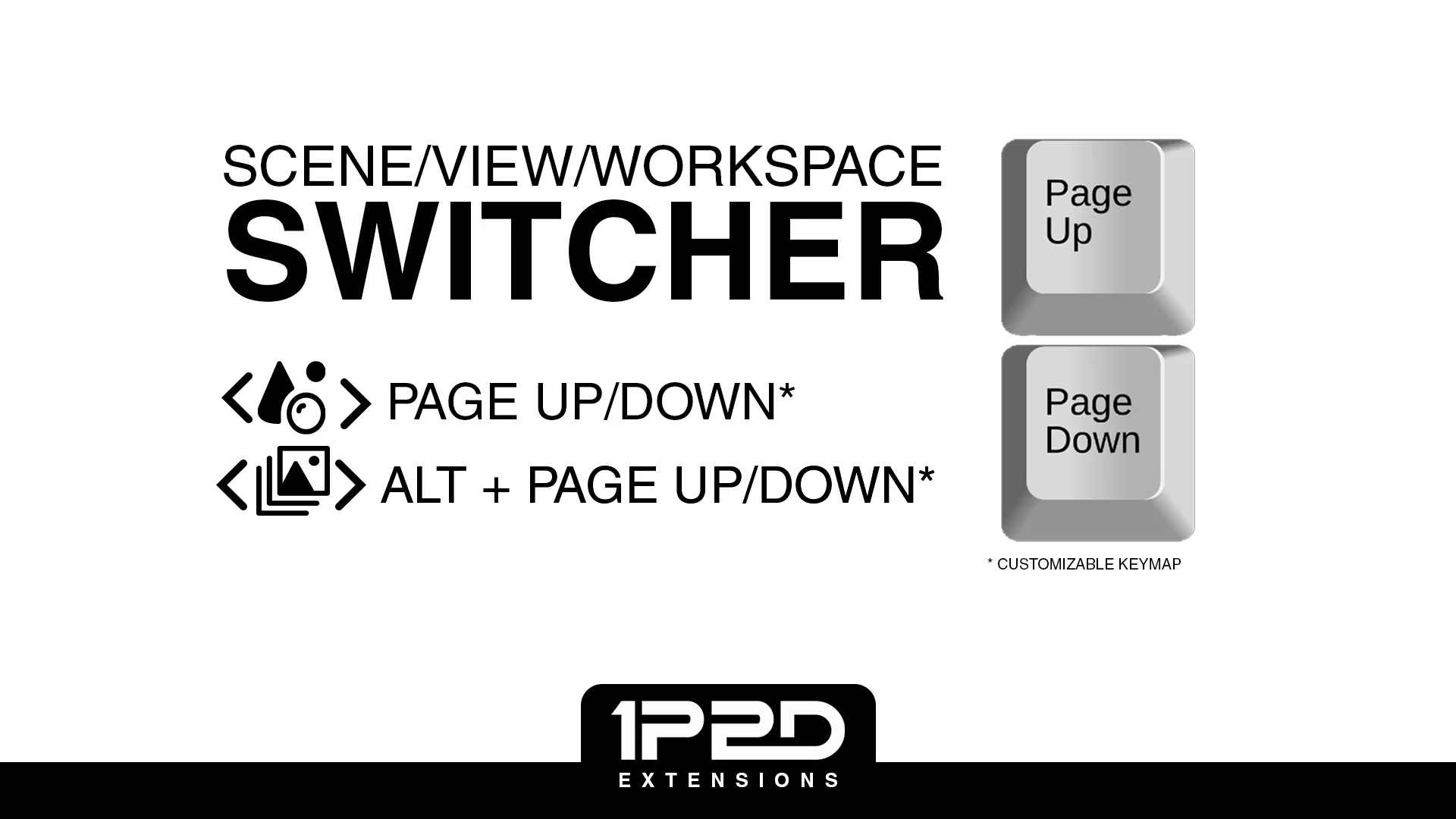
Scene/View/Workspace Switcher is a Blender add-on for scene and view layer shortcuts. The listing gives version 1.1.0 and minimum Blender version 4.2.0.
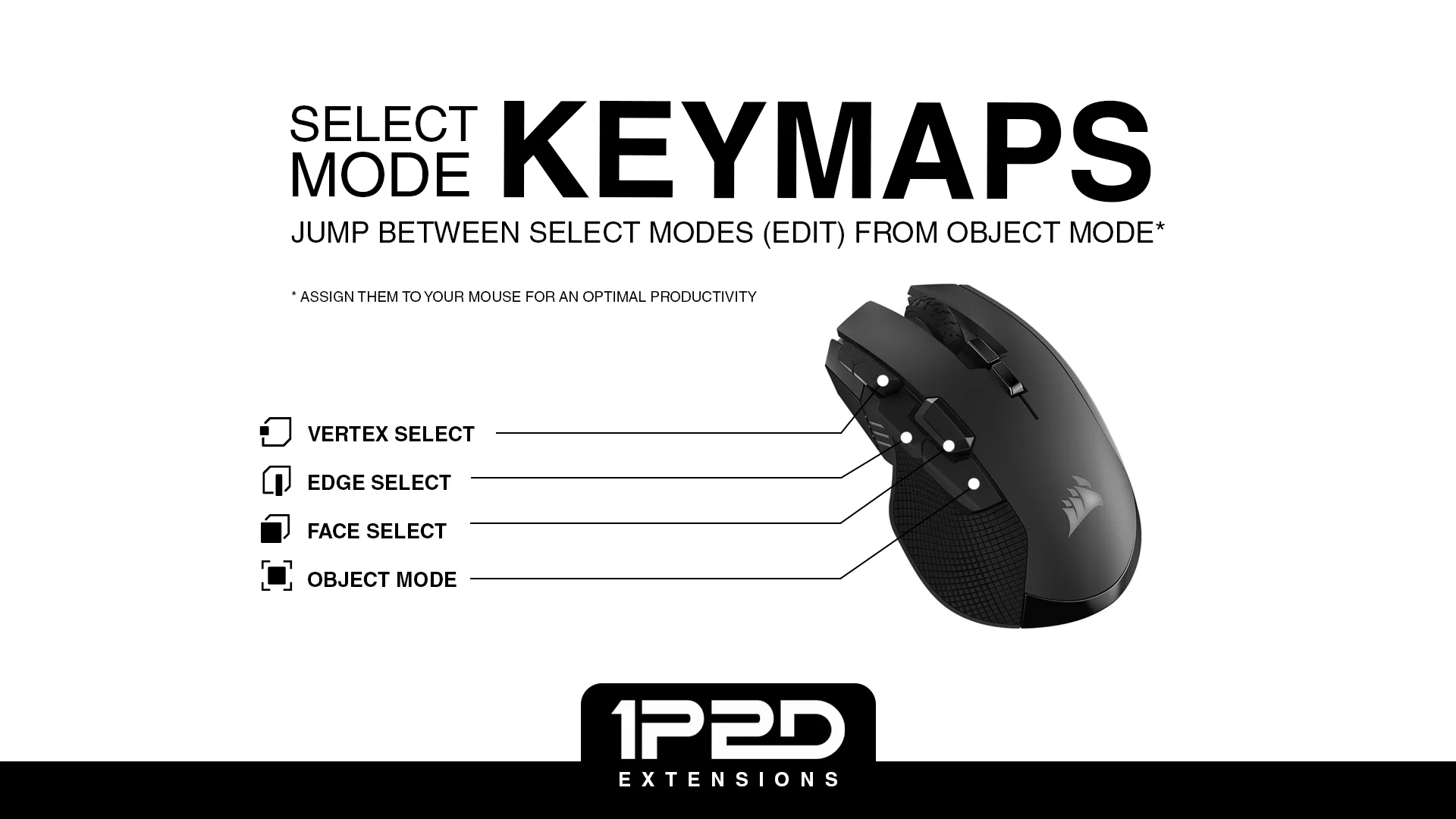
Set Blender shortcuts for Object/Edit Mode and Face, Edge, or Vertex Select. Select Mode Keymaps 1.0.1 supports Blender 4.5.0 and later.
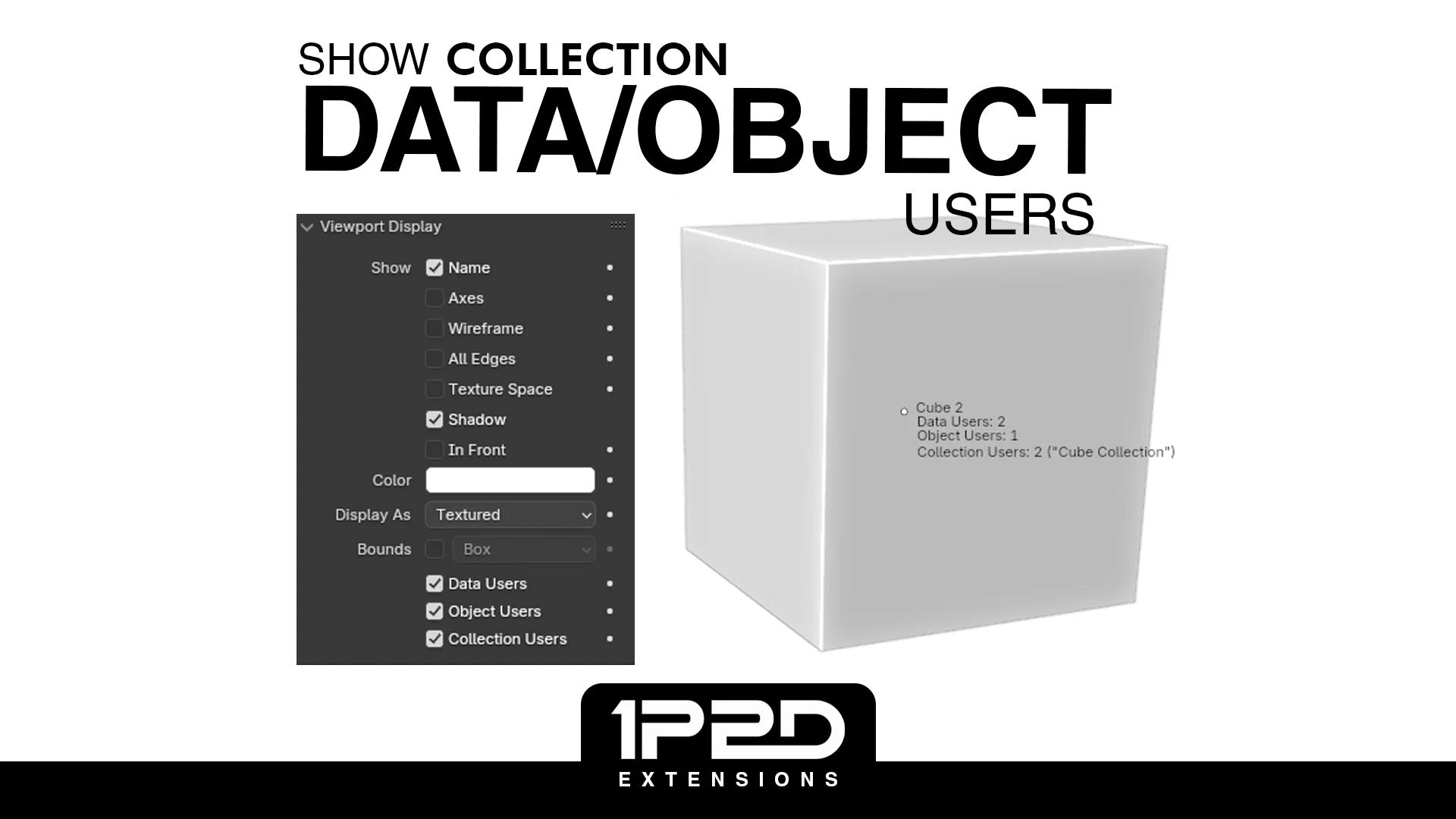
See how Show Object/Data Users in Viewport displays object and object-data users. Release 1.0.9 lists Blender 4.2.0 as the minimum version.
Keep track of Blender's viewport states with Themeable Modes and Views: borders mark Local View, Navigation in Camera View, and interaction modes.
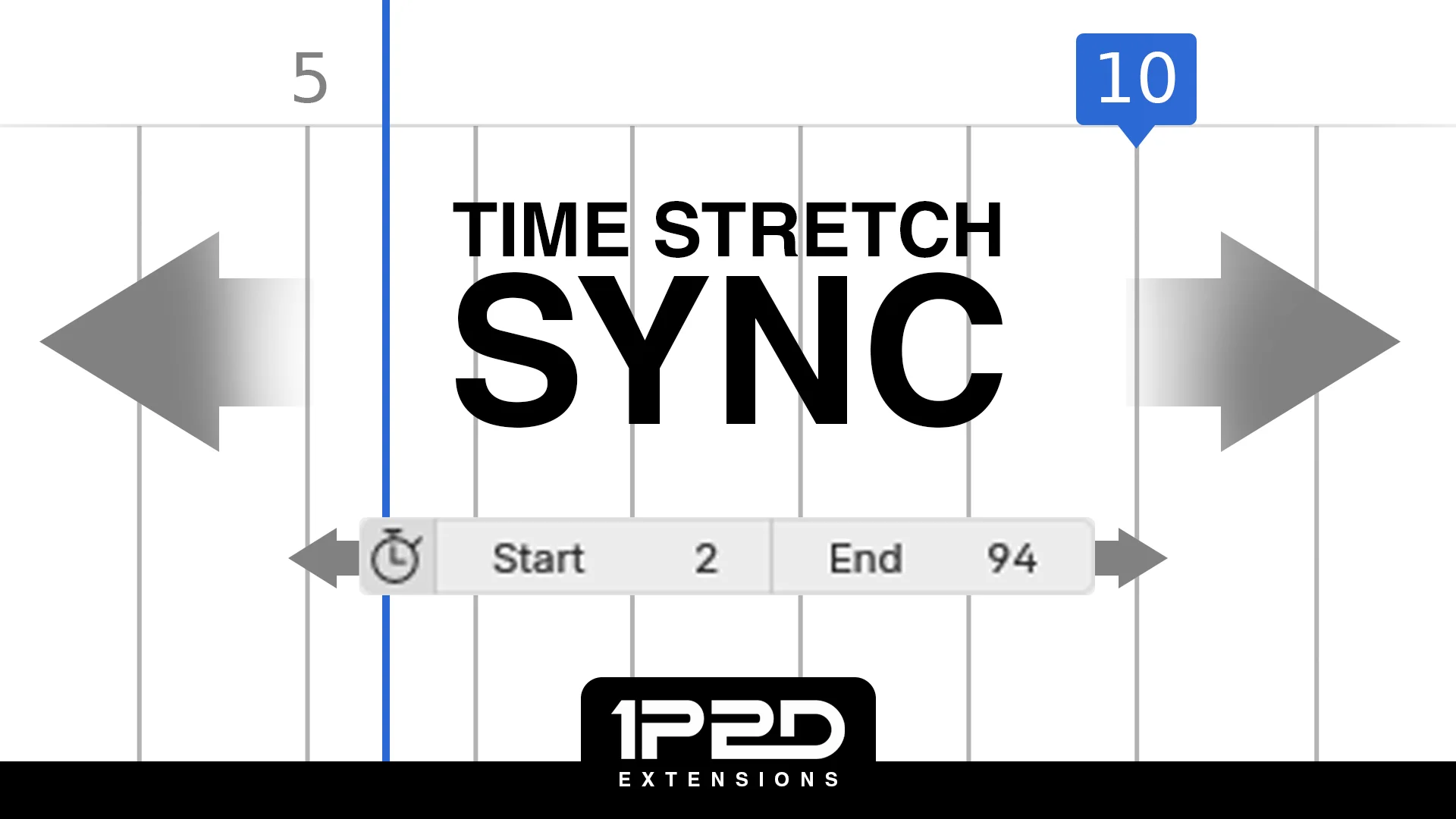
Time Stretch Sync aligns the playhead during Time Stretching; Timeline Range sync is ignored in Preview mode, and operators need Operator Override keymaps.
Log what changed between Blender incremental saves with Version Notes. Add a note from the Save As sidebar or its dedicated save operator.
Developer attribution comes from the linked product listings. Current product details are available on each product’s website. About our sources