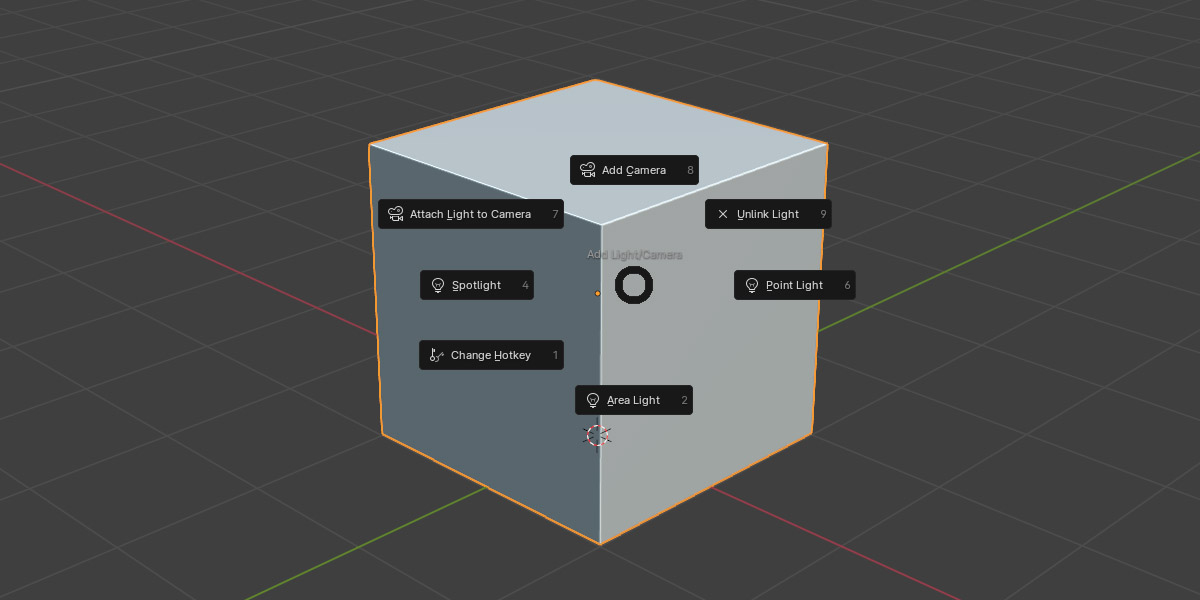
Shading + is a Blender add-on by 1P2D that gathers viewport shading, render-engine switching, and HDRI controls in a configurable pie menu. It is aimed at designers and artists. The Blender Extensions listing identifies release 1.1.4, Blender 4.2.0 as the minimum version, and a GPL-3.0-or-later license.
Switch render engines and viewport modes
The menu provides access to Workbench, EEVEE, and Cycles, along with Wireframe, Material Preview, and Solid shading. In version 1.1.4, Ctrl-clicking a Workbench, EEVEE, or Cycles option switches to that render engine without changing the current shading mode.
Use Matcap and Solid Shading presets
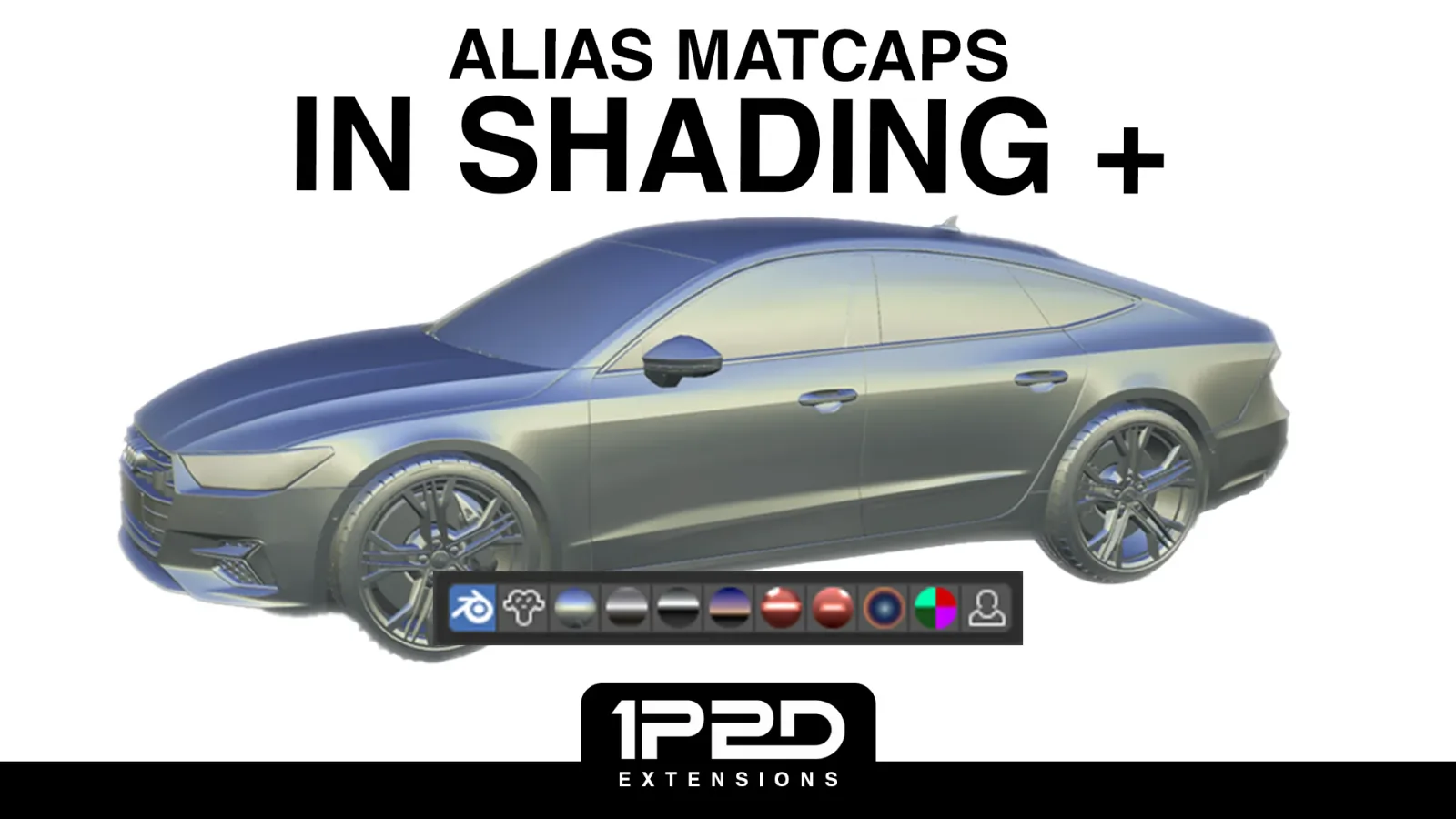
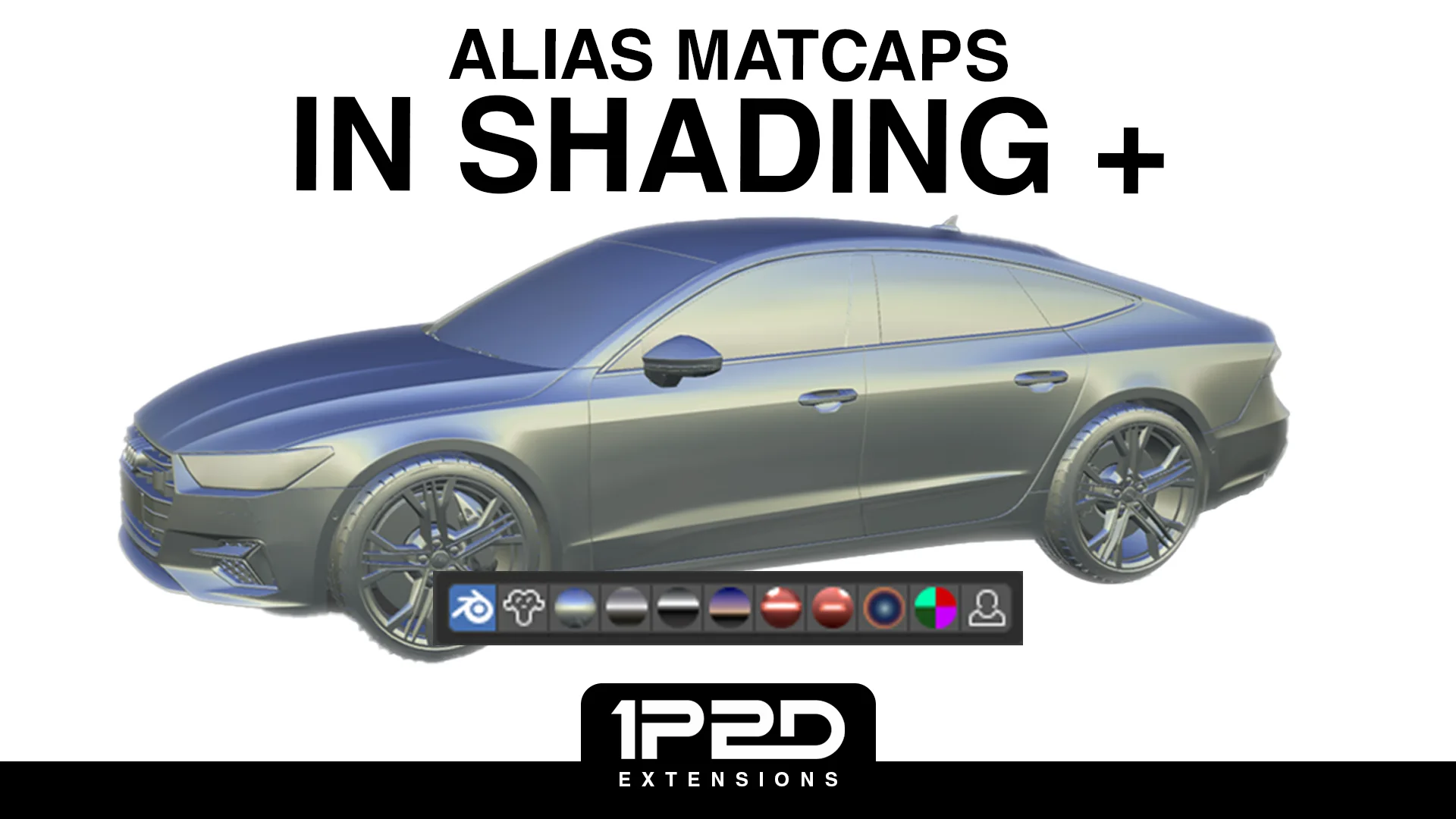
Shading + brings Alias shaders into Blender as Matcaps and includes Toon-like Matcap presets. The add-on preferences include controls to install or update the Matcaps and import additional ones. Solid Shading presets include Blender defaults, Cell 1 and Cell 2, and Alias-based options. These styles can also be rendered with Workbench.
Manage HDRIs and viewport toggles
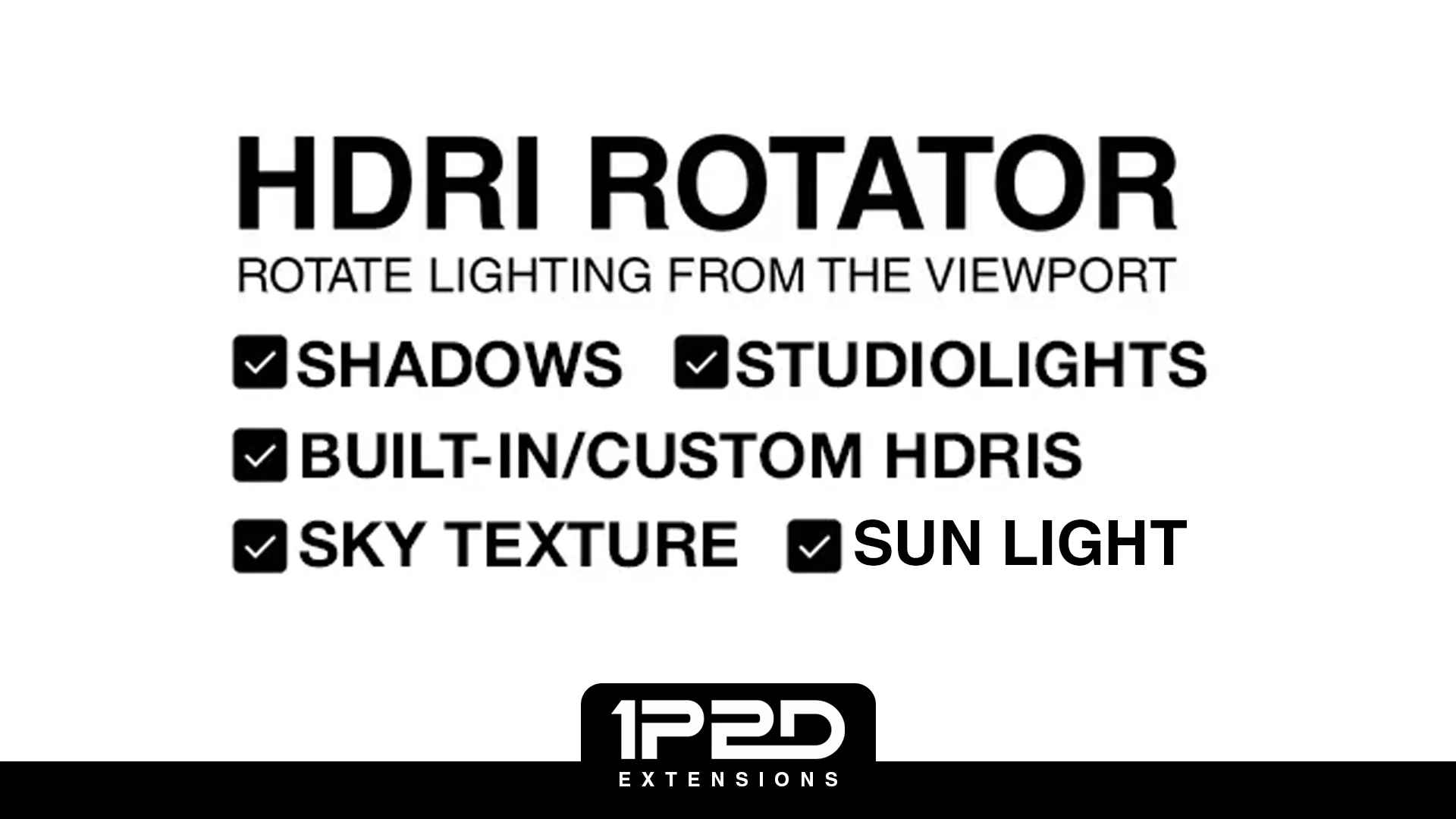
HDRI presets let you switch between built-in HDRIs and World HDRIs. Enabling World Sync sets the selected built-in HDRI as the scene's World HDRI, and version 1.1.4 lets you browse for and assign a scene World from the menu when World is selected and Sync is off. Other available toggles cover the Compositor, Transparency, Normals, Wireframe, Shadows, Subdivision, and the Camera Background only option.
Customize the menu
The pie menu opens with the Z key by default. You can remap the shortcut in the add-on settings or Blender's keymap menu, then use preference toggles to show or hide menu sections. The pie menu can also be disabled if you only want to use the Matcaps.
Check Blender compatibility
The Blender Extensions listing sets Blender 4.2.0 as the minimum version. A user review on that listing reports that most presets do not load in Blender 5.2. This is an individual report, not a compatibility statement for every setup. If you use Blender 5.2, verify the presets in your installation before relying on them.