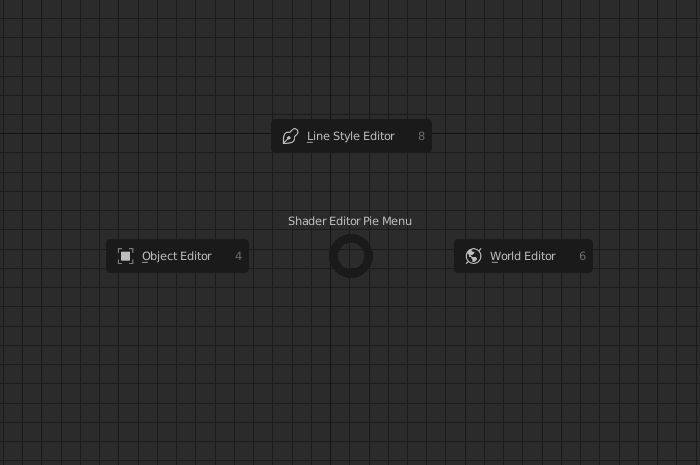
Node Color Tools Pie is a Blender add-on by Lumpengnom for applying colors to multiple selected nodes. Its two pie menus cover preset colors and a custom palette, with additional controls in the sidebar.
Pick the pie menu for the job
The Quick Color Pie applies hard-coded colors and can assign random colors, remove color, or copy the active node's color to other selected nodes. It supports directional selection. The Precise Color Pie lets you set and save five custom colors, with the same random, copy, and remove operations.
A response on the official extension listing says the default D shortcut opens the hard-coded menu, while Z opens the menu synchronized with colors set in the N-Panel. The Z menu does not support directional selection. Hotkeys can be changed in the add-on preferences.
Use the sidebar controls
The sidebar contains every function except the hard-coded colors. It gives you access to the custom colors, random assignment, copying, and removal without opening a pie menu. For node trees with repeated roles, applying one color to a selected group can help distinguish that group from the rest.
Version and compatibility
The Blender Extensions catalog lists version 1.0.3, a minimum Blender version of 4.2.0, and the GNU GPL v3.0 or later license. Check the official listing for current release and installation details.