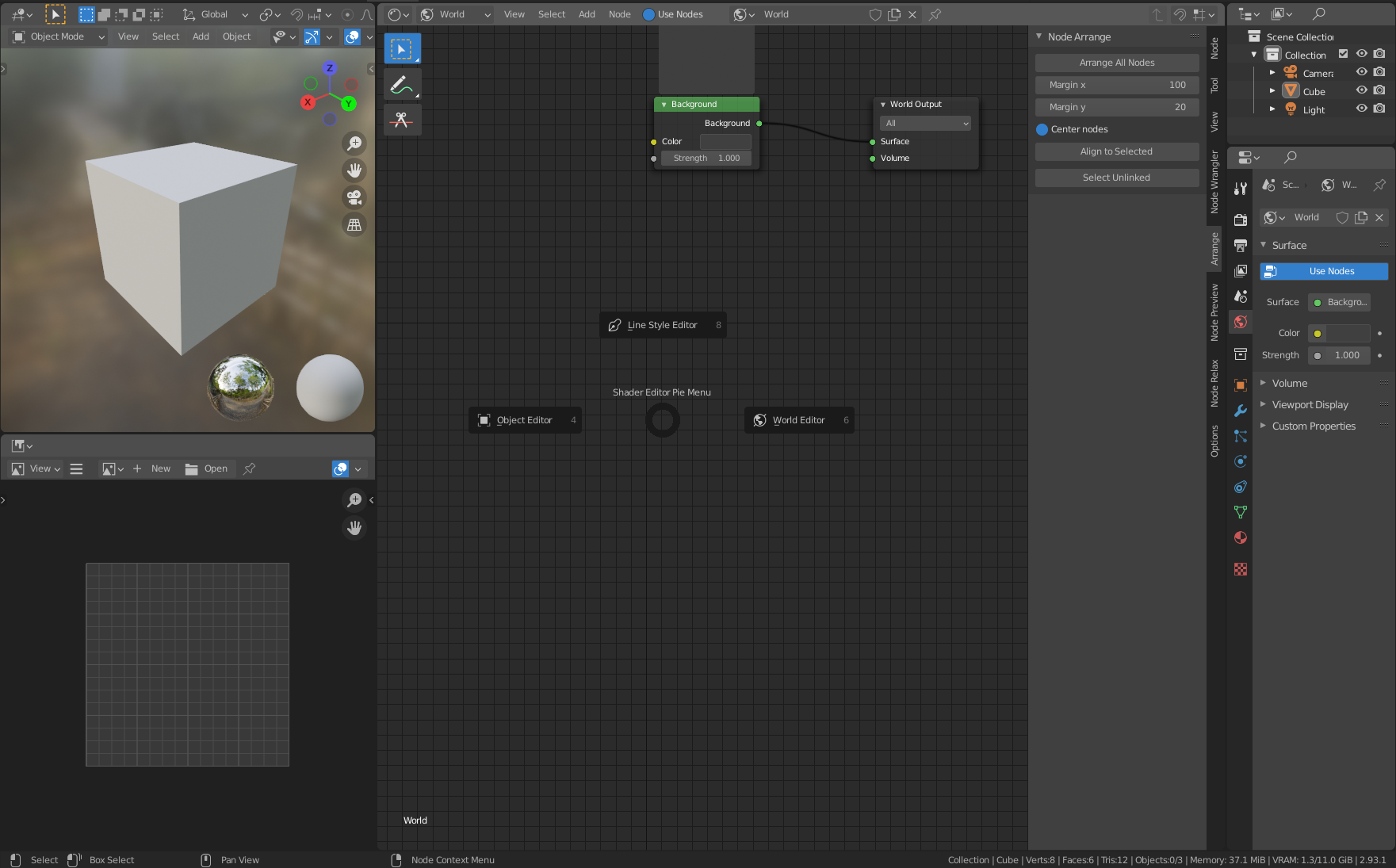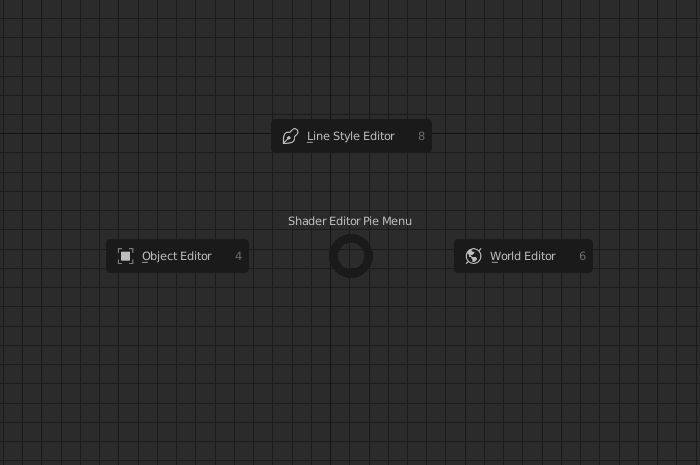
Shader Type Switcher Pie Menu is a Blender add-on by PeterAnkermann for choosing shader node editor types from a pie menu. It is intended for artists who often switch between object and world shader types and prefer a pie menu to the Type drop-down.
Open the shader type pie menu
Open Blender's Shading workspace or a shader node editor, then hold Y to open the menu and choose a shader type. The product description names object and world shader types as use cases; it does not specify the full menu option set.
Install the add-on
The developer's documentation describes installing the downloaded .py file through Blender's Preferences > Add-ons > Install, or copying it into a Blender add-ons folder. After installation, the add-on should appear in Blender's add-on list.
Change the shortcut
The documentation lists Y as the default shortcut. To change it, open Edit > Preferences > Keymap, search for "call menu", expand the Node Editor category, and find the "Call Menu (PME)" entry with "Shader Editor Pie Menu" shown in its settings. Adjust the shortcut there.
Listed Blender versions and license
The product listing names Blender 2.9, 2.91, 2.92, and 2.93, and identifies the license as GPL. Compatibility with later Blender releases is unconfirmed.