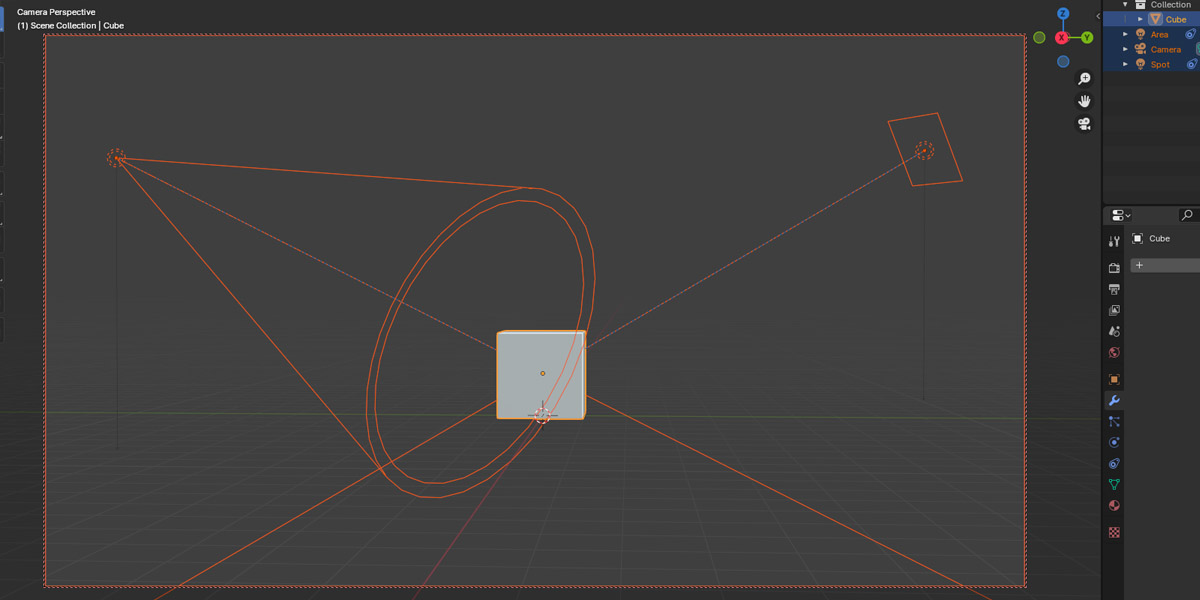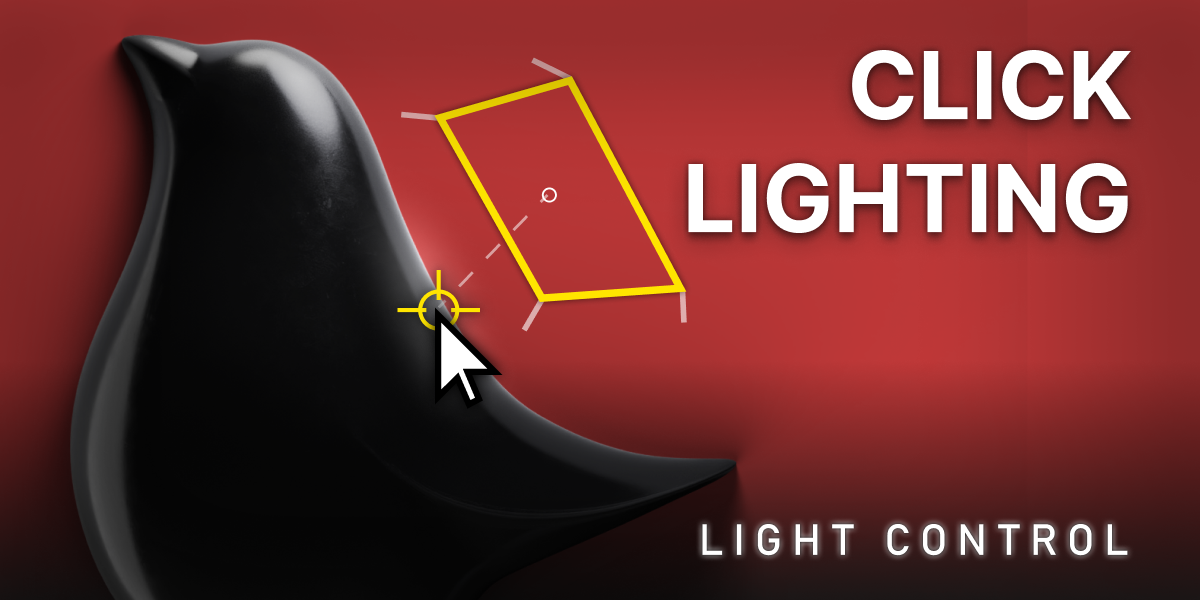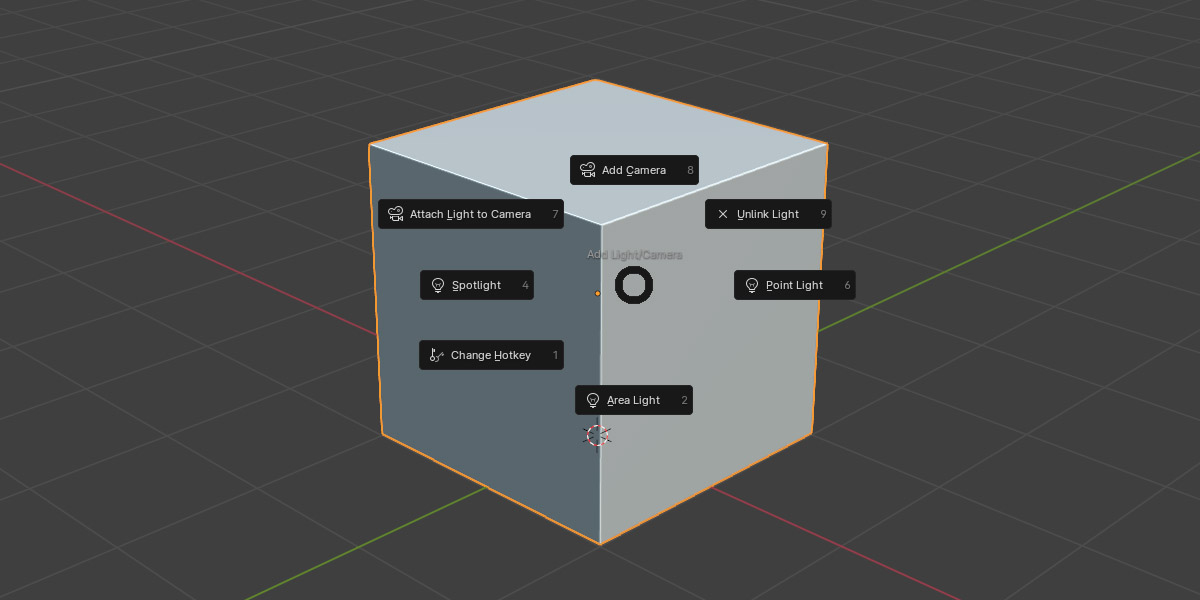
Camera Light Tools is a Blender add-on for placing a light from the camera view. Select an object in your scene, add a light through the pie menu, and the light aligns automatically with that object. A link light feature lets you adjust its position while rotating around your subject.
Place and adjust a light
Switch to camera view and select the object you want to use as the placement reference. Add a light from the pie menu, and Camera Light Tools aligns it with your selection. To adjust the light as you move around the subject, activate the link light feature and change its position. The product description also says you can change the add-on's hotkey if the current one does not suit your setup.
The product listing does not specify controls for light type, intensity, or color; consult the included documentation if you need those details.
Version and Blender compatibility
Camera Light Tools has been upgraded to version 1.3, and both versions 1.2 and 1.3 are available to download. Version 1.3 has a new design intended to make room for more options in the future. The listed Blender version is 4.0. If you use a different Blender release, check the current product page before installing; the listing does not confirm support for other releases.
Developer, license, and documentation
The product listing names AcharyaPolina as the creator and lists the GPL license. The add-on includes documentation. For current version and download details, see the Superhive product page .