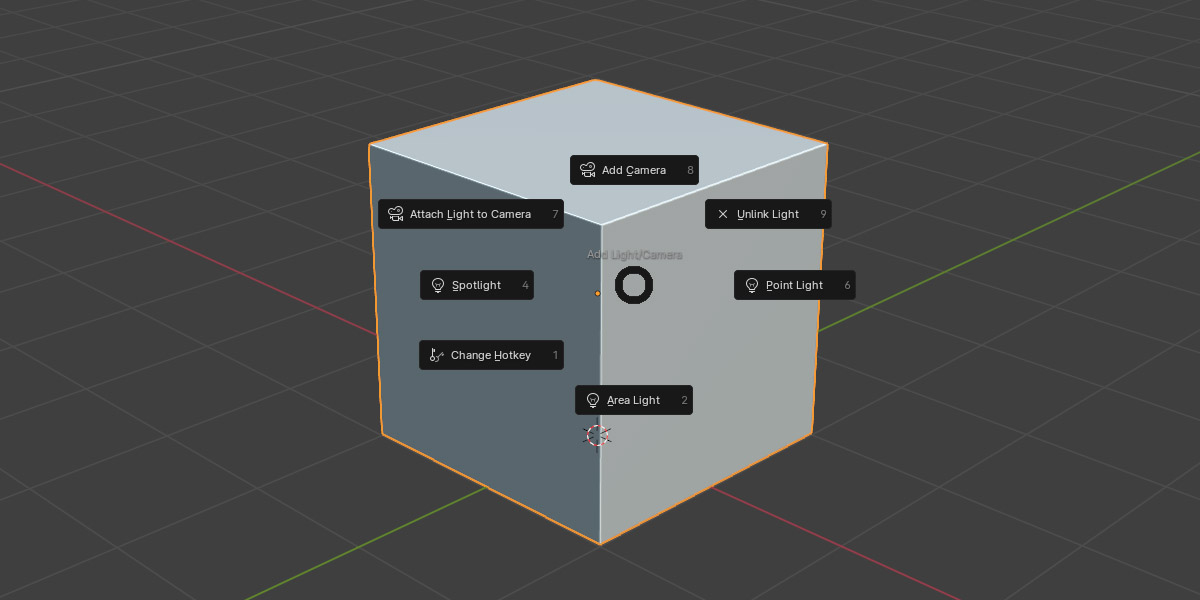
Add On The Fly is a Blender add-on by Tyo-79 for accessing the active object's main data and managing its properties. The Superhive listing names cameras, lights, meshes, curves, empties, text and render settings. It also describes camera controls, hair particle setup, Scatter5 settings and a pie menu for managing selections.
Active-object data and properties
It can manage active-object properties and set the main camera parameters. The Add on the Fly pie menu handles selection management.
Light controls and limits
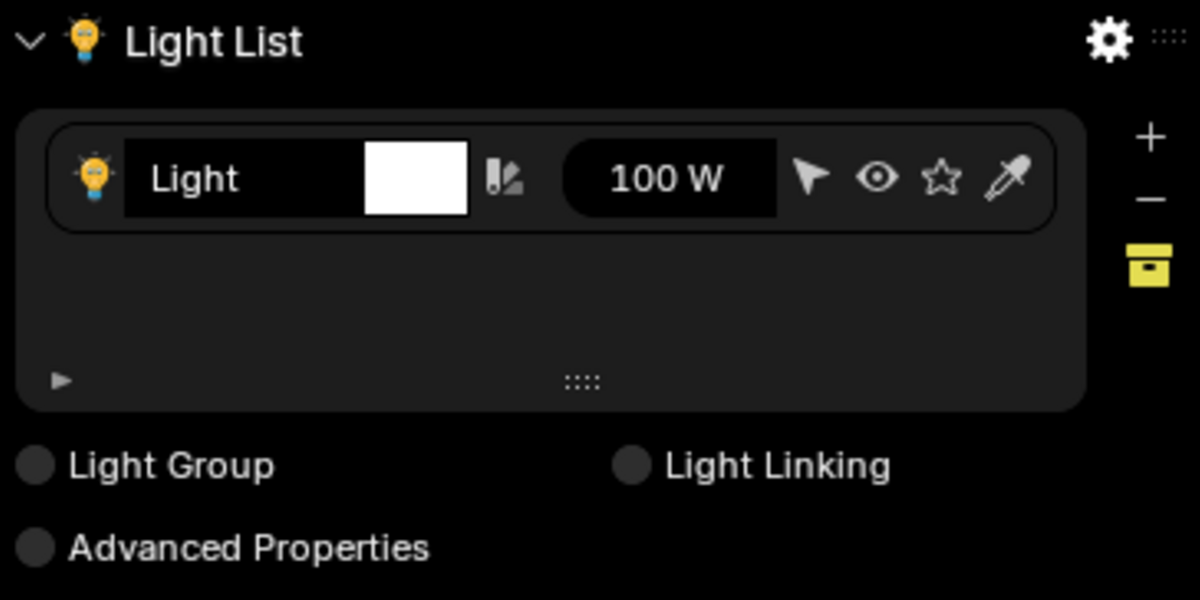
Add On The Fly can switch a light on or off while keeping it visible in the 3D viewport. The product listing limits this behavior to Cycles. Its Modal Light control sets main light parameters; the listing says color through the modal is available when using Photographer.
Particles and Scatter5
The add-on also handles hair particle setup and manages Scatter5 settings. The listing specifies Scatter 5.2 for the Scatter integration. If you use another Scatter release, check the current product documentation before relying on those settings.
Documented shortcuts
The documentation lists shortcuts for calling properties, Modal Light, rendering properties and the selection pie menu:
- Ctrl + wheel down calls Data: Properties.
- Shift + wheel up calls Modal Light.
- Shift + wheel down calls Rendering Properties.
- Alt + right mouse calls the Selection Pie Menu.
You can customize the shortcuts in Add-on User Preferences under the Keymaps tab.
Version and license
Superhive lists Blender 5.0 and a GPL license. The listing does not state compatibility with other Blender releases, so confirm your version against the product details before installing. The Superhive product listing links two demos and the shortcut documentation.