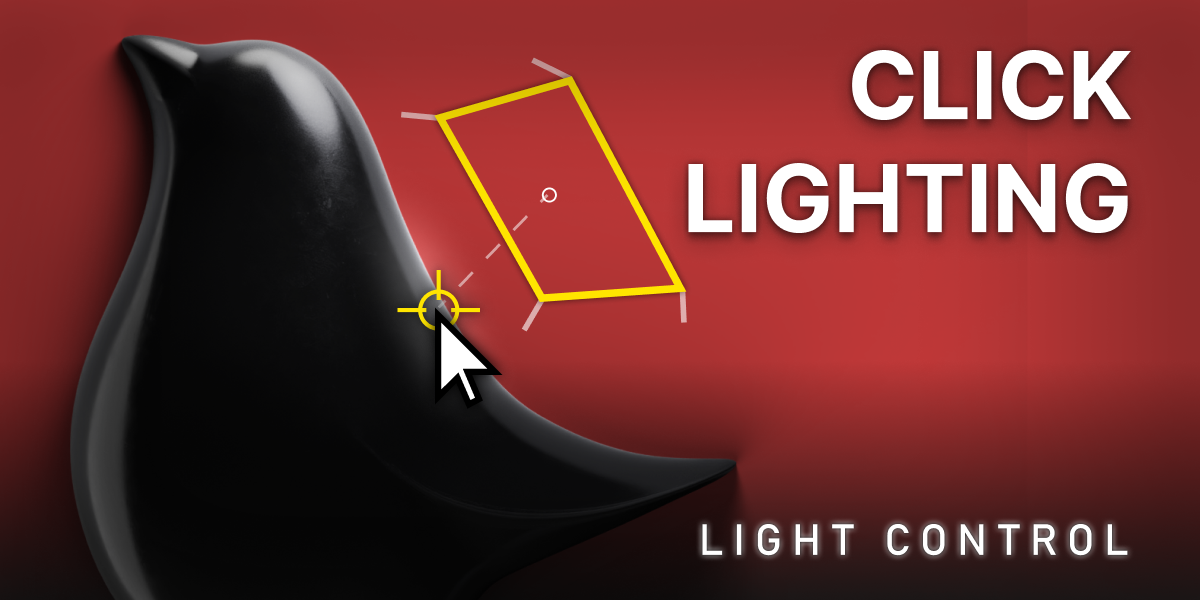
Light Control is a Blender add-on by Blender Control for adjusting lights directly in the 3D viewport, including in fullscreen. You can orbit a light around a pivot, change its distance from the pivot, and move either the light or the pivot. The product FAQ says it can edit lights created with Light Control, Blender's native tools, or other sources.
Adjust lights in the viewport
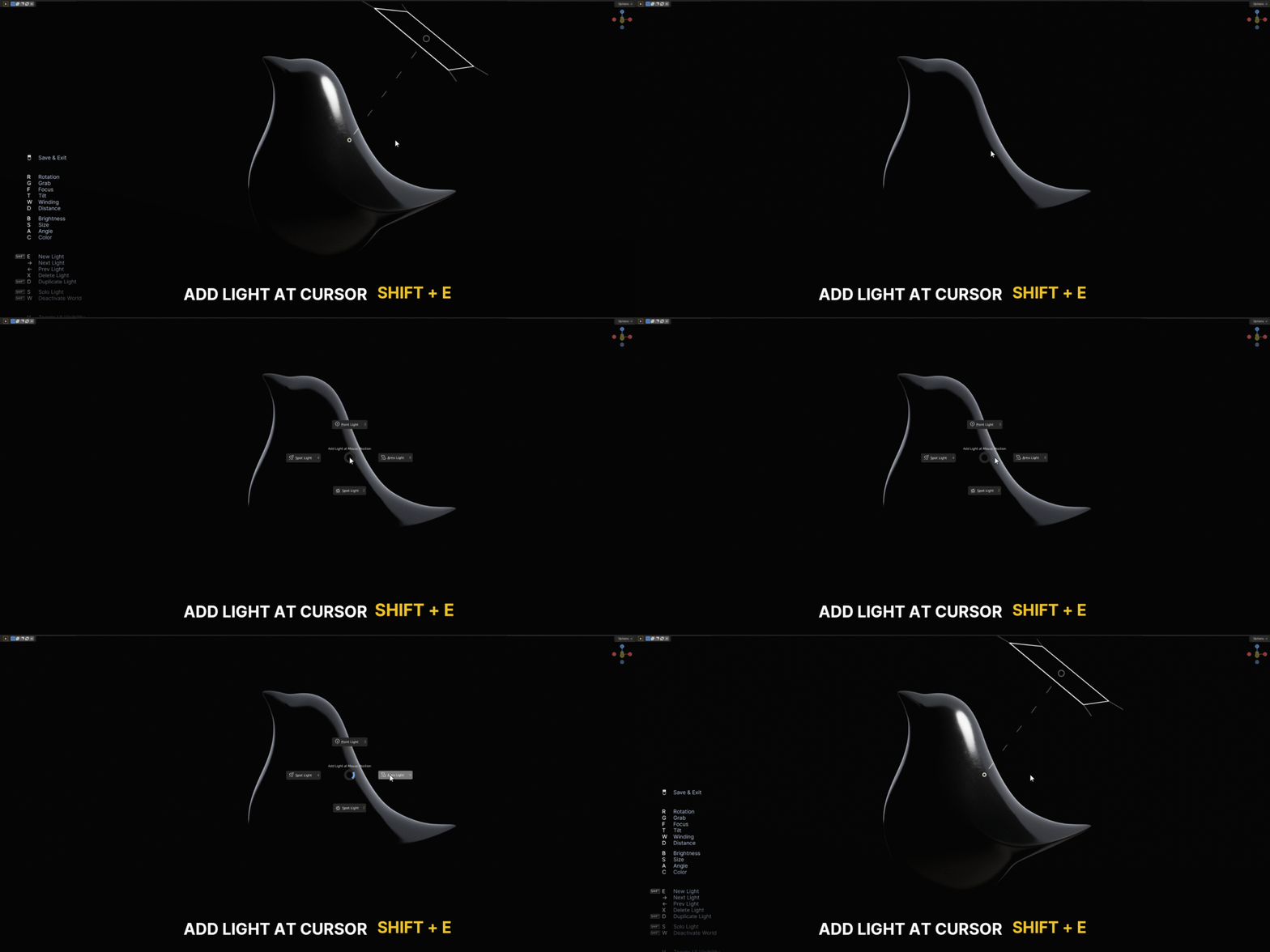
Enter Light Edit Mode with E or Tab, or use the Edit button in the top bar. To add a light at the cursor, press Shift+E. A light is created only when the cursor is over a surface; the documentation notes that mesh-generating Geometry Nodes setups are not currently raycastable.
Supported lights and render engines
The product FAQ lists Area, Spot, Point, and Sun lights. It states that Light Control works with Blender's built-in Cycles and EEVEE render engines. Direct and indirect lighting contribution controls are not supported in EEVEE.
What the Full Version adds
The product FAQ lists these additions in the Full Version: Focus, Normal, Winding, Tilt, In/Direct, Angle, Color, and Blackbody operators, plus Solo Light and Deactivate World tools. Check the product FAQ for the version comparison and current details.
Installation and compatibility
The Superhive listing gives a Blender version range of 4.3 to 5.2 and identifies the license as GPL. The documentation says Light Control is now a multi-file add-on. Install the supplied ZIP through Blender's Edit > Preferences > Add-ons > Install menu without extracting it, then enable the add-on. If you have version 1.0.8 or earlier, uninstall it and restart Blender before installing the newer version. See the official installation guide and release notes for setup details.