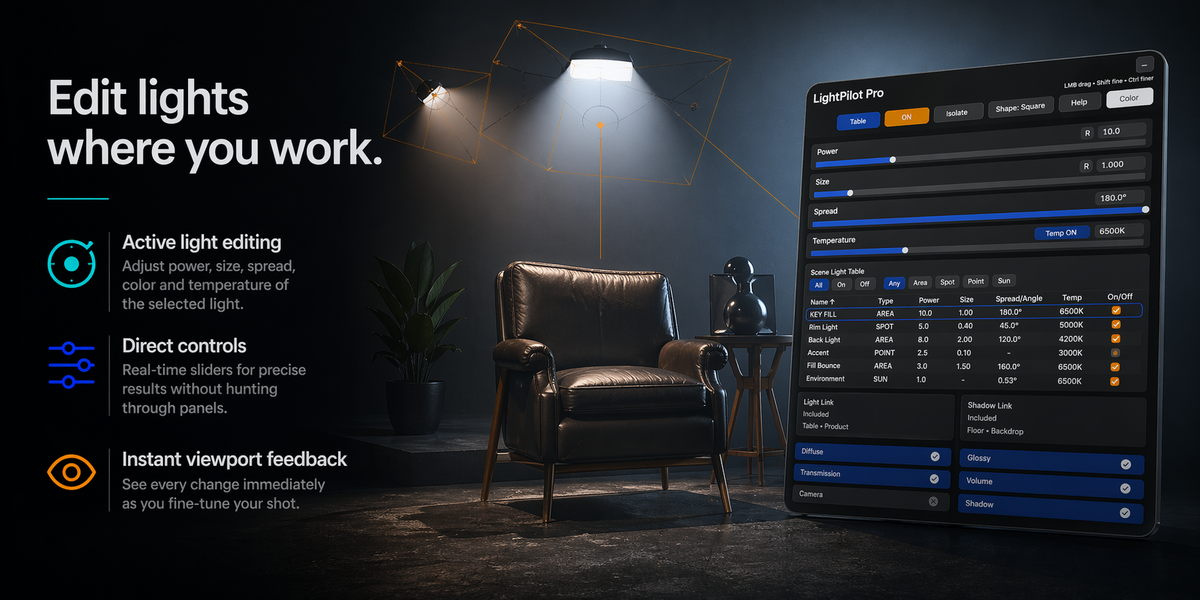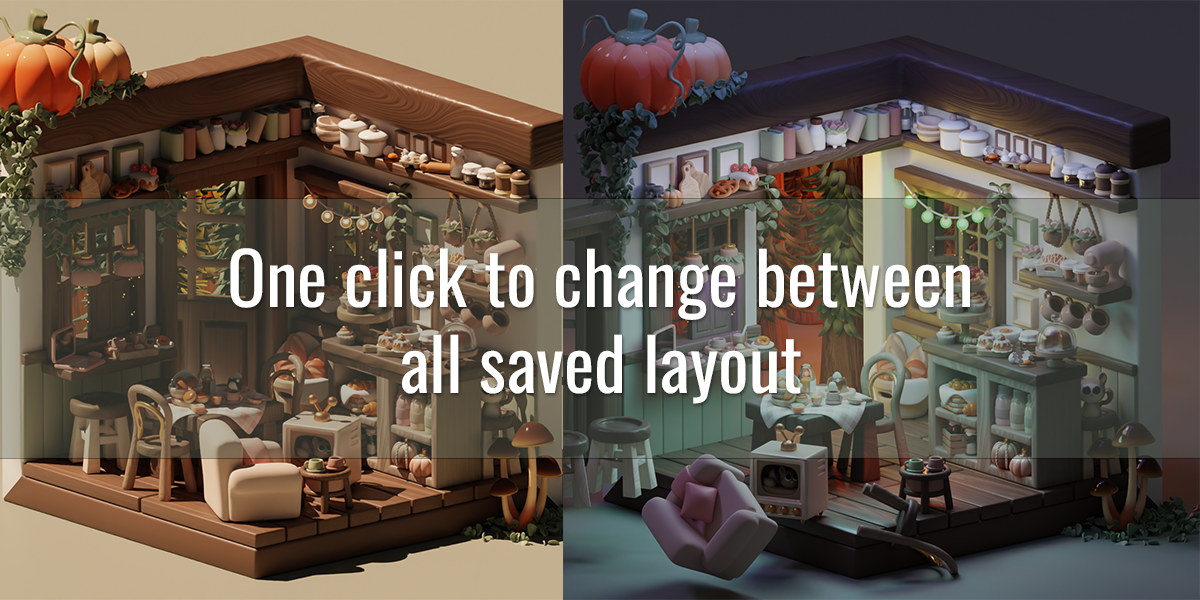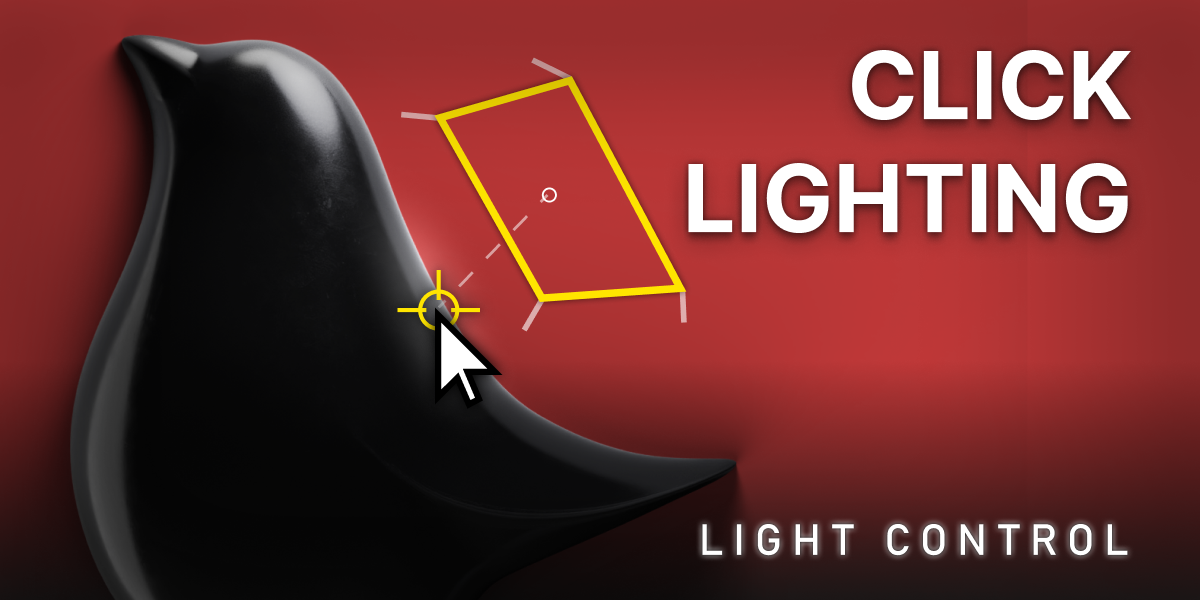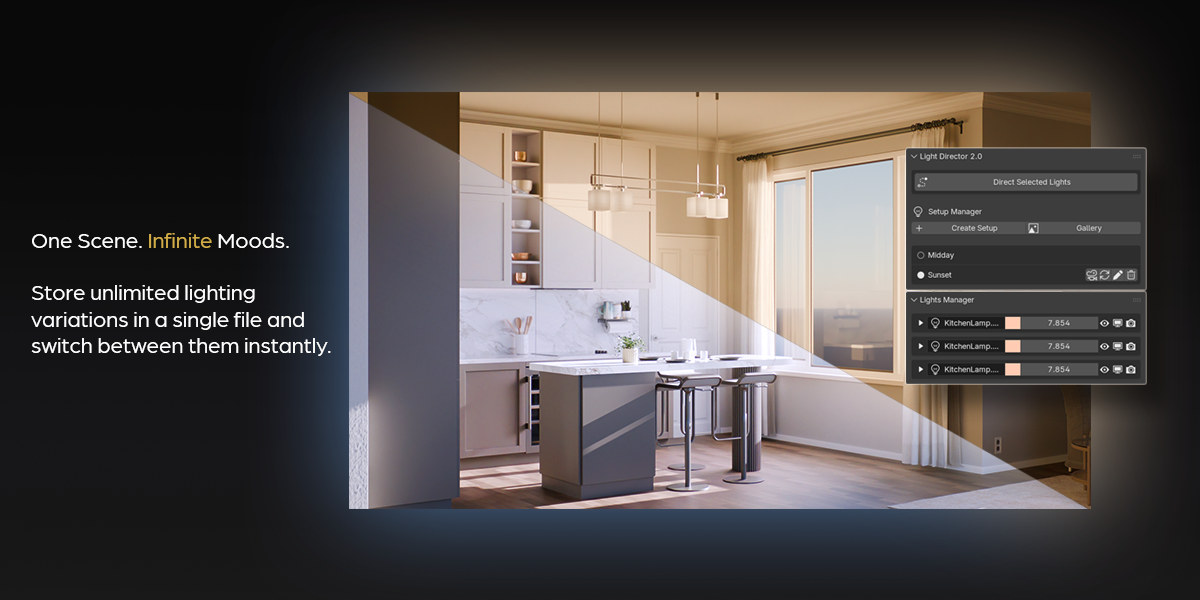
LightPilot Pro is a viewport-first lighting control add-on for Blender. It puts common controls for the selected light in a HUD in the 3D View and includes a Scene Light Table for managing visible lights across a scene. It is aimed at lighting work where frequent panel switching or a growing set of lights makes adjustments harder to track.
Edit a light while viewing the shot
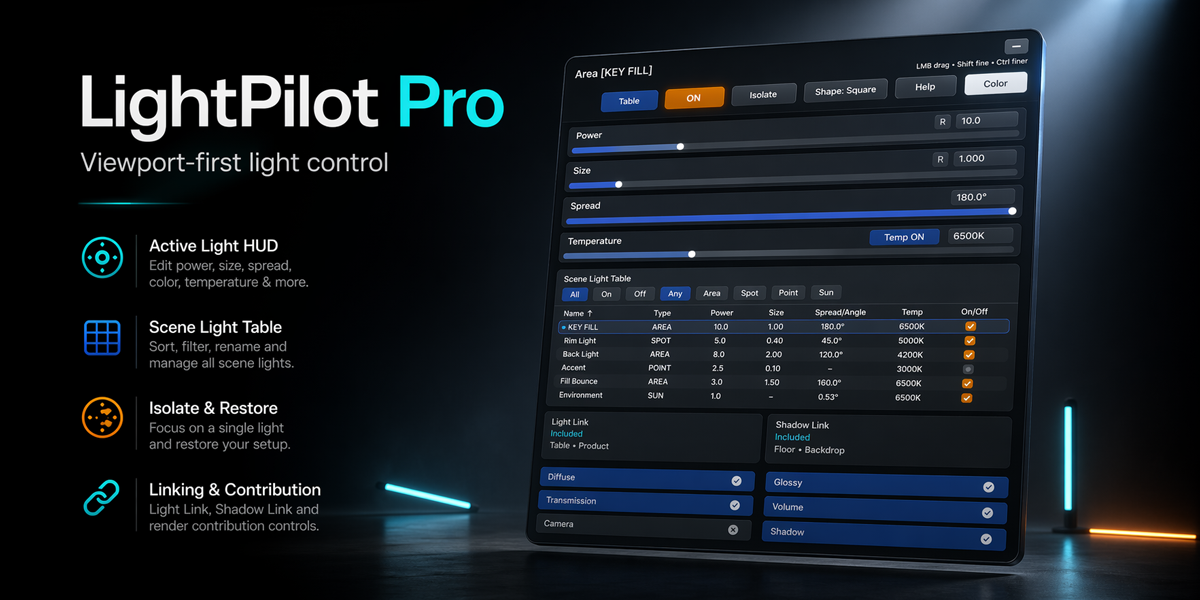
Select a Point, Spot, Area, or Sun light and the HUD adapts to that light type. From the viewport, you can adjust values such as power, size, spread, angle, blend, color, and temperature. Dragging supports quick balancing, while numeric entry lets you set precise values as you judge the shot.
Organize multi-light scenes
The Scene Light Table brings visible scene lights into one view. You can select lights from the table, sort by columns such as name, type, or value, filter by light type or enabled state, rename lights, and toggle them. This can help when a setup has temporary lights or names that are difficult to distinguish.
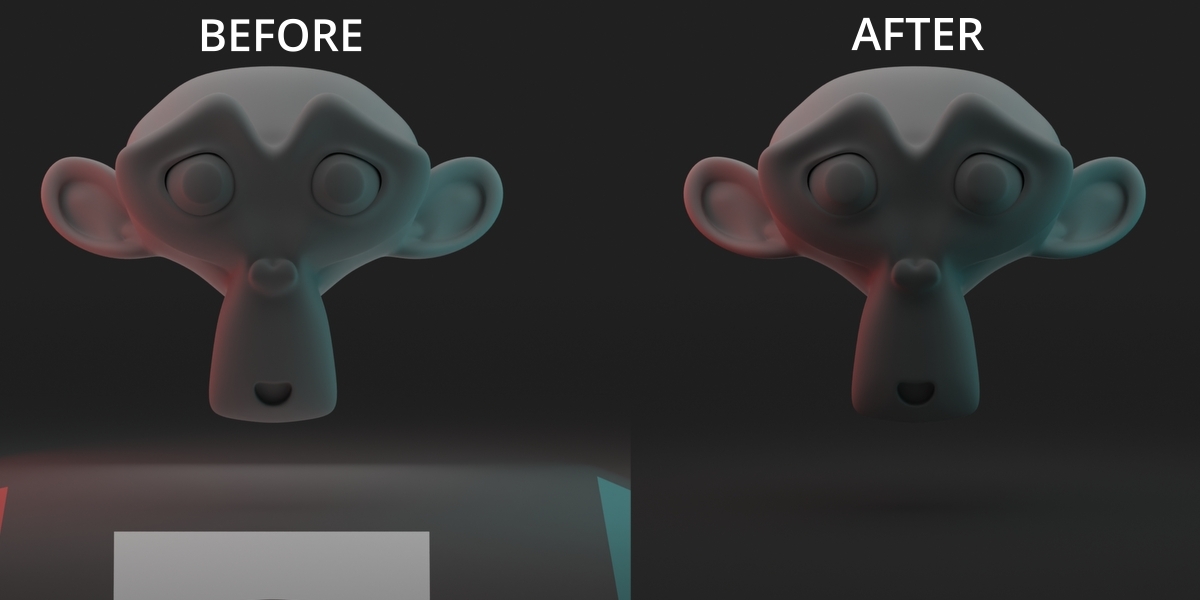
Isolate mode focuses on one light’s contribution so you can inspect its effect on a highlight, shadow, rim, or fill. The product documentation says the add-on is designed to restore the previous enabled and disabled light state when isolate mode is turned off.
Adjust color and render contribution
The HUD supports direct color control and a Kelvin temperature workflow. It also shows Light Link and Shadow Link information, with contribution toggles for Diffuse, Glossy, Transmission, Volume, Camera, and Shadow. For example, you can adjust whether a light contributes to camera visibility or shadows while refining the render.
Compatibility and installation
The product guide identifies version 2.12.0 and Blender 4.5 or newer. The marketplace compatibility field lists Blender 4.5 to 5.1, so check the seller’s listing for current compatibility before installing. The guide lists the license as GPL-3.0-or-later.
Install the LightPilot Pro ZIP file through Blender’s Edit > Preferences > Add-ons menu using Install from Disk, then enable the add-on. Return to the 3D Viewport and select a supported light to use the HUD. The LightPilot Pro user guide covers the interface and workflow; see the seller’s product page for current package details.