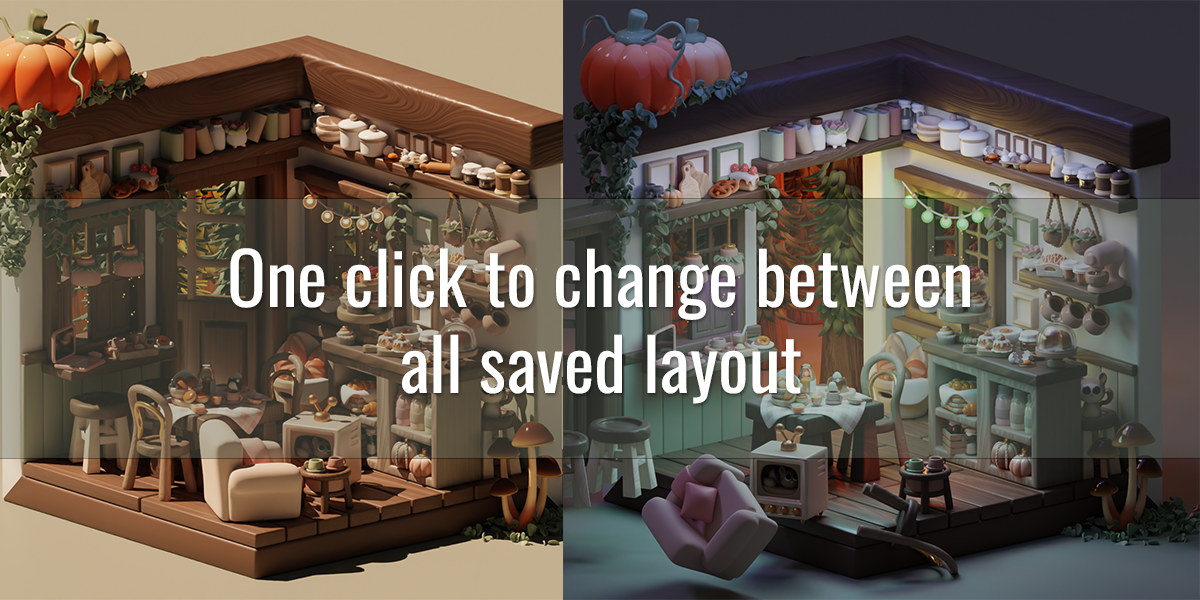
Rescene is a Blender add-on by SkdSam for saving, switching between, and restoring named scene states inside the current scene. A state can cover the whole scene or selected objects, with restore options for choosing which settings to apply. This can help when testing lighting, camera setups, look-development passes, or alternate layouts.
Scene data Rescene can restore
Saved states can include a name, notes, timestamp, lock status, and thumbnail preview. Depending on the selected restore options, they can also store:
- Object transforms, rotation modes, visibility, collection membership, and supported custom properties or shape-key values.
- Material slot assignments and modifier visibility states.
- Light properties such as type, colour, intensity, and shadow settings, plus camera settings such as lens, clip range, sensor size, framing shift, depth of field, focus target, and active camera.
- World settings, including the active world, node mute states, image or HDRI references, and unlinked node input values.
- Collection and view-layer visibility, render visibility, render engine, and resolution.
Save and apply a scene state
In Blender, install and enable Rescene, then open 3D Viewport > Sidebar > Rescene. Click Add, name the state, and choose All in Scene or Selected Only. When applying a state, use its restore toggles to choose which categories to reapply. For example, you can switch lighting settings while leaving camera settings untouched.
Saved states can be updated, duplicated, or locked as a project changes.
Missing objects and materials
Rescene includes a separate Replace Missing Elements feature that lists missing objects and materials and lets you choose replacements. Applying a saved state does not recreate missing objects, materials, worlds, modifiers, or shape keys. Treat replacement as a separate repair step rather than automatic reconstruction.
Compatibility and license
The product listing identifies version v1.0.0 and Blender 3.6 through 5.1. It lists Windows, macOS, and Linux support, Cycles and Eevee, and an MIT license. Check the Rescene product listing for current details and the setup documentation for the installation steps.