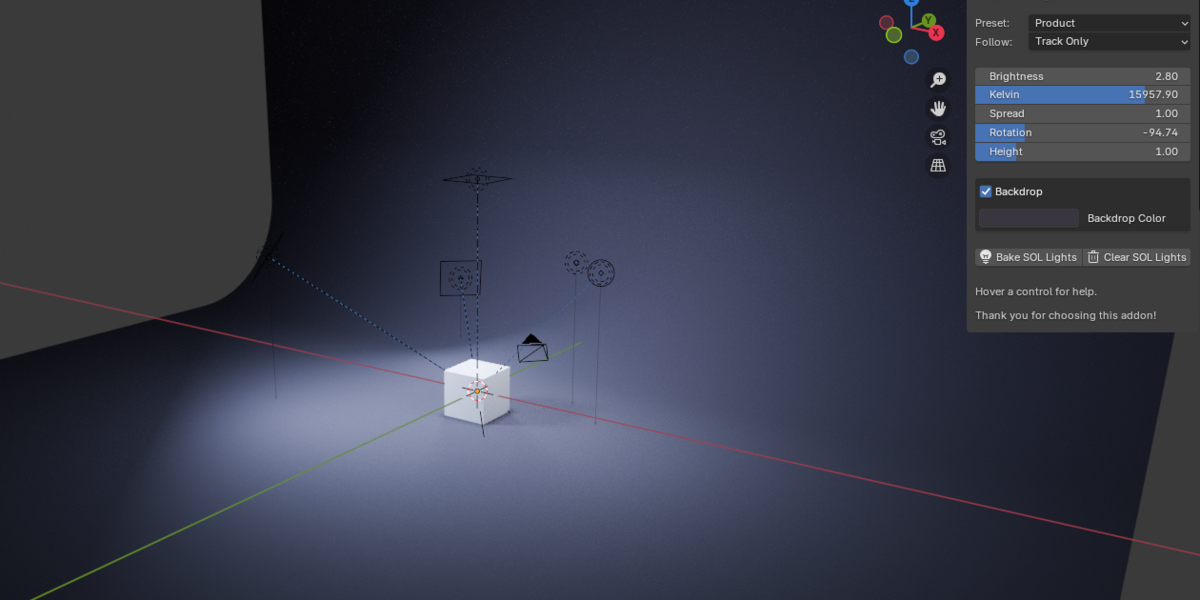
Octane Light Studio 2.6.2 is a Blender add-on by CreateVisions for managing Octane Render lighting from the 3D Viewport sidebar. It combines light creation, layer controls, surface-based placement and value-based adjustment in one panel. The add-on is compatible with the free version of Octane Render.
Place and adjust lights in the viewport
Click Create to add a light to the selected layer and open its Adjust panel. Six placement tools let you work directly in the viewport: Move & Aim, Aim Only, Lift & Aim, Slide, Rim Light and Front Light. Each tool has adjustable smoothing, and Distance and Size controls appear while a placement tool is active.
The Adjust panel has sliders for Rotation, Height, Distance, Lift, Slide and Size, with Rotation and Height shown in degrees and Distance in meters. Eight position presets cover common angles, while Current Point, Pivot Orbit and Aim to Pivot determine how the light moves around its target. A beam line shows where the light hits geometry, and viewport labels can show light names, intensity and tilt.
Organize and reuse lighting setups
Group lights into layers to scale their intensity together or toggle a whole group on and off. Save a layer's lighting state as a snapshot to switch between variations. For reuse across projects, save complete lighting configurations as setups, browse their render thumbnails, and load or export them later.
Square and Rectangle area lights support per-edge gradients, and BlackBody Emission sets color from a Kelvin temperature. Visual Light Linking provides a color-coded way to choose which objects a light affects. Mirror Light places a counterpart across the detected pivot point. The add-on supports Area, Spotlight, Directional, Sphere, Mesh and Analytic lights.
Compatibility and installation
The product page's latest compatibility note lists Blender 5.2 and Octane Render 2026.4 (build 31.10.0) as tested and fully compatible. Other sections of the listing and documentation retain earlier requirements and test pairings, including Blender 4.4.1 or newer and Blender 5.1.2 with Octane 2026.3. Check the current product listing for the pairing you plan to use. The listed platform requirement is Windows.
The product documentation describes installing Octane Server and launching and activating it before starting Blender. Install Octane Prime for Blender (a special Blender build with integrated Octane), then install the Octane Light Studio ZIP through Blender's Add-ons preferences without extracting it. After enabling the add-on, open the OLS tab in the 3D Viewport sidebar with N.
Octane Light Studio suits Blender artists who use Octane Render and want to position, group and reuse lights without switching among multiple panels. Its listing identifies the license as GPL. The Superhive listing does not show a current price.