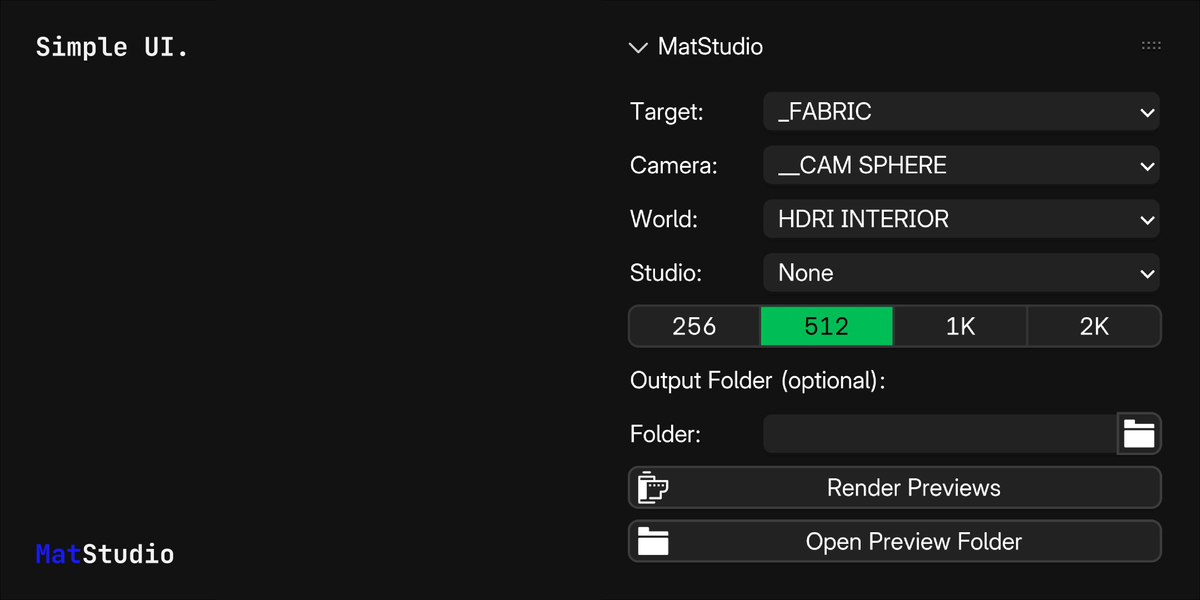
MatStudio is a Blender add-on from PLASTIK MACHINE for creating custom material previews in the Asset Browser. It generates and assigns previews for materials you mark as assets, so you can see rendered examples while browsing a material library. You choose the target object, camera, world environment and preview resolution for the render.
Create previews for selected materials
To use MatStudio, mark the materials you want to preview as assets, then select them in the Asset Browser. Choose a target object and set the camera and world environment for the preview. You can adjust the resolution to suit your library thumbnails.
If a material does not look right in its preview, edit the material and render a new one. This lets you update how a material appears in the library as its shader changes.
Choose studio lighting and an output folder
MatStudio supports custom studio lighting setups made with real lights, backdrops or additional geometry. Put the setup in a collection, then choose that collection from the add-on's Studio dropdown. MatStudio renders the objects placed in the selected collection. Choose None in the dropdown when you do not want to use a studio lighting setup.
Set a custom output folder for the previews if you want them saved elsewhere. When no folder is set, MatStudio saves previews in a //material_previews folder beside the .blend file. The add-on also provides quick access to the output folder.
Install MatStudio in Blender
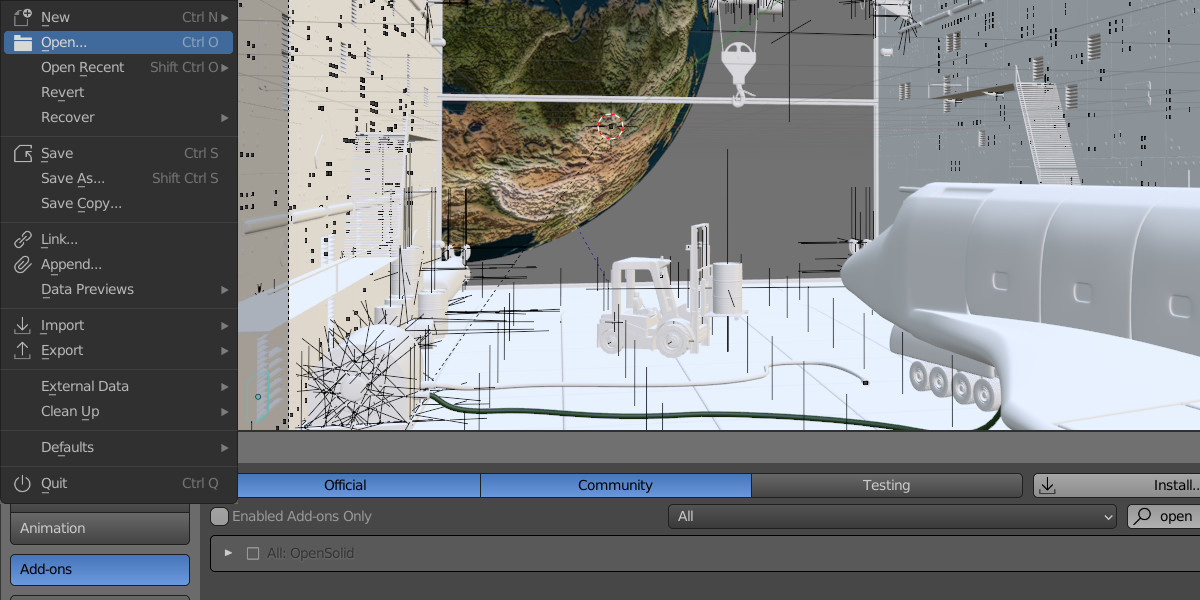
Download the add-on ZIP, open Blender Preferences, go to the Add-ons tab and choose Install from Disk. After installation, MatStudio is available in the Asset Browser. The developer documentation describes the setup and workflow.
The product listing says MatStudio was tested with Blender 4.4.0 through 5.2.0 and supports Cycles and Octane Render. It is licensed under GNU GPL 3.0. The add-on does not include .blend files; assets shown in its video are separate downloads. Check the MatStudio product page for current details.
Reuse a consistent preview scene
If you render previews regularly, the developer suggests saving a Blender startup file with the target objects, cameras, world environments and studio lights you use for this task. You can then reuse that scene setup when creating previews for other materials.
Who MatStudio suits
MatStudio is for Blender artists who want to control the rendered previews shown for materials in the Asset Browser. Its settings cover the preview object and scene, while the Studio collection option supports more involved lighting setups. It is useful when a library needs previews that reflect a chosen presentation scene rather than a default material thumbnail.