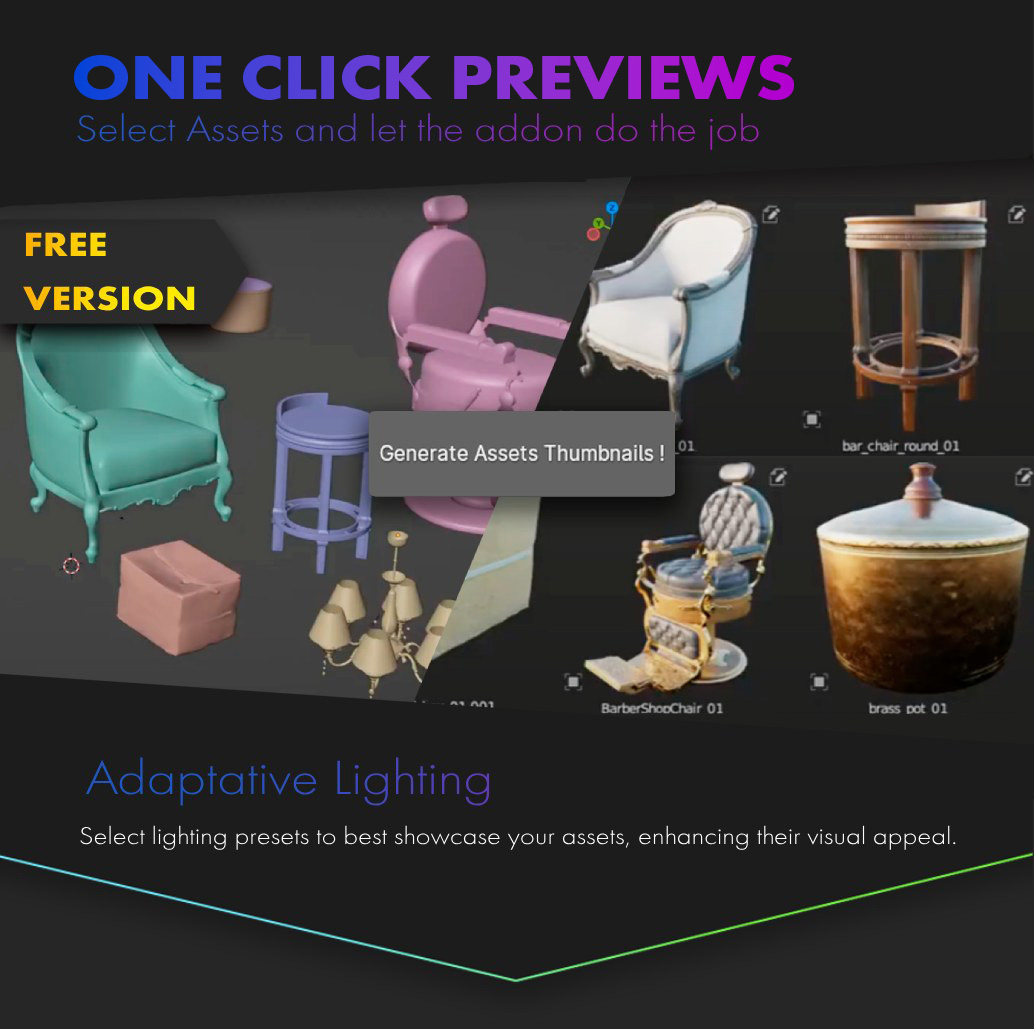
Render previews for Blender assets
Baga Batch is a Blender add-on for rendering previews and exporting assets from the current blend file. It is useful when you want collections or objects organized in an asset library that you can browse in Blender’s Asset Browser.
Preview rendering works with Cycles or Eevee. The product listing estimates 0.5 to 1 second per asset, depending on your computer and settings. If the default camera does not frame an asset as you need, you can set a custom orientation based on your 3D view.
Export assets to a library
The listing names Collections, Objects, and Materials as supported asset types. Its rendering details specifically cover Collections and Objects; Objects can be Mesh or Curves. Each exported asset is saved from the current blend file as an individual .blend file in an asset library you choose. The listing says those assets are available in the Asset Browser when you open it.
Save previews or replace a collection
Save Preview writes an image in PNG format to a folder you select, which lets you use an asset preview outside Blender. Replace Collection exports a collection as an asset and replaces the current collection with a link to that asset.
Compatibility and documentation
The Superhive product listing gives Blender 3.6 as the minimum version and lists compatibility from Blender 3.6 through 5.2. It identifies the license as GPL. Check the listing for current compatibility and license details before installing.
The product documentation is marked “WIP ...” and contains no setup steps. Check the documentation page for updates.