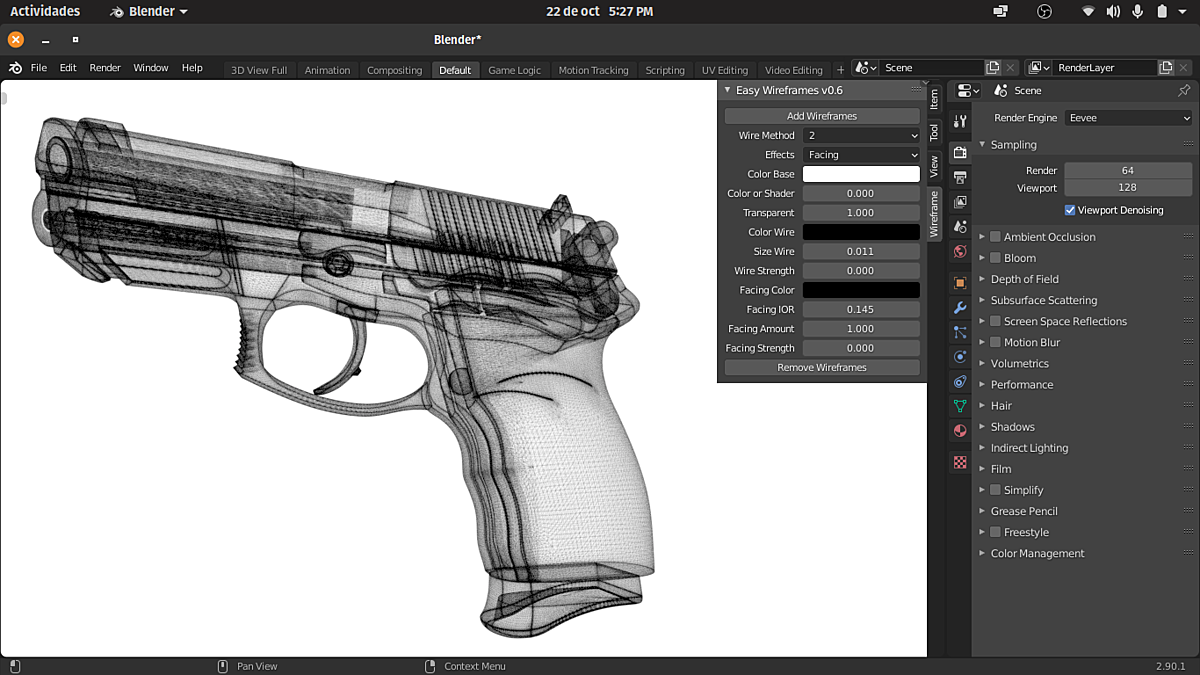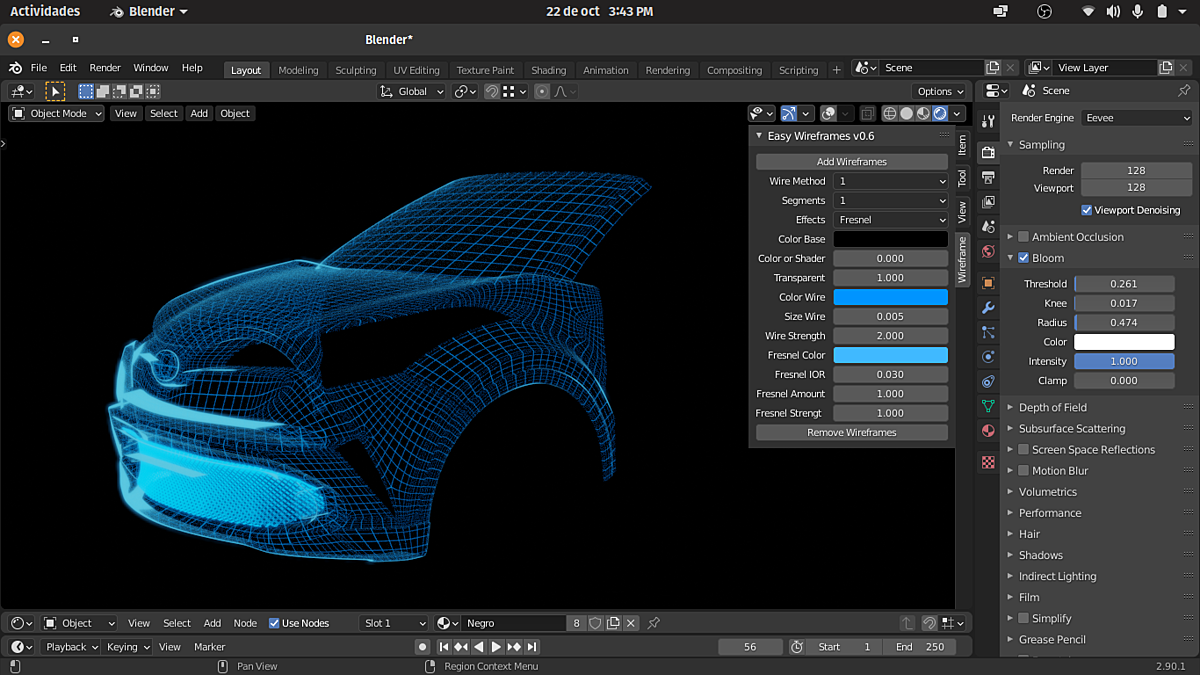
Easy Wireframes is a Blender add-on for managing wireframes on multiple selected objects from one place. It lets you add or remove wireframes across the selection, with most common wireframes pre-configured. It supports both Cycles and Eevee.
Manage wireframes across objects
After selecting objects, use the add-on’s controls to add wireframes or remove them. If a material needs a different wireframe, you can unlink its driver and configure that material separately, while leaving the other materials on the shared setup.
Install and use the add-on
The product documentation describes the installation process: in Blender, open Edit > Preferences, go to Add-ons, choose Install, and select the downloaded ZIP file. Then select the objects you want to affect and click Add Wireframes.
The documentation also explains an Eevee setting for transparent wireframes. Alpha Hashed is the default blend mode; the creator recommends increasing the sample count when using it in Eevee, or changing the blend mode to Alpha Clip.
Compatibility and license
The Superhive listing names Blender 2.9, 2.91, 2.92, 2.93 and 3.0 as compatible versions and lists the license as GPL. It does not establish compatibility with later Blender releases, so check the listing or ask the creator before relying on the add-on in a newer version. The listing identifies the developer as zebus3d.
Easy Wireframes may suit Blender users who need one place to apply a shared wireframe setup across selected objects and still want to adjust particular materials individually.