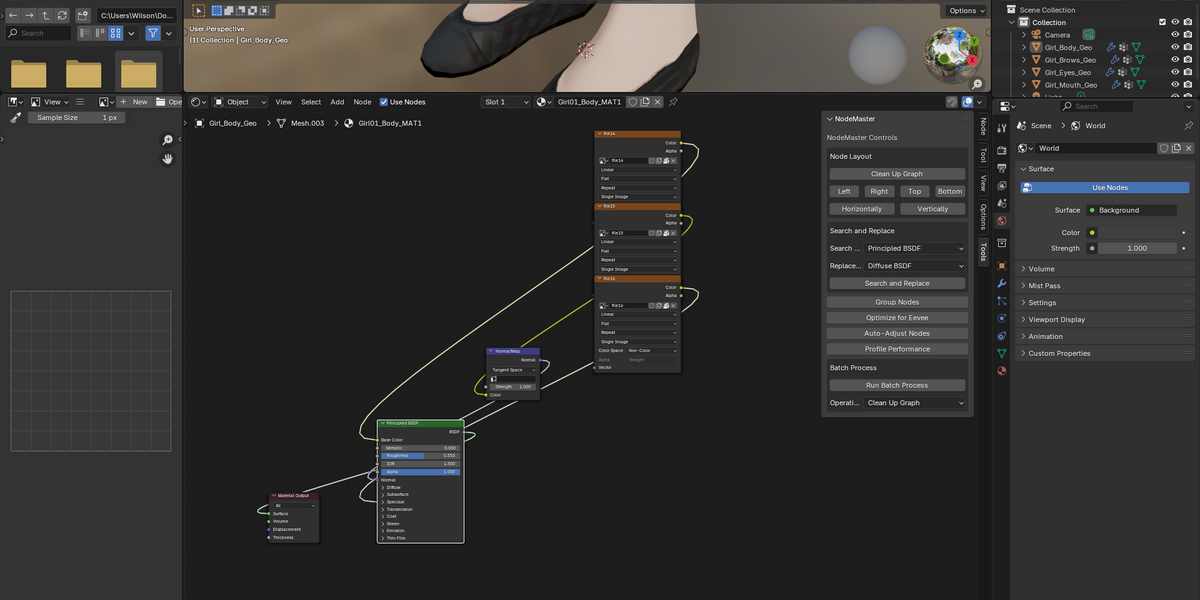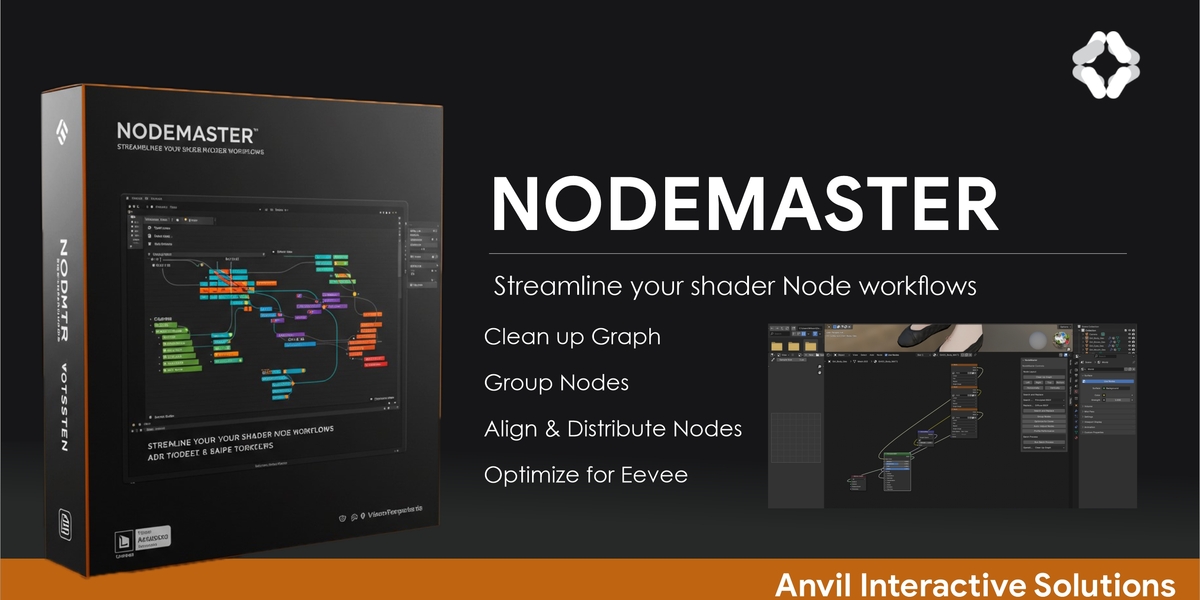
Node Master is a Blender add-on by Anvil Interactive Solutions for managing shader graphs in the Shader Editor. Its tools cover node layout, grouping, batch operations, reusable templates, and shader replacement. The product documentation describes workflows for material artists and technical directors working with node-based materials.
Organize shader graphs
Clean Up Graph arranges nodes according to their dependency hierarchy, placing inputs in relation to outputs. Group Nodes collects related nodes, such as Image Texture and Environment Texture nodes, into labeled frames. Alignment controls position selected nodes along an edge, while Distribute spaces them horizontally or vertically.
Reuse setups and edit materials in batches
Batch Process applies cleanup, grouping, auto-adjustment, or Eevee optimization across materials in a Blender file. Auto-Adjust Nodes switches materials between realistic and cartoon styles by changing Principled BSDF and Mix Shader settings. You can save a node tree as a reusable template, then apply it to another material, where Node Master connects it to a Material Output node.
Search and Replace swaps one node type for another and reconnects sockets where their types and names match. The product listing also says it works inside node groups. That can help when adapting an existing graph, though you should review the connections and material after a replacement.
Optimize and profile materials
Optimize for Eevee replaces some resource-heavy nodes, including Subsurface Scattering, with lighter alternatives. It can also simplify Principled BSDF nodes into Diffuse and Glossy combinations where appropriate. Since these operations change the shader graph, check the resulting material before using it in a final render.
Profile Performance reports on node trees in Cycles and Eevee. Its report includes estimated FPS based on node complexity, memory usage, and a breakdown of heavy nodes. Treat the FPS figure as an estimate, then test the scene in your target renderer.
Compatibility and setup
Superhive's details list Blender 4.0–5.0. Its compatibility text recommends Blender 4.4 and calls that version fully compatible; it says versions 4.0 and above may work without a guarantee. The listing says Node Master has been tested on Windows, macOS, and Linux. Its Superhive product listing displays a price of $15; check the listing for the current price before downloading.
Download the node_master_base.zip file from Superhive, install it through Blender's Edit > Preferences > Add-ons panel, and enable NodeMaster. To access its tools, open a material in the Shader Editor, press N to show the sidebar, and select the Tools tab.