Accurate Region Border
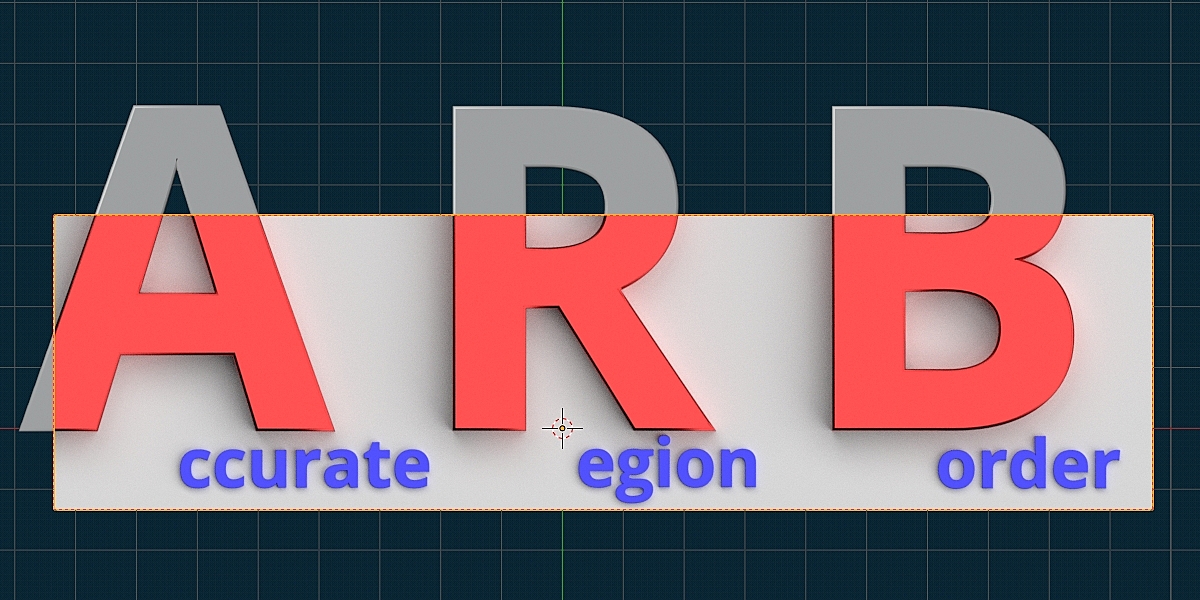
Set Blender render borders with Accurate Region Border: use corner coordinates or width and height; animate coordinates for frame sequences.
Developer listing
27 tools attributed to this developer in the catalog.
Set Blender render borders with Accurate Region Border: use corner coordinates or width and height; animate coordinates for frame sequences.
See how Anicam animates Blender render resolution, uses timeline markers and frame sequences, and check its listed versions and installation steps.
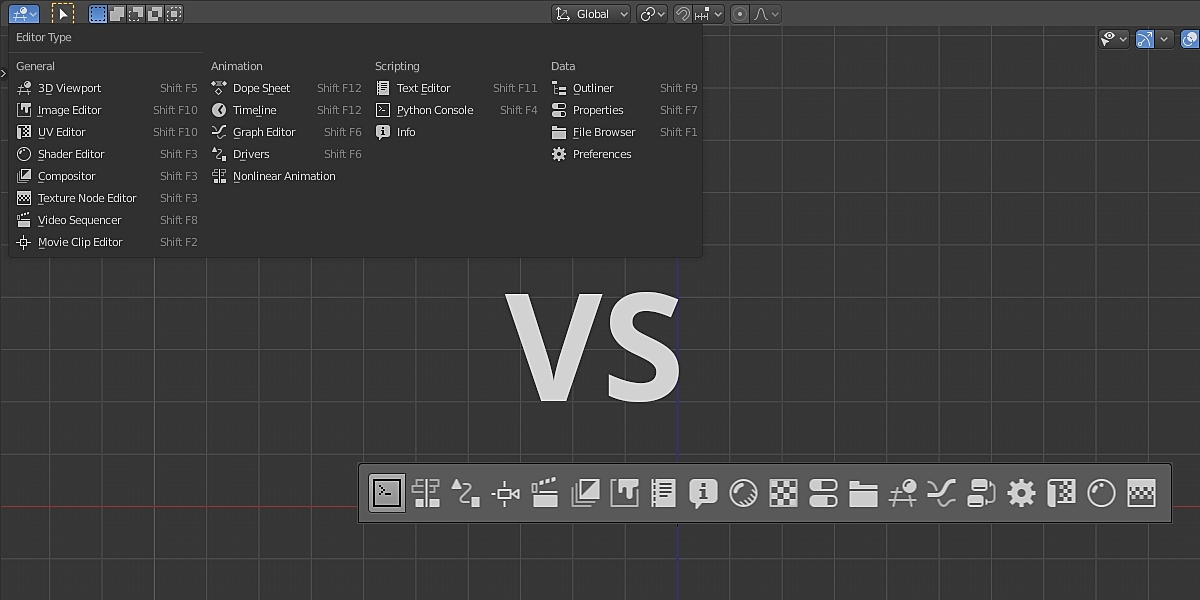
Area Switcher lets Blender users map recurring area changes to one click or Ctrl+Shift+D, with configurable pairs and sequential switching.
Blaster for Blender creates static or animated blaster and magic beams along curves. Check its controls, installation steps, GPL license and listed versions.
Create turntable animations of Blender models with Carousel. See how its automatic and manual modes handle camera positioning and frame rendering.
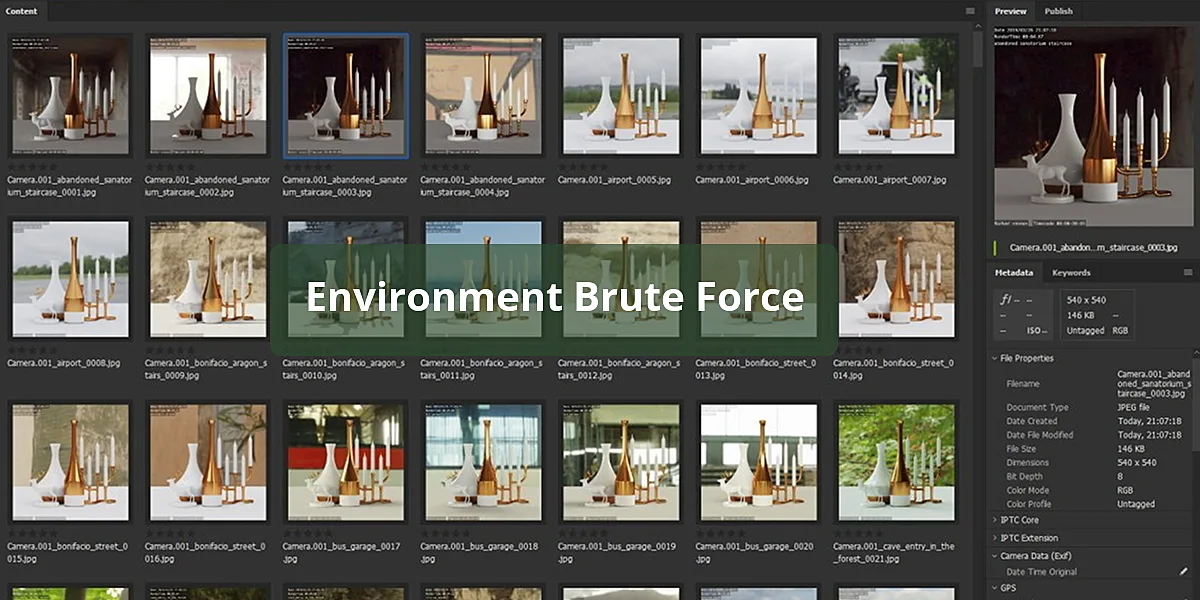
Environment Brute Force is a Blender add-on that compares lighting across environment images and full rotations, labeling frames for a final render.
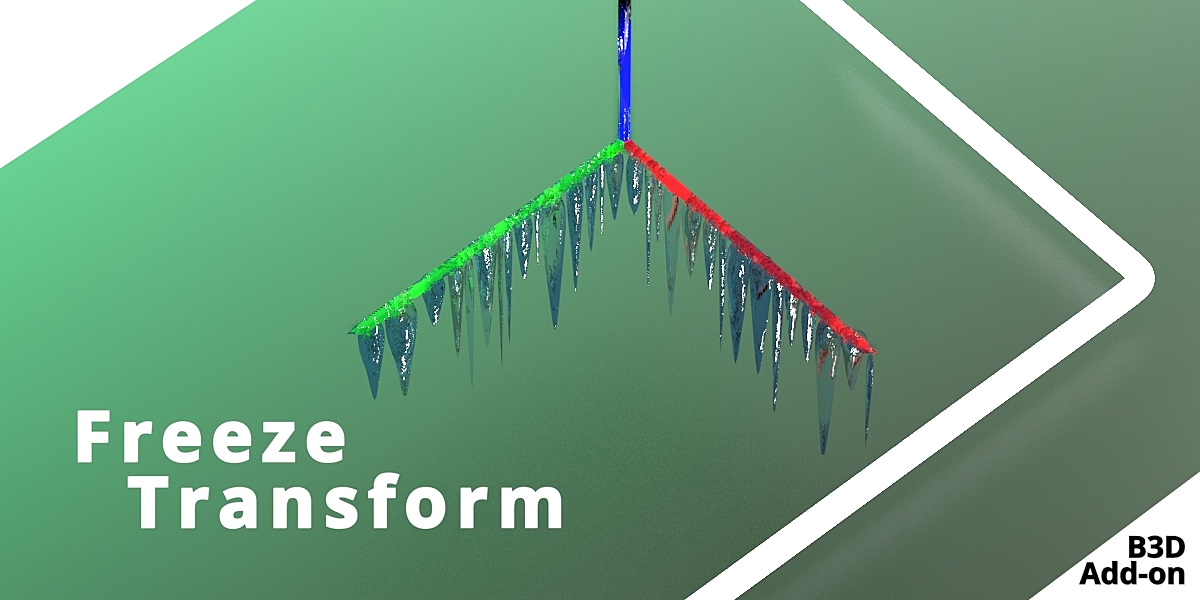
Save and restore an object's world position, rotation, and scale in Blender with Freeze Transform. Check the developer's page for Blender version support.
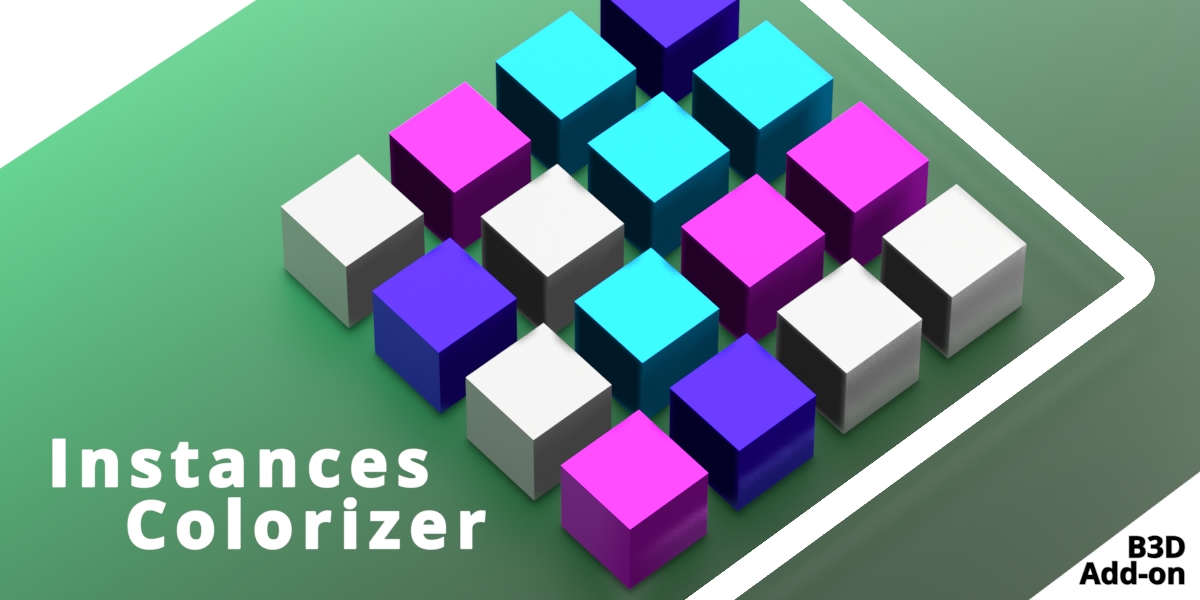
See how Instances Colorizer assigns viewport colors to Blender instances, where its controls sit, and which Blender versions are named on the product page.
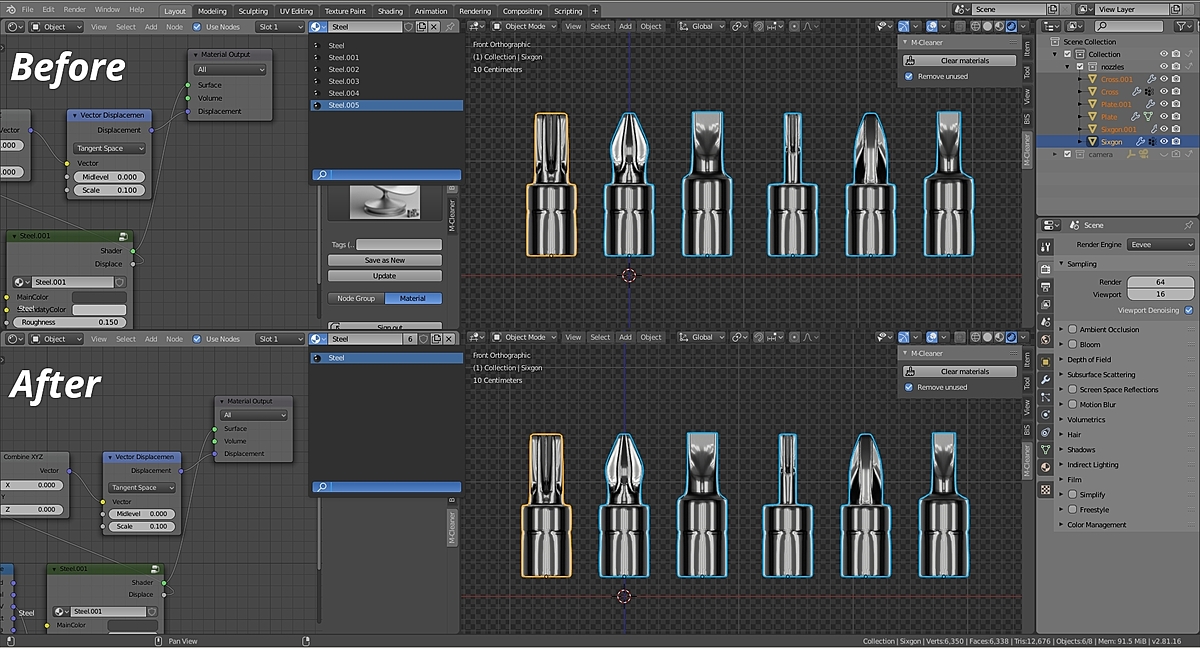
M-Cleaner finds equal Blender materials and reassigns objects to one copy. Review its name-based cleanup option and listed Blender versions before installing.
Generate Python source for Blender meshes with Mesh Source; save code in its local library and distribute the library as an add-on. Check version caveats.
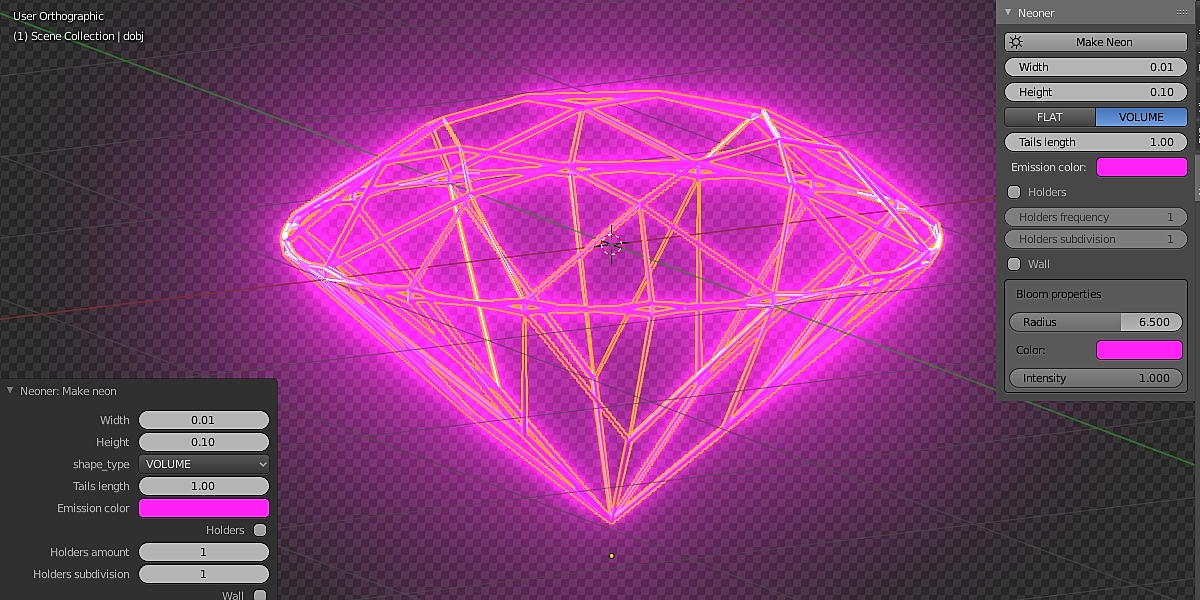
Neoner is a Blender add-on that makes neon lights from curves, text, or meshes. Optimized for EEVEE, it also works with Cycles; light color is adjustable.
Nodetree Source converts Blender material node trees into Python for reuse or add-on distribution. Check its listed Blender versions before sharing code.
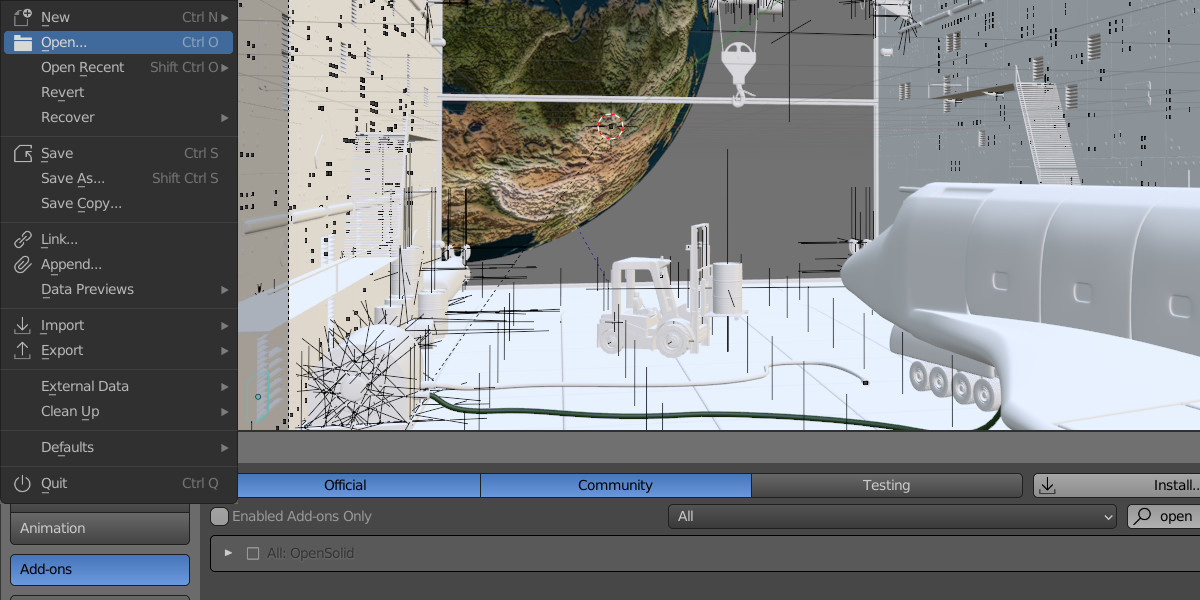
Open Solid opens Blender files in Solid mode to avoid Material Preview loading delays on heavy scenes. Check your Blender version before installing.
Packages Plus installs PyPI packages into Blender, your user home directory, or a custom location. Check, locate, and remove packages from its P+ panel.
Parametrizer is a Blender add-on for changing mesh geometry with saved transform parameters. Check Blender version compatibility before installing.
Parent Plus adds parent and child selection plus object grouping under an Empty in Blender. Check compatibility and GPL details on the Superhive product page.
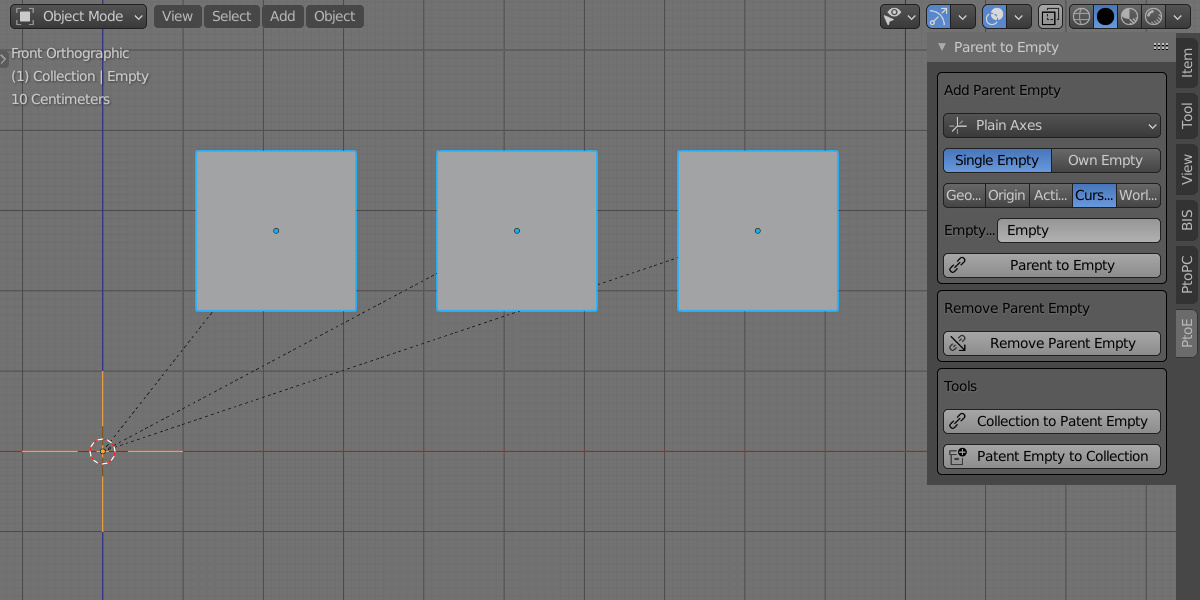
Parent Blender objects to shared or individual Empties with Parent To Empty. It handles transforms, collection conversion, and tracking.
Print To Python Console is a Blender add-on that sends print output and errors to Blender's Python Console, with separate controls and handler limits.
Add a QR code automatically to finished Blender renders with Qr Signature, then adjust its location, indent, and color. Check listed versions before installing.
Save Selected exports chosen objects from a Blender scene to a separate .blend file through File > Export. Review its workflow, license, and version notes.
Select Circle Radius Keymap adjusts Select Circle's radius with PageUp and PageDown in Blender 2.9x; support for later releases is unconfirmed.
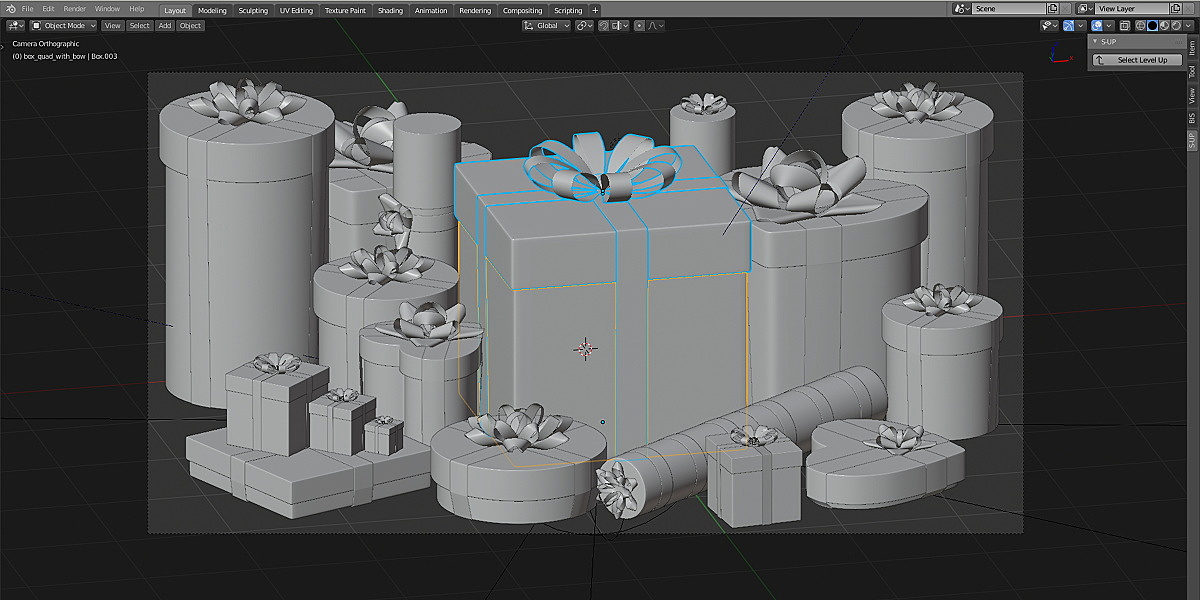
Select-Up is a Blender add-on for collection selection. Its listing names versions through 3.6; the Blender Version field ends at 3.4. Install from ZIP.
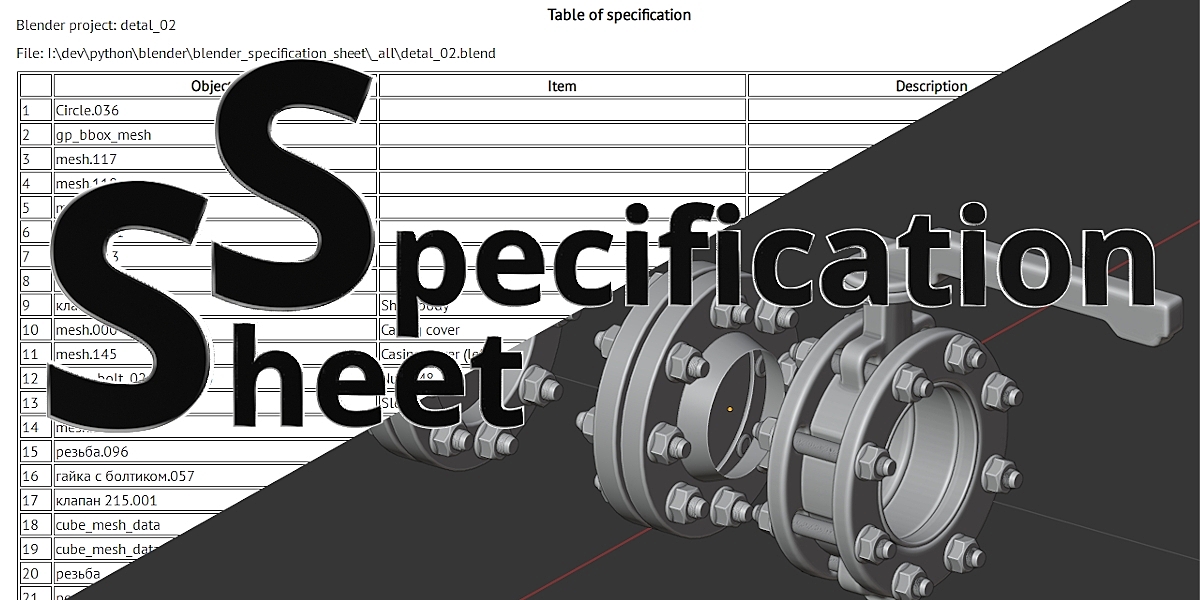
Specification Sheet is a Blender add-on for adding fields to objects and collections, counting items in instances, and exporting tables as HTML or CSV.
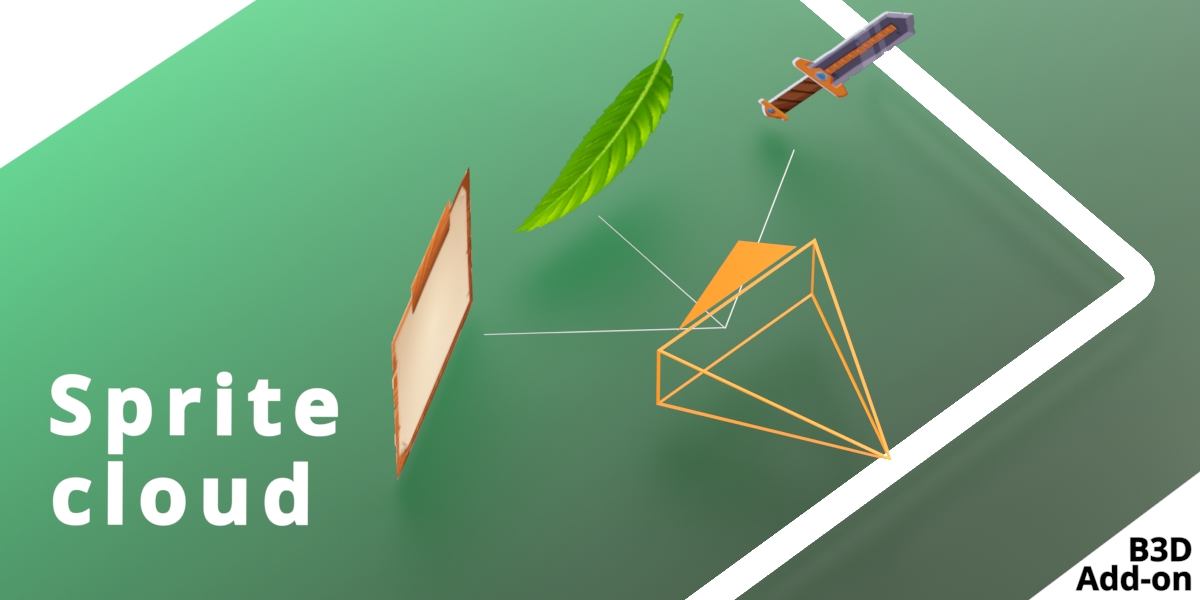
Sprite Cloud turns Blender image planes into sprites that face and reorient toward the active scene camera as it changes. Setup and compatibility notes.
Developer attribution comes from the linked product listings. Current product details are available on each product’s website. About our sources