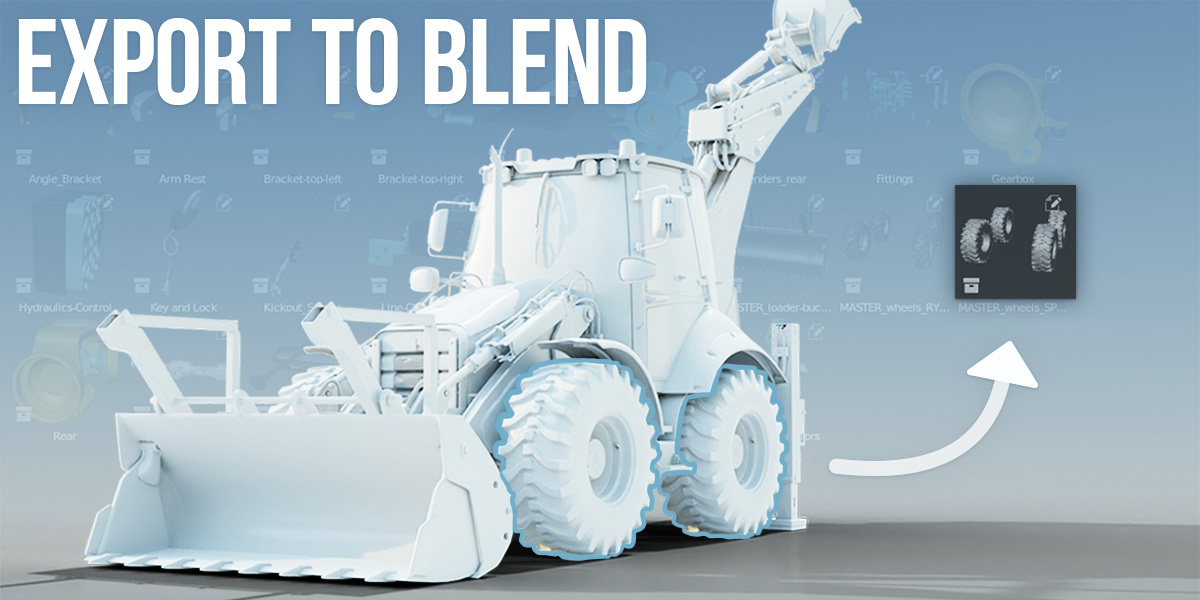
Save Selected is a Blender add-on by Nikita Akimov that saves selected scene objects to a separate .blend file. It is intended for creating sets of separate asset files from complex scenes.
Export selected objects
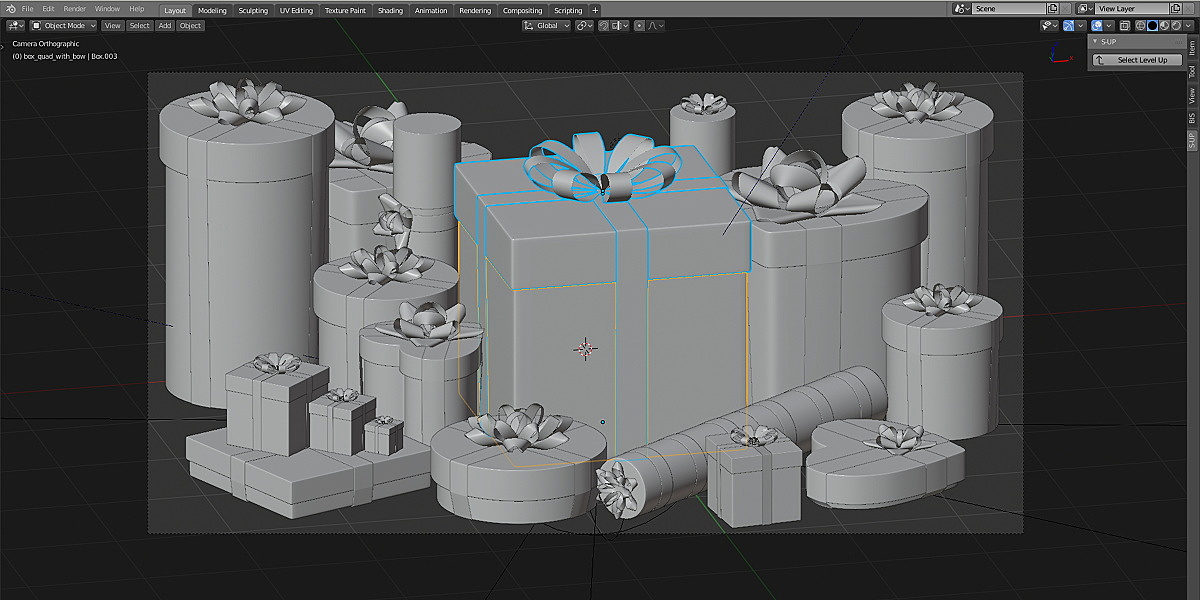
- Select the objects you want to save in the Blender scene.
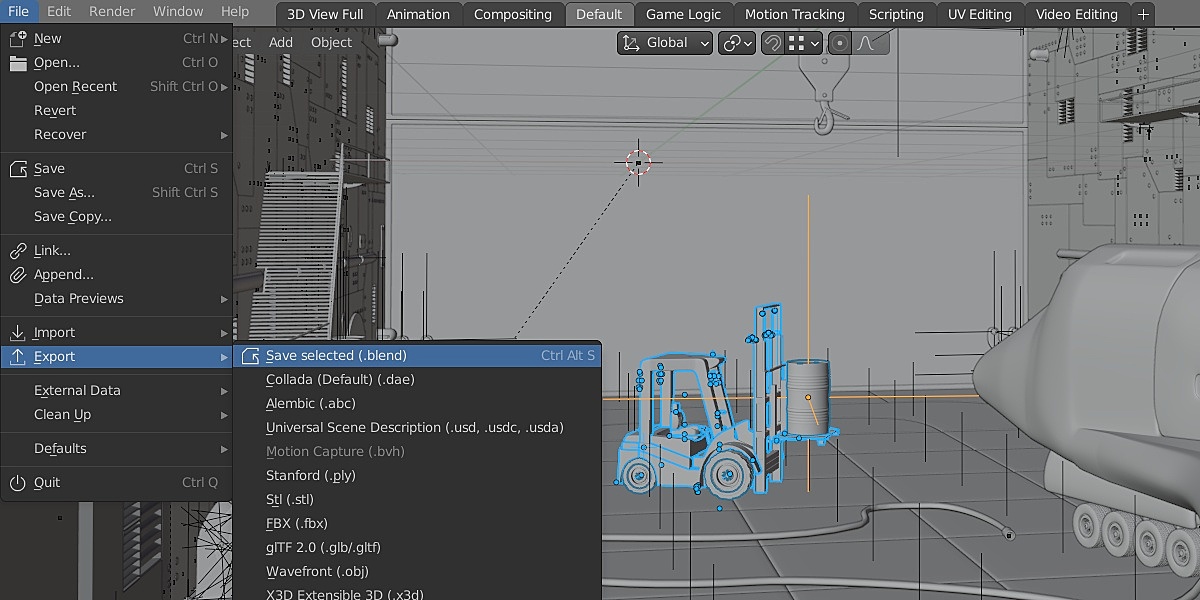
- Choose File > Export > Save Selected from the main menu.
- Specify where to save the file.
The selected objects are written to the specified .blend file.
Blender compatibility
The Superhive product listing gives a Blender version range of 2.83 through 5.1 and lists add-on version 1.1.1. Its documentation says the add-on is for Blender 2.9x, 3.x, 4.x, and 5.x, with earlier versions unsupported; the same documentation history says version 1.0.2 was checked with Blender 2.83 LTS. These notes do not fully agree, so confirm compatibility with the publisher if you use Blender 2.83. The listing marks the add-on as compatible with Blender's extension system.
License and documentation
The product listing identifies the license as GPL. See the Save Selected documentation and version history for release notes, and the publisher listing for product details.