Addon_Show_Saved_File_Version
Addon_Show_Saved_File_Version shows which Blender version saved the open file. The listing names Blender 2.93 and 3.0 through 3.4 as compatible.
Developer listing
21 tools attributed to this developer in the catalog.
Addon_Show_Saved_File_Version shows which Blender version saved the open file. The listing names Blender 2.93 and 3.0 through 3.4 as compatible.
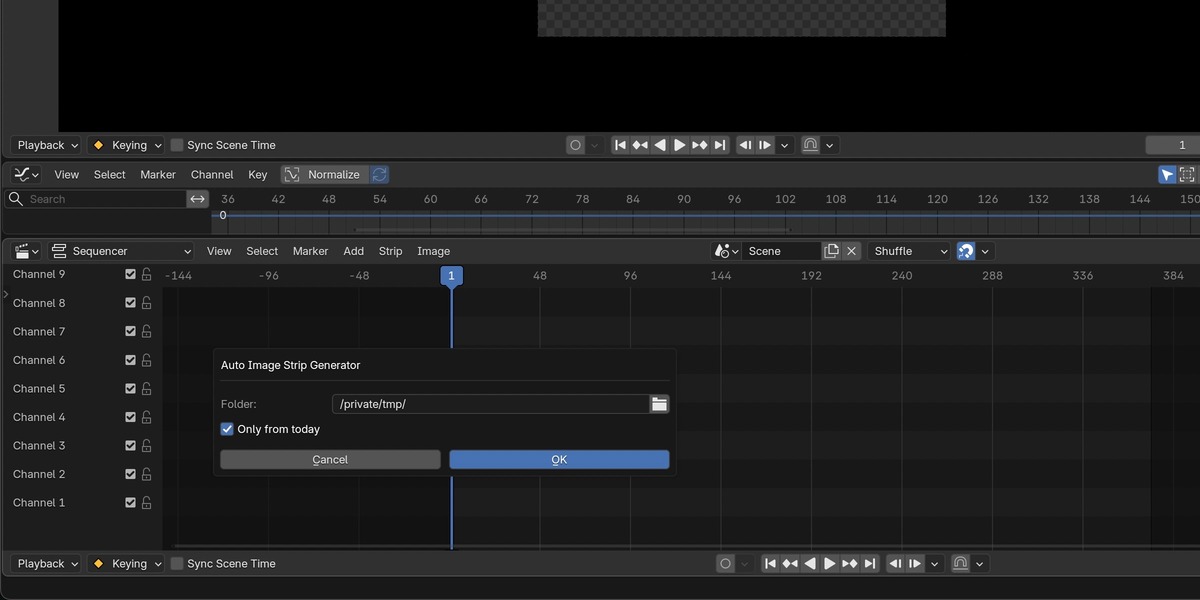
Auto Image Strip Generator imports numbered image sequences into Blender's VSE, names the strip, and matches render size and end frame to the images.
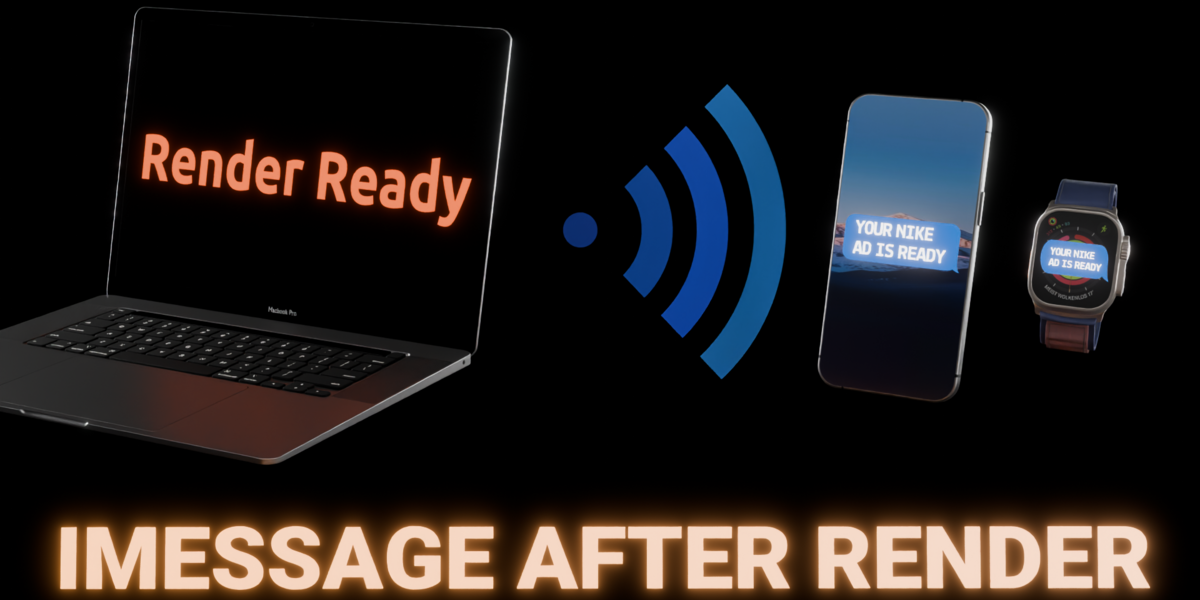
Get render alerts with iMessage After Render for Blender: an iMessage on iPhone, iPad, or Apple Watch, a Mac sound, or both. Choose from 80+ sounds.
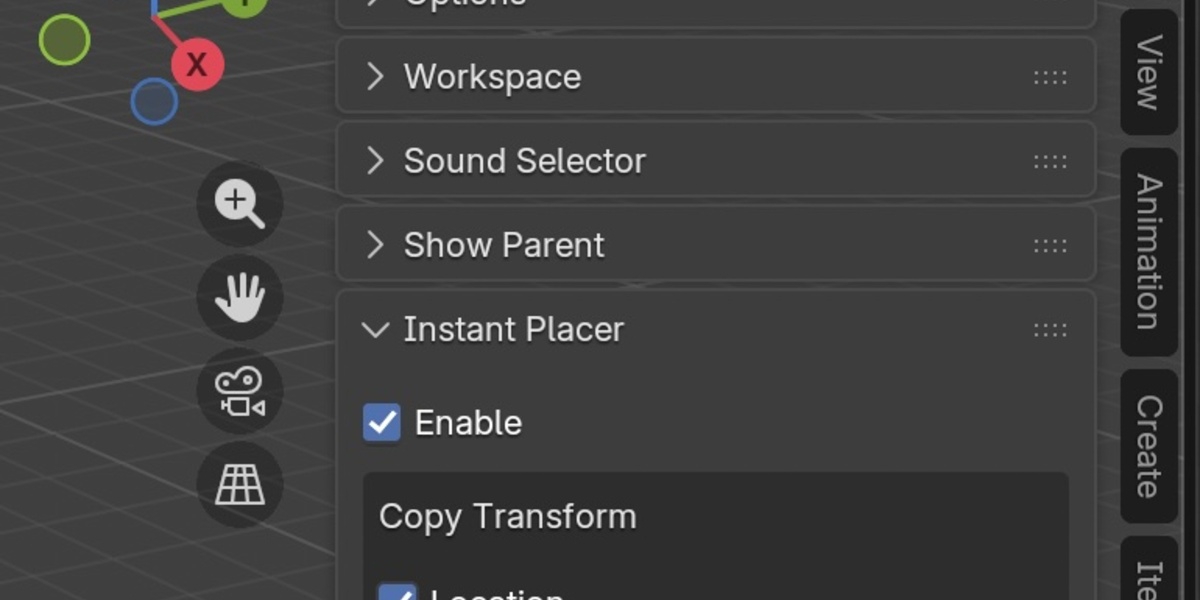
Instant Placer places new Blender objects at a selected object's location and can copy transforms. Review Blender compatibility and license details.
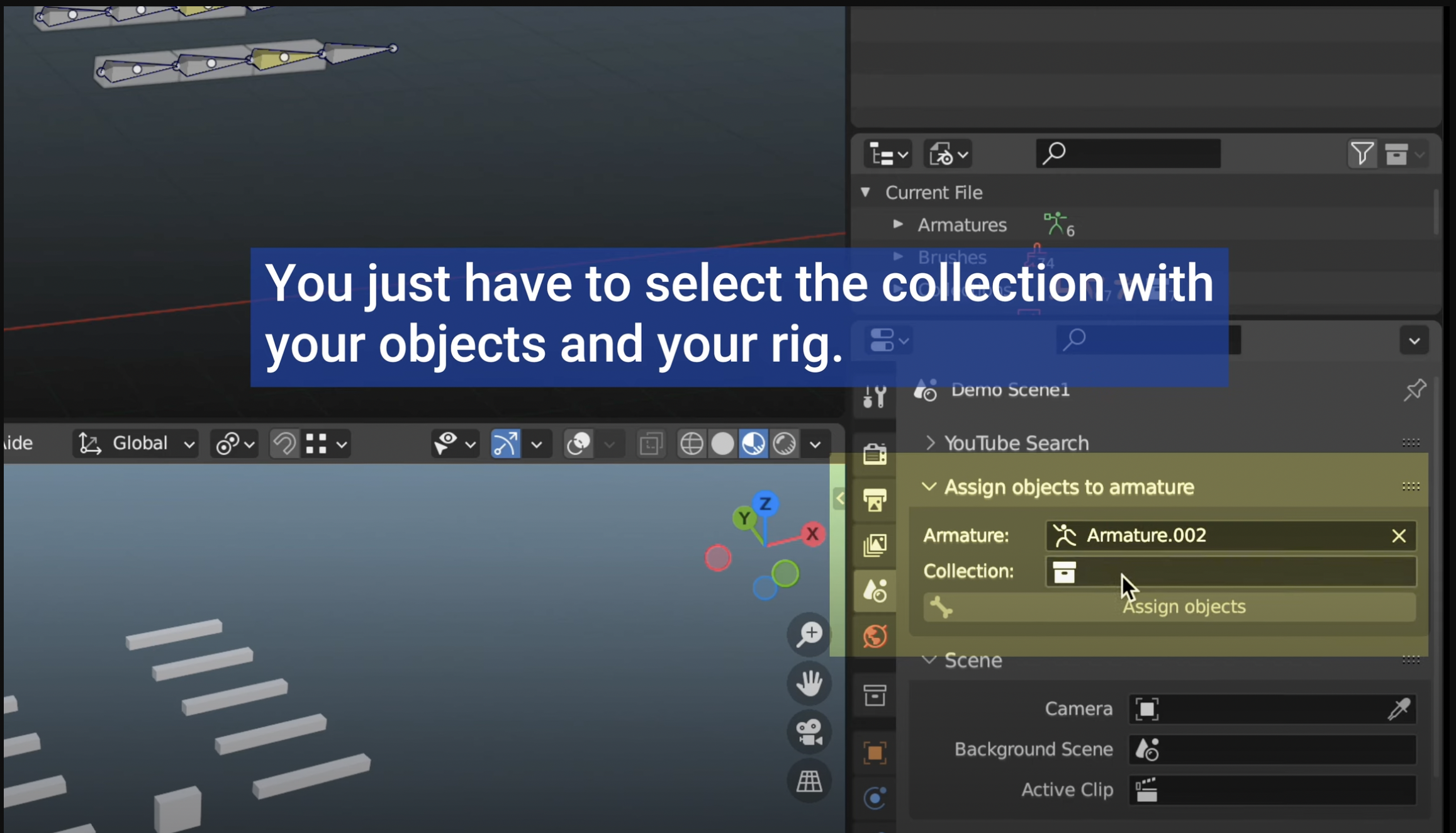
Parent To Nearest Bone assigns selected Blender objects to the nearest bone with one click. See its modes, setup hints, and version notes.
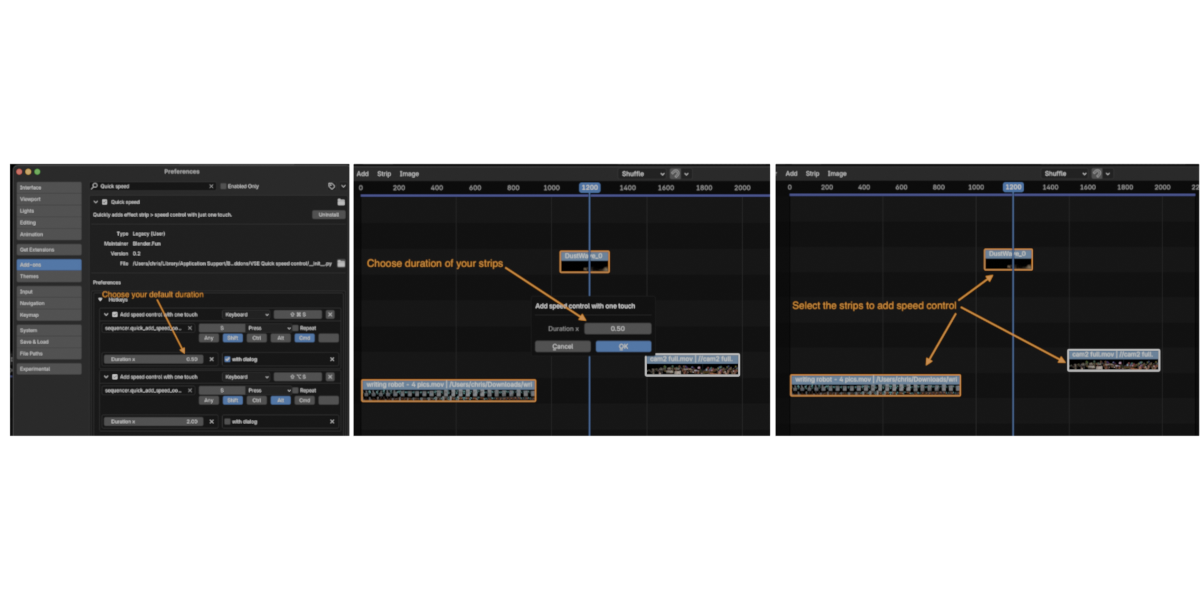
Add speed control effect strips to multiple selected Blender VSE strips at once. See its listed Blender versions, GPL license, and placement tip.
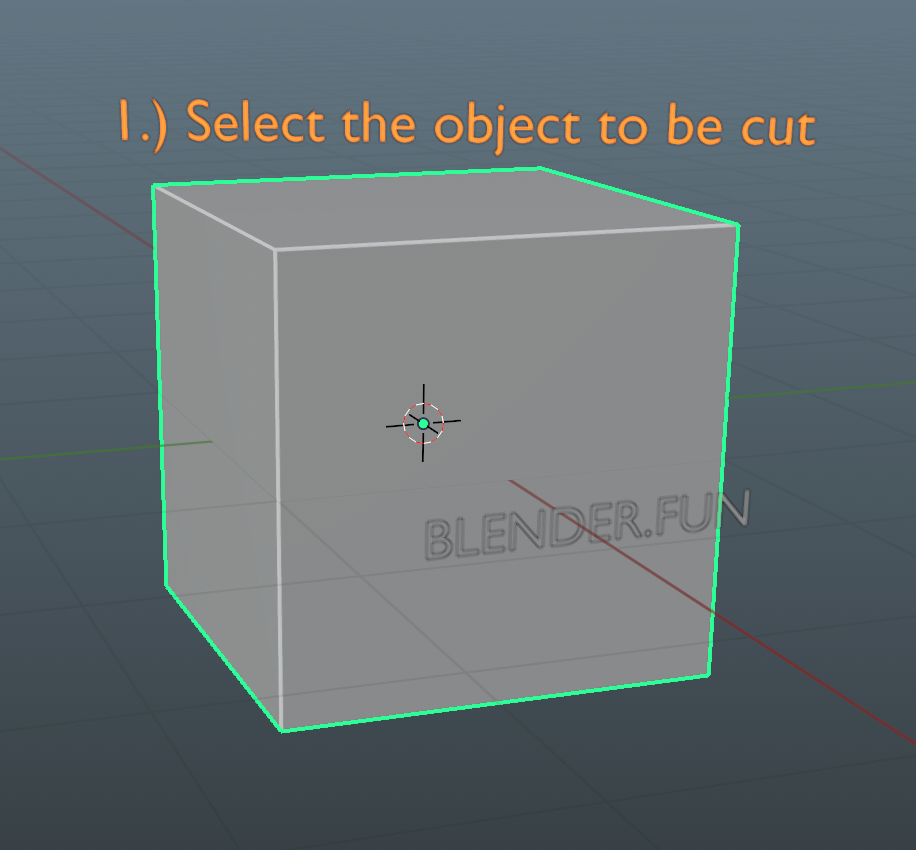
Quick Cut is Blender.Fun's Blender add-on for cutting along selected mesh edges. Use Shift-Q in Edit mode, choose Add Mesh Cut, and adjust its settings.
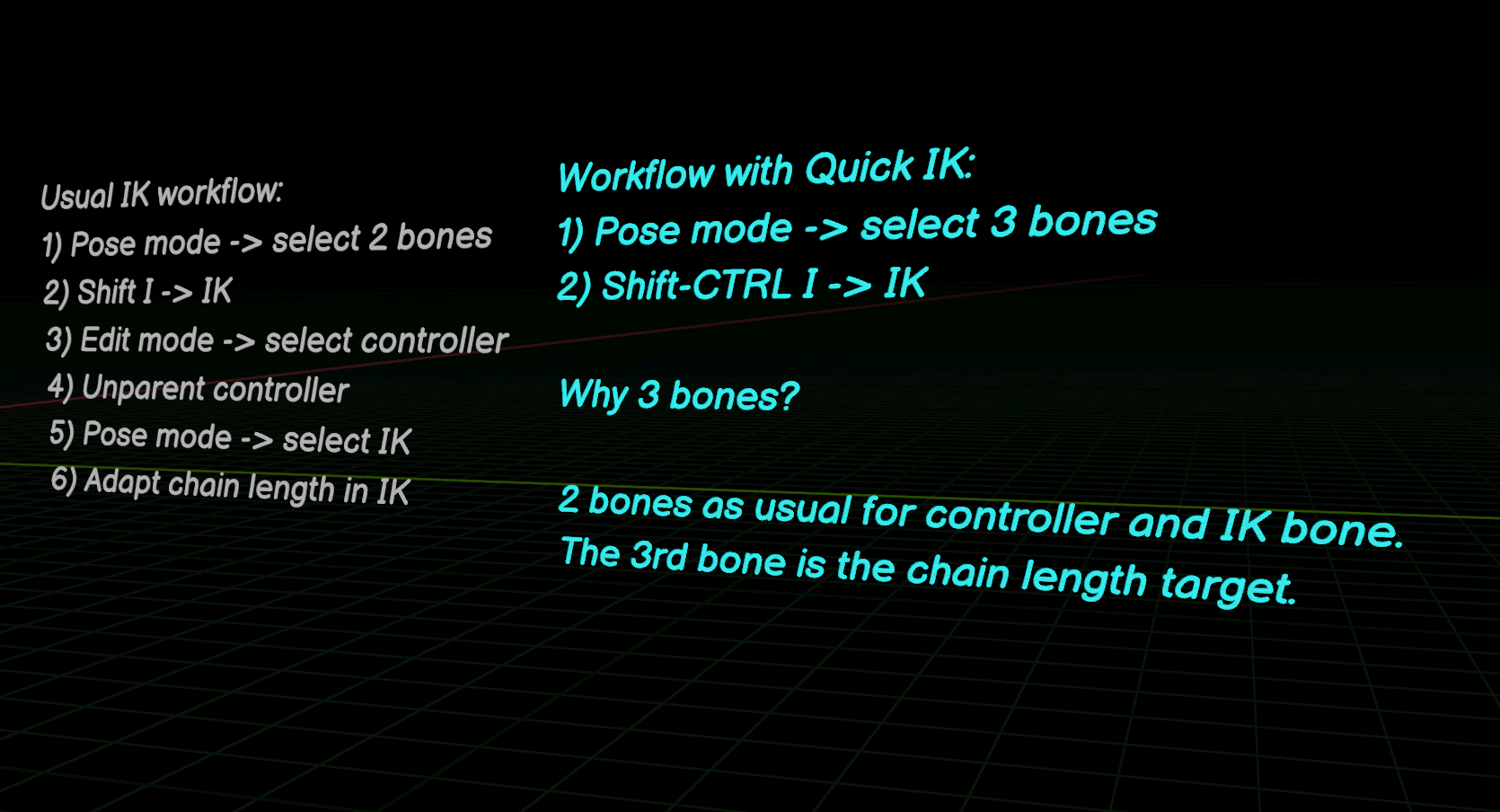
Quick IK is a Blender add-on: select three bones and press Shift-CTRL-I to set up an IK chain. Version 0.2 adds pole-target setup with Shift-CTRL-P.
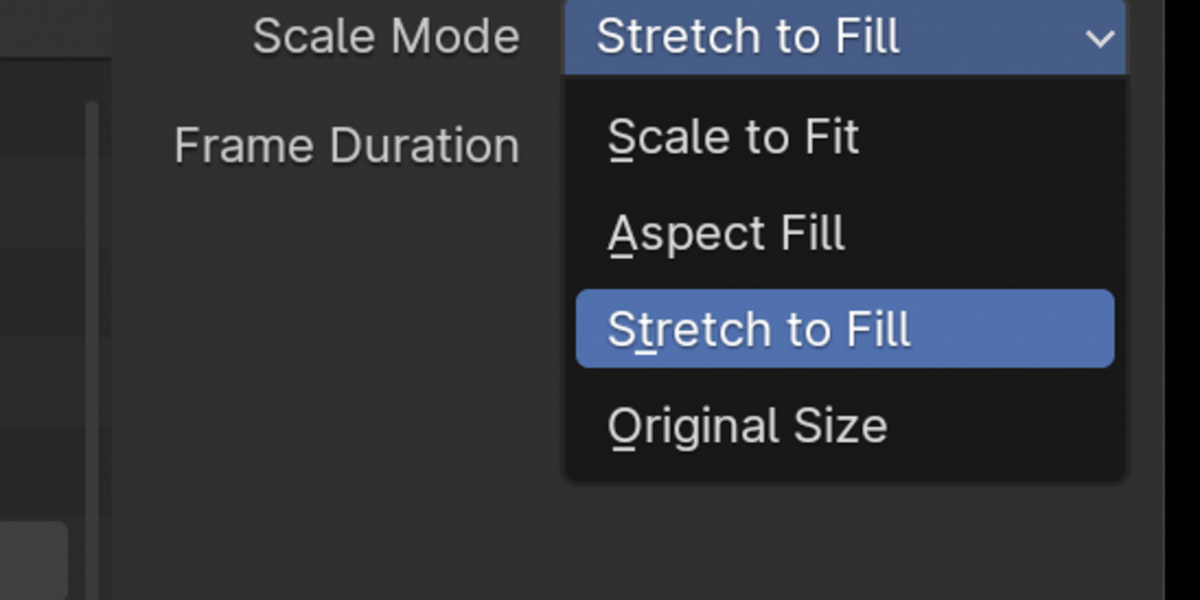
Quick Image Scale imports image folders into Blender’s Video Sequencer with fit, fill, stretch and original-size modes plus frame-duration controls.
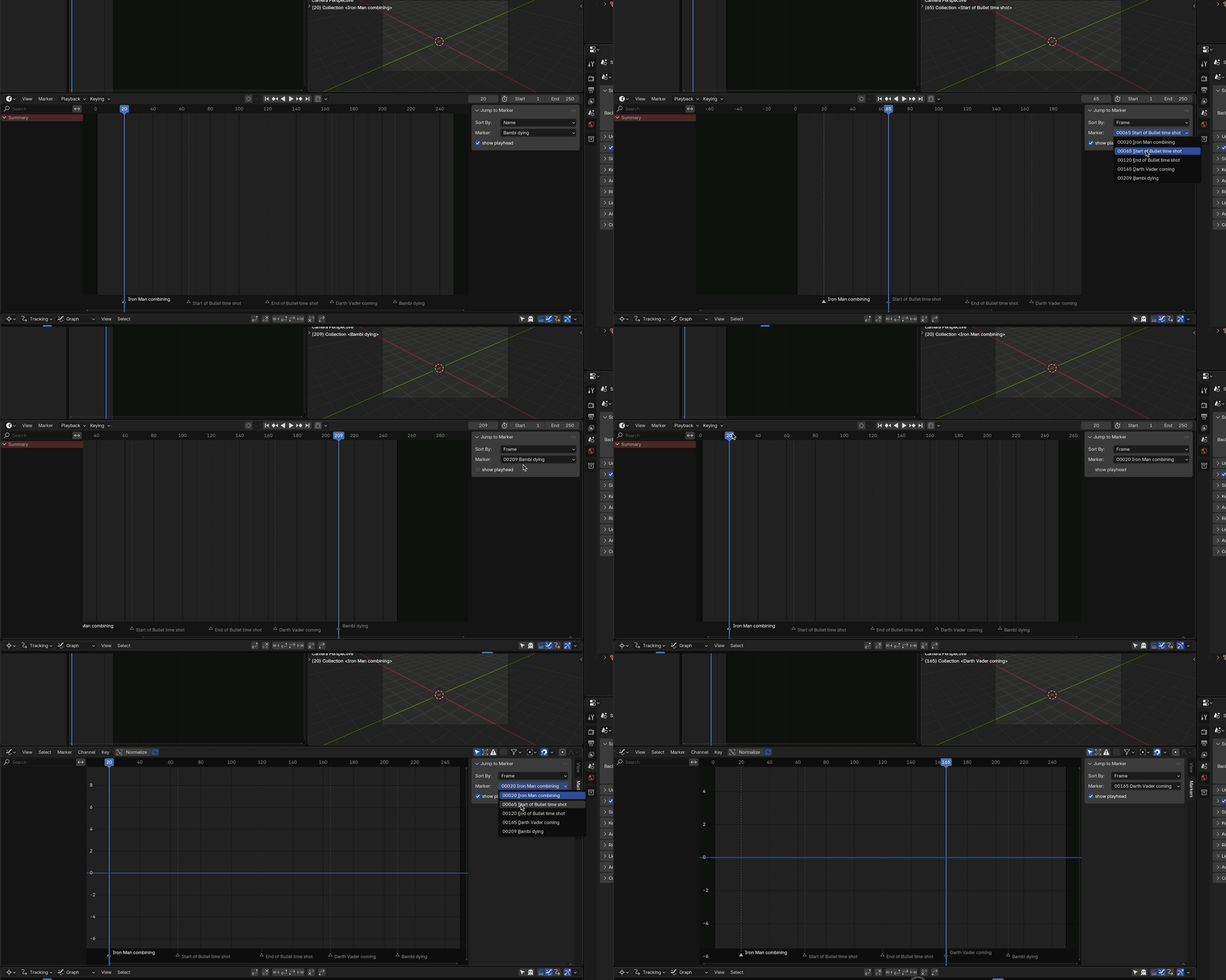
Quick Jump To Marker lets you select named Blender timeline markers from the Timeline or Graph Editor, sort by name or frame, and center the view.
Quick Knife cuts one Blender object with another using Ctrl+Shift+K. Review its three-step workflow, listed Blender versions and GPL license.
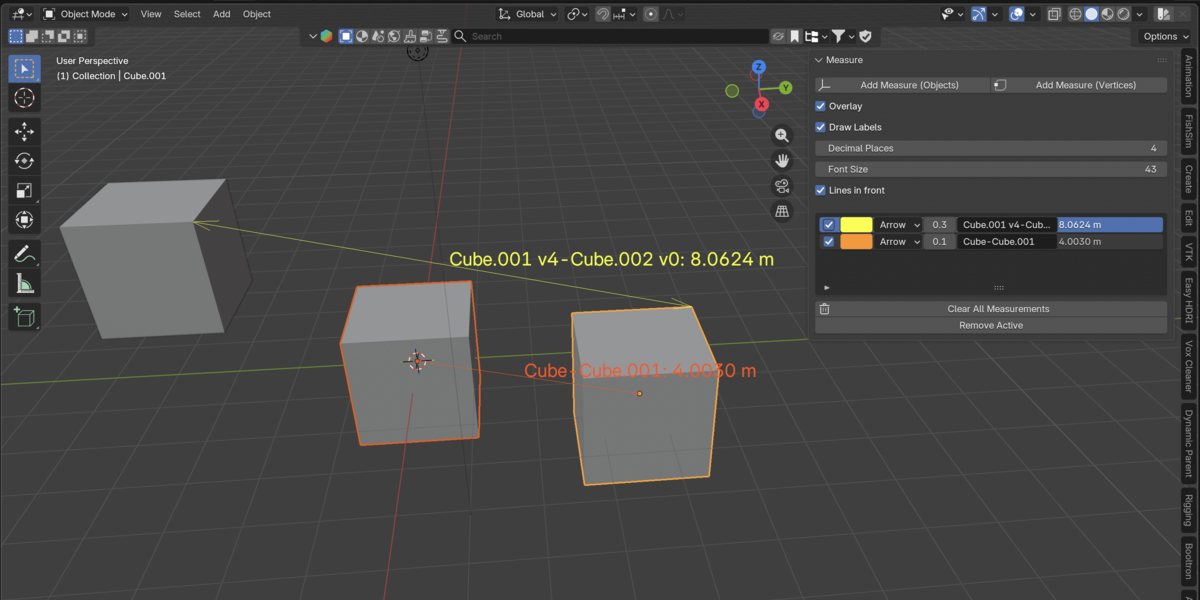
Quick Measure2 checks distances between objects, vertices, and points in Blender's viewport. Review Blender 2.93 to 5.1 support and the render limit.
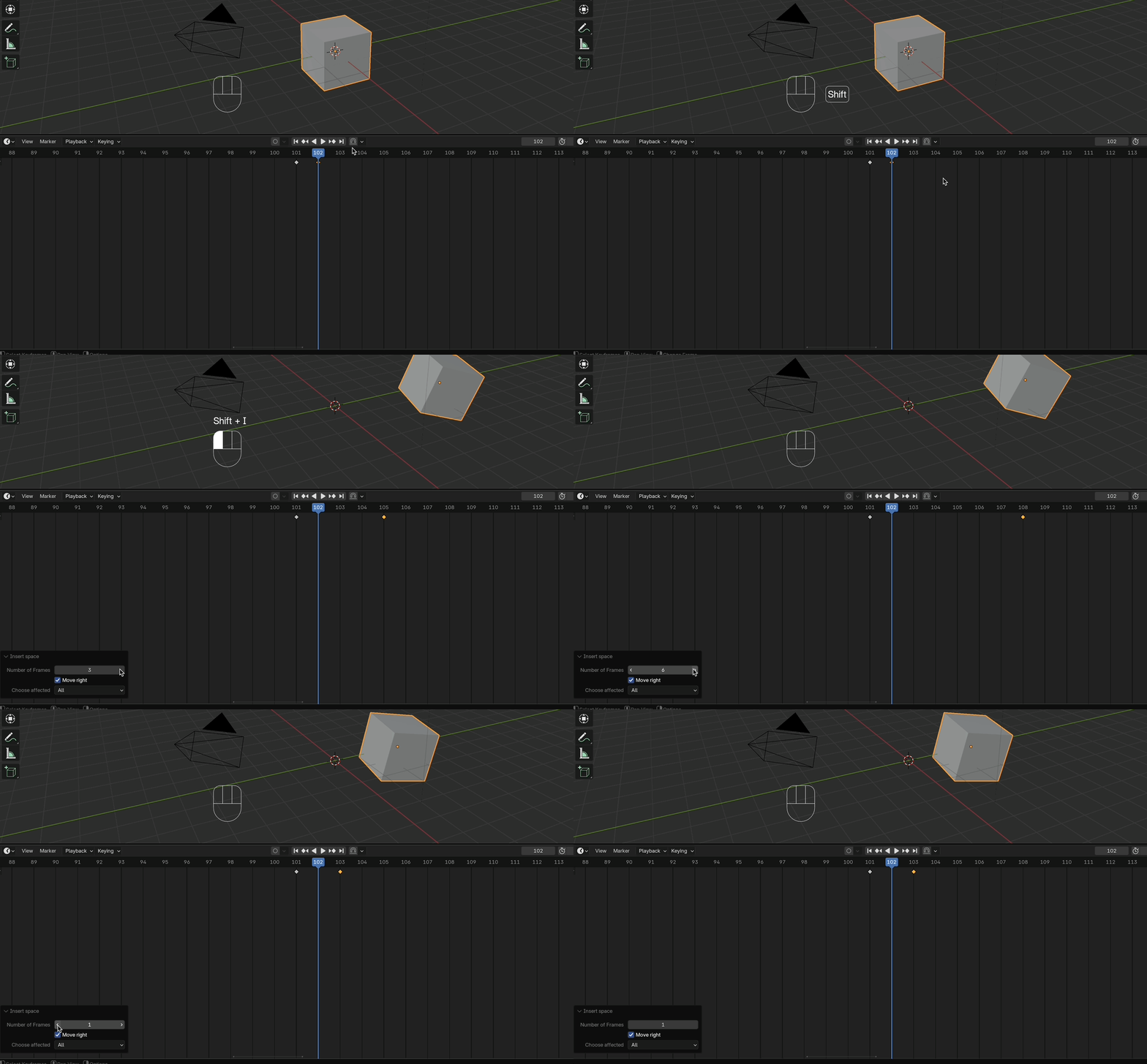
Quick Move Keyframes shifts Blender keyframes left or right from the current frame in the Graph Editor, Dope Sheet, or Timeline. Choose the scope.
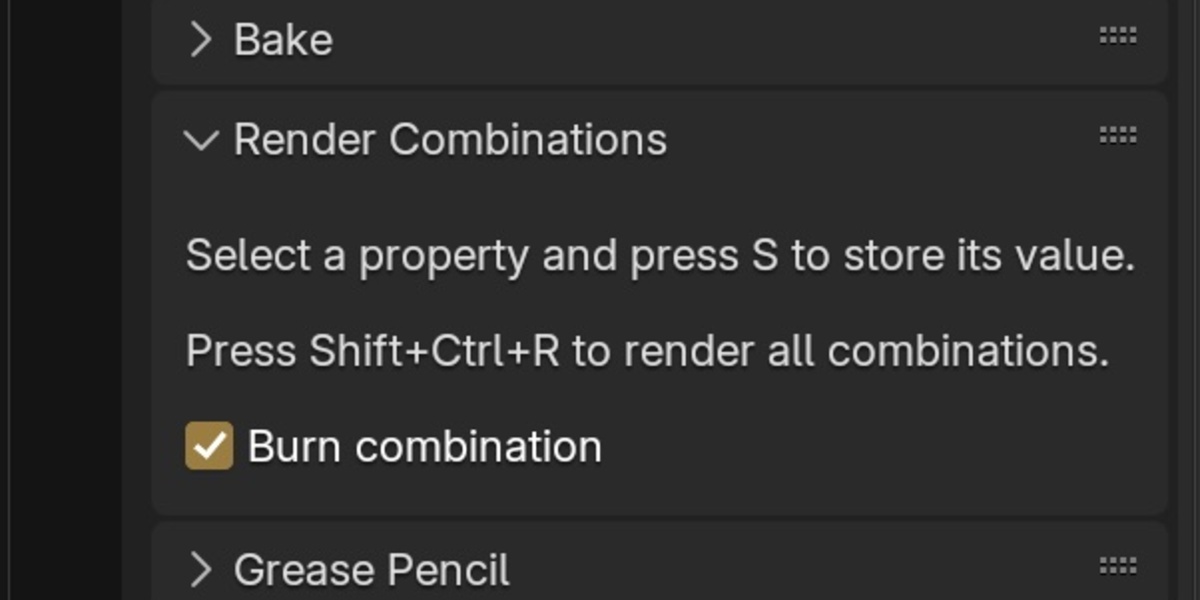
Quick Render Combinations helps compare Blender render settings: add field values, render every combination, and optionally burn changes into images.
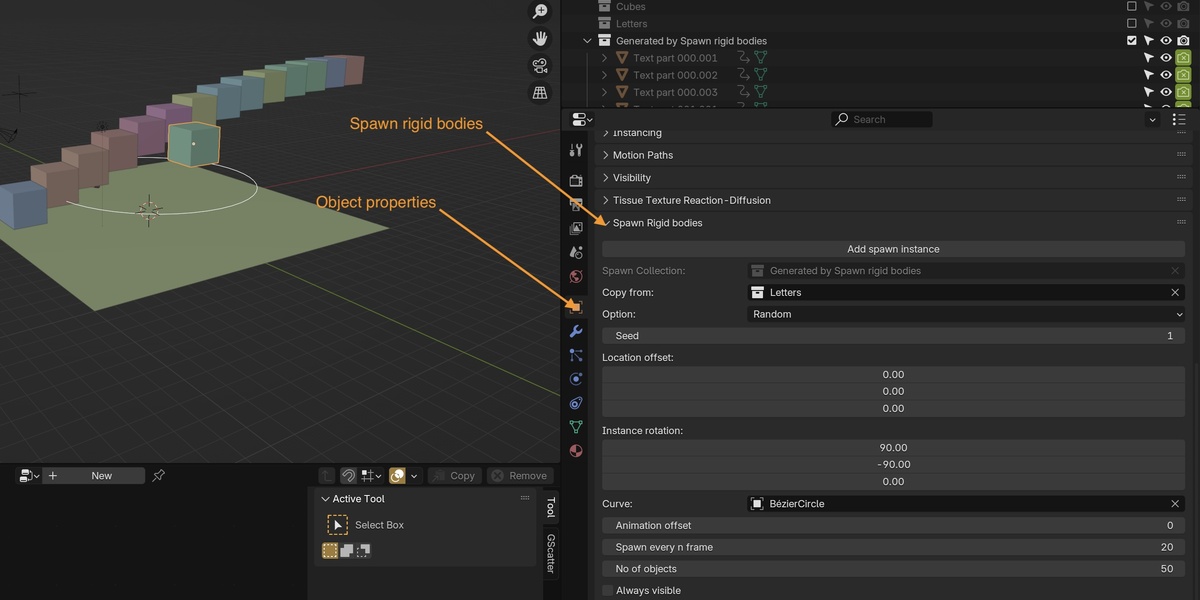
Quick Spawn Rigid Bodies adds rigid bodies in Blender with velocity, location offset, rotation, animation offset, and spawn order. Check the listing.
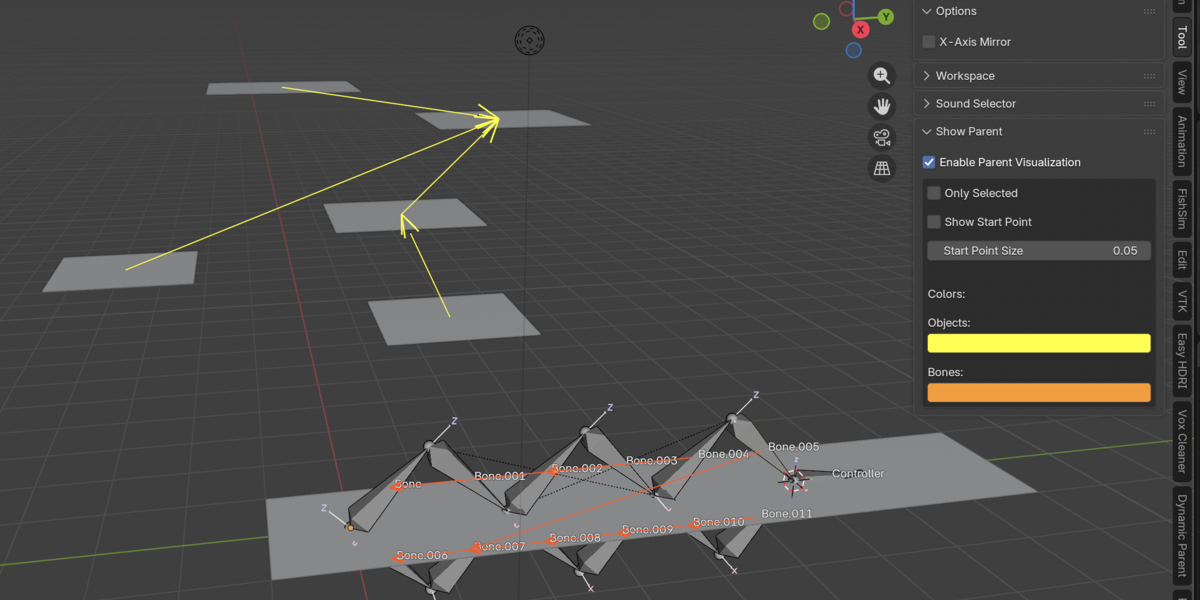
Show Parent marks object and bone parents in Blender's 3D Viewport with yellow and blue arrows plus optional start markers. Review its controls.
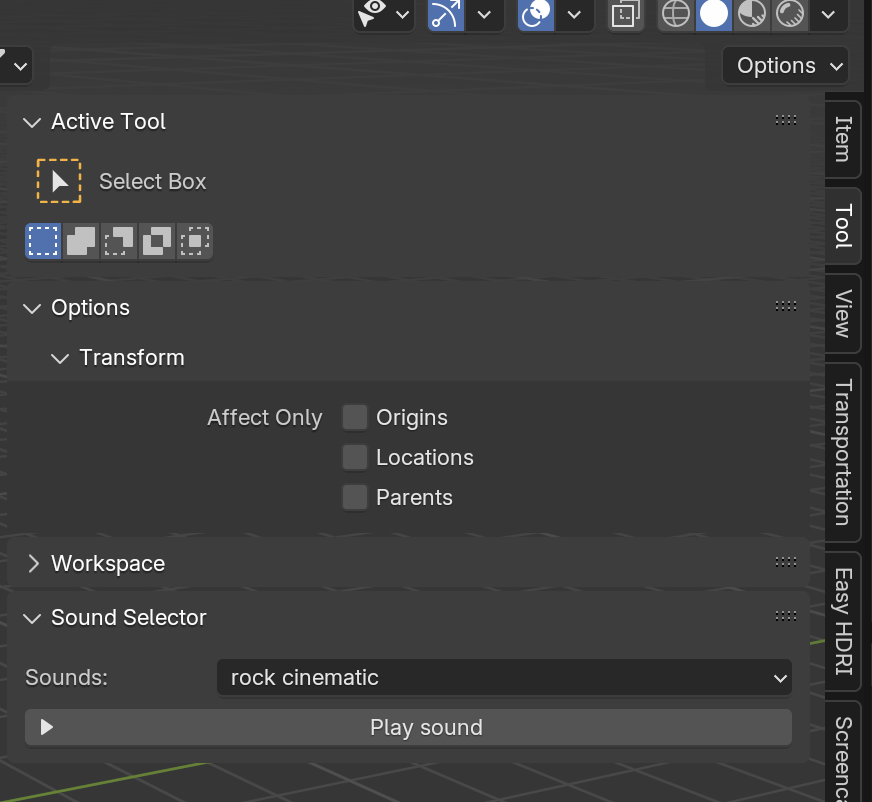
Sound After Render adds a sound cue when a Blender render finishes. It offers 40+ sounds and a shared default option. Check Blender compatibility and GPL terms.
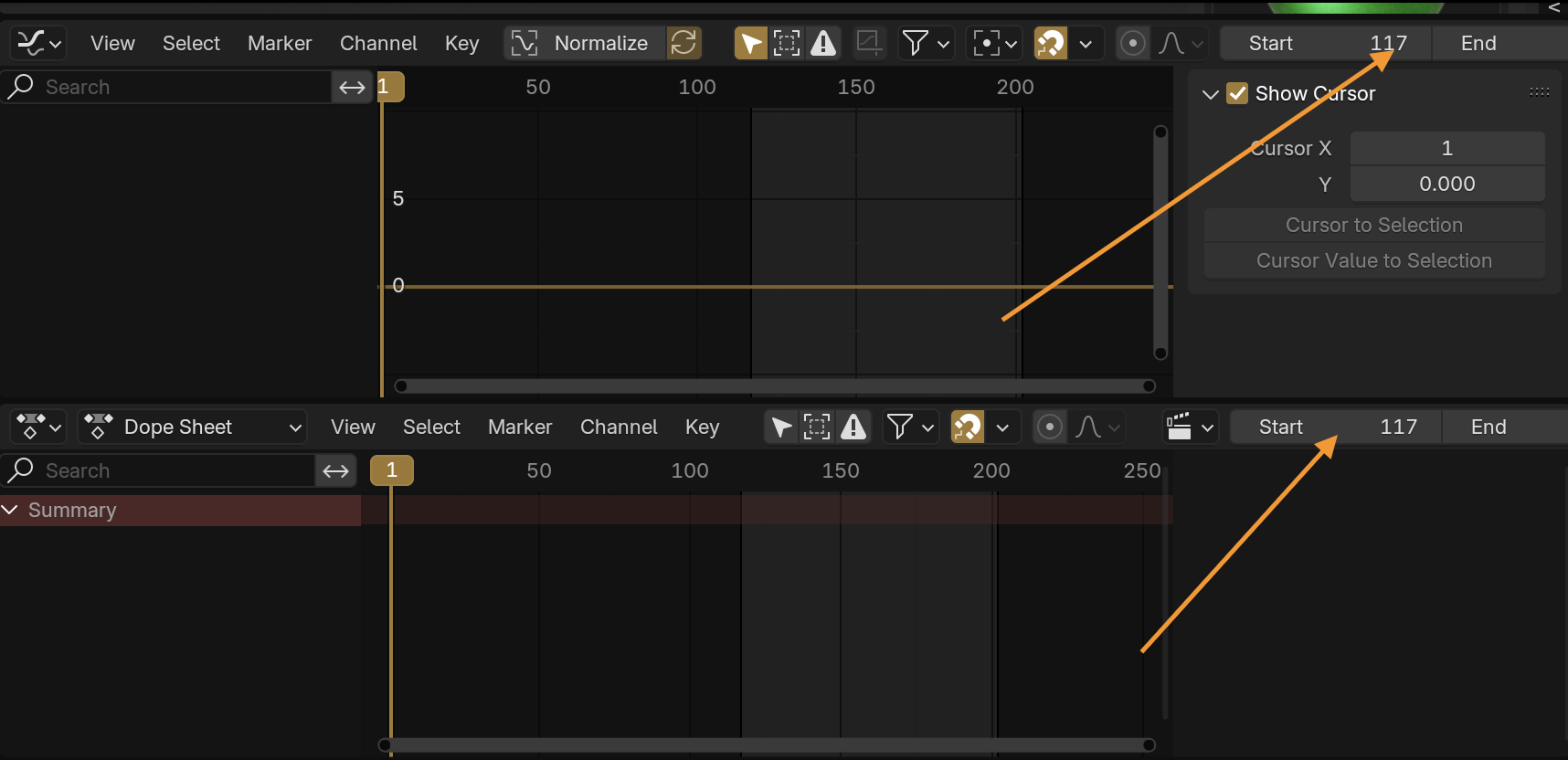
StartEndFrame adds timeline-style start and end frame fields to Blender’s Dope Sheet and Graph Editor. Check listed Blender versions and GPL details.
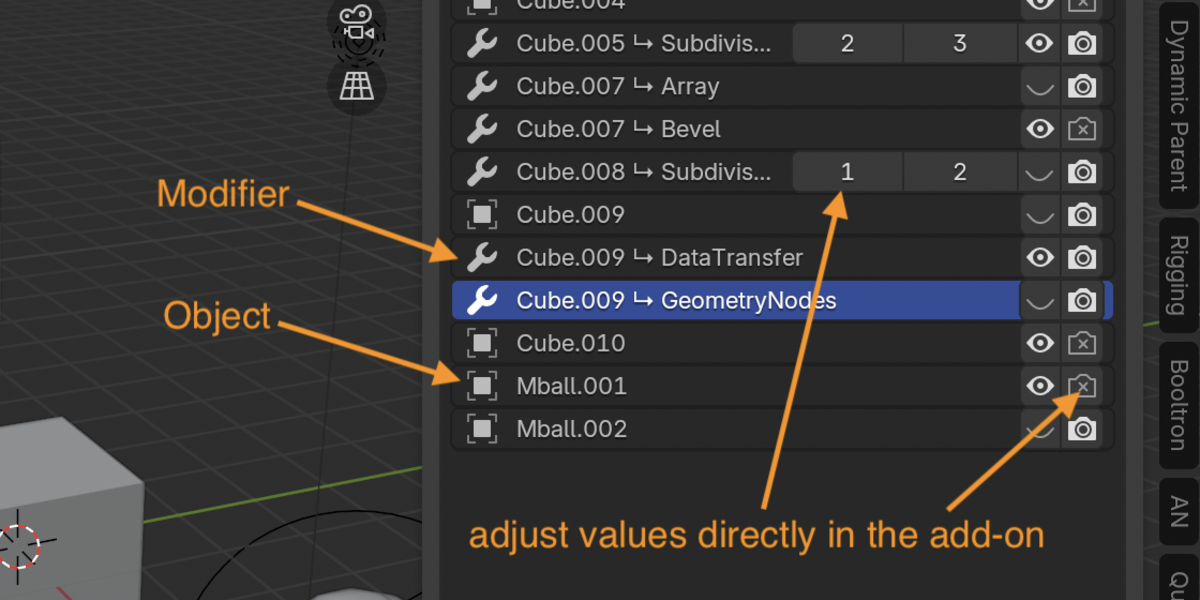
Find viewport and render visibility or subdivision differences in Blender, then adjust the affected objects and modifiers from Visibility Mismatch's panel.
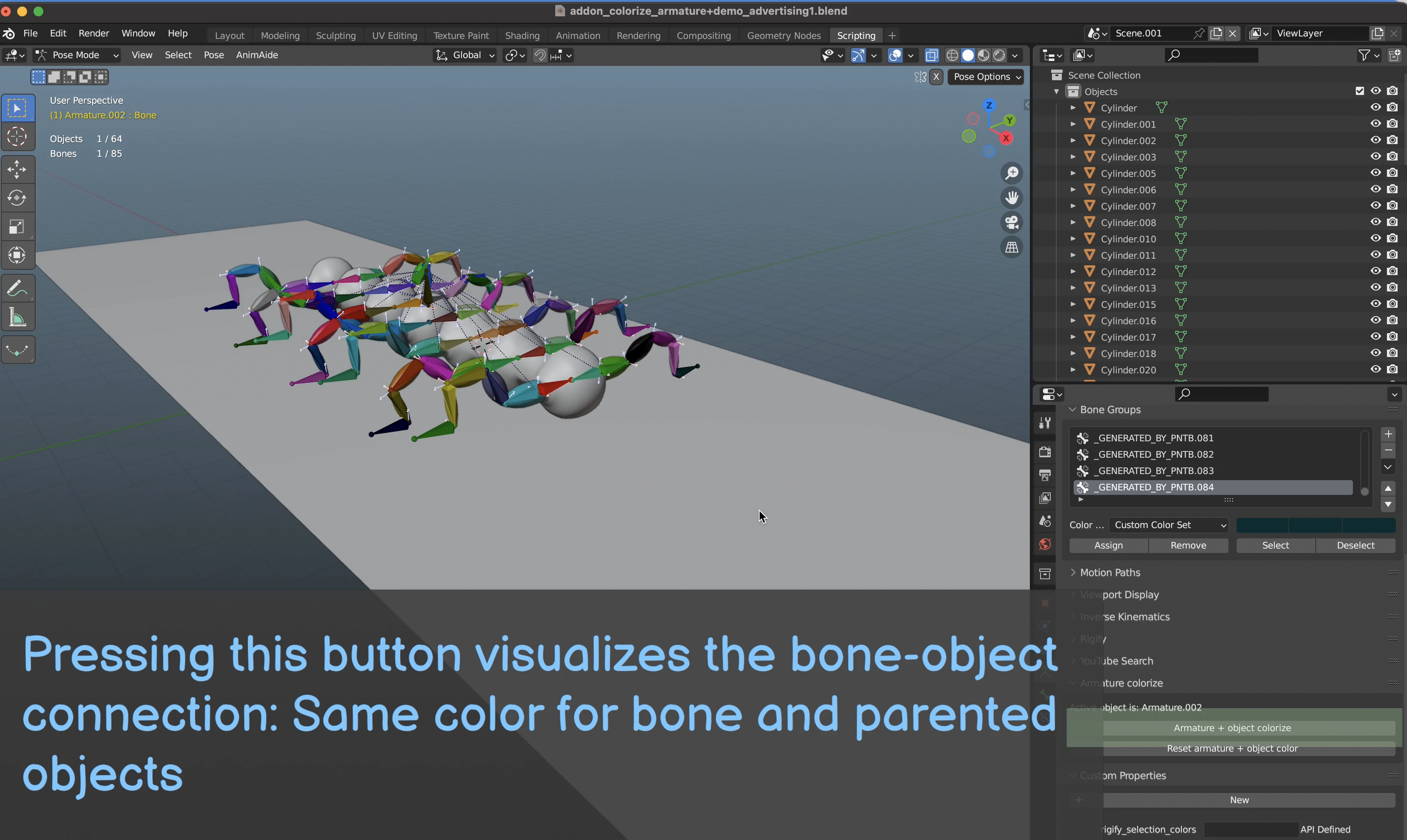
Visualize Bone Parents uses color to inspect Blender rigs: one click shows which objects are parented to which bones. Check listed versions and setup.
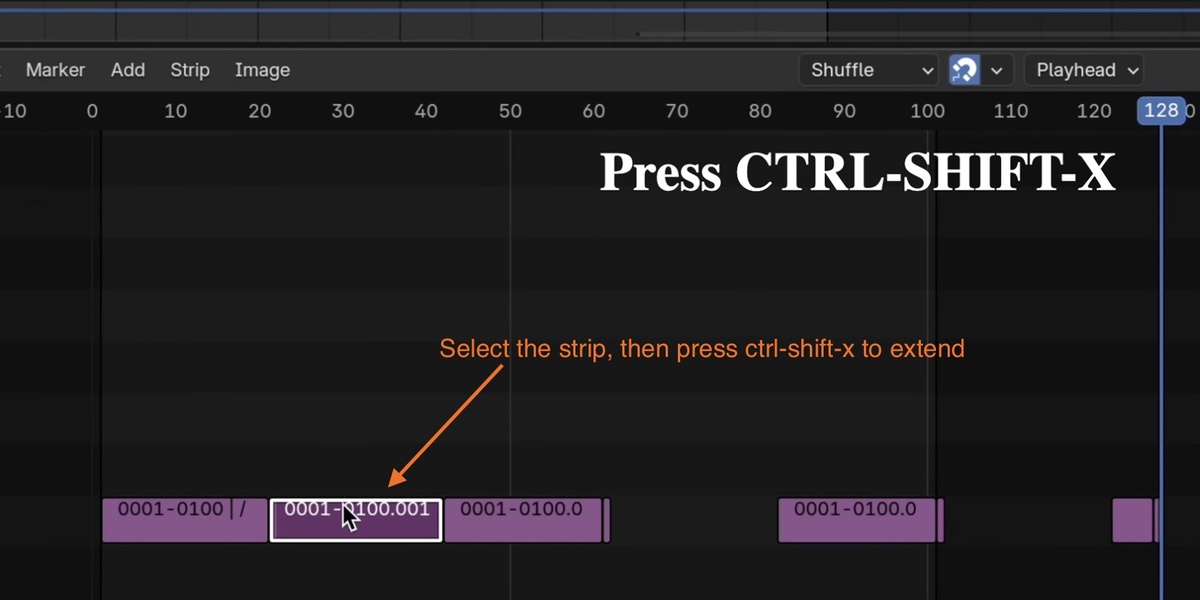
Extend an active Blender VSE strip to the next strip on its channel with Ctrl+Shift+X. Check the listed Blender versions and GPL license before installing.
Developer attribution comes from the linked product listings. Current product details are available on each product’s website. About our sources