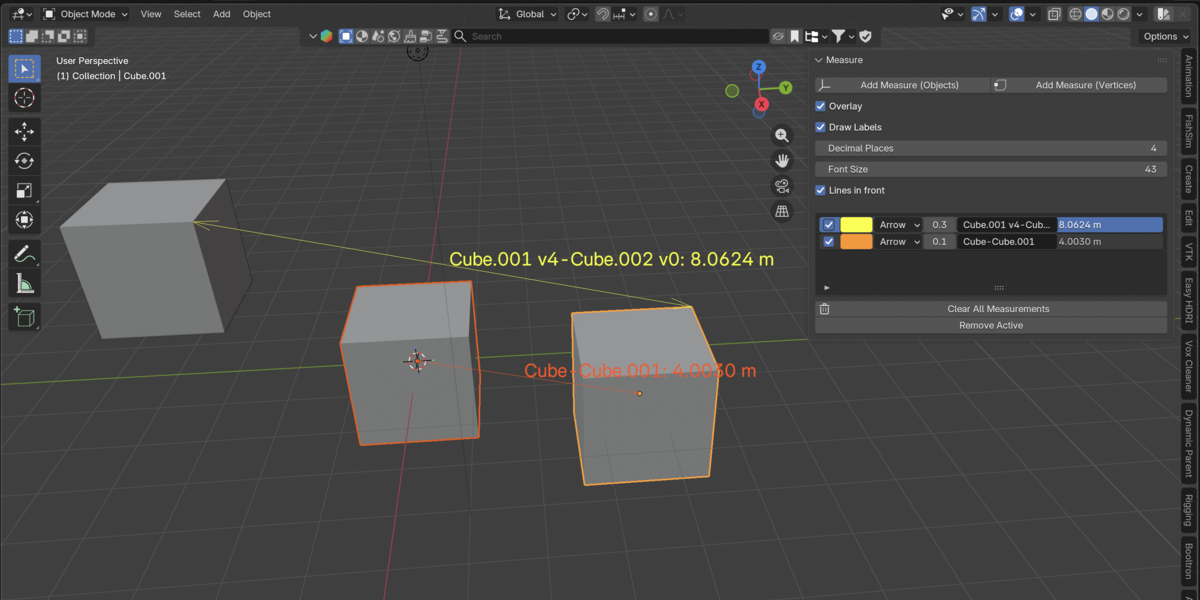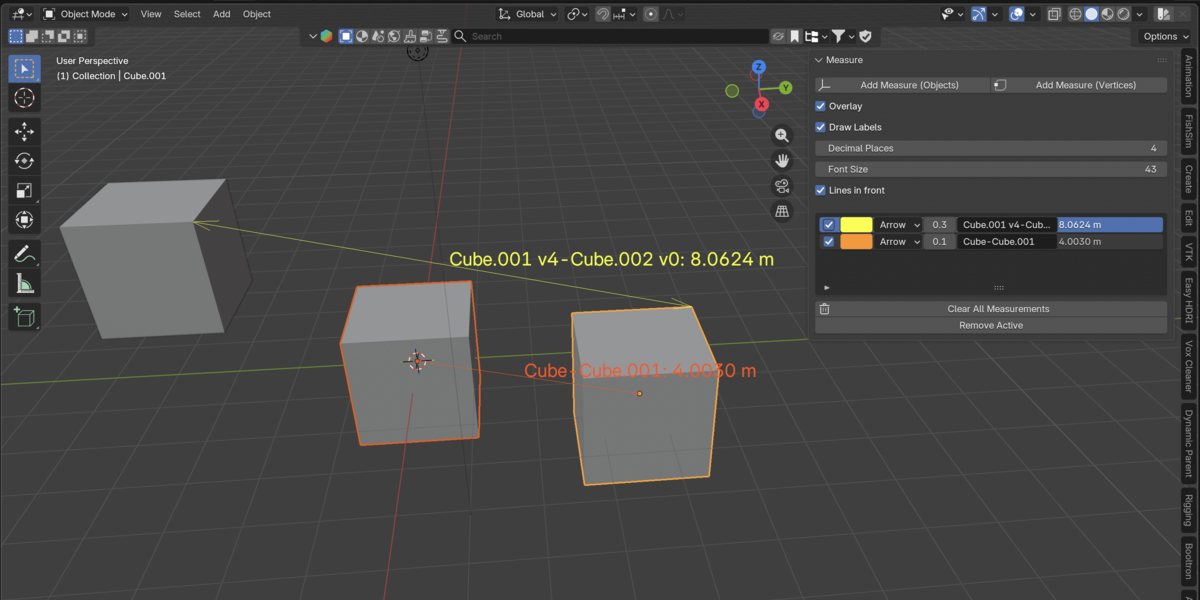
Quick Measure2 is a Blender add-on by Blender.Fun for checking distances between objects, vertices, and points in the 3D Viewport. The listing describes it for modeling, rigging, and scene layout; measurements are displayed in the viewport and cannot be rendered.
What it measures
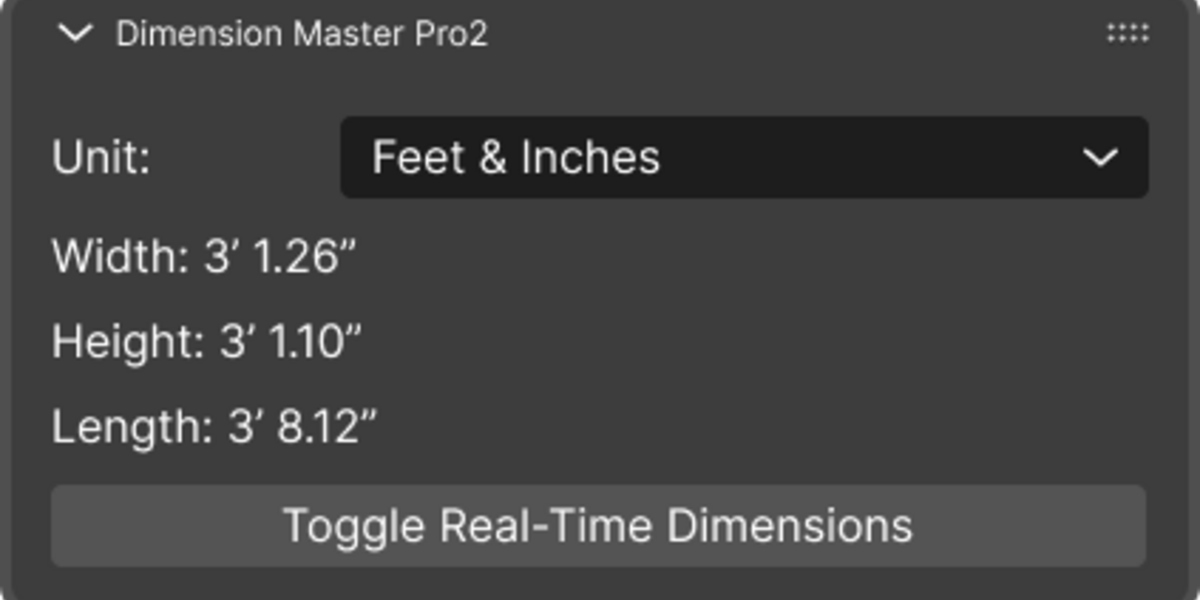
Quick Measure2 displays numeric measurements for object-to-object distances, mesh vertices, and selected points. The measurements appear as an overlay beside the measured segment. Measurements use Blender's scene units or a fixed unit, and preferences control display precision, unit handling, overlay appearance, and snapping.
Using the measure tool
- Install the add-on ZIP or folder through Edit > Preferences > Add-ons > Install, then enable Quick Measure in the add-on list.
- In the 3D Viewport, activate Measure from the Viewport menu or toolbar when visible.
- Select the first point, then the second. The distance appears in the viewport overlay.
Use Object mode for object-to-object checks and Edit mode for mesh vertex measurements. Blender's vertex or edge snapping can help when selecting precise geometry points.
Compatibility and render restriction
The Superhive listing identifies Quick Measure2 as a Blender Extension-compatible add-on under the GPL license and lists Blender 2.93 through 5.1. Measurements are display-only in the viewport and cannot be rendered. If a measurement needs to appear in a final render, this limitation may rule out the add-on for that task. Check the current listing for compatibility with newer Blender releases. The Quick Measure2 documentation covers installation and controls.