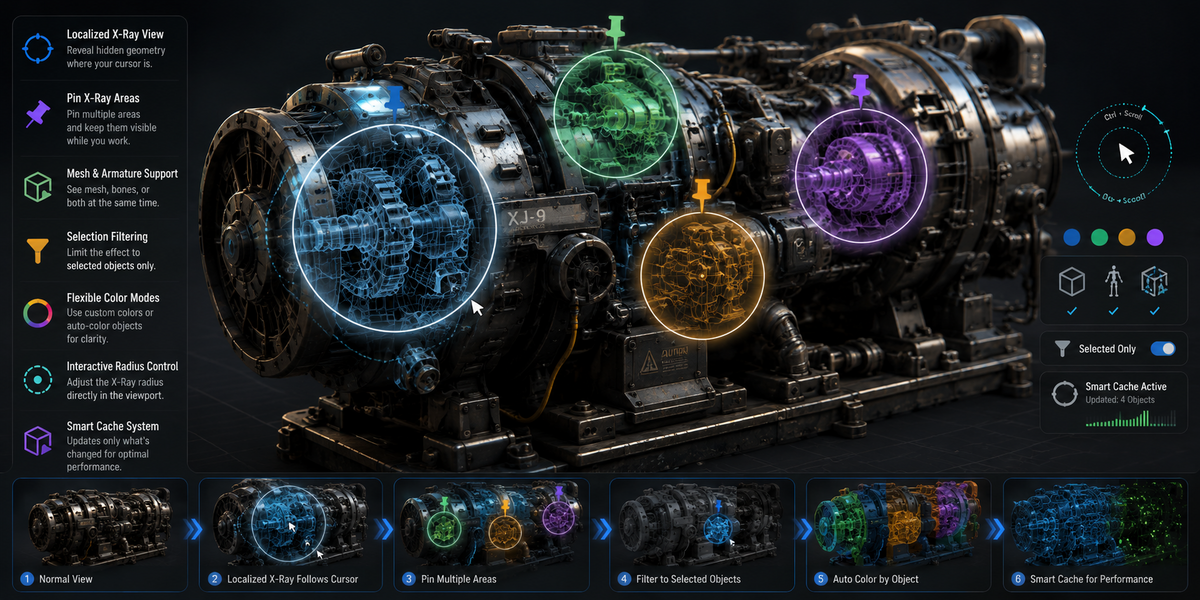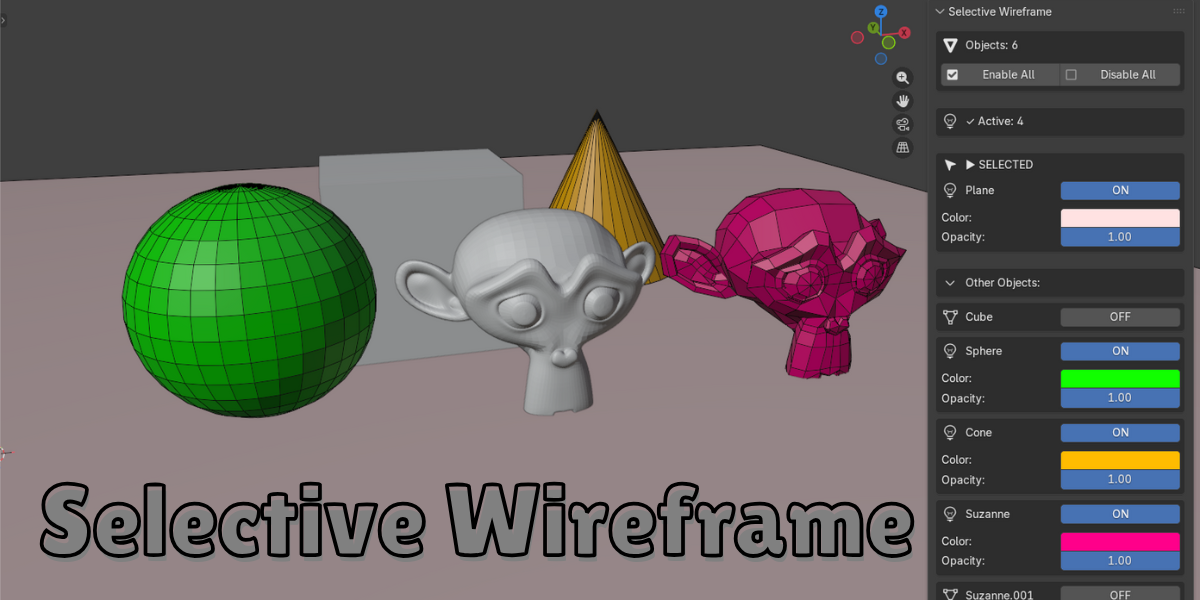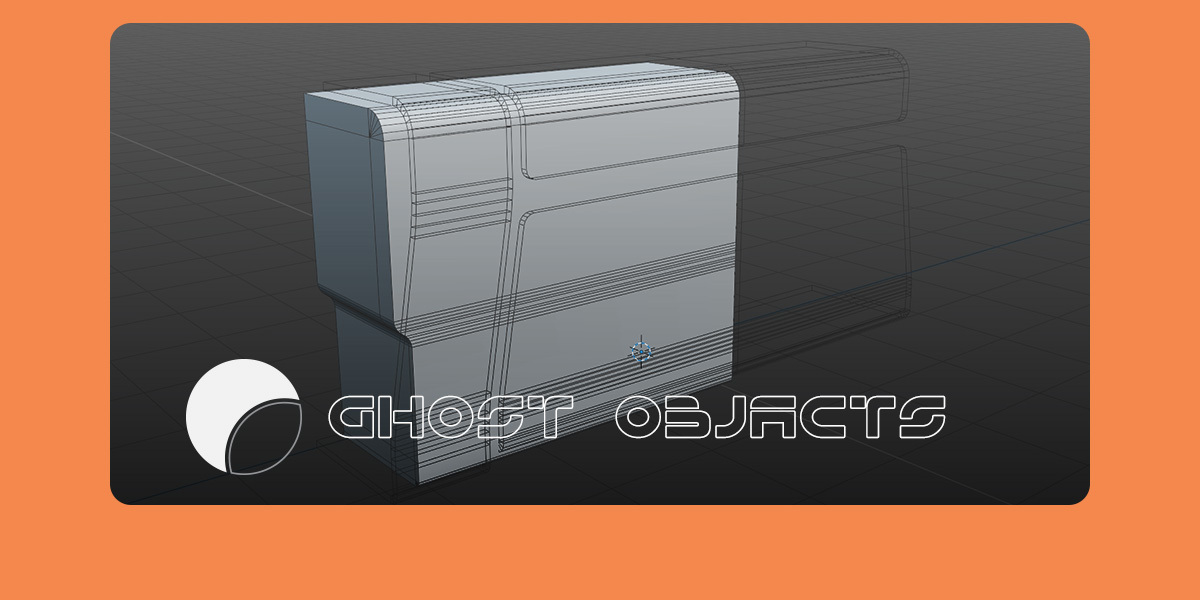
Ghost Script is a Blender script by BirdAid for selective viewport visibility. It lets you apply X-Ray or ghosting to specific models so a focus object stays clear while other geometry is dimmed. Blender's built-in X-Ray affects the whole scene; Ghost Script is described as a way to limit that effect to objects you choose.
Choose which objects to ghost
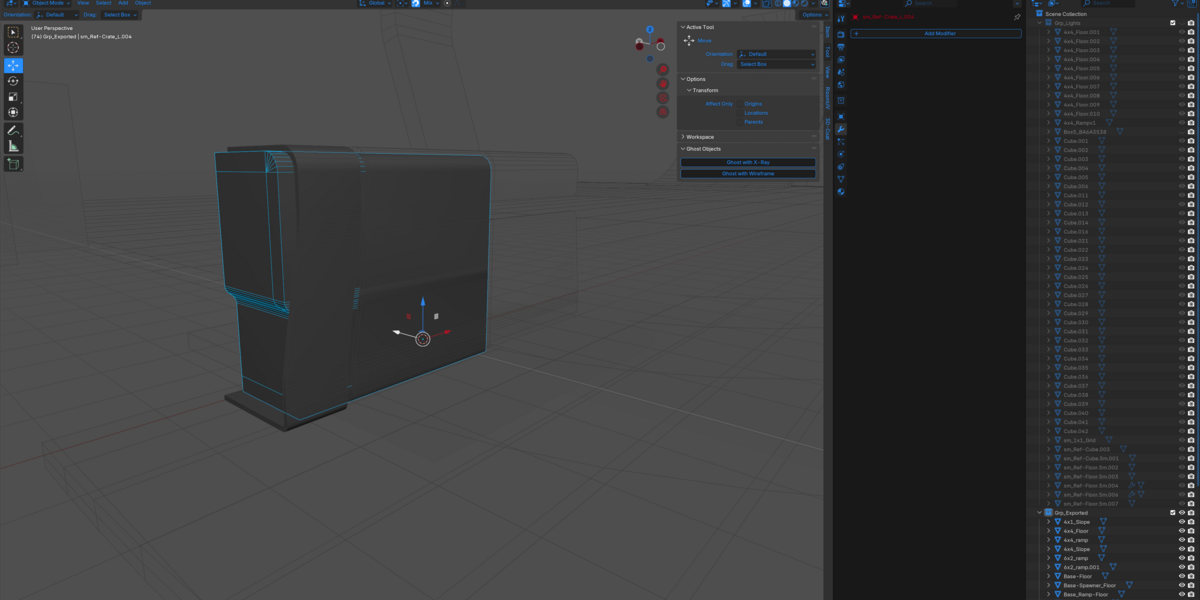
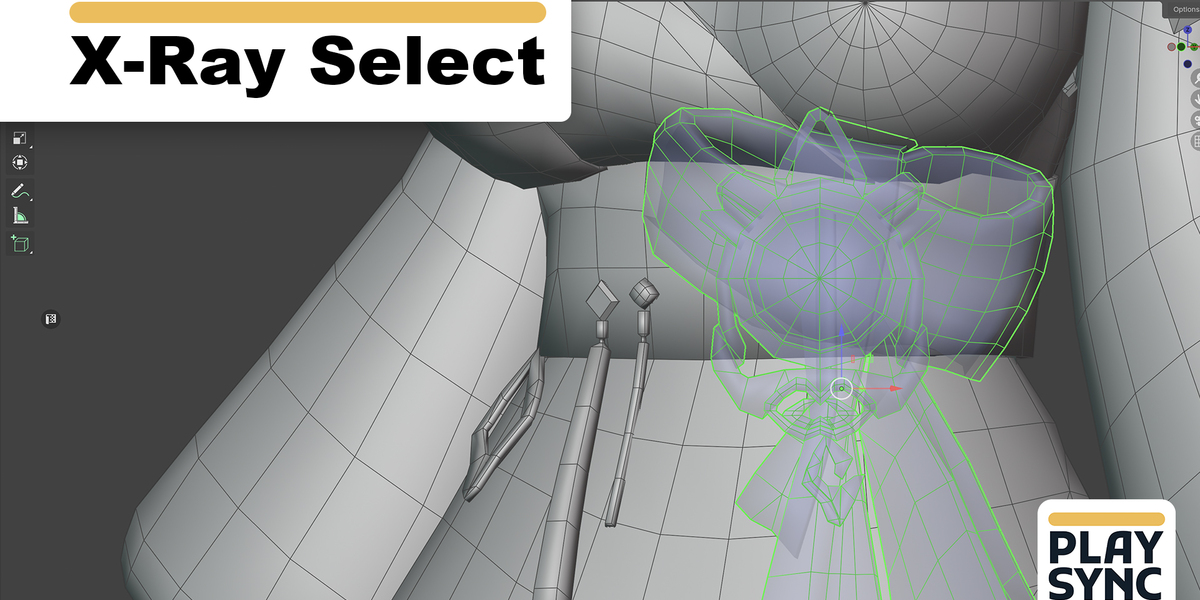
In a dense Blender scene, surrounding geometry can make it harder to inspect a single model. Ghost Script is intended for selective visibility during modeling, rigging, level design, and architectural work. Its overview describes applying transparency to chosen models. The documentation describes ghosting unselected objects in X-Ray or Wireframe mode while you focus on a key object. If the direction of selection matters to your setup, check the documentation and the demo on the product listing.
Toggle ghosting without changing geometry or materials
The product page says you can switch ghosting on and off without changing geometry or materials. Ghost Script's documentation names X-Ray and Wireframe modes, but does not describe controls, shortcuts, or an installation sequence. Check the seller's current listing and demo for setup details.
Supported versions and license
BirdAid's product page lists Blender 3.0, 4.0, and 4.1, and says the script is released under the GPL. The listing names no later Blender versions, so check the current page for compatibility if you use a newer release.