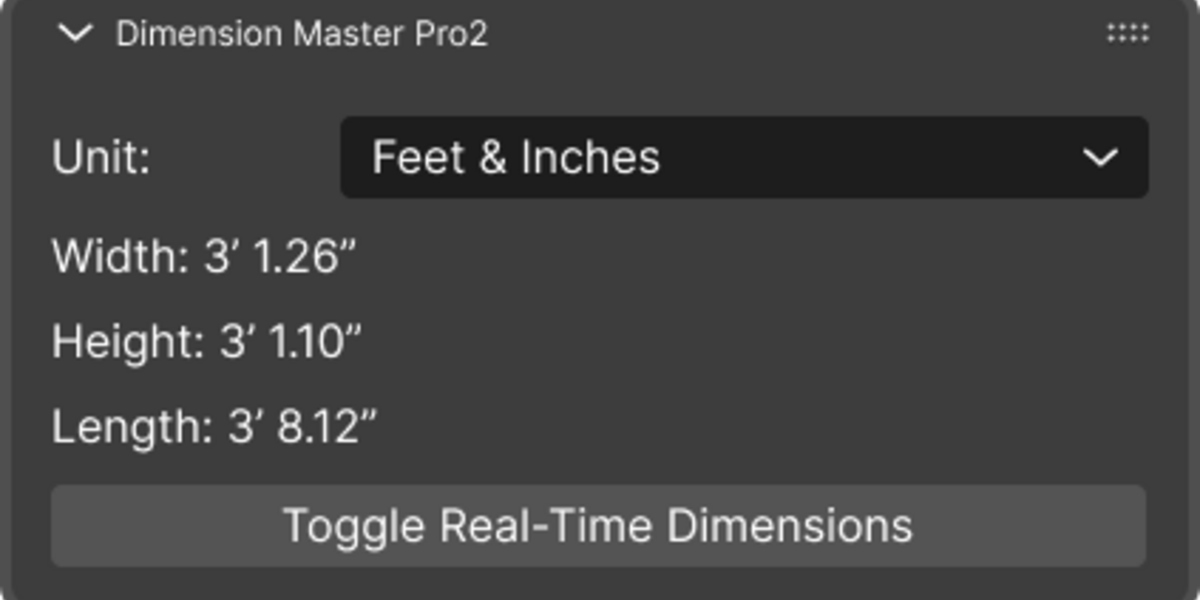
What Dimension Master Pro2 displays
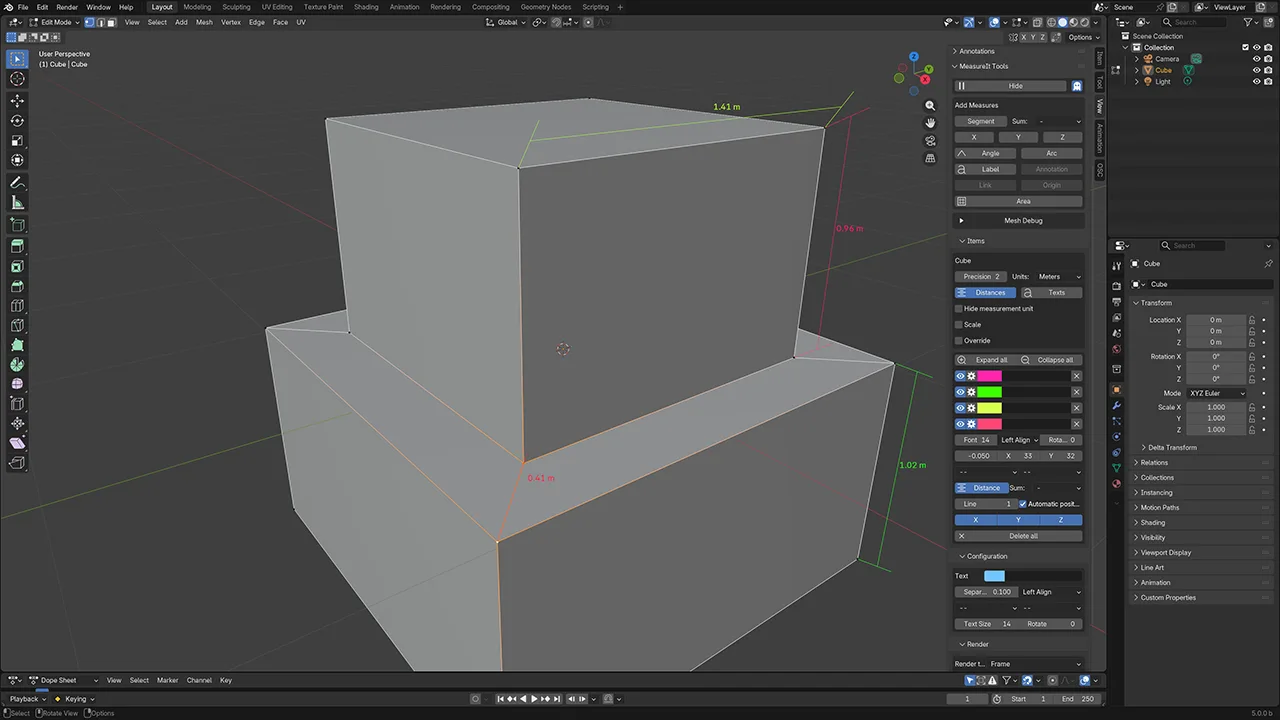
Dimension Master Pro2 is a Blender add-on that shows the width, height, and length of a selected mesh object in the 3D viewport. Its dimension display updates as you move, scale, or transform the object, keeping measurements visible during edits. The Superhive product listing describes it for architecture, product design, and other 3D modeling work.
Choose a measurement unit
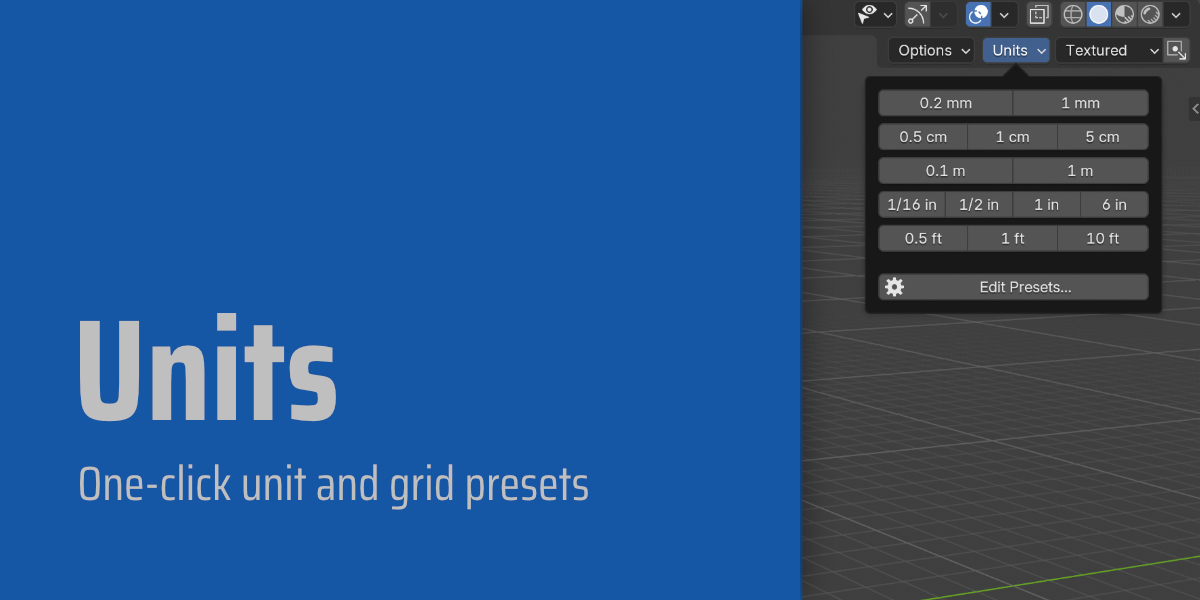
The add-on supports meters, centimeters, millimeters, inches, and feet and inches. Choose a unit from the Dimensions panel and use the toggle to turn the live display on or off. Metric and imperial options make it possible to view dimensions in the unit system used for a project without leaving the Blender viewport.
Set it up in Blender
- Install and activate the add-on from Blender's preferences menu.
- Select a mesh object in the 3D viewport.
- Open the Dimensions panel from the UI tab in the 3D sidebar.
- Choose a measurement unit, then click the Toggle Real-Time Dimensions button.
With the display enabled, move, scale, or transform the selected mesh to see its dimensions update. Turn the display off with the same button when you no longer need the readings.
Who may find it useful
Tri-vima Studio suggests Dimension Master Pro2 for architecture and product design. For example, a modeler adjusting an architectural element can keep its width and height in view while scaling it. Product modeling may call for checking all three displayed dimensions as a component changes. The same viewport workflow can help with other mesh modeling when dimensions are useful during edits.
The listing presents the add-on as a source of on-screen dimension feedback. It does not specify measurement tolerances, so confirm any project requirements separately when exact tolerances matter.
Compatibility and license
The available listings disagree on the supported Blender range. Superhive lists Blender 2.8 through 5.2, while the AnyPlugins listing says 2.8 through 4.3. Check the Superhive product details for your installed release before installing. Superhive identifies the license as GPL; review its current license details before use.