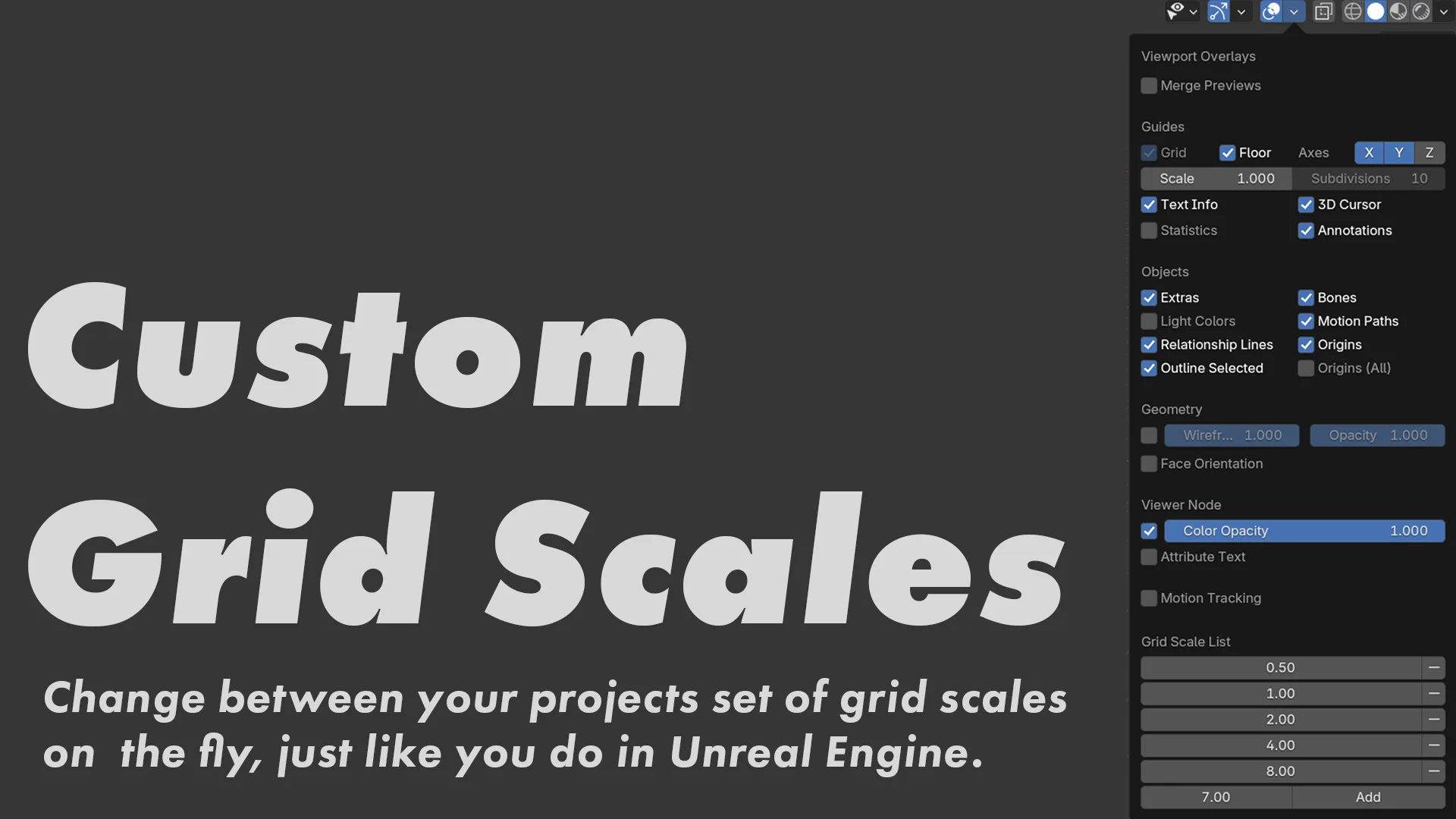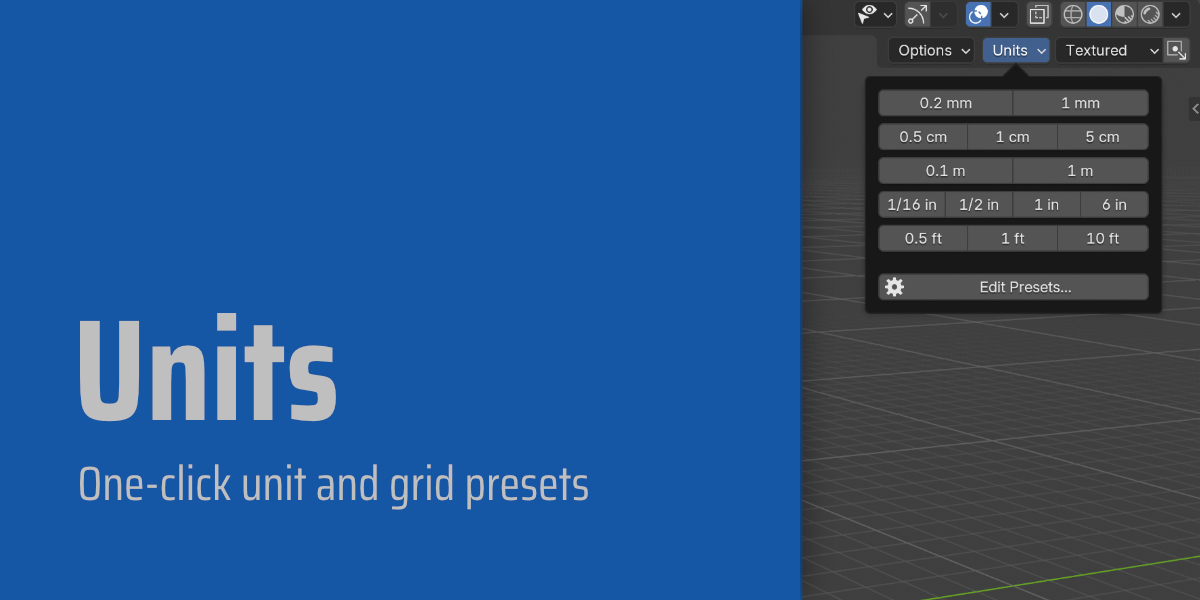
Units, formerly Unit Switcher, is a Blender add-on by Jarek Dudziński. Choose a preset to change Blender's unit and grid snapping settings from a compact menu. The settings are optimized for Increment snapping. See the developer's Units listing for product details.
Switch measurement and snapping settings
Units is intended for projects that call for different measurement setups. The developer describes using inches or feet for architectural visualization, centimeters for furniture references, and millimeters for 3D printing. A preset applies the selected unit and grid settings together, making it easier to move between those setups.
Customize and reuse presets
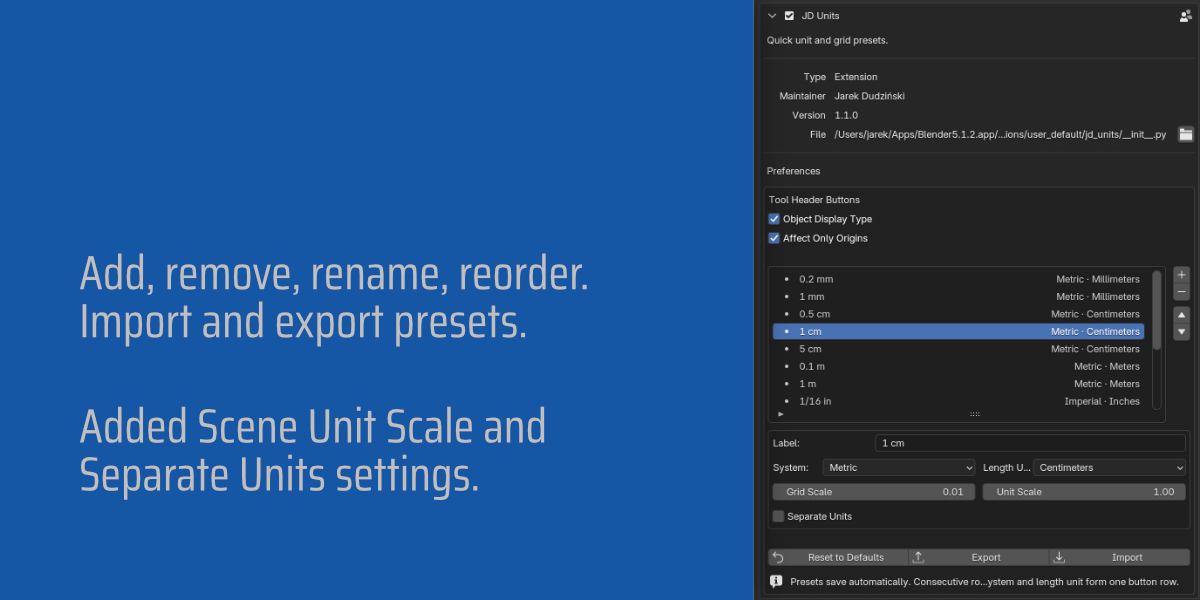
In the add-on preferences, you can add, remove, rename, and reorder presets. Each preset controls the unit system, length unit, grid scale, unit scale, and Separate Units option. Presets save automatically and persist across Blender sessions. Export them as a JSON file for backup or import them on another computer. Reset to Defaults restores the built-in set. Presets with the same unit system and length unit are grouped on one button row.
Optional tool-header controls
Two extra controls can be enabled in preferences: a Display Type dropdown for the active object, with wire, solid, and textured options, and an Affect Only Origins toggle for moving object origins.
Install the add-on
Download the ZIP file, then open Blender's Edit menu and choose Preferences. Select the Add-ons tab, open the dropdown at the top right, and choose Install from Disk. Select the ZIP file, find JD Units in the add-ons list, and enable it. Check the developer listing for current compatibility details before installing.