Ctrl Plus is a Blender add-on by Watermelon that groups buttons and keyboard shortcuts for common editor and scene tasks. Its controls cover file access, base-color viewing, Viewer Node image saving, snapping, and viewport changes. You can switch each button or shortcut on or off in the add-on preferences.
Buttons for file access, shading, image saving, and snapping
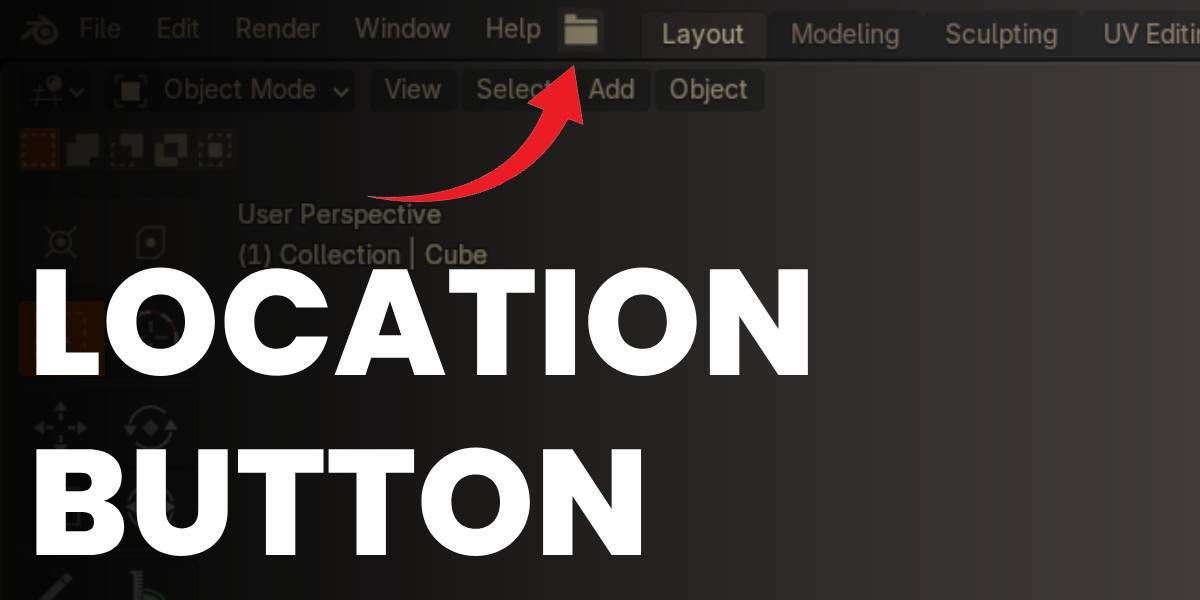
- Location opens the file browser at the location where the current Blender file is saved.
- Base Color Pass Toggle shows a simplified base-color view in the Shader Editor. This helps when using the eyedropper on base colors without lighting effects.
- Save Viewer Node Image saves the image from the Viewer Node without rendering again.
- Snap Pivot Point moves the pivot to the selected vertex, edge, or face in Edit Mode, or to the selected object in Object Mode.
- Snap 3D Cursor moves the cursor to selected geometry in Edit Mode, or to the selected object's pivot point in Object Mode.
Shortcuts for editor and viewport tasks
Ctrl Plus adds shortcuts whose behavior depends on the editor or task:
- Ctrl+T splits the 3D viewport into a UV Editor and a 3D viewport.
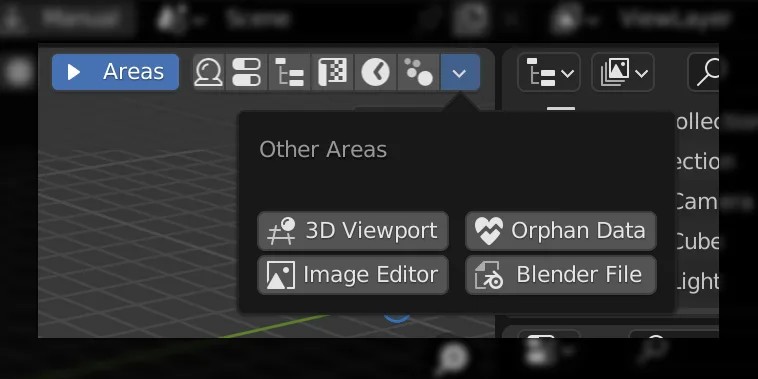
- Ctrl+Tab changes the current editor view. In the Image Editor, it switches between Image and UV Editor modes. In the Shader Editor, it toggles between Object and World shaders. In the Outliner, it switches between View Layer and Blender File views.
- Ctrl+Shift+left-click and drag upward adds a camera to the scene and aligns it with the current viewport.
- Ctrl+Shift+Delete opens the Purge menu for clearing unused data.
Choose which controls to enable
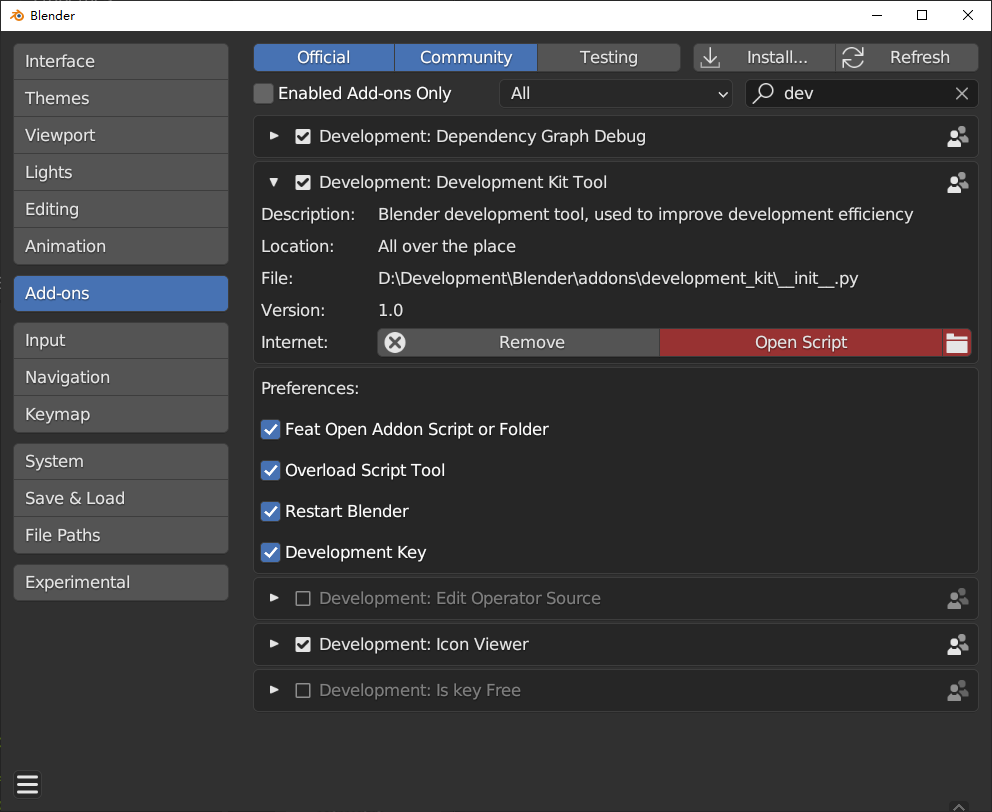
In Blender, open Edit > Preferences > Add-ons and search for Ctrl Plus to reach its settings. The listing says each button and shortcut can be enabled or disabled individually. Watermelon also invites requests for additional buttons for future releases.
Compatibility and license
The Superhive product listing identifies Ctrl Plus as a GPL-licensed add-on, marks it as Blender Extension Compatible, and lists Blender versions 4.0, 4.1, 4.2, and 4.3. Check the listing for compatibility details if you use a different Blender version.